This War of Mine Final Cut + Soundtrack 🔑STEAM🔥RU+CIS
Content: text (17 symbols)
Available: 4
Uploaded: 05.06.2025
Positive responses: 28
Negative responses: 0
Sold: 140
Refunds: 0
~ $2.39
The exact amount is on the payment page
Edition type: Steam Key / RU / UA / CIS
! This key can only be activated on a Steam account registered in Russia, Ukraine or the CIS
Game language: Russian (subtitles + interface) / English
Release date: November 14, 2014
Platform: Windows
Region: RU / UA / CIS (Russia, Ukraine and the CIS)
Activation: Steam
==========================================
The edition includes:
✔️ This War of Mine: Final Cut
✔️ This War of Mine: Soundtrack
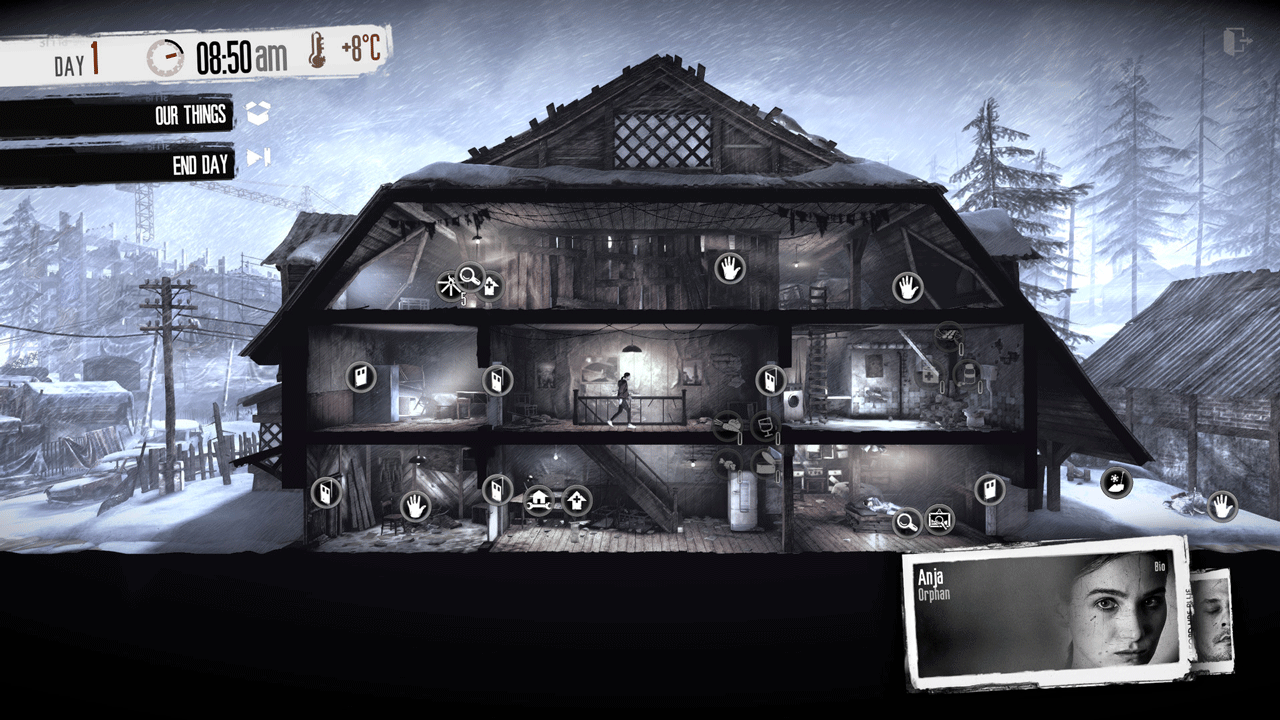
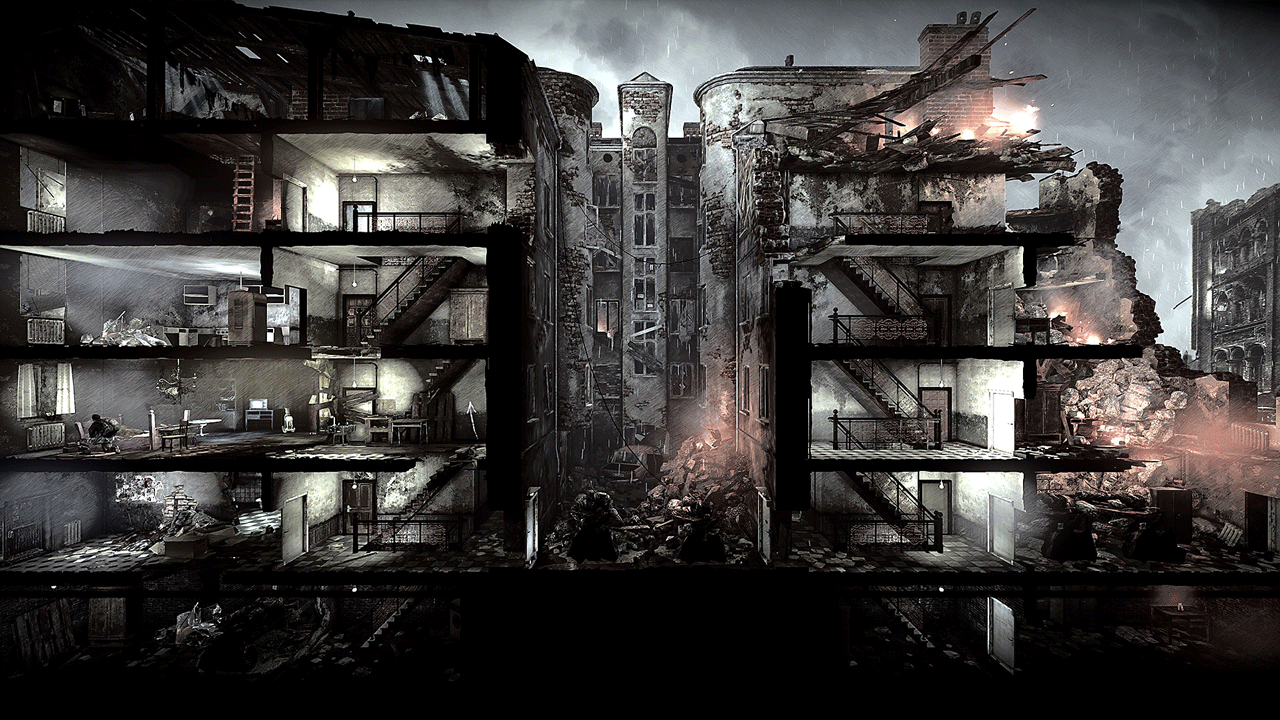
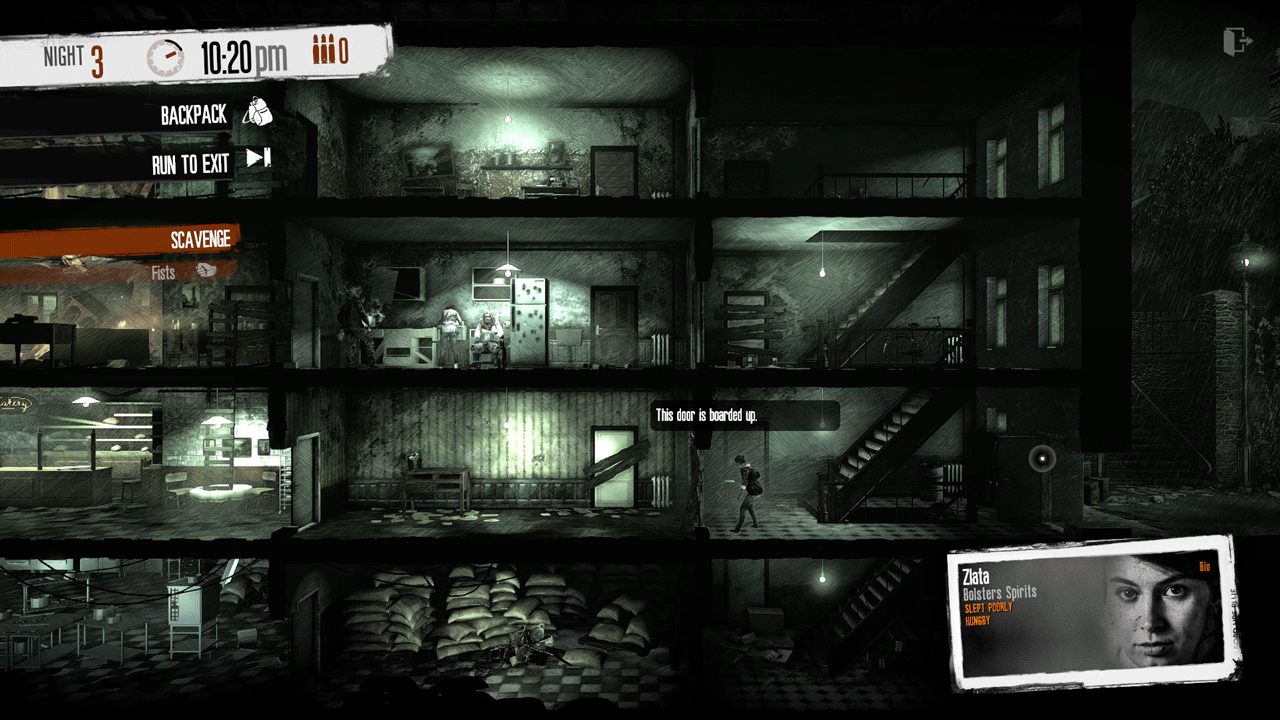
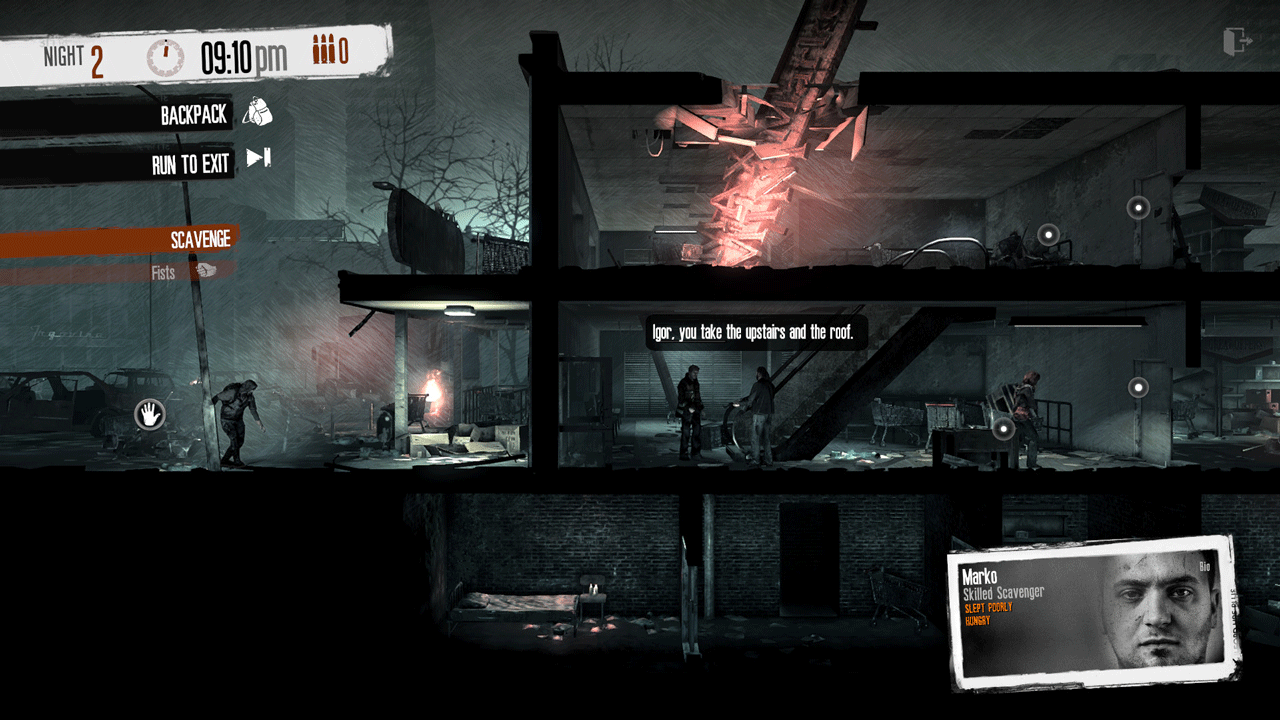
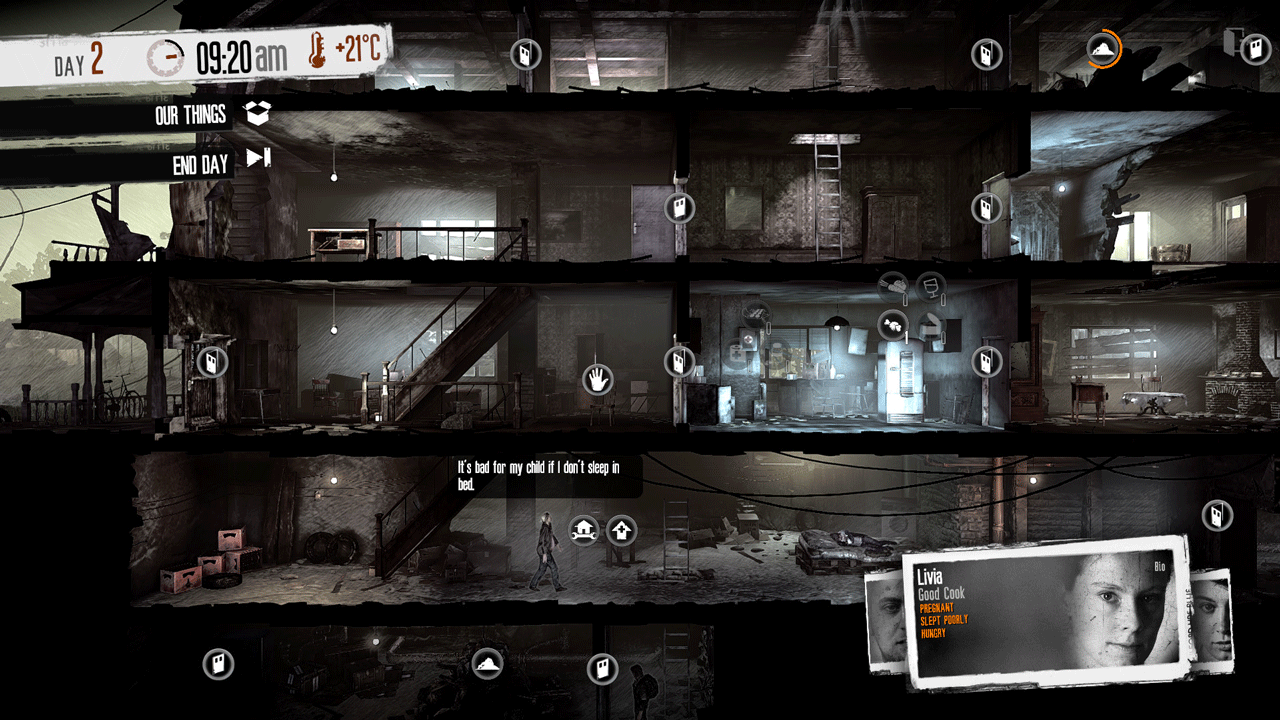
In "This War of Mine" you play not as an elite soldier, but as a group of civilians trying to survive in a besieged city, experiencing a shortage of food, medicine and constant danger from snipers and marauders. The game gives the opportunity to experience the war from a completely new perspective.
This War of Mine gave you an unforgettable experience of the lives of ordinary people during the war for five years after its release. Numerous updates and expansions added new details and shades, allowing you to dive deeper into the difficult life of civilians during wartime. In honor of the 5th anniversary of the first release, 11 bit studios are proud to present you This War of Mine: Final Cut.
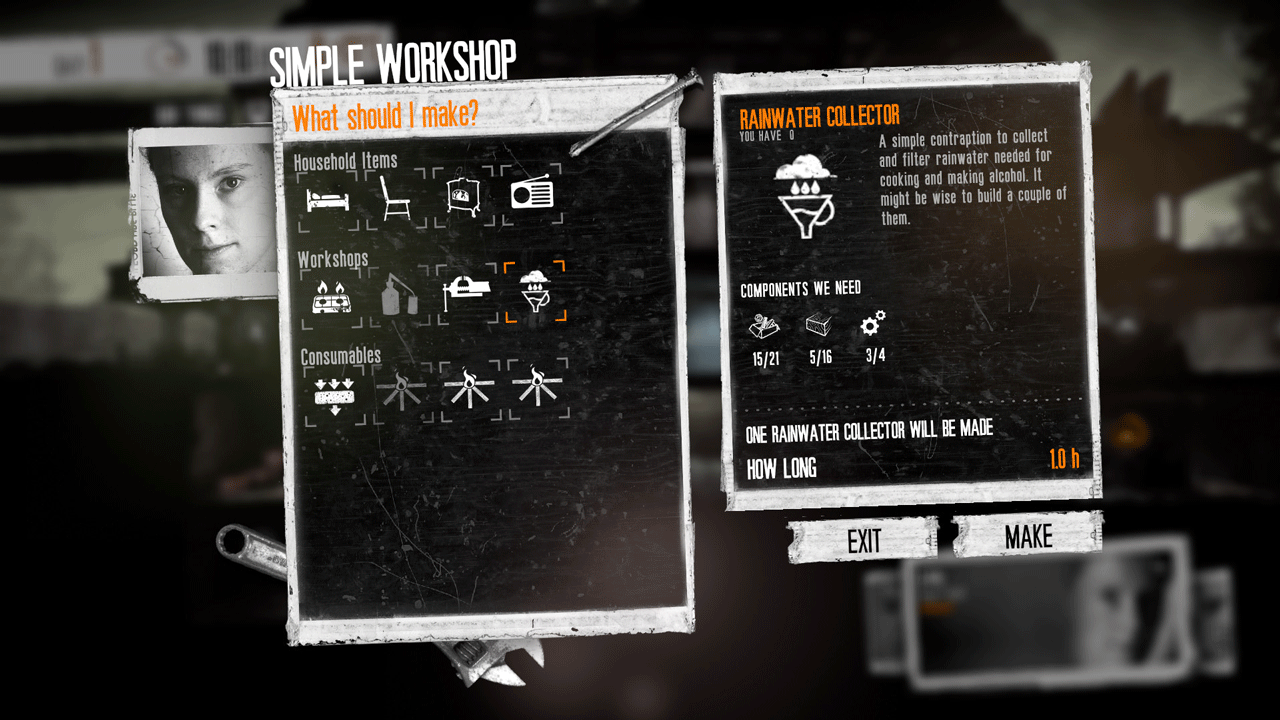
This War of Mine: Final Cut contains all updates and free expansions released so far, adds one new scenario, and also supplements all scenarios with locations from the DLC Stories episodes, even if you did not purchase them. In short, you will have many new options for completing the game and difficult challenges.
Major changes and new content:
• One new classic scenario
• All locations from TWoM Stories added to the original game
• New quests and events in Stories locations
• Updated versions of all classic locations
• New character
• Original version of the game (Vanilla)*
Minor changes and improvements:
• 64bit and 32bit versions
• 21:9 aspect ratio support
• UI adjustment for 4k
• New main menu
• Minor bugs and issues fixed
========================================
Activation
1. You need to download and install Steam http://steampowered.com/download/SteamInstall.msi (if not already installed)
2. Launch the Steam client
3. Create a new Steam account or log into an existing one
4. Go to "Games" section and select "Activate on Steam"
5. Enter the activation key you purchased
6. After that, the game will appear in your list of games and you can install it
! This key can only be activated on a Steam account registered in Russia, Ukraine or the CIS
Game language: Russian (subtitles + interface) / English
Release date: November 14, 2014
Platform: Windows
Region: RU / UA / CIS (Russia, Ukraine and the CIS)
Activation: Steam
==========================================
The edition includes:
✔️ This War of Mine: Final Cut
✔️ This War of Mine: Soundtrack
In "This War of Mine" you play not as an elite soldier, but as a group of civilians trying to survive in a besieged city, experiencing a shortage of food, medicine and constant danger from snipers and marauders. The game gives the opportunity to experience the war from a completely new perspective.
This War of Mine gave you an unforgettable experience of the lives of ordinary people during the war for five years after its release. Numerous updates and expansions added new details and shades, allowing you to dive deeper into the difficult life of civilians during wartime. In honor of the 5th anniversary of the first release, 11 bit studios are proud to present you This War of Mine: Final Cut.
This War of Mine: Final Cut contains all updates and free expansions released so far, adds one new scenario, and also supplements all scenarios with locations from the DLC Stories episodes, even if you did not purchase them. In short, you will have many new options for completing the game and difficult challenges.
Major changes and new content:
• One new classic scenario
• All locations from TWoM Stories added to the original game
• New quests and events in Stories locations
• Updated versions of all classic locations
• New character
• Original version of the game (Vanilla)*
Minor changes and improvements:
• 64bit and 32bit versions
• 21:9 aspect ratio support
• UI adjustment for 4k
• New main menu
• Minor bugs and issues fixed
========================================
Activation
1. You need to download and install Steam http://steampowered.com/download/SteamInstall.msi (if not already installed)
2. Launch the Steam client
3. Create a new Steam account or log into an existing one
4. Go to "Games" section and select "Activate on Steam"
5. Enter the activation key you purchased
6. After that, the game will appear in your list of games and you can install it
! Before buying, please check the system requirements of the game and other parameters that interest you (they may change with time). This can be done on the sites Steam / Uplay / Origin or the official website of the publisher. Goods purchased by mistake, as well as unsuitable for system requirements or region of activation, can not be returned and exchanged!
Dear customers! Convincing request, if there are any problems with the purchased goods, do not leave a negative feedback immediately. Write us a message in the correspondence (the purchase page on the site Oplata.info). We will try to respond to your message as soon as possible and promptly solve the problem. We draw to the fact that the basis for the exchange or return of the purchased key (key), which gives an error when activated, can only be VIDEO RECORD of the purchase process and subsequent attempt to activate it (mandatory condition - the record should not contain editing features).
Our entire range: https://boardrussia.ru/digital-shop/seller/467960
We will be grateful for every positive feedback you have left after the purchase. Sincerely, the project team "AlternativA".
Dear customers! Convincing request, if there are any problems with the purchased goods, do not leave a negative feedback immediately. Write us a message in the correspondence (the purchase page on the site Oplata.info). We will try to respond to your message as soon as possible and promptly solve the problem. We draw to the fact that the basis for the exchange or return of the purchased key (key), which gives an error when activated, can only be VIDEO RECORD of the purchase process and subsequent attempt to activate it (mandatory condition - the record should not contain editing features).
Our entire range: https://boardrussia.ru/digital-shop/seller/467960
We will be grateful for every positive feedback you have left after the purchase. Sincerely, the project team "AlternativA".
20.11.2025 17:33:19
+
12.03.2025 13:26:48
быстро т просто
06.03.2025 17:39:33
+
10.02.2025 18:53:29
Все отлично, быстро и просто.
20.05.2024 20:22:57
ок
05.02.2024 22:14:16
Пришло моментально, проблем никаких не возникло, рекомендую
30.01.2024 9:38:52
Все гуд
05.01.2023 18:03:54
оплатил, тут же пришло. Все работает, только я думал что тут история то же есть
01.01.2023 14:16:12
Всё быстро , игра та )
28.02.2022 4:40:58
РЕБЯТА КРАСАВЦЫ!!!!!! СПАСИБО БОЛЬШОЕ ОТЛИЧНЫЙ САЙТ ВСЕМ РЕКОМЕНДУЮ РЕБЗЯ!!!!!!!!!!