Homeworld: Deserts of Kharak (STEAM KEY / GLOBAL)
Content: text (17 symbols)
Available: 1
Uploaded: 18.02.2024
Positive responses: 8
Negative responses: 0
Sold: 37
Refunds: 0
~ $3.56
The exact amount is on the payment page



Edition type: Steam Key (key) / ROW / REGION FREE
This edition has no regional restrictions
Game language: Russian (subtitles interface) / English
Released: January 20, 2016
Platform: Windows
Region: Region Free (unlimited)
Activation: Steam
========================================
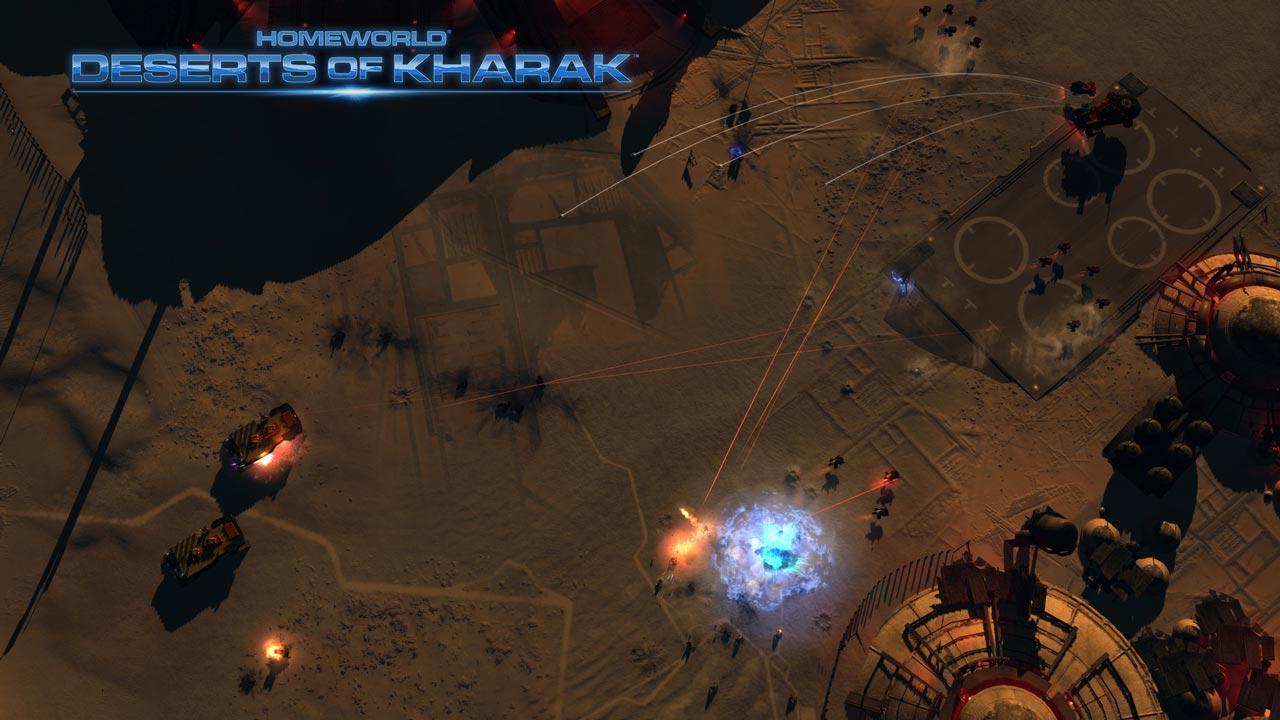
The creators of Homeworld invites you to lead the expedition that started it all. Deserts of Kharak: A Homeworld Story is a strategy game made by Blackbird Interactive, homeworld and Company of Heroes. In the game, you have to visit the Kharak desert, where danger lies behind every dune.
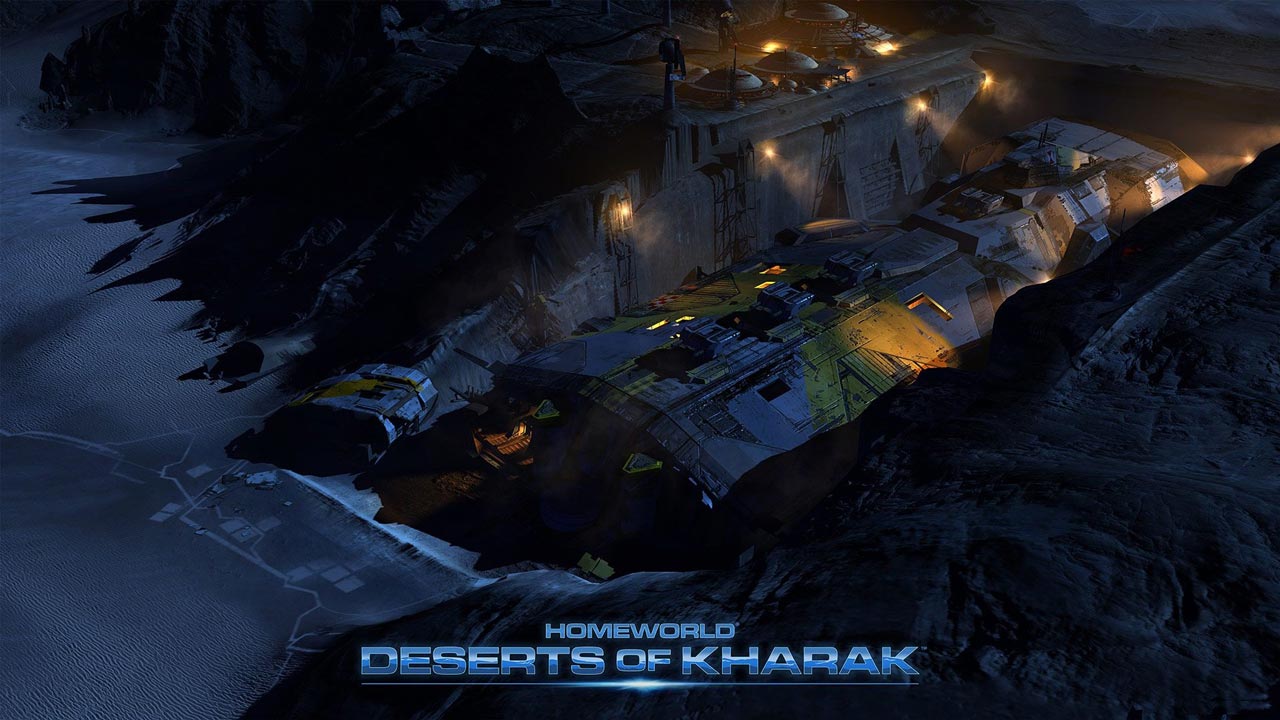
During the Deserts of Kharak campaign, an anomaly was discovered far in the southern desert. An expedition was sent to the site, but in reality everything turns out to be much more complicated. Learn the story of Rachel S-Jet as she leads her people in search of their origins. The game campaign consists of 13 tasks written by the creators of the Homeworld and Homeworld 2 games.
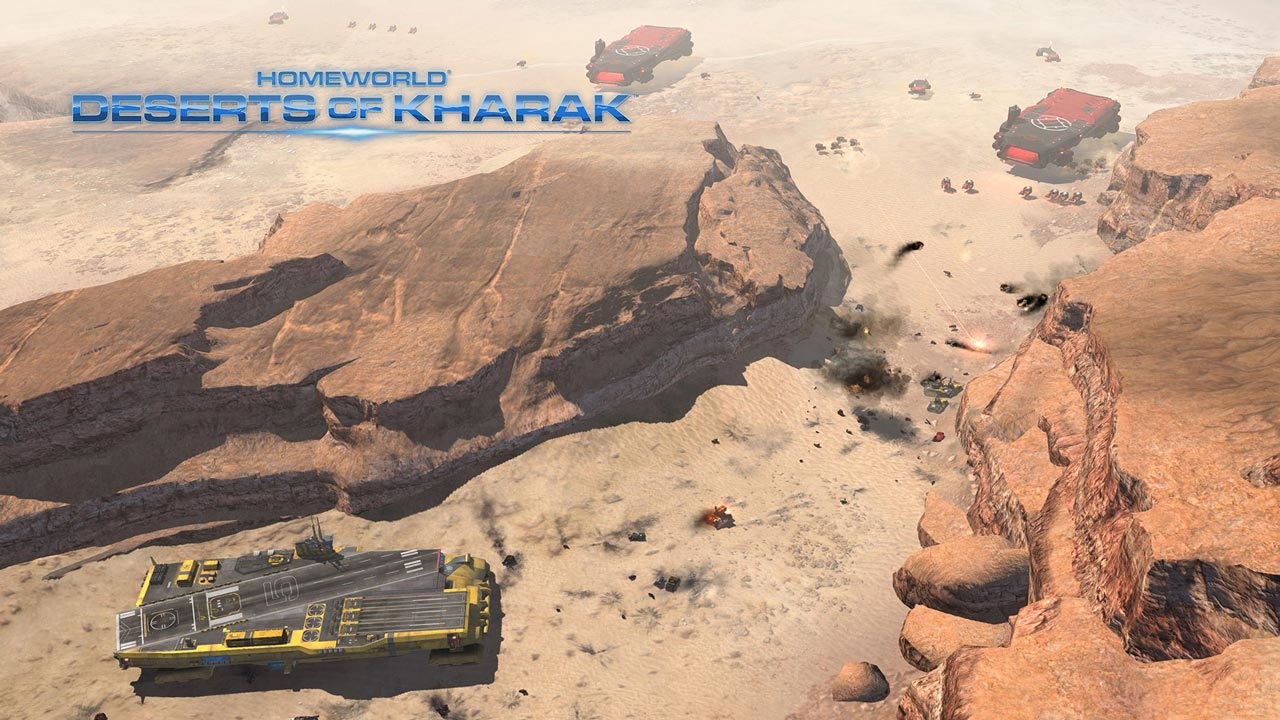
• Heavy military equipment: under your command an entire fleet of air and ground equipment, from nimble light vehicles to massive heavy cruisers. All equipment is designed to capture the desert
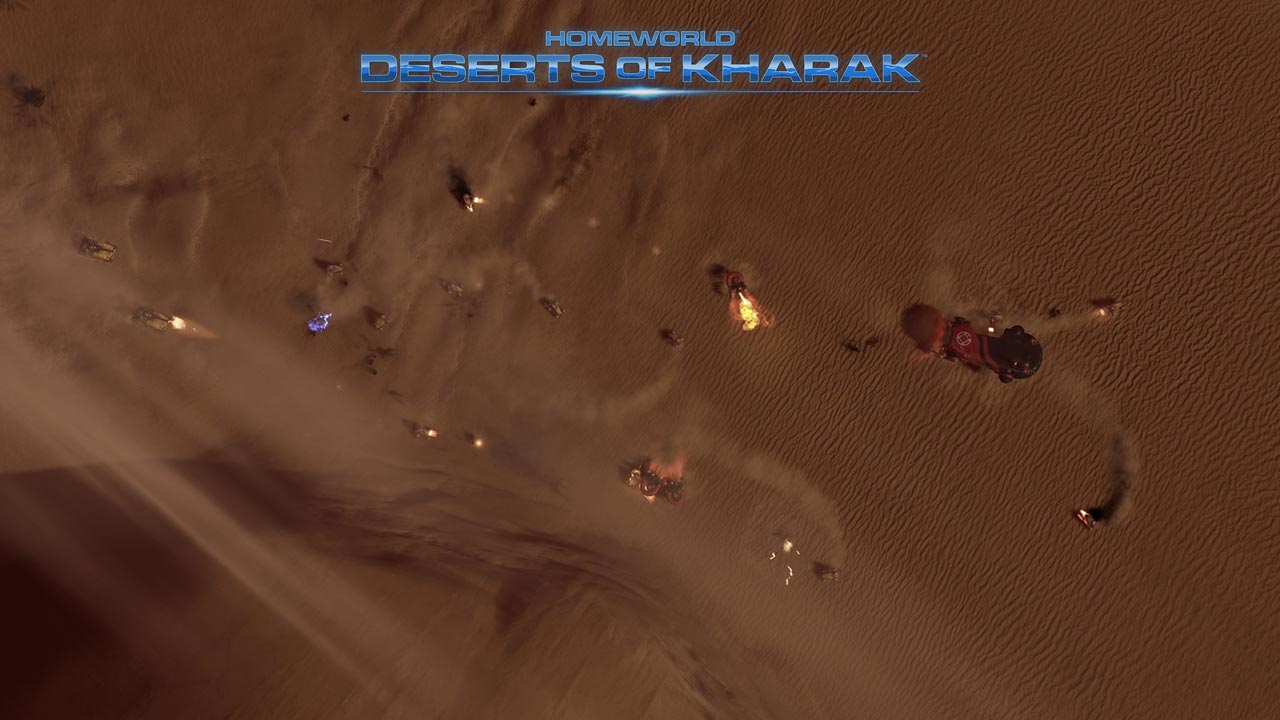
• Huge Spaces: Make your way through vast dunes, deep craters and dangerous canyons. The maps in the game are very large and made with unprecedented precision and detail
• Tactical battles: in battle, you can place troops on a hill or ambush in the dunes, attack enemy resources or directly grapple with his army
• Strategic battles: the chances of survival will directly depend on how you manage resources, make up your fleet and research technologies
• Multiplayer online: you can play online both alone and with friends. The game has several modes, incl. ranked, where you can rise in rank and become the greatest captain of the fleet on Kharak
========================================
Activation
1. You need to download and install Steam http://steampowered.com/download/SteamInstall.msi (if not already installed)
2. Launch the Steam client
3. Create a new account on Steam or go to an existing one
4. Go to the "Games" section and select "Activate on Steam"
5. Enter the activation key you purchased
6. After that, the game will appear in your list of games and you can install it
This edition has no regional restrictions
Game language: Russian (subtitles interface) / English
Released: January 20, 2016
Platform: Windows
Region: Region Free (unlimited)
Activation: Steam
========================================
The creators of Homeworld invites you to lead the expedition that started it all. Deserts of Kharak: A Homeworld Story is a strategy game made by Blackbird Interactive, homeworld and Company of Heroes. In the game, you have to visit the Kharak desert, where danger lies behind every dune.
During the Deserts of Kharak campaign, an anomaly was discovered far in the southern desert. An expedition was sent to the site, but in reality everything turns out to be much more complicated. Learn the story of Rachel S-Jet as she leads her people in search of their origins. The game campaign consists of 13 tasks written by the creators of the Homeworld and Homeworld 2 games.
• Heavy military equipment: under your command an entire fleet of air and ground equipment, from nimble light vehicles to massive heavy cruisers. All equipment is designed to capture the desert
• Huge Spaces: Make your way through vast dunes, deep craters and dangerous canyons. The maps in the game are very large and made with unprecedented precision and detail
• Tactical battles: in battle, you can place troops on a hill or ambush in the dunes, attack enemy resources or directly grapple with his army
• Strategic battles: the chances of survival will directly depend on how you manage resources, make up your fleet and research technologies
• Multiplayer online: you can play online both alone and with friends. The game has several modes, incl. ranked, where you can rise in rank and become the greatest captain of the fleet on Kharak
========================================
Activation
1. You need to download and install Steam http://steampowered.com/download/SteamInstall.msi (if not already installed)
2. Launch the Steam client
3. Create a new account on Steam or go to an existing one
4. Go to the "Games" section and select "Activate on Steam"
5. Enter the activation key you purchased
6. After that, the game will appear in your list of games and you can install it
! Before buying, please check the system requirements of the game and other parameters that interest you (they may change with time). This can be done on the sites Steam / Uplay / Origin or the official website of the publisher. Goods purchased by mistake, as well as unsuitable for system requirements or region of activation, can not be returned and exchanged!
Dear customers! Convincing request, if there are any problems with the purchased goods, do not leave a negative feedback immediately. Write us a message in the correspondence (the purchase page on the site Oplata.info). We will try to respond to your message as soon as possible and promptly solve the problem. We draw to the fact that the basis for the exchange or return of the purchased key (key), which gives an error when activated, can only be VIDEO RECORD of the purchase process and subsequent attempt to activate it (mandatory condition - the record should not contain editing features).
Our entire range: https://boardrussia.ru/digital-shop/seller/467960
We will be grateful for every positive feedback you have left after the purchase. Sincerely, the project team "AlternativA".
Dear customers! Convincing request, if there are any problems with the purchased goods, do not leave a negative feedback immediately. Write us a message in the correspondence (the purchase page on the site Oplata.info). We will try to respond to your message as soon as possible and promptly solve the problem. We draw to the fact that the basis for the exchange or return of the purchased key (key), which gives an error when activated, can only be VIDEO RECORD of the purchase process and subsequent attempt to activate it (mandatory condition - the record should not contain editing features).
Our entire range: https://boardrussia.ru/digital-shop/seller/467960
We will be grateful for every positive feedback you have left after the purchase. Sincerely, the project team "AlternativA".
04.06.2024 12:36:26
Всё круто! Продавец надёжный, игра достойная!
17.05.2024 19:50:03
Все отлично код получил моментально
07.02.2024 15:17:47
Быстро, качественно и удобно! Огромное "спасибо"!
06.11.2023 10:52:43
Все отлично, пришло моментально
14.10.2023 19:11:55
Отличный продавец!!!
28.07.2023 18:03:24
Игру получил сразу. Жалоб ноль. Лучший.
30.06.2023 10:32:35
Всё прошло идеально, спасибо
25.06.2023 10:22:58
Ключ пришел, все ок