For The King (STEAM KEY / RU/CIS)
Content: text (0 symbol)
Available: 50
Uploaded: 03.11.2025
Positive responses: 10
Negative responses: 0
Sold: 103
Refunds: 0
~ $2.57
The exact amount is on the payment page
Publication Type: STEAM KEY / RU / UA / KZ / CIS
⚠️ ! This key can only be activated on a Steam account registered in Russia, Ukraine, Kazakhstan, and other CIS countries.
🔹 Game Language: Russian (interface) / English
🔹 Release Date: April 19, 2018
🔹 Platform: Windows
🔹 Region: RU / UA / CIS (Russia, Ukraine, and CIS countries)
🔹 Activation: Steam
==============================================
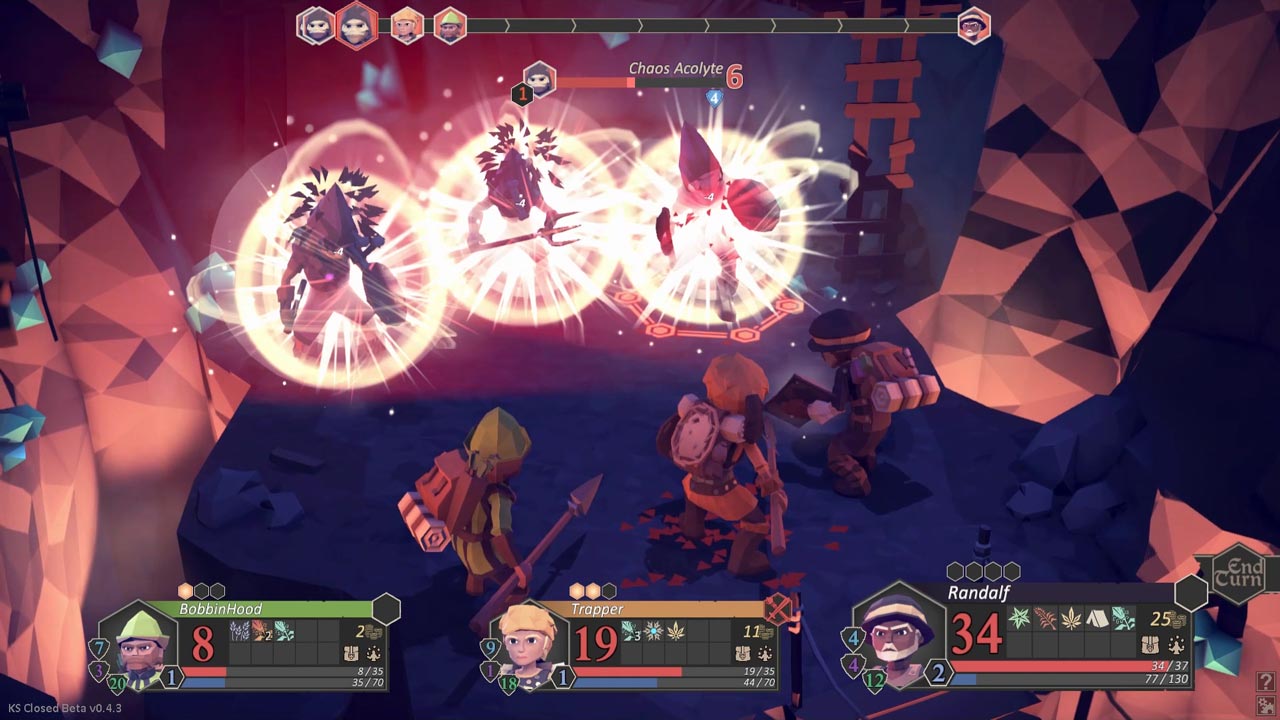
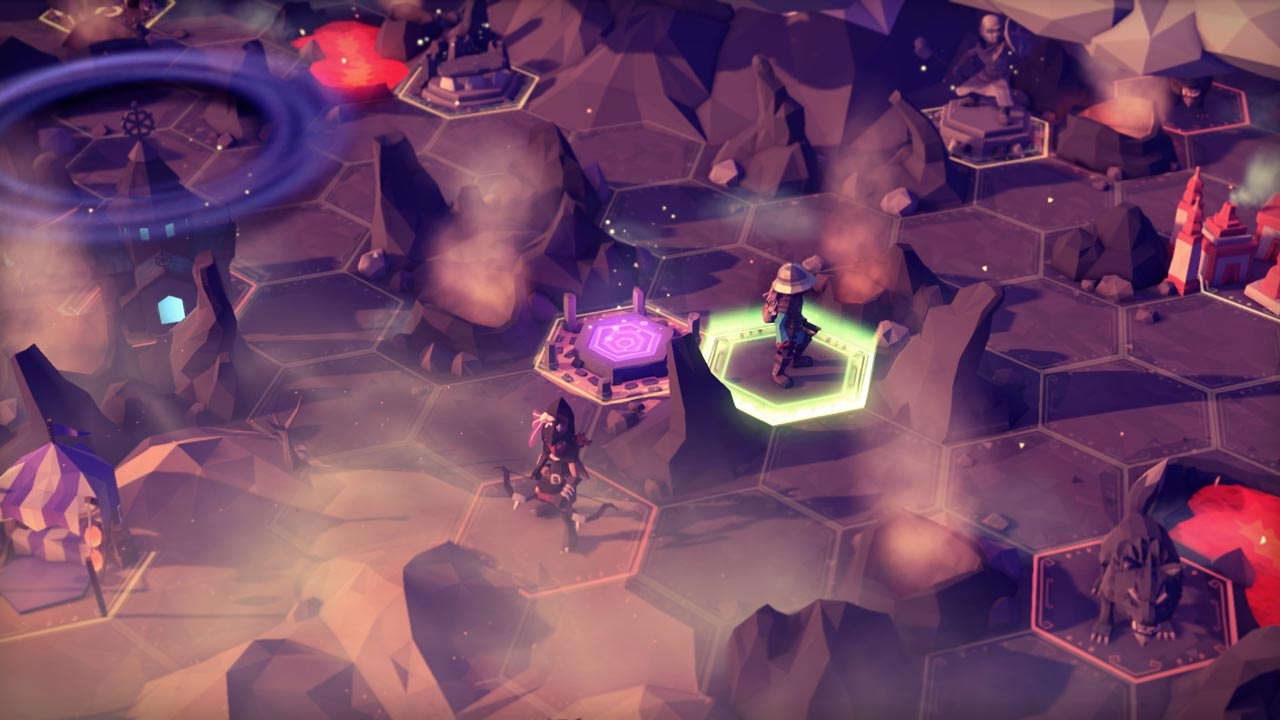
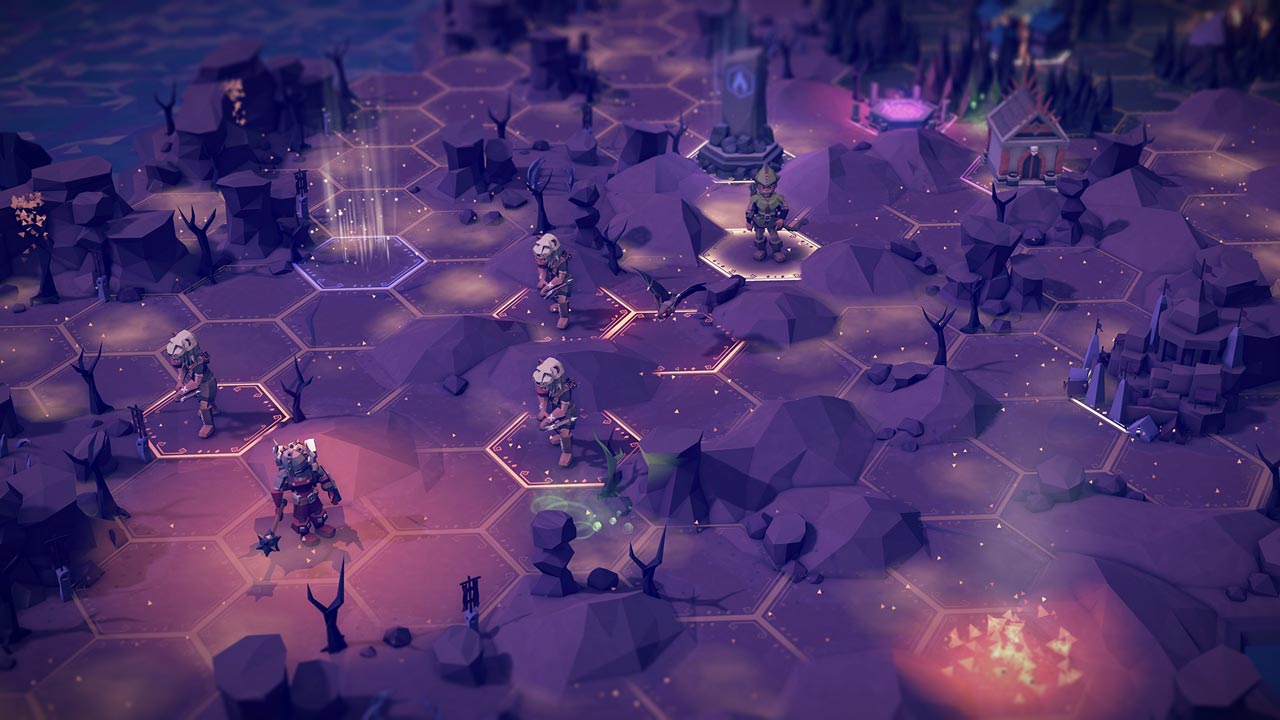
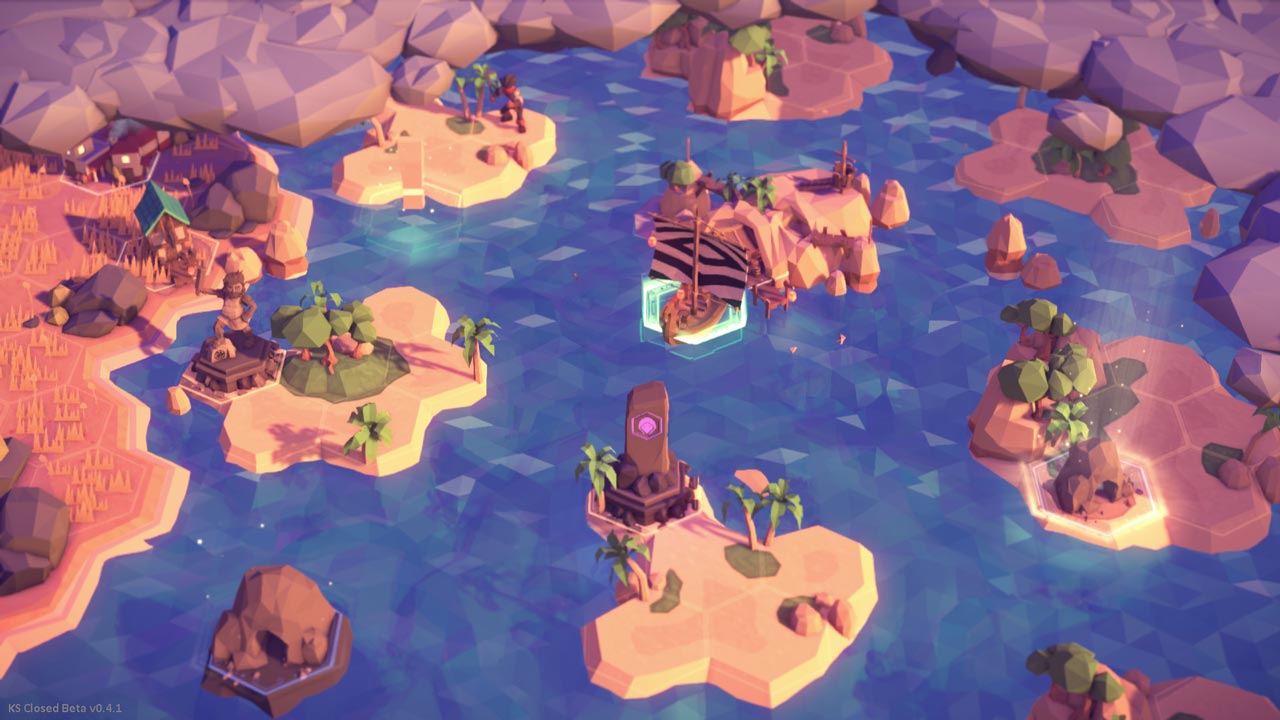
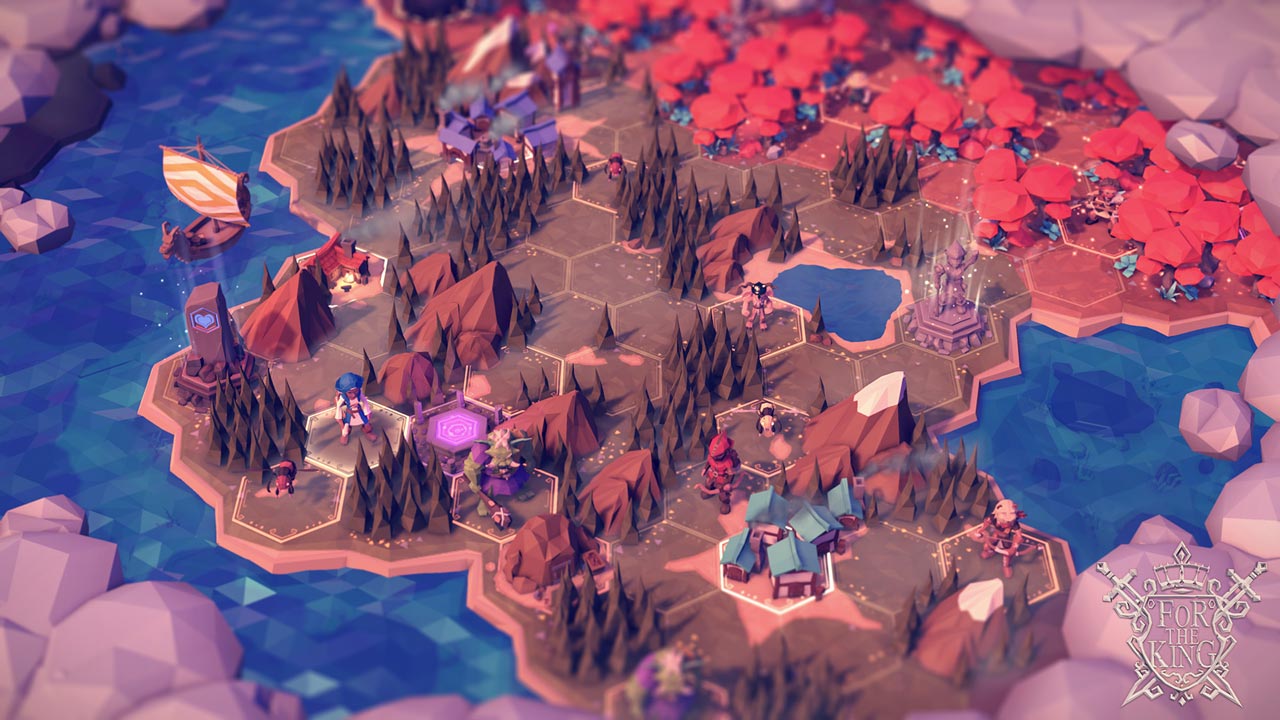
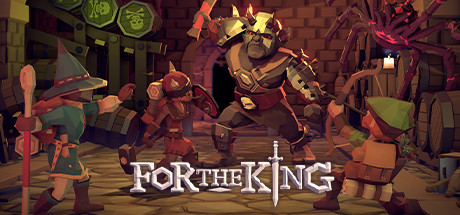
A turn-based RPG strategy with roguelike elements, in which you must lead a group of warriors and save the kingdom from destruction. The king is dead, and the once-beautiful kingdom of Fahrul is mired in violence. The Queen cries out for help, and only the bravest have answered, willing to sacrifice their lives to save the kingdom. Each new game features a randomly generated world, quests, and events. Embark on an amazing journey and try to put an end to the chaos and save the kingdom.
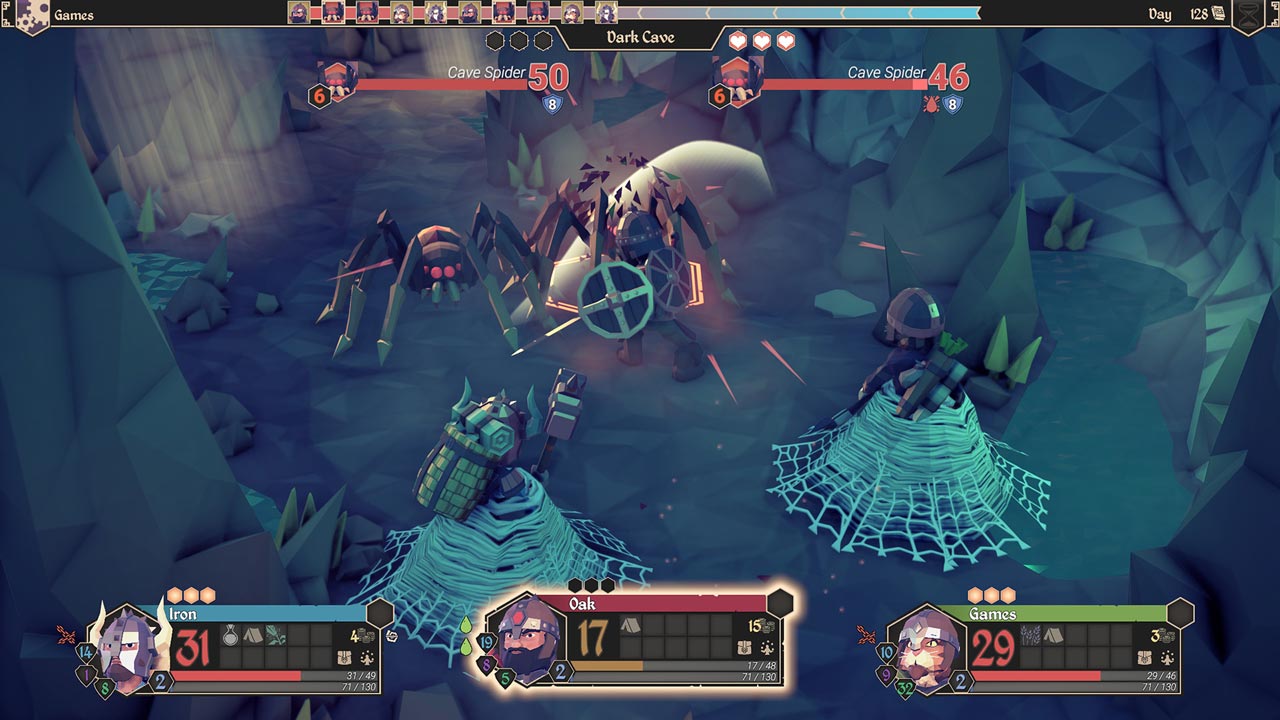
• Begin your journey with an impromptu group, either solo or in local or online co-op. Split your group to claim territory, or stick together for defense. A well-thought-out strategy can be the deciding factor in survival.
• For The King is an exciting blend of strategy, JRPG, and roguelike elements. Each game is unique thanks to procedurally generated maps, quests, and events. Face brutality, battle vicious creatures, sail the seas, and delve into the dark underworld. None who set out on this journey before you have returned. Can you put an end to the Chaos?
• Fight and die as a group in dynamic and brutal turn-based combat, using a unique slot system for attacks and special abilities. Find and gather herbs for your trusty pipe, which will heal wounds and cure illnesses. Set up a safe camp or face the horrors that come at night. Remember, adventurer, you are not in this for wealth and glory, but for your homeland and for the king—For The King!
=========================================
Activation
1. Download and install Steam http://steampowered.com/download/SteamInstall.msi (if not already installed)
2. Launch the Steam client
3. Create a new Steam account or log in to an existing one
4. Go to the "Games" section and select "Activate on Steam"
5. Enter the activation key you purchased
6. The game will then appear in your list of games and can be installed
⚠️ ! This key can only be activated on a Steam account registered in Russia, Ukraine, Kazakhstan, and other CIS countries.
🔹 Game Language: Russian (interface) / English
🔹 Release Date: April 19, 2018
🔹 Platform: Windows
🔹 Region: RU / UA / CIS (Russia, Ukraine, and CIS countries)
🔹 Activation: Steam
==============================================
A turn-based RPG strategy with roguelike elements, in which you must lead a group of warriors and save the kingdom from destruction. The king is dead, and the once-beautiful kingdom of Fahrul is mired in violence. The Queen cries out for help, and only the bravest have answered, willing to sacrifice their lives to save the kingdom. Each new game features a randomly generated world, quests, and events. Embark on an amazing journey and try to put an end to the chaos and save the kingdom.
• Begin your journey with an impromptu group, either solo or in local or online co-op. Split your group to claim territory, or stick together for defense. A well-thought-out strategy can be the deciding factor in survival.
• For The King is an exciting blend of strategy, JRPG, and roguelike elements. Each game is unique thanks to procedurally generated maps, quests, and events. Face brutality, battle vicious creatures, sail the seas, and delve into the dark underworld. None who set out on this journey before you have returned. Can you put an end to the Chaos?
• Fight and die as a group in dynamic and brutal turn-based combat, using a unique slot system for attacks and special abilities. Find and gather herbs for your trusty pipe, which will heal wounds and cure illnesses. Set up a safe camp or face the horrors that come at night. Remember, adventurer, you are not in this for wealth and glory, but for your homeland and for the king—For The King!
=========================================
Activation
1. Download and install Steam http://steampowered.com/download/SteamInstall.msi (if not already installed)
2. Launch the Steam client
3. Create a new Steam account or log in to an existing one
4. Go to the "Games" section and select "Activate on Steam"
5. Enter the activation key you purchased
6. The game will then appear in your list of games and can be installed
! Before buying, please check the system requirements of the game and other parameters that interest you (they may change with time). This can be done on the sites Steam / Uplay / Origin or the official website of the publisher. Goods purchased by mistake, as well as unsuitable for system requirements or region of activation, can not be returned and exchanged!
Dear customers! Convincing request, if there are any problems with the purchased goods, do not leave a negative feedback immediately. Write us a message in the correspondence (the purchase page on the site Oplata.info). We will try to respond to your message as soon as possible and promptly solve the problem. We draw to the fact that the basis for the exchange or return of the purchased key (key), which gives an error when activated, can only be VIDEO RECORD of the purchase process and subsequent attempt to activate it (mandatory condition - the record should not contain editing features).
Our entire range: https://boardrussia.ru/digital-shop/seller/467960
We will be grateful for every positive feedback you have left after the purchase. Sincerely, the project team "AlternativA".
Dear customers! Convincing request, if there are any problems with the purchased goods, do not leave a negative feedback immediately. Write us a message in the correspondence (the purchase page on the site Oplata.info). We will try to respond to your message as soon as possible and promptly solve the problem. We draw to the fact that the basis for the exchange or return of the purchased key (key), which gives an error when activated, can only be VIDEO RECORD of the purchase process and subsequent attempt to activate it (mandatory condition - the record should not contain editing features).
Our entire range: https://boardrussia.ru/digital-shop/seller/467960
We will be grateful for every positive feedback you have left after the purchase. Sincerely, the project team "AlternativA".
22.12.2022 20:26:52
OK
01.04.2022 17:39:19
OK
01.04.2022 17:39:14
OK
15.01.2022 2:50:01
GOOD
16.04.2021 21:52:08
моментально получил ключ, спасибо!
29.08.2020 22:40:01
-
29.08.2020 22:39:45
+
29.01.2020 1:18:22
Всё отлично
15.04.2019 22:52:34
+
15.04.2019 22:52:31
+