Stellaris: Apocalypse 🔑STEAM KEY🔥RUSSIA +CIS +TR
Content: text (17 symbols)
Available: 16
Uploaded: 24.08.2025
Positive responses: 8
Negative responses: 0
Sold: 87
Refunds: 0
~ $12.03
The exact amount is on the payment page
⚠️ ! To run the game, you need the Steam version of Stellaris
Publication type: Steam Key / RU / CIS / TR
! This product is intended for use only in the following countries: Russia, Armenia, Azerbaijan, Republic of Belarus, Georgia, Kyrgyzstan, Kazakhstan, Moldova, Republic of Moldova, Tajikistan, Turkmenistan, Uzbekistan, Ukraine, Turkey. It will not work in other regions.
Game language: Russian (interface) / English
Release date: February 22, 2018
Platform: Windows
Region: RU / CIS / TR (Russia and CIS countries, Turkey)
Activation: Steam
===========================================
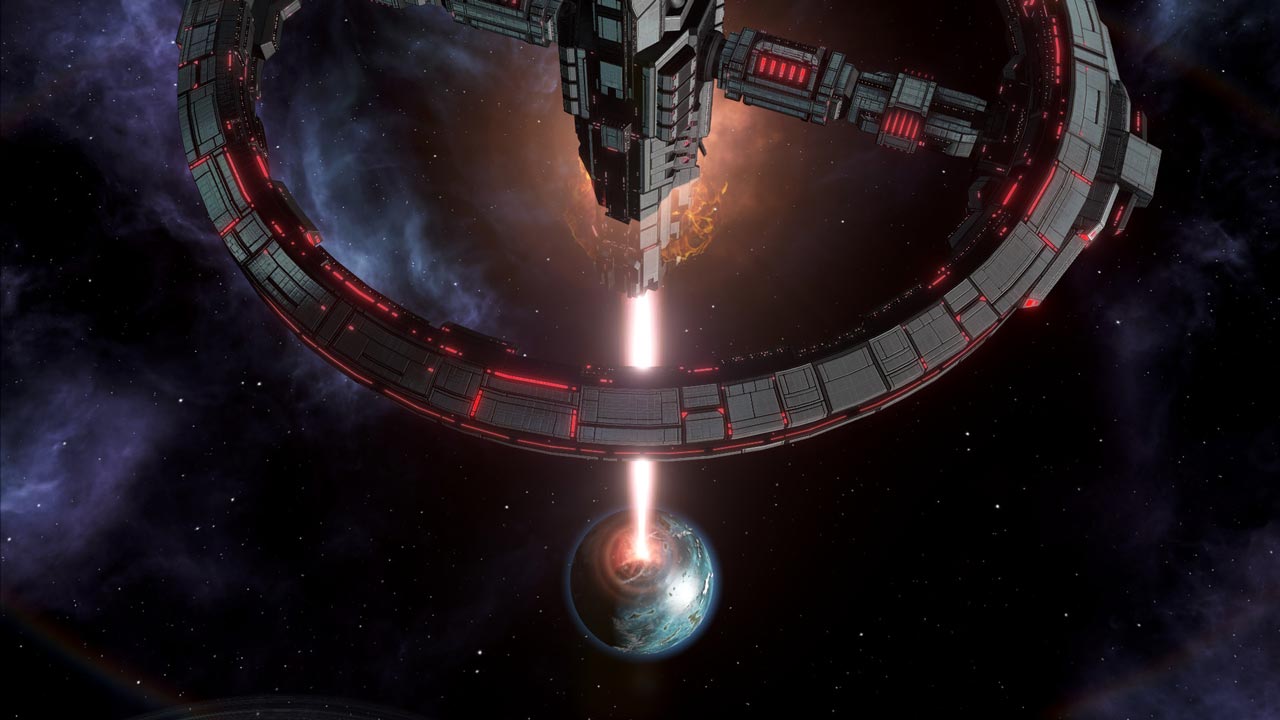
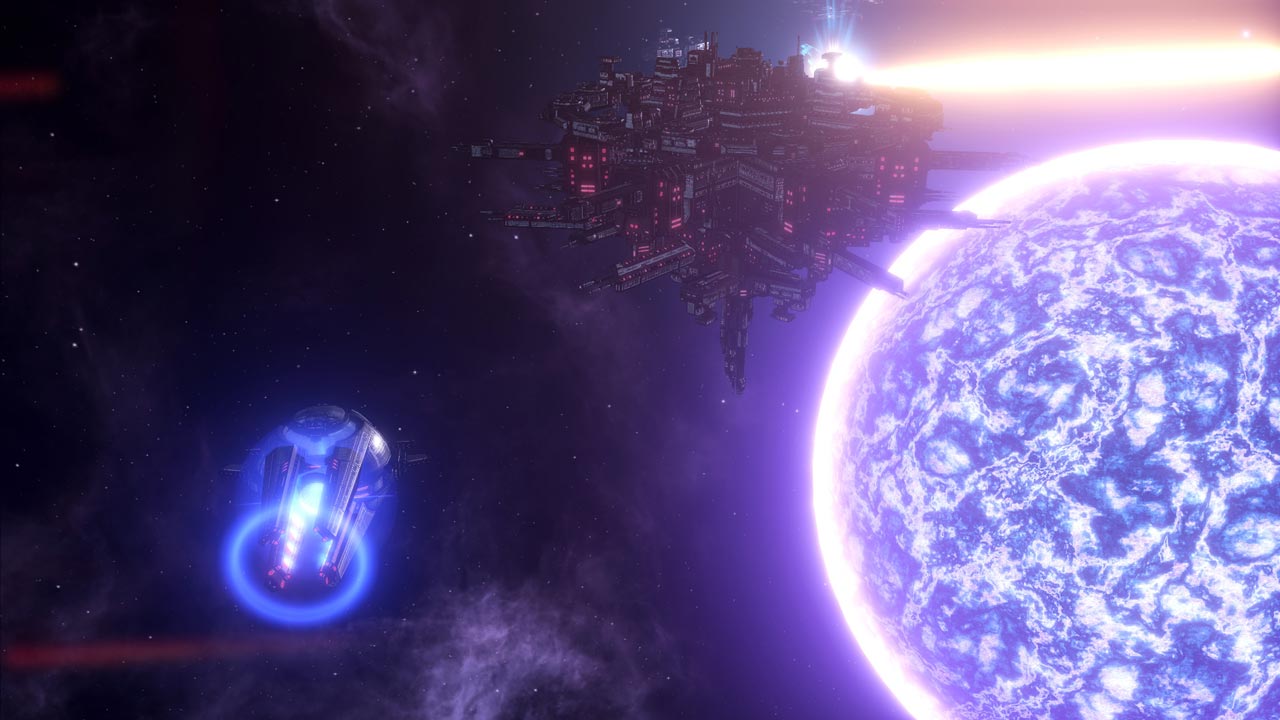
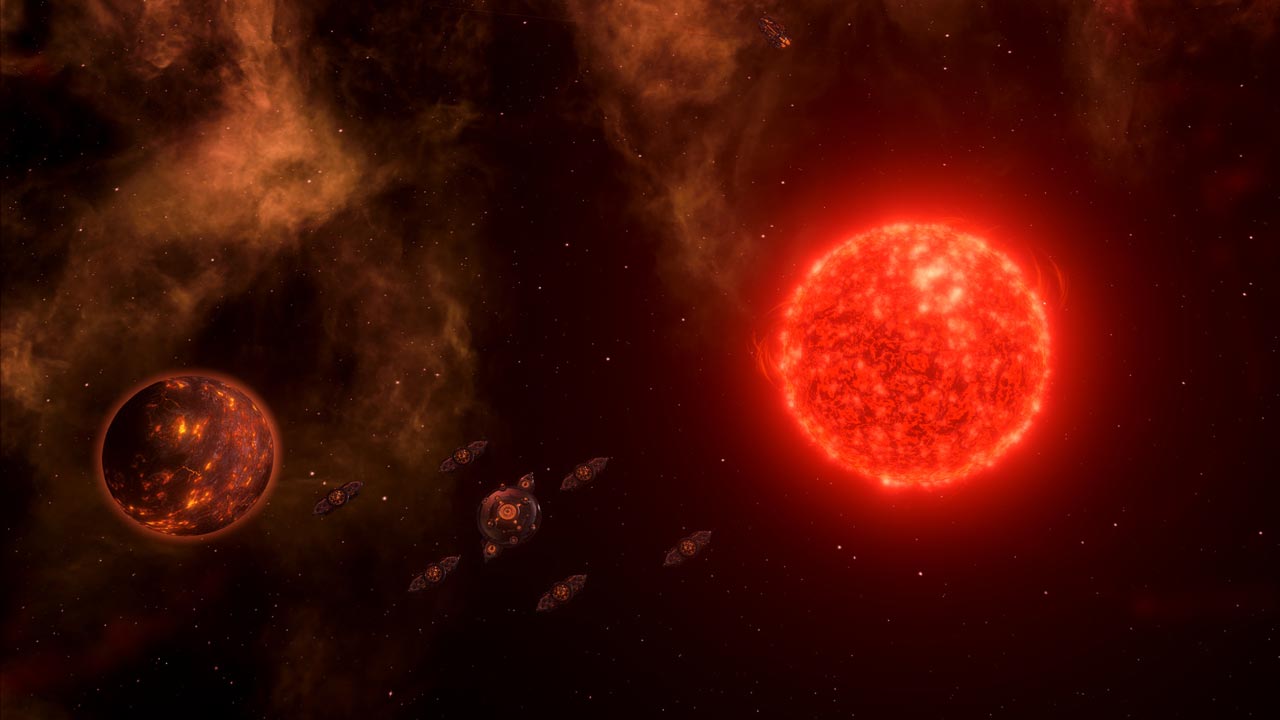
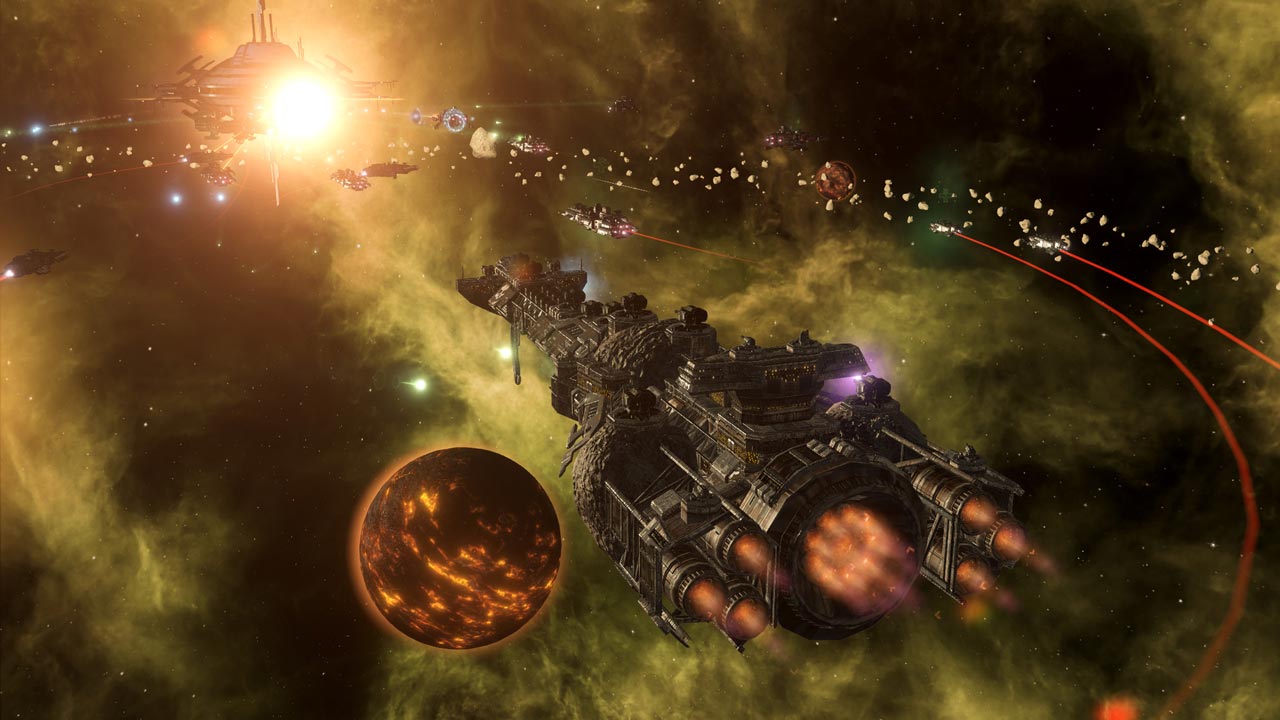
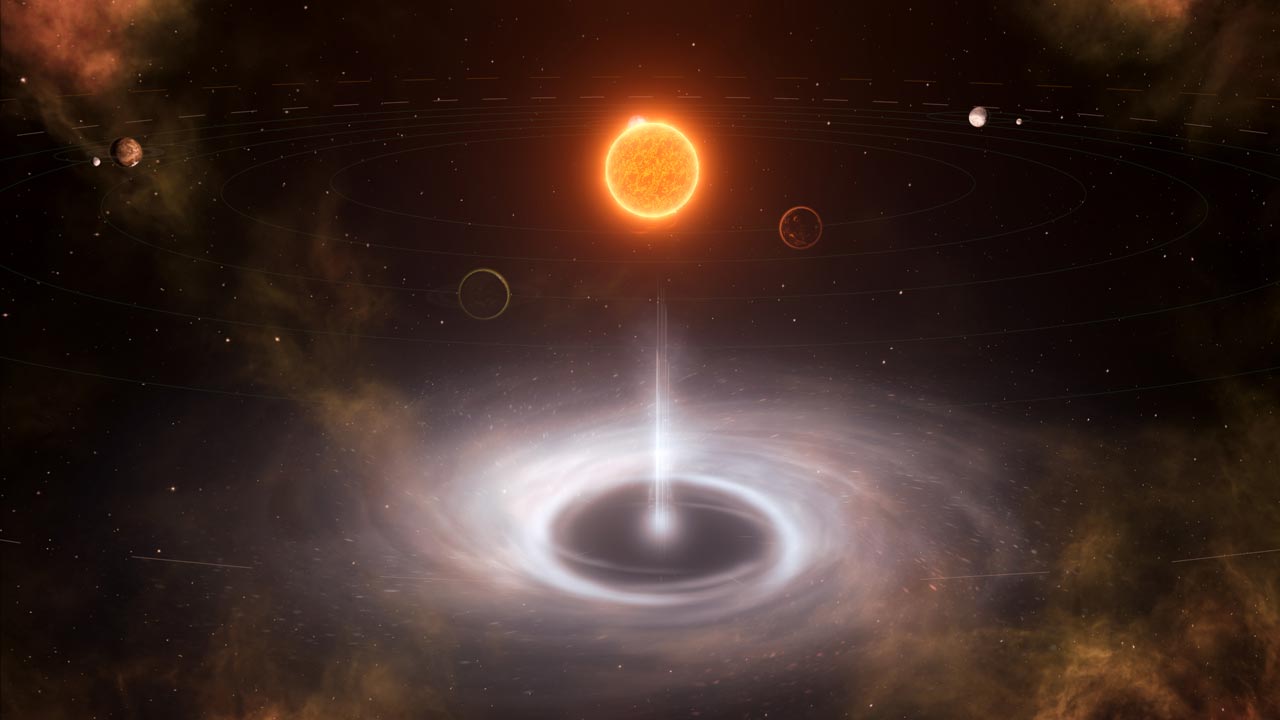
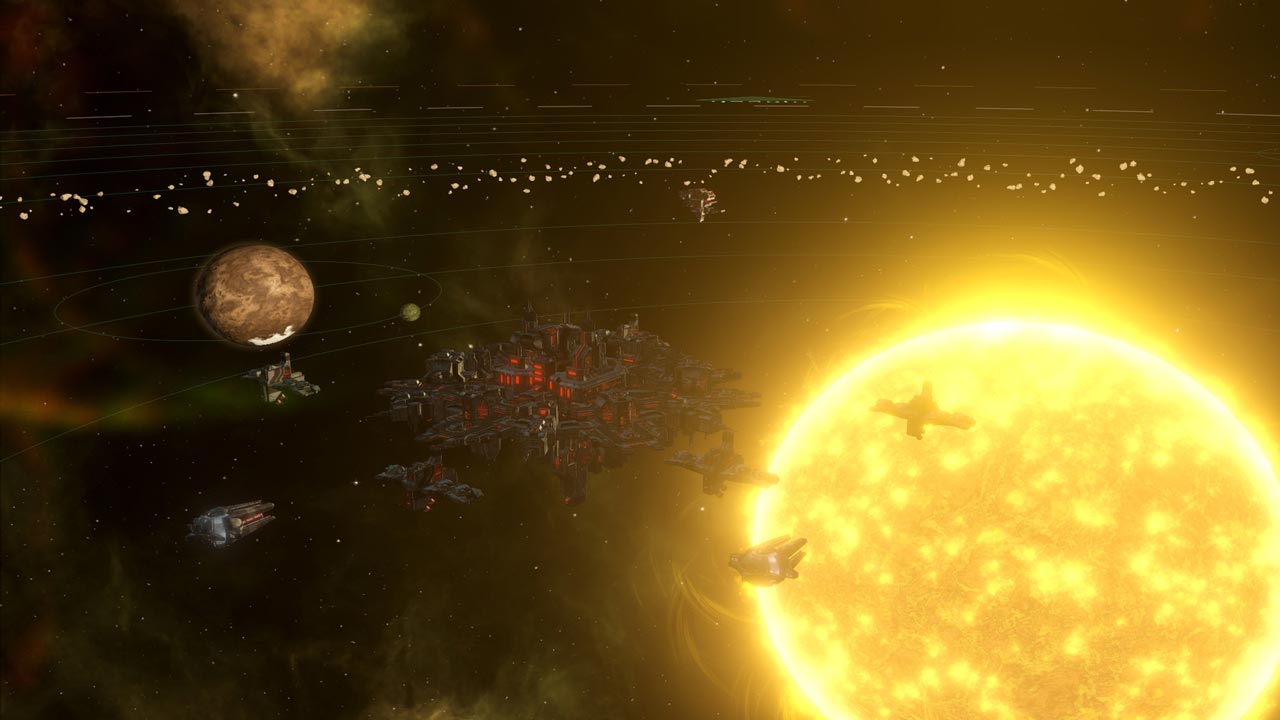
Stellaris: Apocalypse is a full-fledged addition, in which all players are provided with many new offensive and defensive capabilities. Destroy entire worlds and planets with fearsome new weapons, fight against (or alongside) ruthless space pirates, and discover new peaceful gameplay options.
• This is not the Moon, and this is not either; this could be the Moon, wait, no: keep local systems at bay with the Colossus, a new super-powerful weapon that destroys entire worlds
• Your entire base is yours: the massive new Titan flagships lead your fleet to new conquests, providing huge bonuses to the ships they command. Meanwhile, fortify your main systems with powerful orbital installations and turn your home world into an impenetrable bastion among the stars
• Star Pirates: Beware the Marauders – space nomads who dwell on the fringes of civilization and prey on established empires. Hire them as mercenaries to help you with your military needs, but don´t let them band together and cause a new major problem
• Some peaceful options: New aspiration and civic rights bonuses have been added, along with new unity plans, giving you new ways to spend unity points and customize your development
• Sounds of destruction: Three new musical themes composed by Andreas Waldetoft have been added to accompany your crushing expedition
========================================
Activation
1. You need to download and install Steam http://steampowered.com/download/SteamInstall.msi (if not already installed)
2. Launch the Steam client
3. Create a new Steam account or log into an existing one
4. Go to the "Games" section and select "Activate on Steam"
5. Enter the activation key you purchased
6. After that, the game will appear in your list of games and you can install it
Publication type: Steam Key / RU / CIS / TR
! This product is intended for use only in the following countries: Russia, Armenia, Azerbaijan, Republic of Belarus, Georgia, Kyrgyzstan, Kazakhstan, Moldova, Republic of Moldova, Tajikistan, Turkmenistan, Uzbekistan, Ukraine, Turkey. It will not work in other regions.
Game language: Russian (interface) / English
Release date: February 22, 2018
Platform: Windows
Region: RU / CIS / TR (Russia and CIS countries, Turkey)
Activation: Steam
===========================================
Stellaris: Apocalypse is a full-fledged addition, in which all players are provided with many new offensive and defensive capabilities. Destroy entire worlds and planets with fearsome new weapons, fight against (or alongside) ruthless space pirates, and discover new peaceful gameplay options.
• This is not the Moon, and this is not either; this could be the Moon, wait, no: keep local systems at bay with the Colossus, a new super-powerful weapon that destroys entire worlds
• Your entire base is yours: the massive new Titan flagships lead your fleet to new conquests, providing huge bonuses to the ships they command. Meanwhile, fortify your main systems with powerful orbital installations and turn your home world into an impenetrable bastion among the stars
• Star Pirates: Beware the Marauders – space nomads who dwell on the fringes of civilization and prey on established empires. Hire them as mercenaries to help you with your military needs, but don´t let them band together and cause a new major problem
• Some peaceful options: New aspiration and civic rights bonuses have been added, along with new unity plans, giving you new ways to spend unity points and customize your development
• Sounds of destruction: Three new musical themes composed by Andreas Waldetoft have been added to accompany your crushing expedition
========================================
Activation
1. You need to download and install Steam http://steampowered.com/download/SteamInstall.msi (if not already installed)
2. Launch the Steam client
3. Create a new Steam account or log into an existing one
4. Go to the "Games" section and select "Activate on Steam"
5. Enter the activation key you purchased
6. After that, the game will appear in your list of games and you can install it
! Before buying, please check the system requirements of the game and other parameters that interest you (they may change with time). This can be done on the sites Steam / Uplay / Origin or the official website of the publisher. Goods purchased by mistake, as well as unsuitable for system requirements or region of activation, can not be returned and exchanged!
Dear customers! Convincing request, if there are any problems with the purchased goods, do not leave a negative feedback immediately. Write us a message in the correspondence (the purchase page on the site Oplata.info). We will try to respond to your message as soon as possible and promptly solve the problem. We draw to the fact that the basis for the exchange or return of the purchased key (key), which gives an error when activated, can only be VIDEO RECORD of the purchase process and subsequent attempt to activate it (mandatory condition - the record should not contain editing features).
Our entire range: https://boardrussia.ru/digital-shop/seller/467960
We will be grateful for every positive feedback you have left after the purchase. Sincerely, the project team "AlternativA".
Dear customers! Convincing request, if there are any problems with the purchased goods, do not leave a negative feedback immediately. Write us a message in the correspondence (the purchase page on the site Oplata.info). We will try to respond to your message as soon as possible and promptly solve the problem. We draw to the fact that the basis for the exchange or return of the purchased key (key), which gives an error when activated, can only be VIDEO RECORD of the purchase process and subsequent attempt to activate it (mandatory condition - the record should not contain editing features).
Our entire range: https://boardrussia.ru/digital-shop/seller/467960
We will be grateful for every positive feedback you have left after the purchase. Sincerely, the project team "AlternativA".
25.05.2025 13:12:17
Как же я скучаю по ключам, а не гифты от лагучих ботов
05.03.2025 14:39:02
все ок
29.01.2025 0:26:04
Отлично
27.10.2024 0:56:29
Быстро и без проблем. Спасибо!
26.08.2024 1:17:35
все пришло. спасибо за возможность купить товар
09.08.2024 14:59:26
Прекрасный товар и продавец +rep
07.04.2020 7:57:18
Works well
14.01.2019 16:06:30
Спасибо, хочу подарок!