Kerbal Space Program: Making History (DLC)🔑STEAM KEY
Content: text (17 symbols)
Available: 48
Uploaded: 24.08.2025
Positive responses: 5
Negative responses: 0
Sold: 25
Refunds: 0
~ $5.75
The exact amount is on the payment page
⚠️ ! To run the game, you need the Steam version of Kerbal Space Program
Type of publication: STEAM KEY / RU / UA / KZ / CIS
⚠️ ! This key can only be activated on a Steam account registered in Russia, Ukraine, Kazakhstan and other CIS countries
🔹 Game language: Russian (interface) / English
🔹 Release date: March 13, 2018
🔹 Platform: Windows
🔹 Region: RU / UA / KZ / CIS (Russia, Ukraine, Kazakhstan and other CIS countries)
🔹 Activation: Steam
========================================
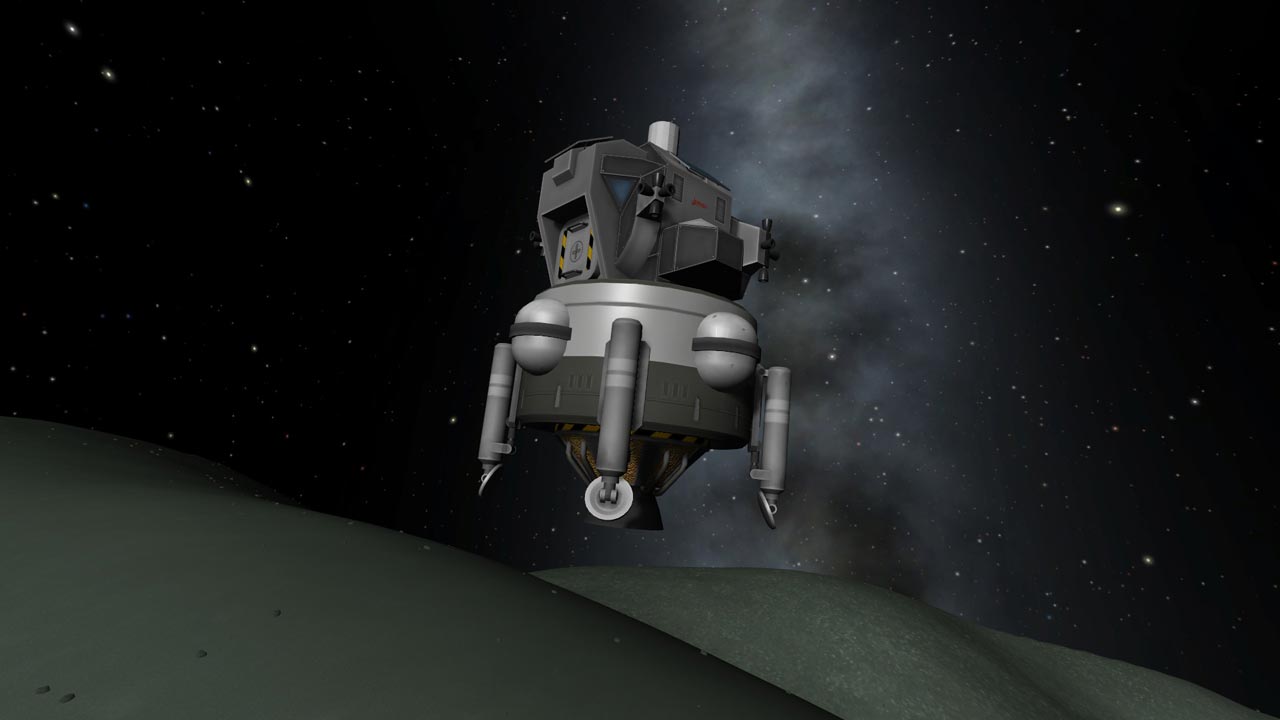
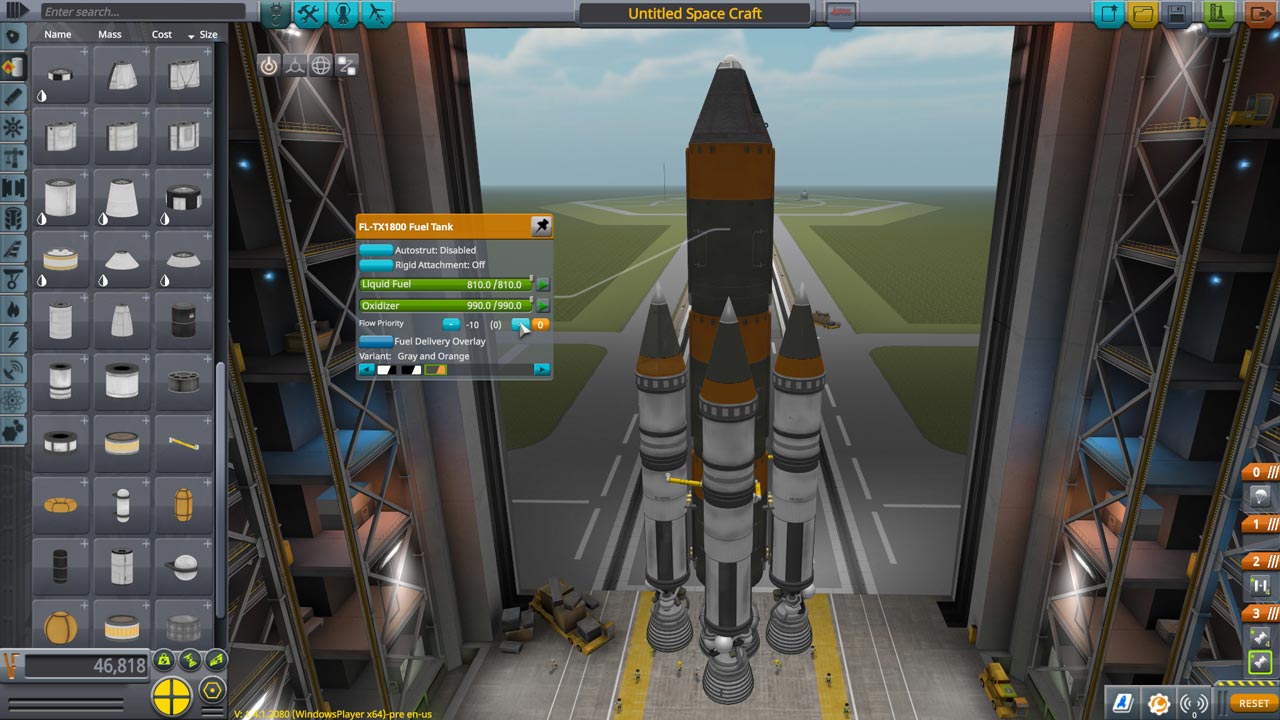
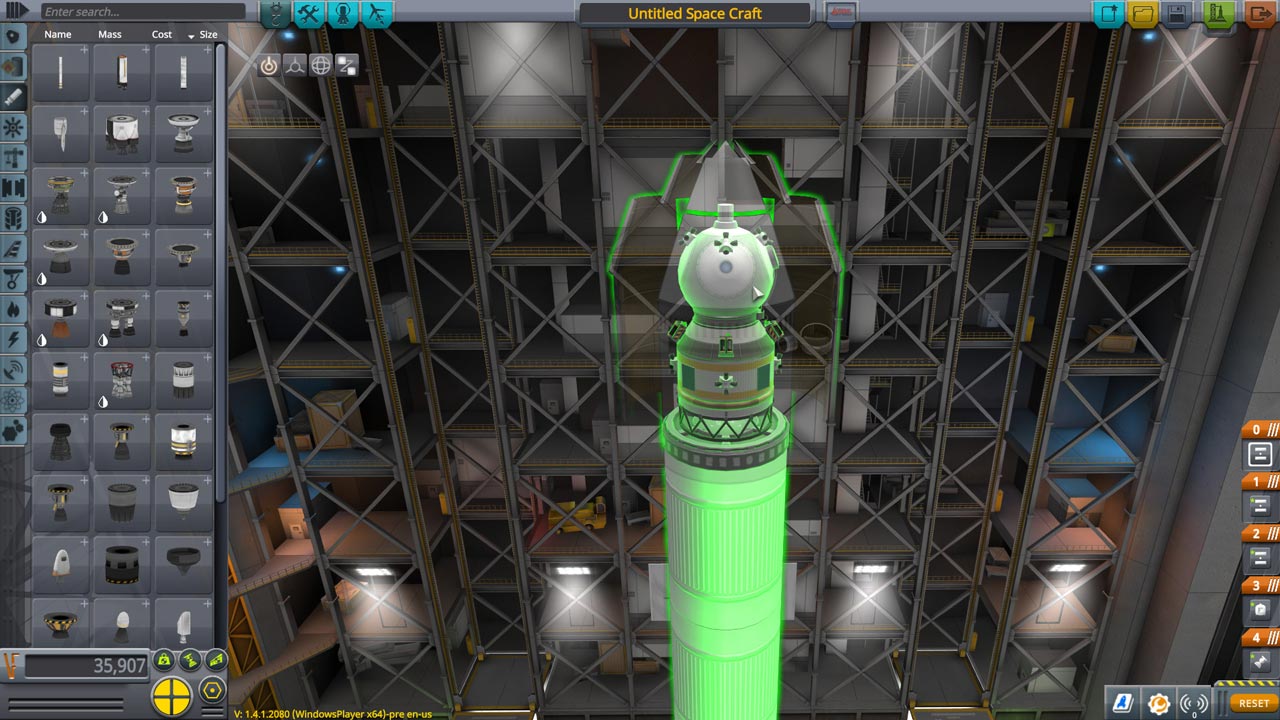
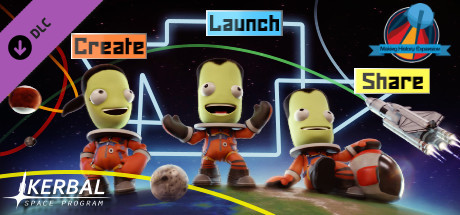
Expand the boundaries of your Kerbal Space Program world with the new Kerbal Space Program: Making History Expansion add-on. The first expansion to the critically acclaimed Kerbal Space Program includes a mission builder, a huge range of new parts, and a collection of missions inspired by historical events. Get an unforgettable experience of the world of KSP! Create, conquer space, and share with others in the Kerbal Space Program: Making History Expansion.
• Mission Builder: Let your imagination run wild! With this new feature, you can create and edit your own missions. Launching or landing a spacecraft, rescuing a Kerbal lost in outer space, breakdowns, explosions, and repairs are just a few of the events that can be included in a mission. Its difficulty will depend on the selected victory conditions, the difficulty of the tasks, and the presence of all sorts of surprises (usually unpleasant ones). Create missions and share them with other players!
• History Pack: Get a whole collection of missions inspired by events that humanity has encountered on the path to space exploration. Experience the most exciting moments of history in the unique environment of the Kerbal system: go into outer space, get crushed to pieces upon landing... The possibilities are endless!
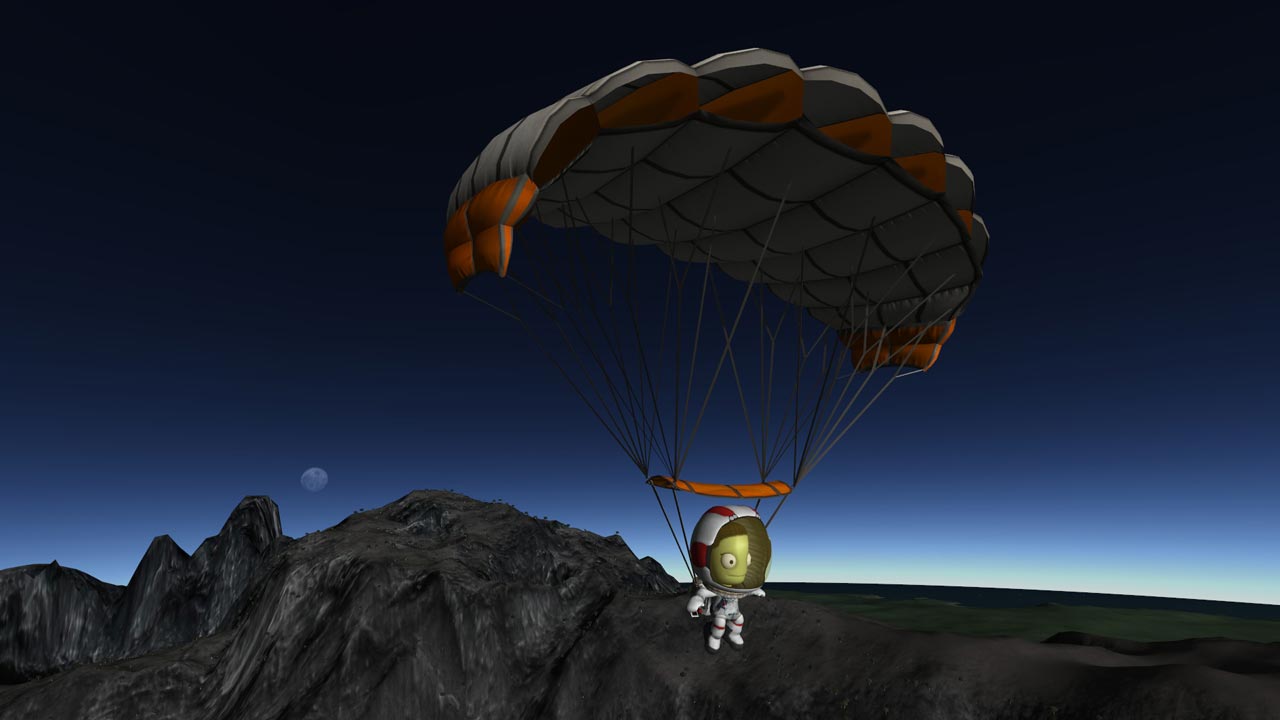
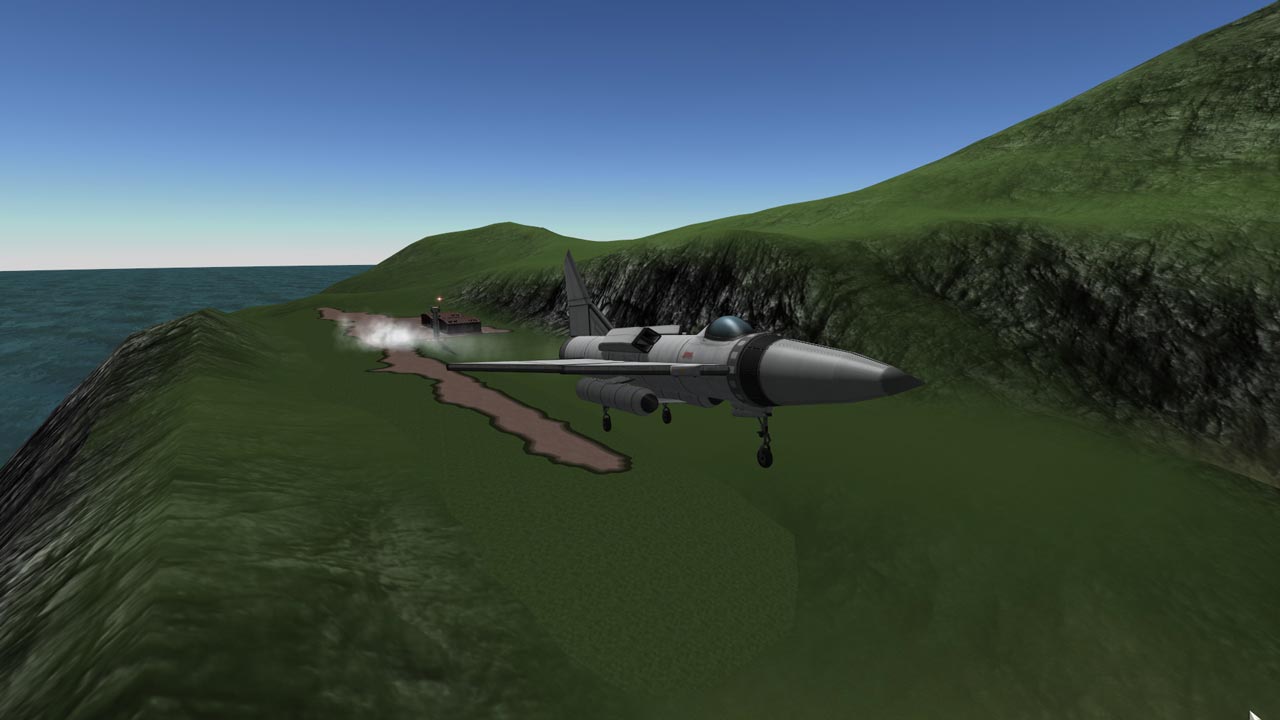
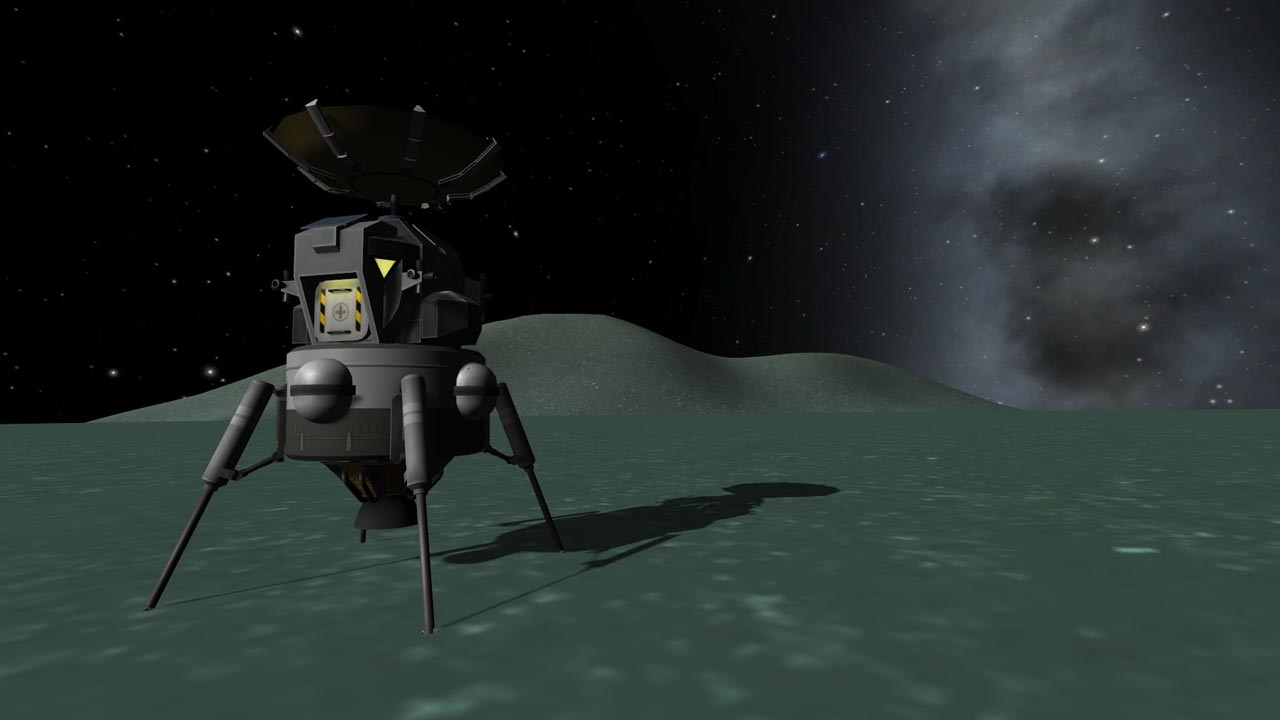
• New parts: the add-on includes dozens of new parts, as well as new spacesuits, the prototypes of which were the developments created during the space race. New parts and spacesuits are available in all modes of Kerbal Space Program
======================================
Activation
1. You need to download and install Steam http://steampowered.com/download/SteamInstall.msi (if not already installed)
2. Launch the Steam client
3. Create a new account in Steam or log in to an existing one
4. Go to the "Games" section and select "Activate on Steam"
5. Enter the activation key you purchased
6. After that, the game will appear in your list of games and you can install it
Type of publication: STEAM KEY / RU / UA / KZ / CIS
⚠️ ! This key can only be activated on a Steam account registered in Russia, Ukraine, Kazakhstan and other CIS countries
🔹 Game language: Russian (interface) / English
🔹 Release date: March 13, 2018
🔹 Platform: Windows
🔹 Region: RU / UA / KZ / CIS (Russia, Ukraine, Kazakhstan and other CIS countries)
🔹 Activation: Steam
========================================
Expand the boundaries of your Kerbal Space Program world with the new Kerbal Space Program: Making History Expansion add-on. The first expansion to the critically acclaimed Kerbal Space Program includes a mission builder, a huge range of new parts, and a collection of missions inspired by historical events. Get an unforgettable experience of the world of KSP! Create, conquer space, and share with others in the Kerbal Space Program: Making History Expansion.
• Mission Builder: Let your imagination run wild! With this new feature, you can create and edit your own missions. Launching or landing a spacecraft, rescuing a Kerbal lost in outer space, breakdowns, explosions, and repairs are just a few of the events that can be included in a mission. Its difficulty will depend on the selected victory conditions, the difficulty of the tasks, and the presence of all sorts of surprises (usually unpleasant ones). Create missions and share them with other players!
• History Pack: Get a whole collection of missions inspired by events that humanity has encountered on the path to space exploration. Experience the most exciting moments of history in the unique environment of the Kerbal system: go into outer space, get crushed to pieces upon landing... The possibilities are endless!
• New parts: the add-on includes dozens of new parts, as well as new spacesuits, the prototypes of which were the developments created during the space race. New parts and spacesuits are available in all modes of Kerbal Space Program
======================================
Activation
1. You need to download and install Steam http://steampowered.com/download/SteamInstall.msi (if not already installed)
2. Launch the Steam client
3. Create a new account in Steam or log in to an existing one
4. Go to the "Games" section and select "Activate on Steam"
5. Enter the activation key you purchased
6. After that, the game will appear in your list of games and you can install it
! Before buying, please check the system requirements of the game and other parameters that interest you (they may change with time). This can be done on the sites Steam / Uplay / Origin or the official website of the publisher. Goods purchased by mistake, as well as unsuitable for system requirements or region of activation, can not be returned and exchanged!
Dear customers! Convincing request, if there are any problems with the purchased goods, do not leave a negative feedback immediately. Write us a message in the correspondence (the purchase page on the site Oplata.info). We will try to respond to your message as soon as possible and promptly solve the problem. We draw to the fact that the basis for the exchange or return of the purchased key (key), which gives an error when activated, can only be VIDEO RECORD of the purchase process and subsequent attempt to activate it (mandatory condition - the record should not contain editing features).
Our entire range: https://boardrussia.ru/digital-shop/seller/467960
We will be grateful for every positive feedback you have left after the purchase. Sincerely, the project team "AlternativA".
Dear customers! Convincing request, if there are any problems with the purchased goods, do not leave a negative feedback immediately. Write us a message in the correspondence (the purchase page on the site Oplata.info). We will try to respond to your message as soon as possible and promptly solve the problem. We draw to the fact that the basis for the exchange or return of the purchased key (key), which gives an error when activated, can only be VIDEO RECORD of the purchase process and subsequent attempt to activate it (mandatory condition - the record should not contain editing features).
Our entire range: https://boardrussia.ru/digital-shop/seller/467960
We will be grateful for every positive feedback you have left after the purchase. Sincerely, the project team "AlternativA".
29.03.2025 19:29:27
классно
13.12.2022 19:45:39
Работает моментально!
11.12.2022 19:13:58
Товар пришёл моментально. Активировал в стиме. Платил через freekassa, комиссия 100 руб вышла (покупал сразу игру и три DLC). Даже с комиссией норм.
06.10.2019 15:00:31
люблю эту игру, решил установить офф версию
17.09.2019 2:21:38
Все супер