Titan Quest: Atlantis (DLC) STEAM KEY / RU+CIS
Content: text (17 symbols)
Available: 10
Uploaded: 31.10.2024
Positive responses: 22
Negative responses: 0
Sold: 116
Refunds: 0
~ $2.39
The exact amount is on the payment page
! This content requires the base game Titan Quest Anniversary Edition on Steam in order to play.
Publication Type: Steam Key (key) / RU / CIS
! This product is intended for use only in the following countries: Russia, Armenia, Azerbaijan, Belarus, Georgia, Kyrgyzstan, Kazakhstan, the Republic of Moldova, Tajikistan, Turkmenistan, Uzbekistan, Ukraine. In other regions will not work.
Game language: Russian (full) / English
Release Date: May 9, 2019
Platform: Windows
Region: RU / CIS (Russia and CIS countries)
Activation: Steam
=========================================
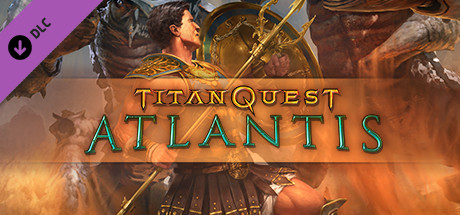
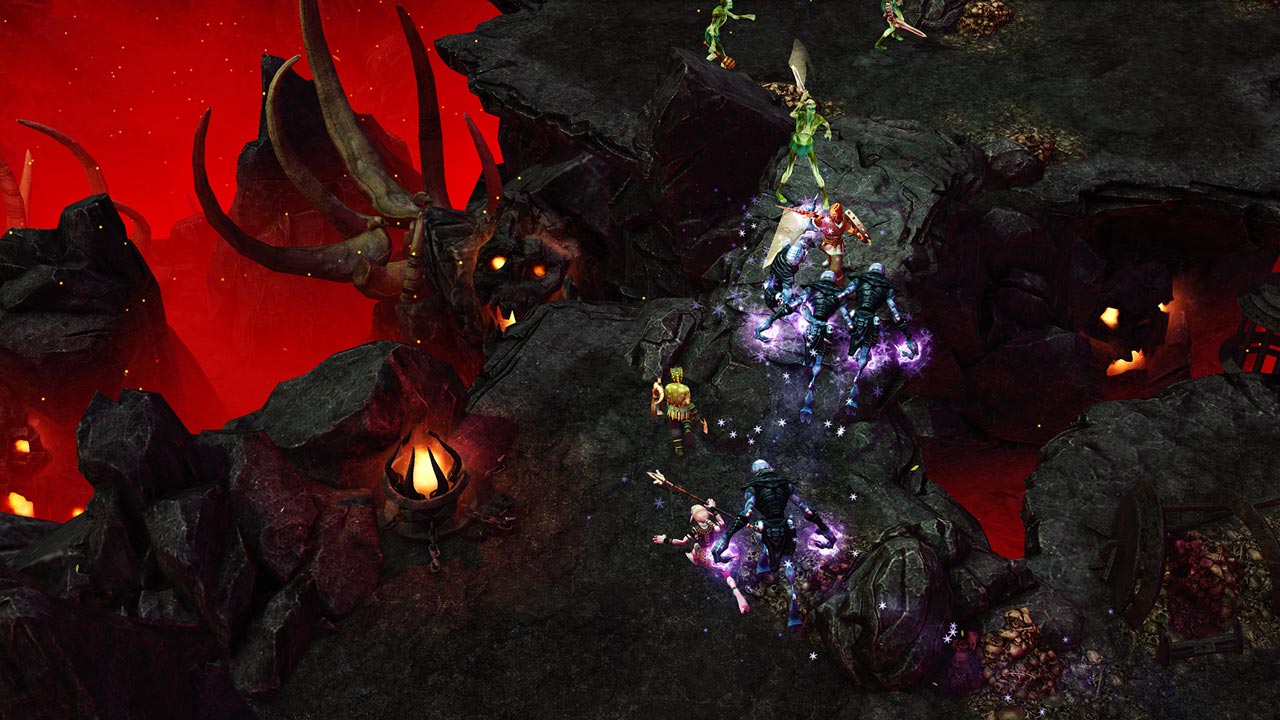
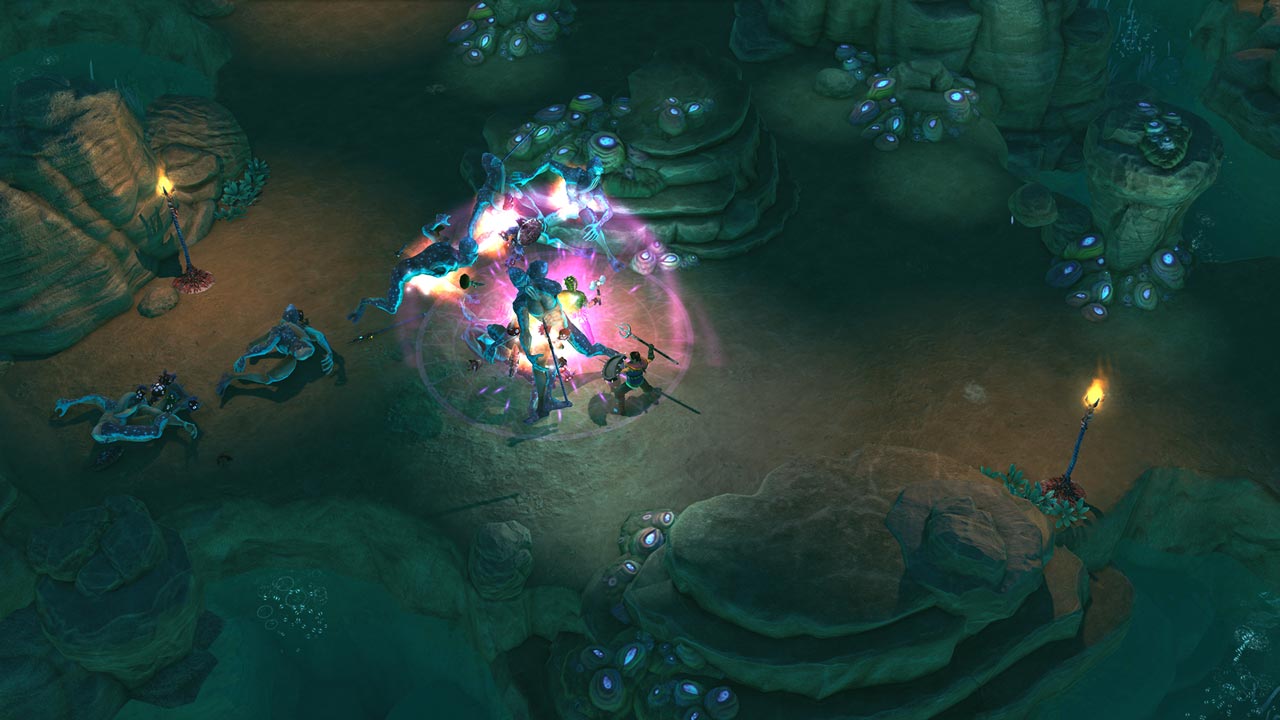
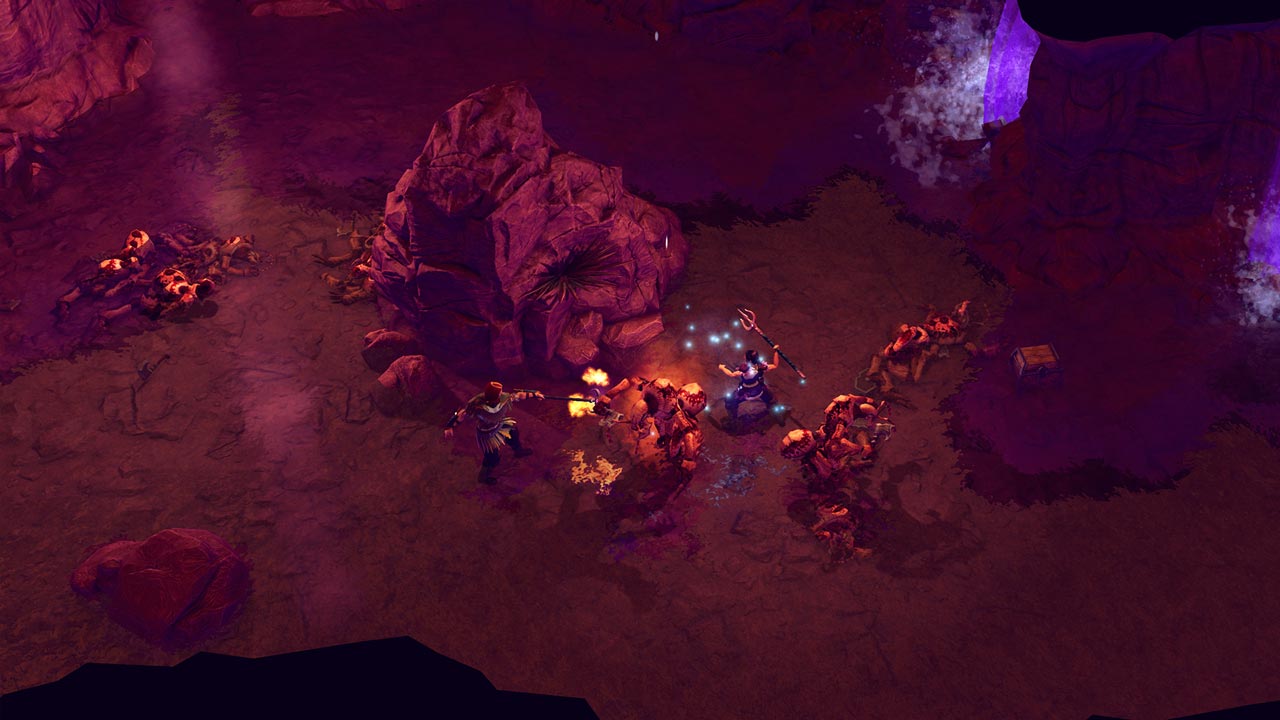
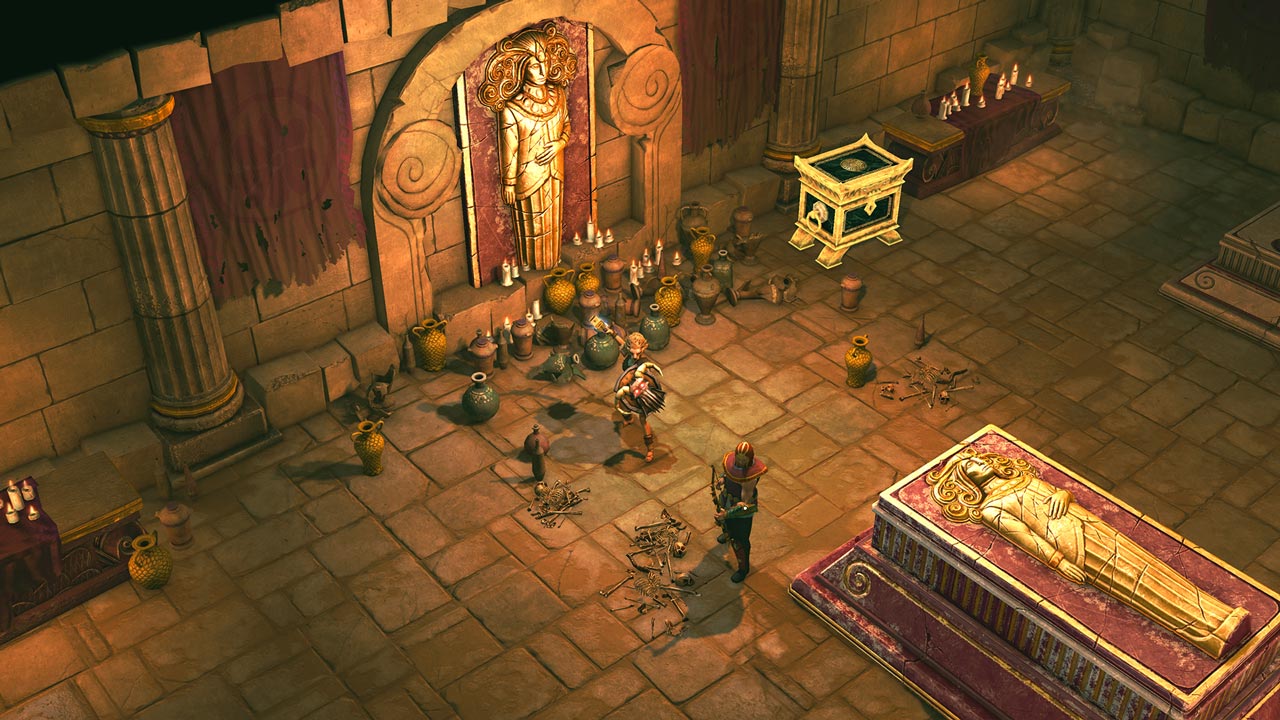
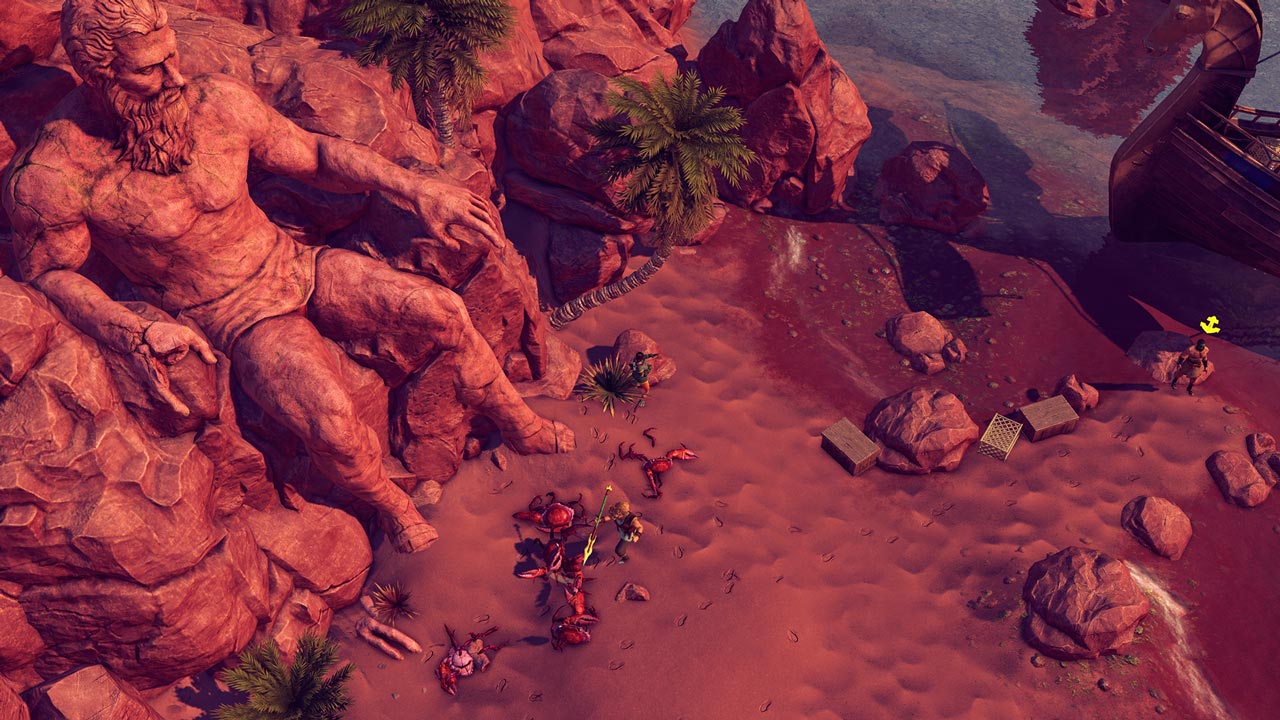
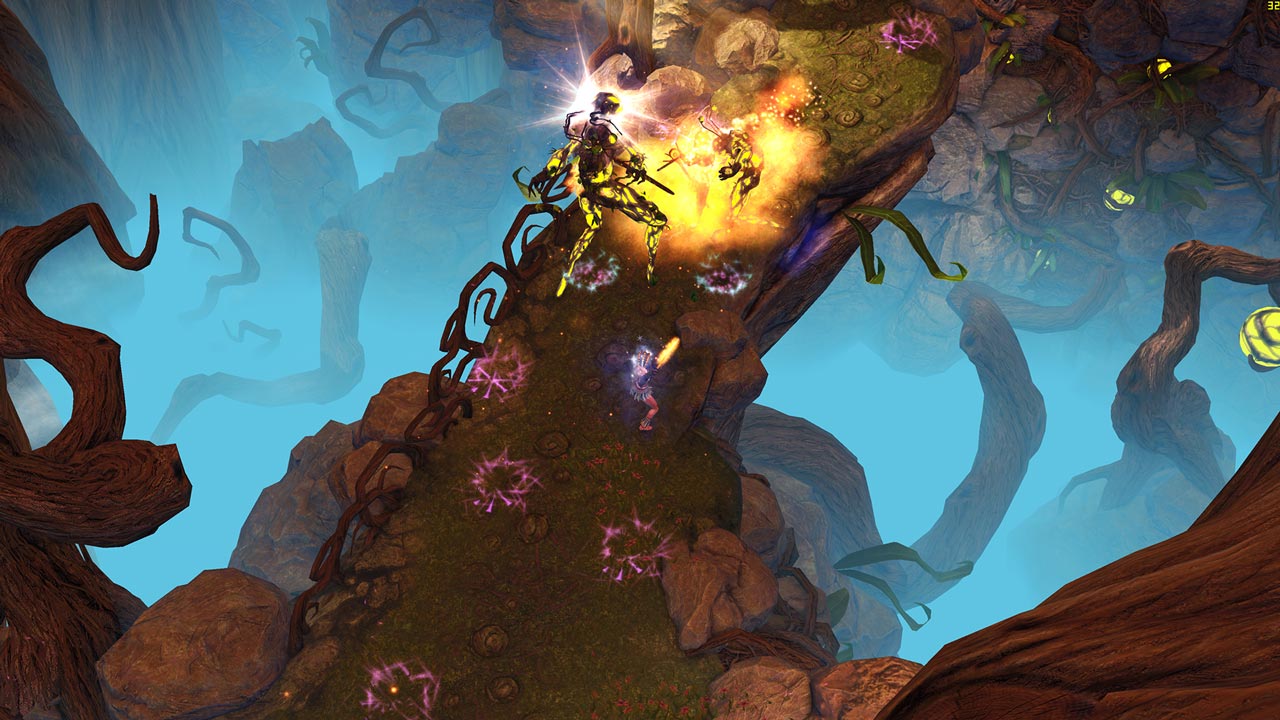
The hero meets a researcher who is looking for the mystical kingdom of Atlantis. Together they embark on a journey through the entire western Mediterranean. The key to the search is hidden in the legendary diary of Hercules, and they say this diary can be found in the Phoenician city of Gadir. But it seems that the path of our heroes lies beyond the boundaries of the known world ...
• In search of Atlantis
- Immerse yourself in the classic Titan Quest adventure: play alone or with a team of up to 6 players
- New items and unique rewards
• Endless mode: Tartarus
- Test mode with waves of opponents: play alone or with a team of up to 6 players
- During the game, random elements change
• New skill levels
New skill levels in every skill
• visual improvements
Graphics enhancements including SSAO and color gradation
• Improvements in gameplay
Fast spells, easy storage and other long-awaited changes
• Cat in the bag
Spend surplus game currency on randomly selected goods
=========================================
Activation
1. You need to download and install Steam http://steampowered.com/download/SteamInstall.msi (if not already installed)
2. Launch the Steam client
3. Create a new Steam account or log into an existing one
4. Go to the "Games" section and select "Activate on Steam"
5. Enter the activation key you purchased
6. After that, the game will appear in your list of games and it can be installed
Publication Type: Steam Key (key) / RU / CIS
! This product is intended for use only in the following countries: Russia, Armenia, Azerbaijan, Belarus, Georgia, Kyrgyzstan, Kazakhstan, the Republic of Moldova, Tajikistan, Turkmenistan, Uzbekistan, Ukraine. In other regions will not work.
Game language: Russian (full) / English
Release Date: May 9, 2019
Platform: Windows
Region: RU / CIS (Russia and CIS countries)
Activation: Steam
=========================================
The hero meets a researcher who is looking for the mystical kingdom of Atlantis. Together they embark on a journey through the entire western Mediterranean. The key to the search is hidden in the legendary diary of Hercules, and they say this diary can be found in the Phoenician city of Gadir. But it seems that the path of our heroes lies beyond the boundaries of the known world ...
• In search of Atlantis
- Immerse yourself in the classic Titan Quest adventure: play alone or with a team of up to 6 players
- New items and unique rewards
• Endless mode: Tartarus
- Test mode with waves of opponents: play alone or with a team of up to 6 players
- During the game, random elements change
• New skill levels
New skill levels in every skill
• visual improvements
Graphics enhancements including SSAO and color gradation
• Improvements in gameplay
Fast spells, easy storage and other long-awaited changes
• Cat in the bag
Spend surplus game currency on randomly selected goods
=========================================
Activation
1. You need to download and install Steam http://steampowered.com/download/SteamInstall.msi (if not already installed)
2. Launch the Steam client
3. Create a new Steam account or log into an existing one
4. Go to the "Games" section and select "Activate on Steam"
5. Enter the activation key you purchased
6. After that, the game will appear in your list of games and it can be installed
! Before buying, please check the system requirements of the game and other parameters that interest you (they may change with time). This can be done on the sites Steam / Uplay / Origin or the official website of the publisher. Goods purchased by mistake, as well as unsuitable for system requirements or region of activation, can not be returned and exchanged!
Dear customers! Convincing request, if there are any problems with the purchased goods, do not leave a negative feedback immediately. Write us a message in the correspondence (the purchase page on the site Oplata.info). We will try to respond to your message as soon as possible and promptly solve the problem. We draw to the fact that the basis for the exchange or return of the purchased key (key), which gives an error when activated, can only be VIDEO RECORD of the purchase process and subsequent attempt to activate it (mandatory condition - the record should not contain editing features).
Our entire range: https://boardrussia.ru/digital-shop/seller/467960
We will be grateful for every positive feedback you have left after the purchase. Sincerely, the project team "AlternativA".
Dear customers! Convincing request, if there are any problems with the purchased goods, do not leave a negative feedback immediately. Write us a message in the correspondence (the purchase page on the site Oplata.info). We will try to respond to your message as soon as possible and promptly solve the problem. We draw to the fact that the basis for the exchange or return of the purchased key (key), which gives an error when activated, can only be VIDEO RECORD of the purchase process and subsequent attempt to activate it (mandatory condition - the record should not contain editing features).
Our entire range: https://boardrussia.ru/digital-shop/seller/467960
We will be grateful for every positive feedback you have left after the purchase. Sincerely, the project team "AlternativA".
09.09.2025 7:05:03
Все получилось с первого раза!
17.07.2025 20:30:57
Быстро получил ключ
23.06.2025 17:30:39
Супер
14.05.2025 12:16:37
Всё гуд, спасибо!
21.04.2025 10:39:25
Спасибо! Товар получено, продавца советую!
10.01.2025 22:37:49
Все быстро получил и активировал.
16.08.2024 13:18:02
Ок
14.08.2024 13:07:41
Отлично!
10.08.2024 16:38:37
Все быстро пришло))Спасибо)
03.08.2024 17:23:04
Спасибо, все отлично