Expeditions: Viking 🔑STEAM KEY 🔥RUSSIA + CIS
Content: text (19 symbols)
Available: 2
Uploaded: 17.05.2025
Positive responses: 6
Negative responses: 0
Sold: 19
Refunds: 0
~ $2.36
The exact amount is on the payment page
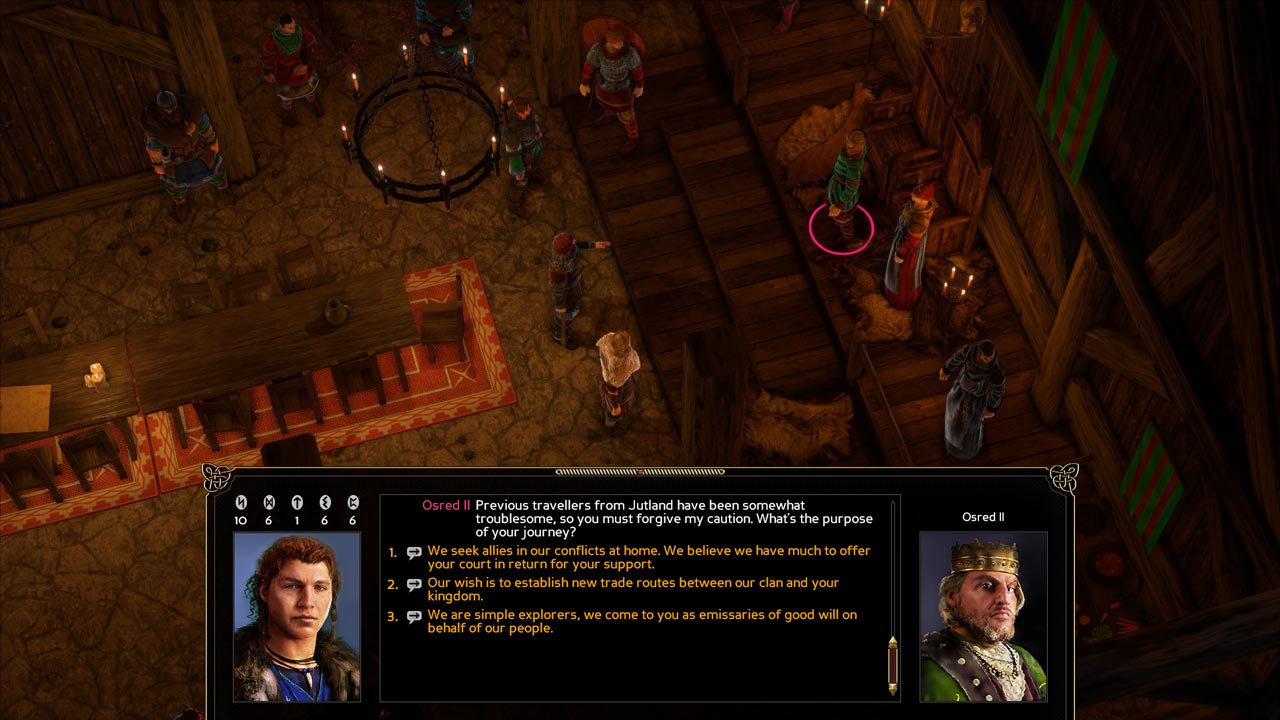
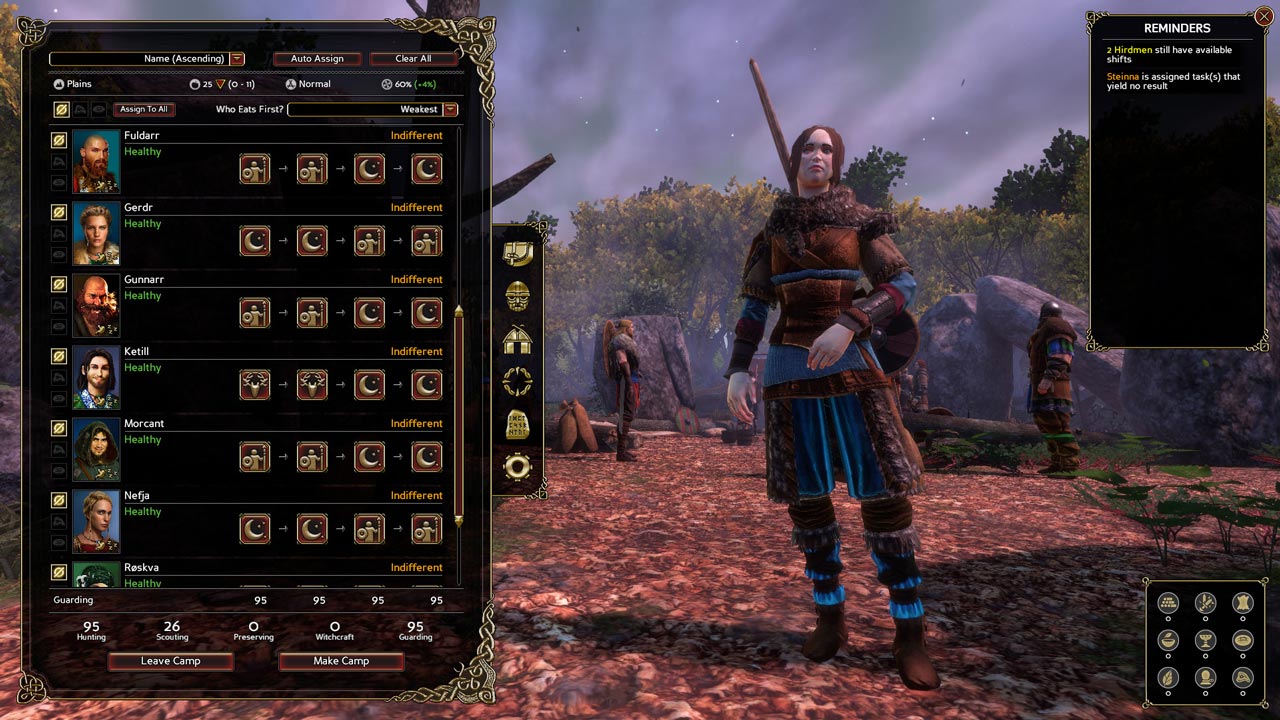
Edition type: Steam Key (key) / RU / UA / CIS
! This key can only be activated on a Steam account registered in Russia, Ukraine or CIS countries
Game language: Russian (subtitles interface) / English
Release date: April 27, 2017
Platform: Windows
Region: RU / UA / CIS (Russia, Ukraine and CIS countries)
Activation: Steam
=======================================
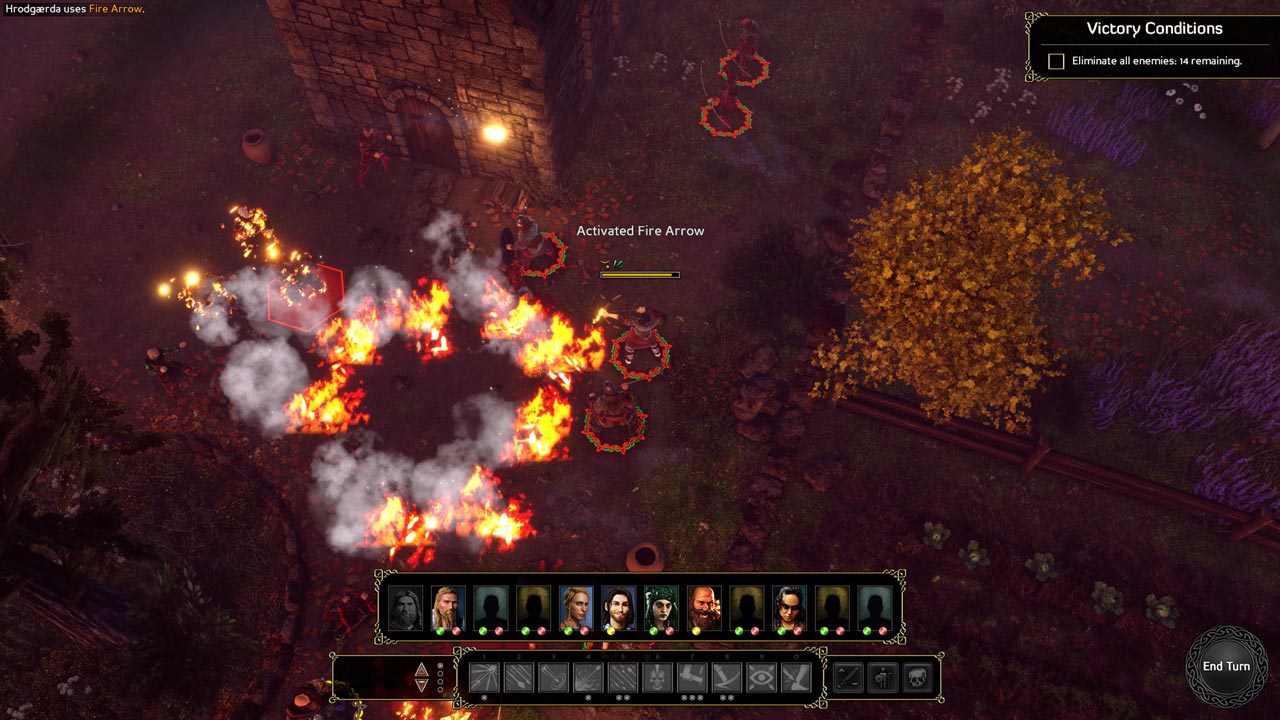
Get ready for a historical adventure! Logic Artists, the creators of Expeditions: Conquistador, are proud to present Expeditions: Viking.
Get ready for an exciting adventure
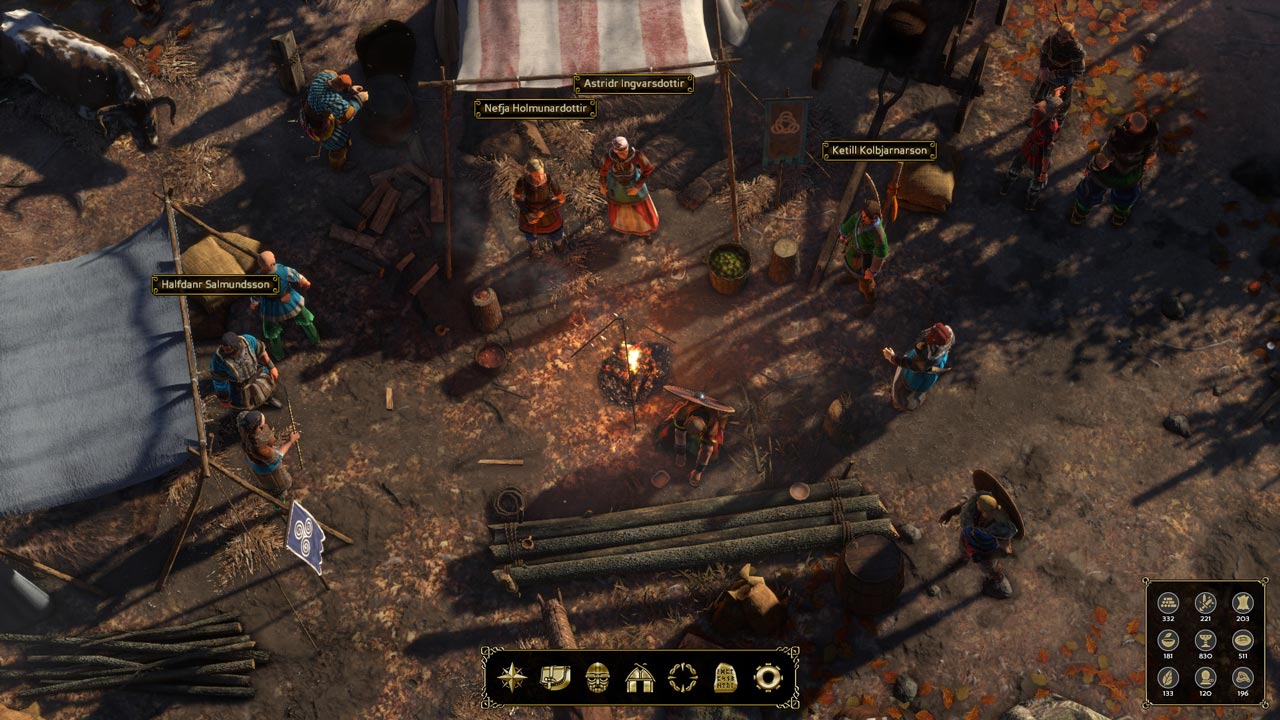
You have just become the leader of a small Viking clan, and you have your own village under your command. But in order to carve your name on the runestones of history, you will need great power and great wealth. Only in this way can you make the village famous and prosperous. The northern lands are stingy and barren, and you have to turn your eyes to the west - where, according to legend, there is an amazing island in the sea, full of treasures.
Hunt For Luck
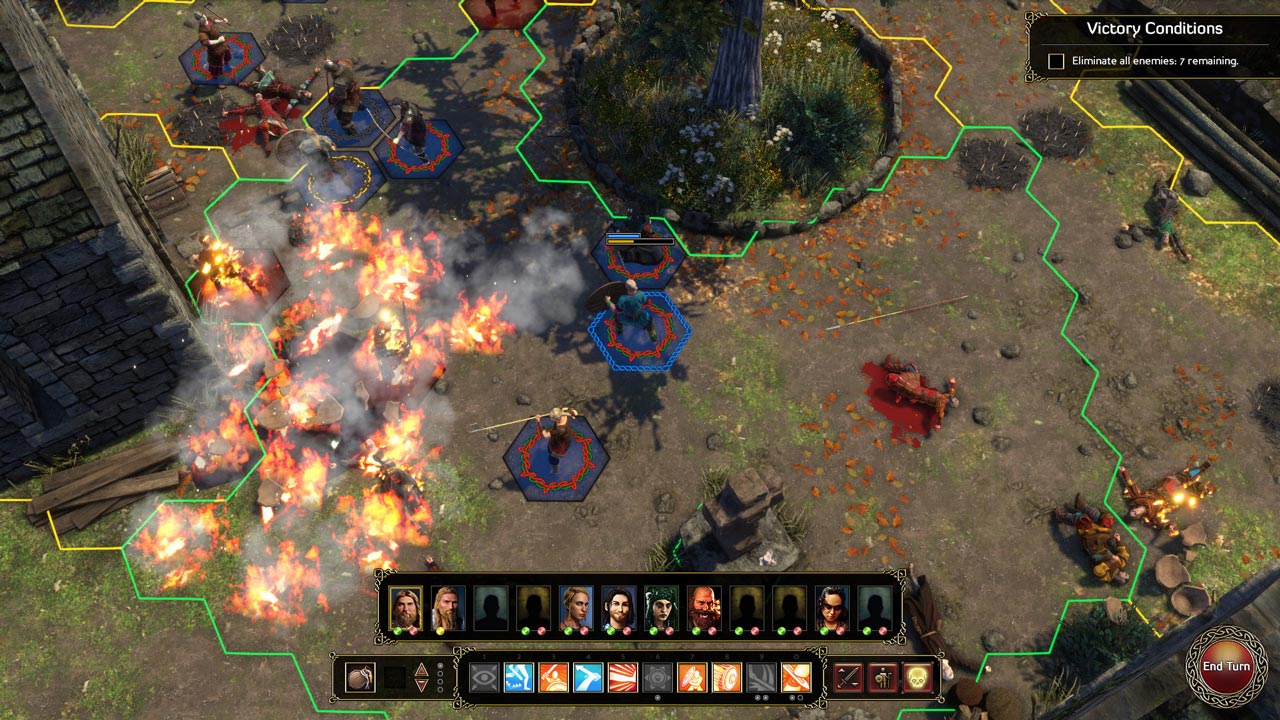
Your loyal Huscarls will follow you even to Valhalla if you command. But in order to leave a legacy of thousands of years, you will need more than just loyalty. Gather a squad of mighty warriors, build a ship and go across the sea in search of wealth and glory. Britain awaits you in Expeditions: Viking.
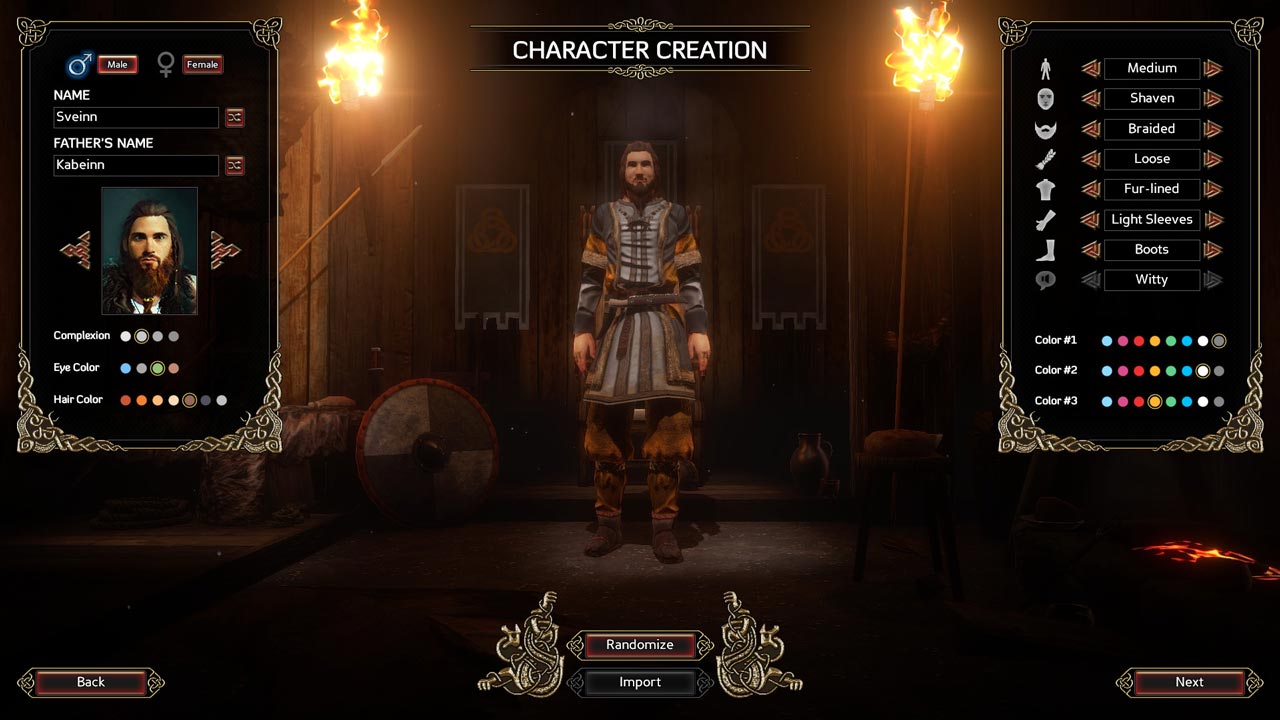
• Create your own Viking leader! Customize your character using a unique system where stats, skills and abilities determine the character´s role
• Raids or trade? The Vikings were known not only as ferocious warriors, but also as skilled traders. How will you take yours - iron or gold?
• War and politics: Make alliances with a wide variety of peoples, whether they are northerners, Picts or Angles
• Reputation: Choose carefully: stories about your actions may make others fear you, but will they trust you?
• Write your name on the pages of history: In the beautiful and cruel history of the northerners there is a place for you
=======================================
Activation
1. You need to download and install Steam http://steampowered.com/download/SteamInstall.msi (if not already installed)
2. Launch the Steam client
3. Create a new account on Steam or go to an existing one
4. Go to the "Games" section and select "Activate on Steam"
5. Enter the activation key you purchased
6. After that, the game will appear in your list of games and you can install it
! This key can only be activated on a Steam account registered in Russia, Ukraine or CIS countries
Game language: Russian (subtitles interface) / English
Release date: April 27, 2017
Platform: Windows
Region: RU / UA / CIS (Russia, Ukraine and CIS countries)
Activation: Steam
=======================================
Get ready for a historical adventure! Logic Artists, the creators of Expeditions: Conquistador, are proud to present Expeditions: Viking.
Get ready for an exciting adventure
You have just become the leader of a small Viking clan, and you have your own village under your command. But in order to carve your name on the runestones of history, you will need great power and great wealth. Only in this way can you make the village famous and prosperous. The northern lands are stingy and barren, and you have to turn your eyes to the west - where, according to legend, there is an amazing island in the sea, full of treasures.
Hunt For Luck
Your loyal Huscarls will follow you even to Valhalla if you command. But in order to leave a legacy of thousands of years, you will need more than just loyalty. Gather a squad of mighty warriors, build a ship and go across the sea in search of wealth and glory. Britain awaits you in Expeditions: Viking.
• Create your own Viking leader! Customize your character using a unique system where stats, skills and abilities determine the character´s role
• Raids or trade? The Vikings were known not only as ferocious warriors, but also as skilled traders. How will you take yours - iron or gold?
• War and politics: Make alliances with a wide variety of peoples, whether they are northerners, Picts or Angles
• Reputation: Choose carefully: stories about your actions may make others fear you, but will they trust you?
• Write your name on the pages of history: In the beautiful and cruel history of the northerners there is a place for you
=======================================
Activation
1. You need to download and install Steam http://steampowered.com/download/SteamInstall.msi (if not already installed)
2. Launch the Steam client
3. Create a new account on Steam or go to an existing one
4. Go to the "Games" section and select "Activate on Steam"
5. Enter the activation key you purchased
6. After that, the game will appear in your list of games and you can install it
! Before buying, please check the system requirements of the game and other parameters that interest you (they may change with time). This can be done on the sites Steam / Uplay / Origin or the official website of the publisher. Goods purchased by mistake, as well as unsuitable for system requirements or region of activation, can not be returned and exchanged!
Dear customers! Convincing request, if there are any problems with the purchased goods, do not leave a negative feedback immediately. Write us a message in the correspondence (the purchase page on the site Oplata.info). We will try to respond to your message as soon as possible and promptly solve the problem. We draw to the fact that the basis for the exchange or return of the purchased key (key), which gives an error when activated, can only be VIDEO RECORD of the purchase process and subsequent attempt to activate it (mandatory condition - the record should not contain editing features).
Our entire range: https://boardrussia.ru/digital-shop/seller/467960
We will be grateful for every positive feedback you have left after the purchase. Sincerely, the project team "AlternativA".
Dear customers! Convincing request, if there are any problems with the purchased goods, do not leave a negative feedback immediately. Write us a message in the correspondence (the purchase page on the site Oplata.info). We will try to respond to your message as soon as possible and promptly solve the problem. We draw to the fact that the basis for the exchange or return of the purchased key (key), which gives an error when activated, can only be VIDEO RECORD of the purchase process and subsequent attempt to activate it (mandatory condition - the record should not contain editing features).
Our entire range: https://boardrussia.ru/digital-shop/seller/467960
We will be grateful for every positive feedback you have left after the purchase. Sincerely, the project team "AlternativA".
26.08.2023 18:35:18
ключик рабочий, всё отлично!
11.03.2023 23:36:07
Купил, забрал, ввёл. Всё прошло хорошо.
19.02.2023 1:34:20
все хорошо и быстро
11.02.2022 23:56:23
Все отлично! Ключ пришел !
06.02.2022 17:39:18
Ключ пришел сразу, активировался без проблем (Украина). Продавцу спасибо за хорошую цену.
20.01.2020 8:55:27
Всё отлично. Всё пришло. Всё работает. Покупайте тут =)