This War of Mine Stories Season Pass🔑STEAM KEY🌎GLOBAL
Content: text (17 symbols)
Available: 19
Uploaded: 17.03.2025
Positive responses: 9
Negative responses: 0
Sold: 107
Refunds: 0
~ $1.51
The exact amount is on the payment page
⚠️ ! A Steam version of This War of Mine is required to run
Edition type: Steam Key / REGION FREE
🌎 This publication has no regional restrictions and is activated in any country in the world
Game language: Russian (interface + subtitles) / English
Release date: November 14, 2017
Platform: Windows
Region: Region Free (any country, no restrictions)
Activation: Steam
======================================================
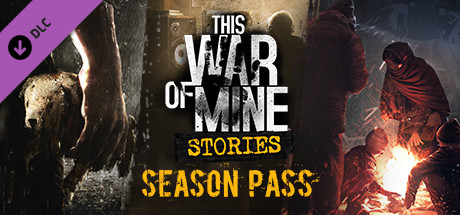
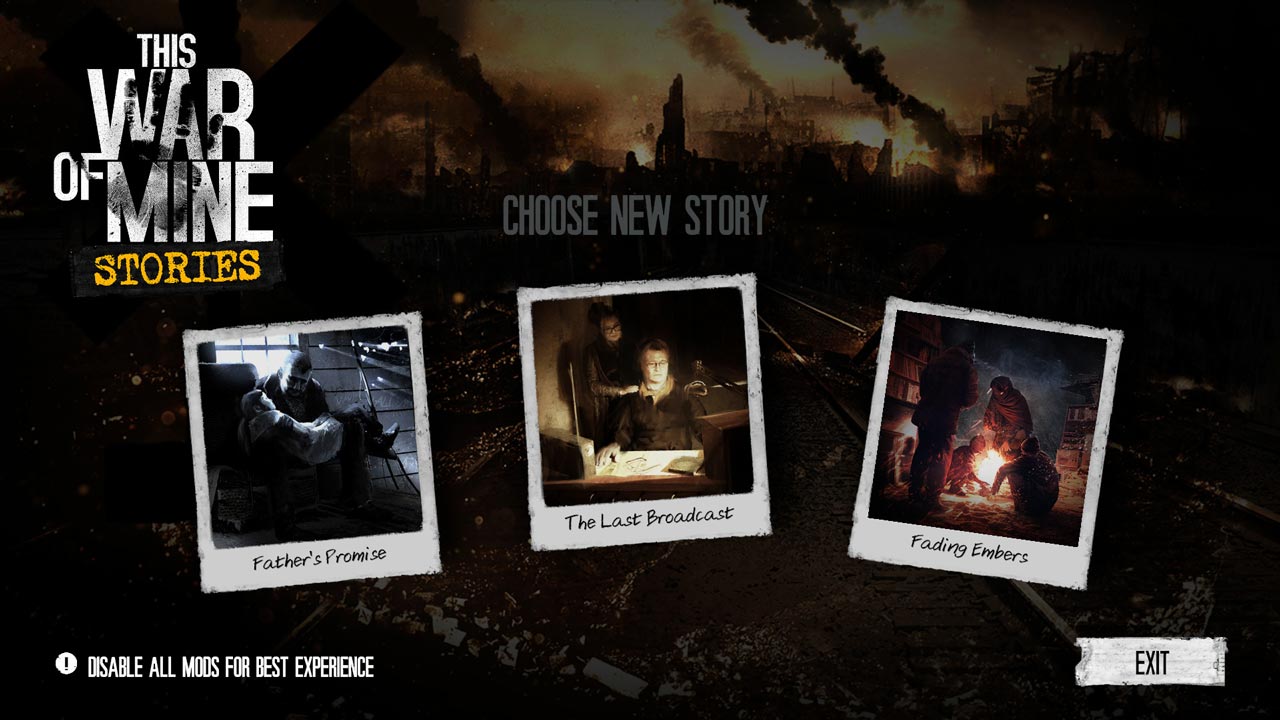
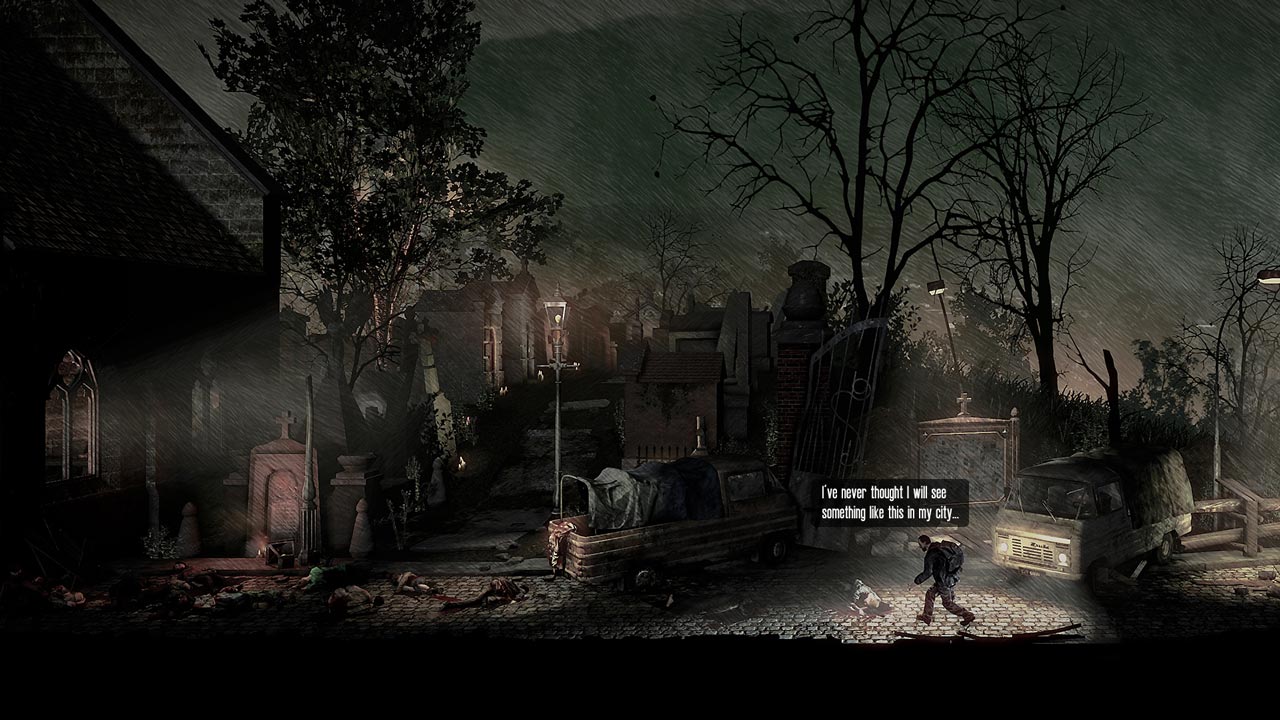
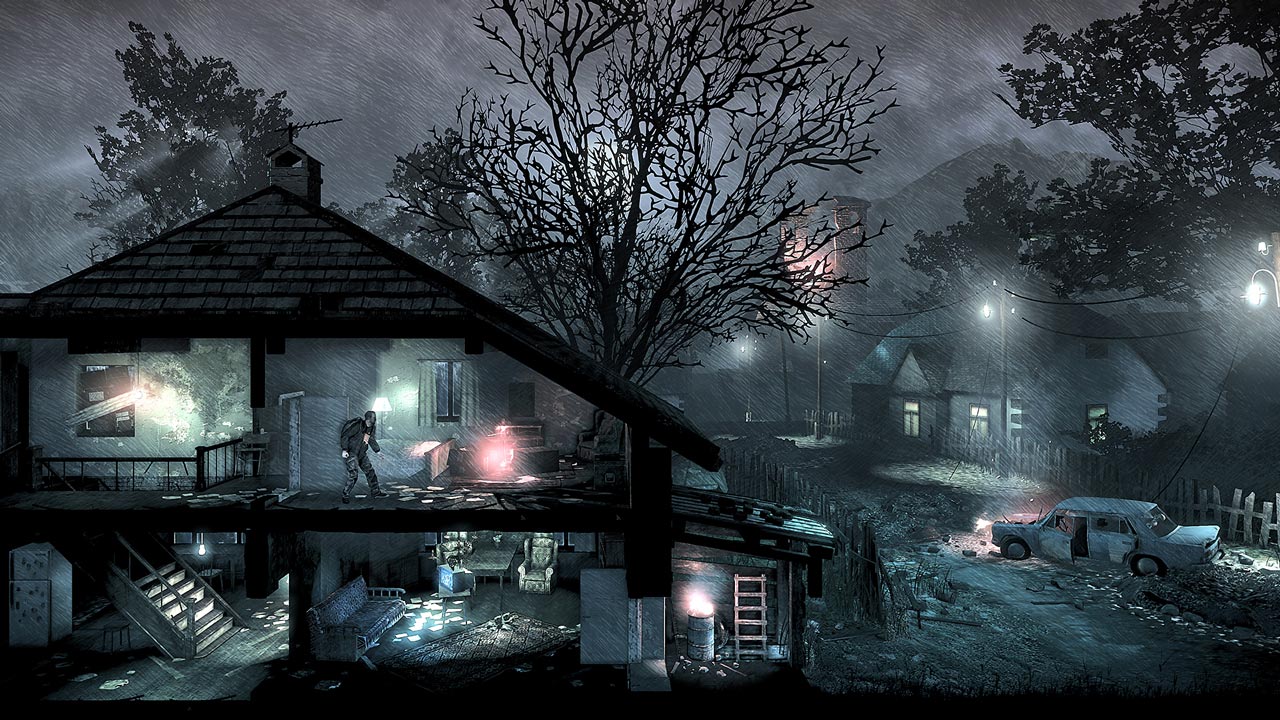
Get access to a complete set of three new stories in the world of This War of Mine.
This Season Pass allows you to save on content. All stories are available for download within the game and require the base game This War of Mine on Steam.
Episode 1: Father´s Promise: tells the story of a family fighting to preserve what remains of their humanity in cruel and desperate times.
• a new plot based on the audio drama of the famous Polish author Lukasz Orbitowski
• 4 completely new locations
• 5 redesigned updated locations
• new game mechanics: dialogues and a hint search system
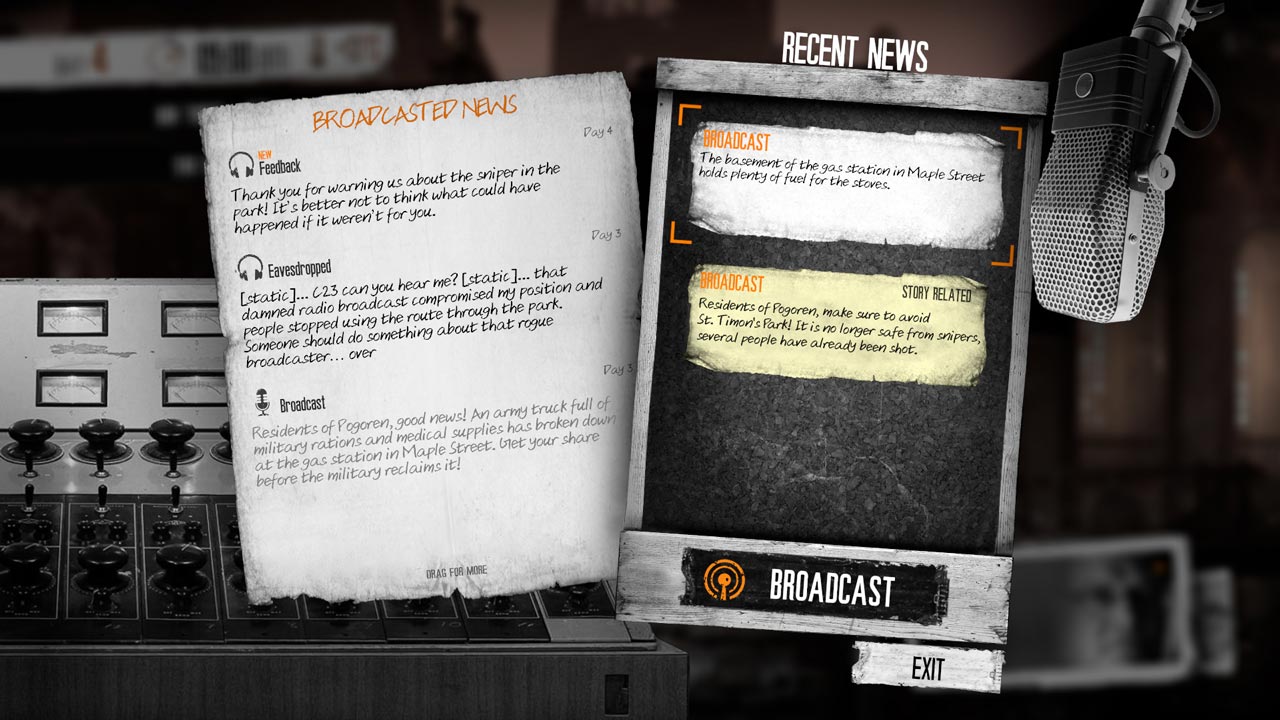
Episode 2: The Last Broadcast: Puts you in the shoes of a radio host who must decide what price he is willing to pay for the truth.
• 7 updated locations
• 4 new locations
• new shelter
• new playable characters
• new radio broadcast mechanics
• new mechanics of investigative journalism
• new dilemma mechanics
• non-linear plot with 6 different endings
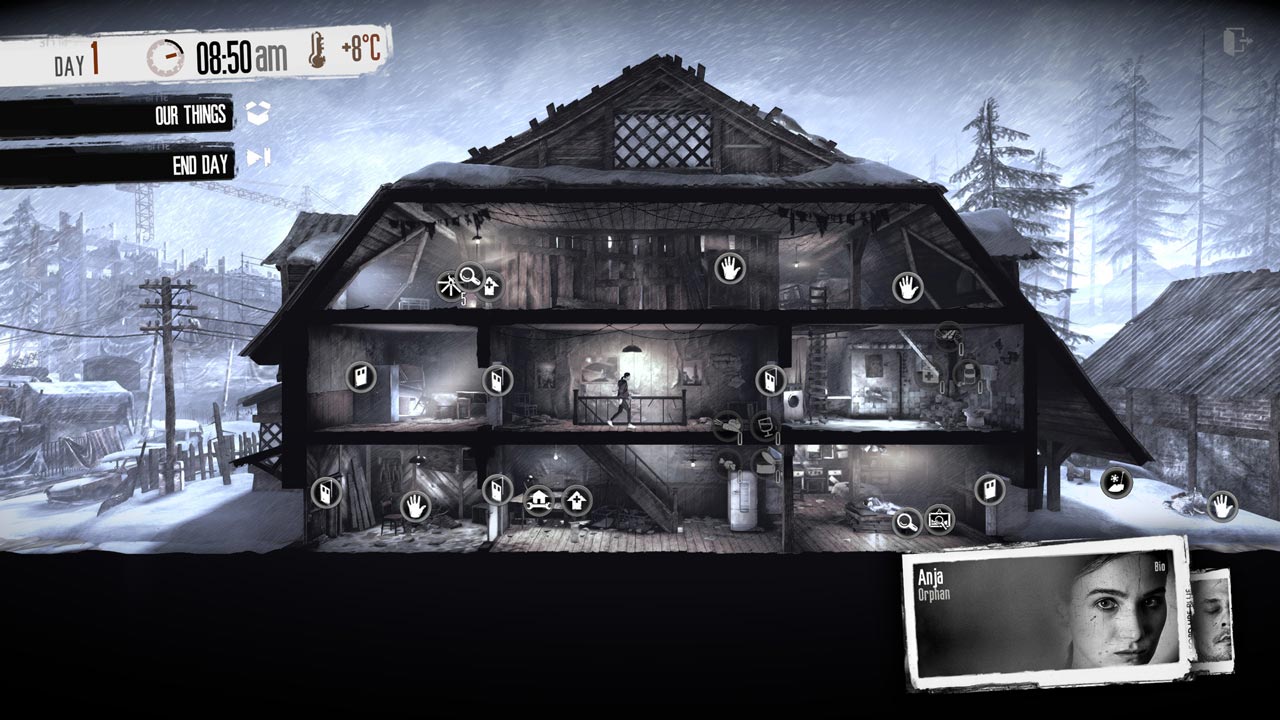
Episode 3: Fading Embers: tells the story of Anya, who, living in a war zone, must choose what is more valuable: cultural heritage or human life.
• new plot devices
• new hub where you can track your progress
• collection management mechanics, namely:
• ensuring the safety of exhibits
• the opportunity to find new works of art
• the need to decide the fate of the historical heritage
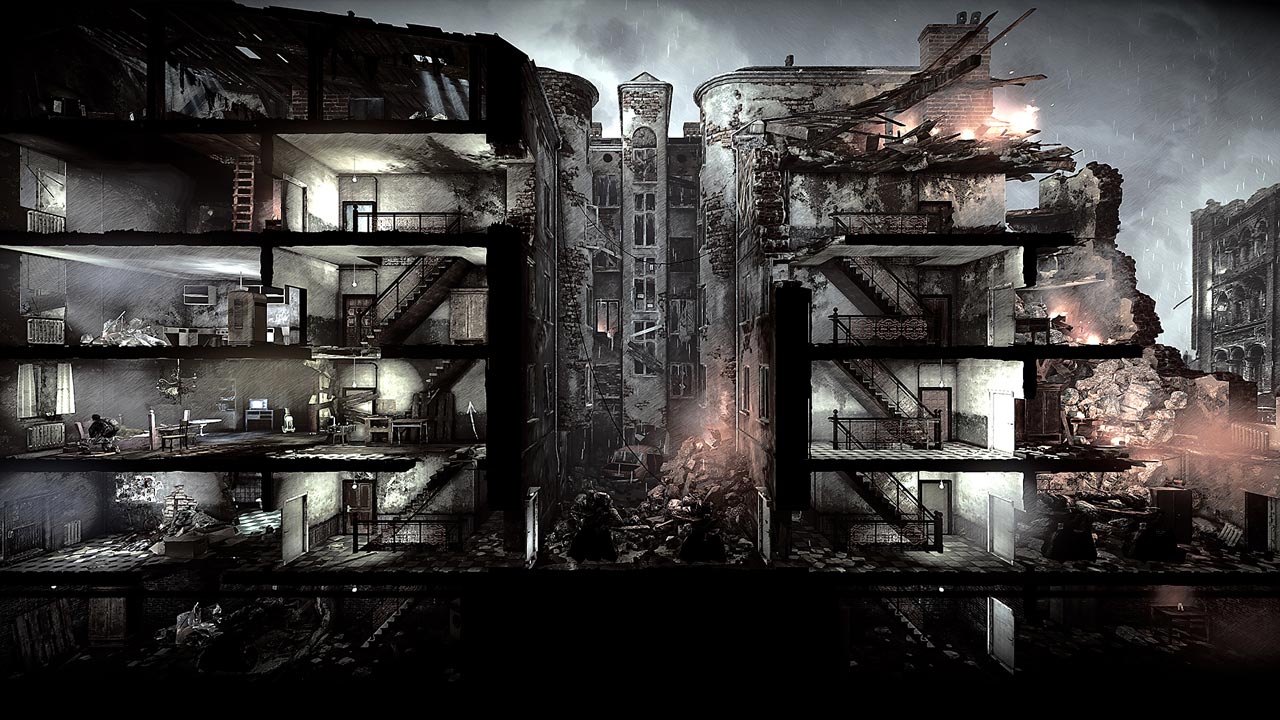
• completely new locations and scenery
• two new shelters
• 9 updated locations from the original game
• 3 new playable characters: Anya, Ruben and Zoran
======================================================
Activation
1. You need to download and install Steam http://steampowered.com/download/SteamInstall.msi (if not already installed)
2. Launch the Steam client
3. Create a new account on Steam or log into an existing one
4. Go to the “Games” section and select “Activate on Steam”
5. Enter the activation key you purchased
6. After this, the game will appear in your list of games and you can install it
Edition type: Steam Key / REGION FREE
🌎 This publication has no regional restrictions and is activated in any country in the world
Game language: Russian (interface + subtitles) / English
Release date: November 14, 2017
Platform: Windows
Region: Region Free (any country, no restrictions)
Activation: Steam
======================================================
Get access to a complete set of three new stories in the world of This War of Mine.
This Season Pass allows you to save on content. All stories are available for download within the game and require the base game This War of Mine on Steam.
Episode 1: Father´s Promise: tells the story of a family fighting to preserve what remains of their humanity in cruel and desperate times.
• a new plot based on the audio drama of the famous Polish author Lukasz Orbitowski
• 4 completely new locations
• 5 redesigned updated locations
• new game mechanics: dialogues and a hint search system
Episode 2: The Last Broadcast: Puts you in the shoes of a radio host who must decide what price he is willing to pay for the truth.
• 7 updated locations
• 4 new locations
• new shelter
• new playable characters
• new radio broadcast mechanics
• new mechanics of investigative journalism
• new dilemma mechanics
• non-linear plot with 6 different endings
Episode 3: Fading Embers: tells the story of Anya, who, living in a war zone, must choose what is more valuable: cultural heritage or human life.
• new plot devices
• new hub where you can track your progress
• collection management mechanics, namely:
• ensuring the safety of exhibits
• the opportunity to find new works of art
• the need to decide the fate of the historical heritage
• completely new locations and scenery
• two new shelters
• 9 updated locations from the original game
• 3 new playable characters: Anya, Ruben and Zoran
======================================================
Activation
1. You need to download and install Steam http://steampowered.com/download/SteamInstall.msi (if not already installed)
2. Launch the Steam client
3. Create a new account on Steam or log into an existing one
4. Go to the “Games” section and select “Activate on Steam”
5. Enter the activation key you purchased
6. After this, the game will appear in your list of games and you can install it
! Before buying, please check the system requirements of the game and other parameters that interest you (they may change with time). This can be done on the sites Steam / Uplay / Origin or the official website of the publisher. Goods purchased by mistake, as well as unsuitable for system requirements or region of activation, can not be returned and exchanged!
Dear customers! Convincing request, if there are any problems with the purchased goods, do not leave a negative feedback immediately. Write us a message in the correspondence (the purchase page on the site Oplata.info). We will try to respond to your message as soon as possible and promptly solve the problem. We draw to the fact that the basis for the exchange or return of the purchased key (key), which gives an error when activated, can only be VIDEO RECORD of the purchase process and subsequent attempt to activate it (mandatory condition - the record should not contain editing features).
Our entire range: https://boardrussia.ru/digital-shop/seller/467960
We will be grateful for every positive feedback you have left after the purchase. Sincerely, the project team "AlternativA".
Dear customers! Convincing request, if there are any problems with the purchased goods, do not leave a negative feedback immediately. Write us a message in the correspondence (the purchase page on the site Oplata.info). We will try to respond to your message as soon as possible and promptly solve the problem. We draw to the fact that the basis for the exchange or return of the purchased key (key), which gives an error when activated, can only be VIDEO RECORD of the purchase process and subsequent attempt to activate it (mandatory condition - the record should not contain editing features).
Our entire range: https://boardrussia.ru/digital-shop/seller/467960
We will be grateful for every positive feedback you have left after the purchase. Sincerely, the project team "AlternativA".
07.11.2024 20:14:43
Good
20.09.2024 22:20:14
Все отлично прошло.
15.05.2024 22:51:22
Покупкой доволен. Спасибо!
17.01.2024 23:40:21
рекомендую
25.06.2023 15:31:24
+
05.01.2023 14:00:35
+
21.10.2022 7:01:44
Пришло моментально. Спасибо!!!
23.11.2021 19:24:16
spasibo. aktiviroval. vse - ok
16.07.2020 23:38:07
все супер