Rain of Reflections: Set Free 🔑STEAM KEY ✔️GLOBAL
Content: text (17 symbols)
Available: 5
Uploaded: 02.11.2024
Positive responses: 3
Negative responses: 0
Sold: 6
Refunds: 0
~ $0.98
The exact amount is on the payment page


Edition type: Steam Key (key) / ROW / REGION FREE
This edition has no regional restrictions
Game language: English
Release date: October 4, 2019
Platform: Windows
Region: Region Free (unlimited)
Activation: Steam
========================================
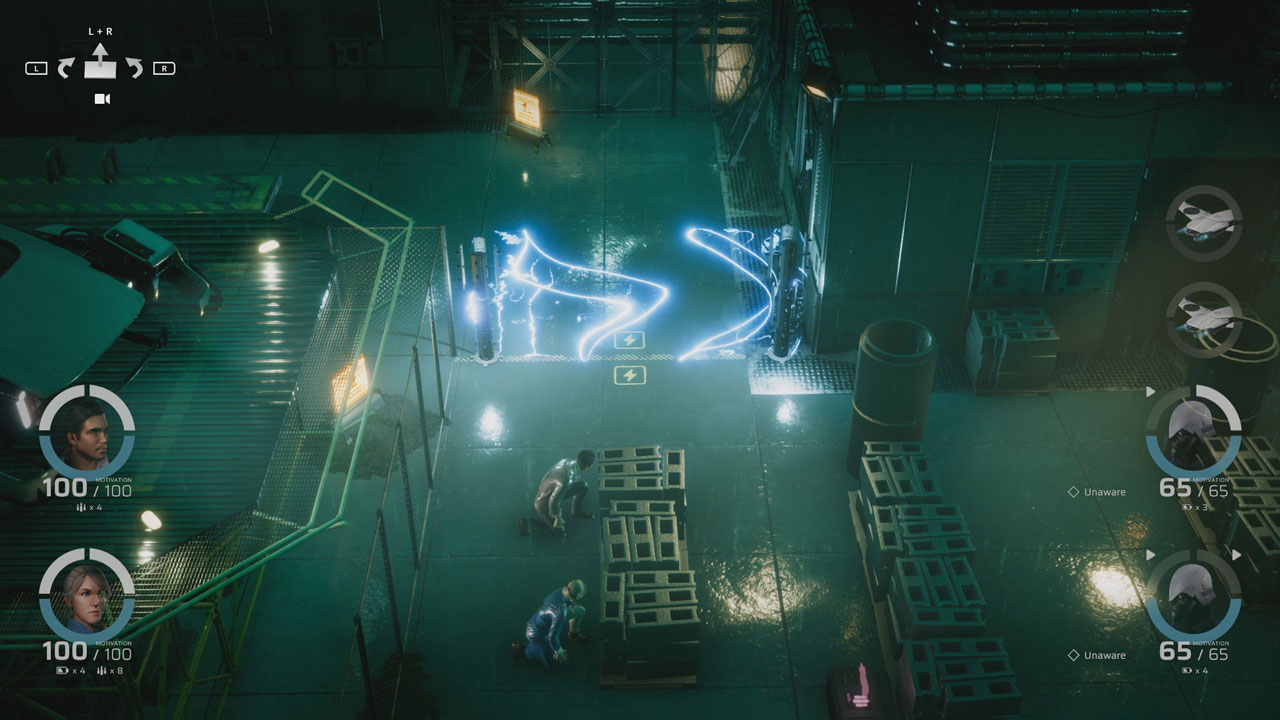
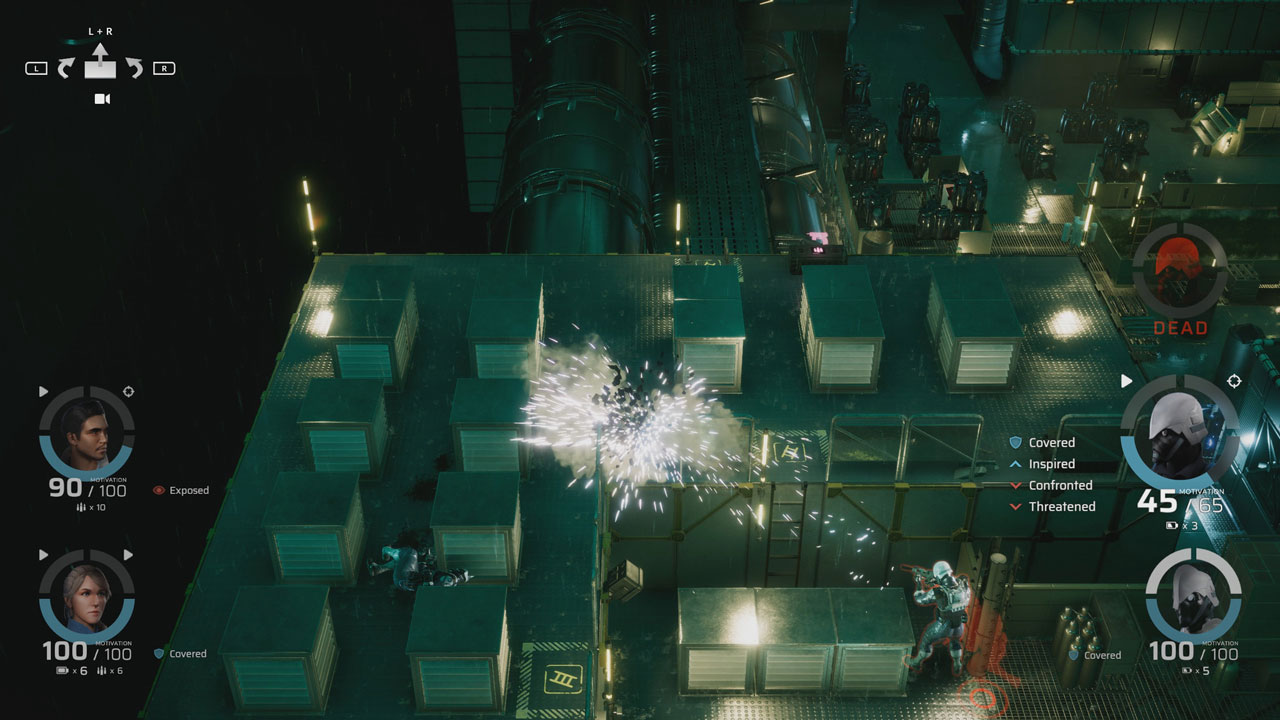
Rain of Reflections is an atmospheric dystopian adventure game. His turn-based strategic confrontations focus exclusively on the mechanics of motivation. Every move and choice made by the player is permanent and will have consequences for the world and its characters.
The introductory chapter, Freeing, is dedicated to Vilone, a scientist working to solve the problem of sudden infertility in our future world. When she begins to question the morality of the experiments, she decides to free the living object - the last child - from captivity. It will be difficult as powerful forces try to stop her.
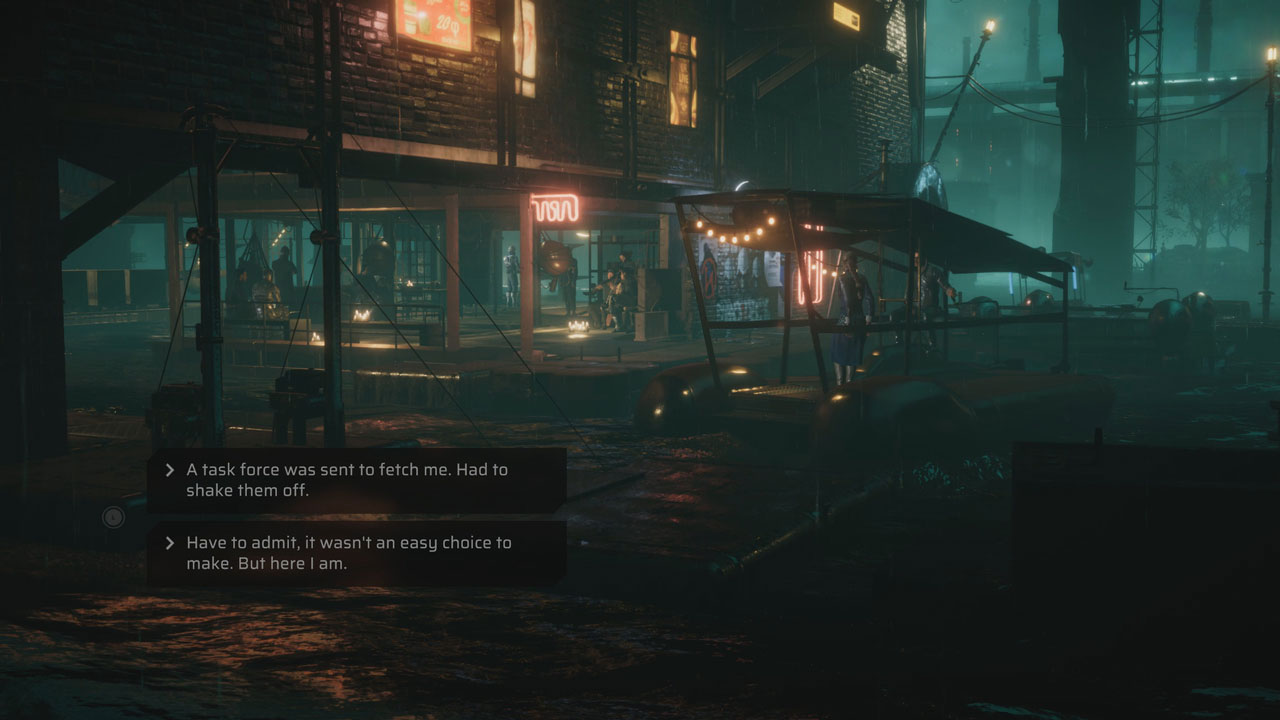
• Actively choose every line spoken by the protagonist to convince, neutralize or outsmart many strong-willed and multifaceted characters in fully voiced dialogues.
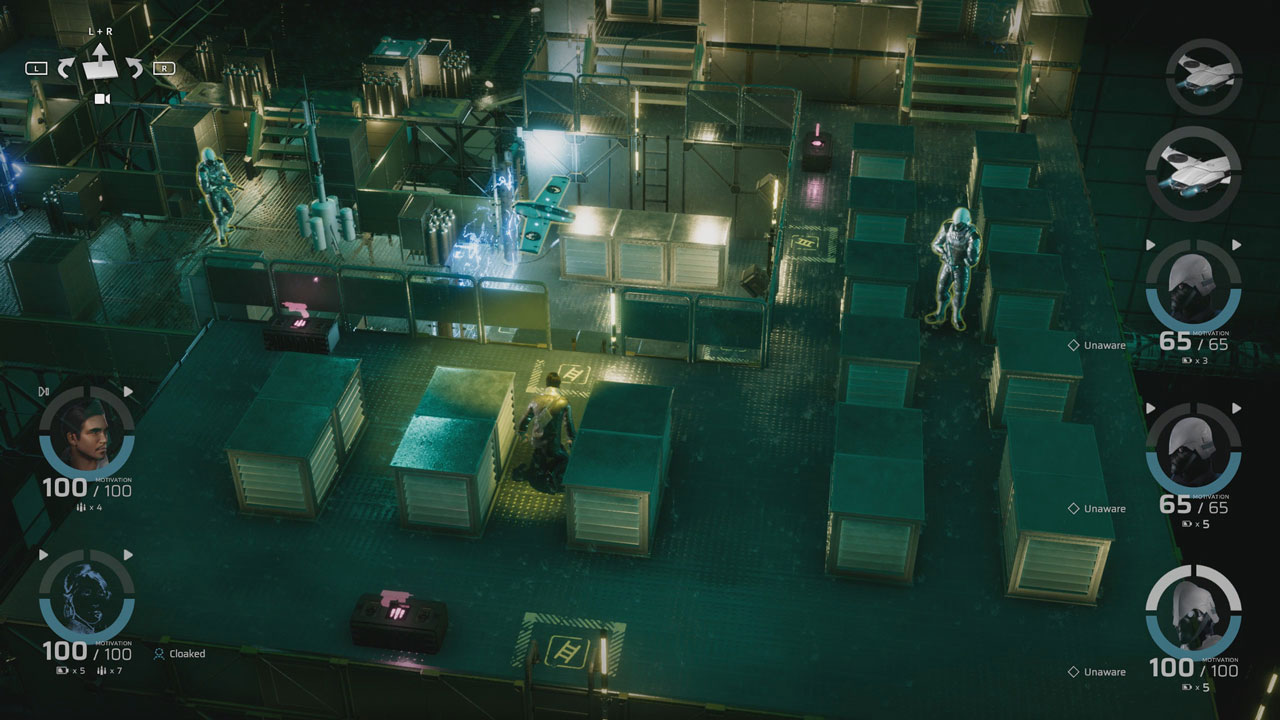
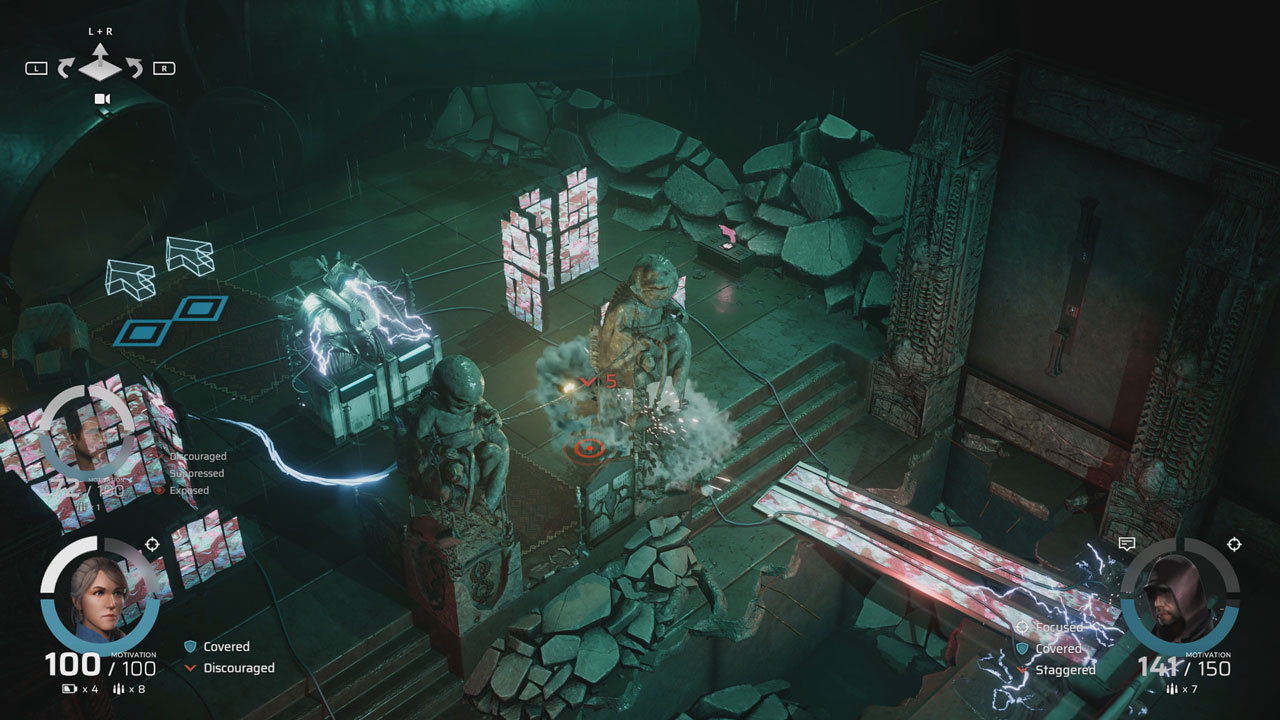
• Explore a richly diverse environment, ranging from a sophisticated high-end trunk to the flooded slums of the Trench, the winding Temple, a heavily guarded recycling plant and cold clinical laboratories.
• Participate in a turn-based strategy system with a range of tactical options, where you can easily select inconspicuous movement, speak or open fire with accurate, timed shots that cause destruction of the environment and affect the motivation of the enemy.
• Hack computer systems, pick locks and eavesdrop on radio frequencies, solving various puzzles.
• Choose a way to play - hover your mouse over your character and click him where you want him to go, or get direct control over his movement with a gamepad.
• Consider every choice in a system that stops, waiting for every input, but make sure you are careful - once a choice is made, its consequences will be final and can affect the characters living or dying, and even the outcome of the story itself. ..
========================================
Activation
1. You need to download and install Steam http://steampowered.com/download/SteamInstall.msi (if not already installed)
2. Launch the Steam client
3. Create a new account on Steam or go to an existing one
4. Go to the "Games" section and select "Activate on Steam"
5. Enter the activation key you purchased
6. After that, the game will appear in your list of games and you can install it
This edition has no regional restrictions
Game language: English
Release date: October 4, 2019
Platform: Windows
Region: Region Free (unlimited)
Activation: Steam
========================================
Rain of Reflections is an atmospheric dystopian adventure game. His turn-based strategic confrontations focus exclusively on the mechanics of motivation. Every move and choice made by the player is permanent and will have consequences for the world and its characters.
The introductory chapter, Freeing, is dedicated to Vilone, a scientist working to solve the problem of sudden infertility in our future world. When she begins to question the morality of the experiments, she decides to free the living object - the last child - from captivity. It will be difficult as powerful forces try to stop her.
• Actively choose every line spoken by the protagonist to convince, neutralize or outsmart many strong-willed and multifaceted characters in fully voiced dialogues.
• Explore a richly diverse environment, ranging from a sophisticated high-end trunk to the flooded slums of the Trench, the winding Temple, a heavily guarded recycling plant and cold clinical laboratories.
• Participate in a turn-based strategy system with a range of tactical options, where you can easily select inconspicuous movement, speak or open fire with accurate, timed shots that cause destruction of the environment and affect the motivation of the enemy.
• Hack computer systems, pick locks and eavesdrop on radio frequencies, solving various puzzles.
• Choose a way to play - hover your mouse over your character and click him where you want him to go, or get direct control over his movement with a gamepad.
• Consider every choice in a system that stops, waiting for every input, but make sure you are careful - once a choice is made, its consequences will be final and can affect the characters living or dying, and even the outcome of the story itself. ..
========================================
Activation
1. You need to download and install Steam http://steampowered.com/download/SteamInstall.msi (if not already installed)
2. Launch the Steam client
3. Create a new account on Steam or go to an existing one
4. Go to the "Games" section and select "Activate on Steam"
5. Enter the activation key you purchased
6. After that, the game will appear in your list of games and you can install it
! Before buying, please check the system requirements of the game and other parameters that interest you (they may change with time). This can be done on the sites Steam / Uplay / Origin or the official website of the publisher. Goods purchased by mistake, as well as unsuitable for system requirements or region of activation, can not be returned and exchanged!
Dear customers! Convincing request, if there are any problems with the purchased goods, do not leave a negative feedback immediately. Write us a message in the correspondence (the purchase page on the site Oplata.info). We will try to respond to your message as soon as possible and promptly solve the problem. We draw to the fact that the basis for the exchange or return of the purchased key (key), which gives an error when activated, can only be VIDEO RECORD of the purchase process and subsequent attempt to activate it (mandatory condition - the record should not contain editing features).
Our entire range: https://boardrussia.ru/digital-shop/seller/467960
We will be grateful for every positive feedback you have left after the purchase. Sincerely, the project team "AlternativA".
Dear customers! Convincing request, if there are any problems with the purchased goods, do not leave a negative feedback immediately. Write us a message in the correspondence (the purchase page on the site Oplata.info). We will try to respond to your message as soon as possible and promptly solve the problem. We draw to the fact that the basis for the exchange or return of the purchased key (key), which gives an error when activated, can only be VIDEO RECORD of the purchase process and subsequent attempt to activate it (mandatory condition - the record should not contain editing features).
Our entire range: https://boardrussia.ru/digital-shop/seller/467960
We will be grateful for every positive feedback you have left after the purchase. Sincerely, the project team "AlternativA".
25.04.2025 21:25:22
+rep быстро
06.10.2024 15:01:45
Быстрая доставка! Отличные цены! Рекомендую!
23.06.2024 13:15:27
Все отлично !!! Спасибо продавцу.