WWE 2K Battlegrounds 🔑STEAM KEY 🔥RUSSIA + CIS
Content: text (17 symbols)
Available: 9
Uploaded: 27.03.2025
Positive responses: 5
Negative responses: 0
Sold: 21
Refunds: 0
~ $3.39
The exact amount is on the payment page
Publication type: Steam Key / RU / UA / CIS
! This key can only be activated on a Steam account registered in Russia, Ukraine or CIS countries
Game language: English
Release date: September 18, 2020
Platform: Windows
Region: RU / UA / CIS (Russia, Ukraine and CIS countries)
Activation: Steam
======================================================
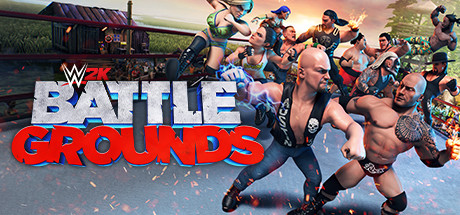
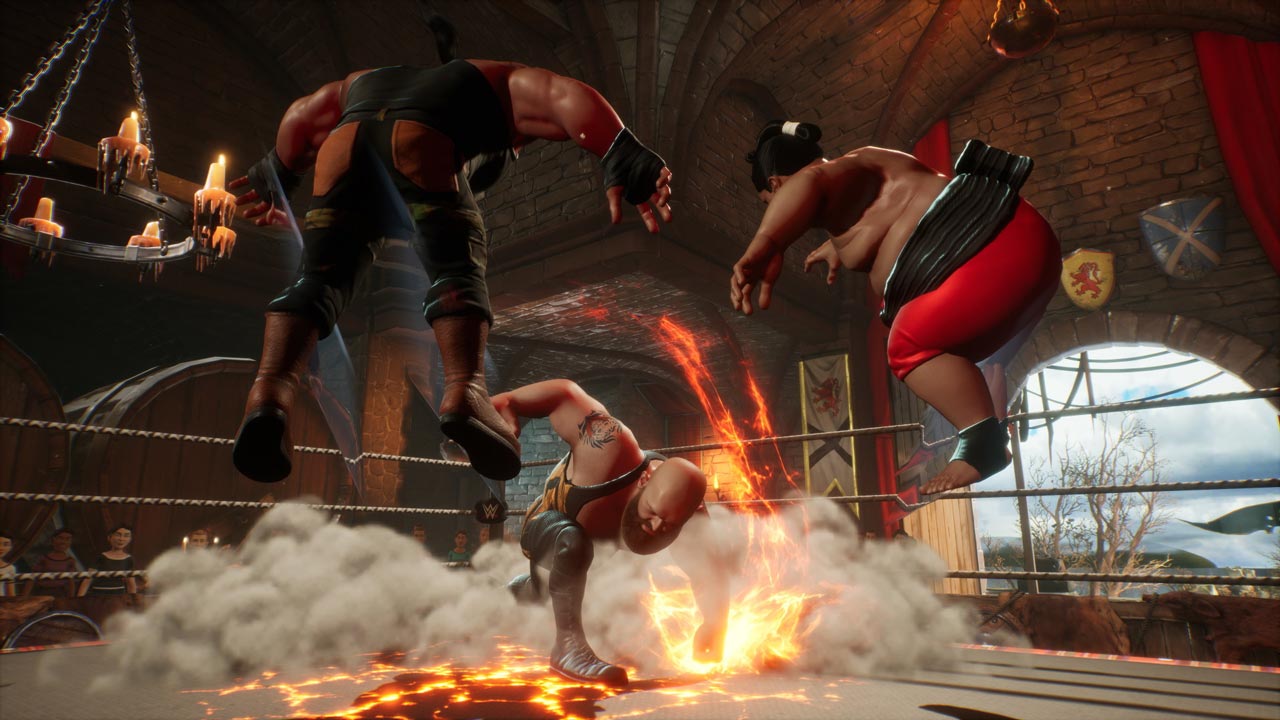
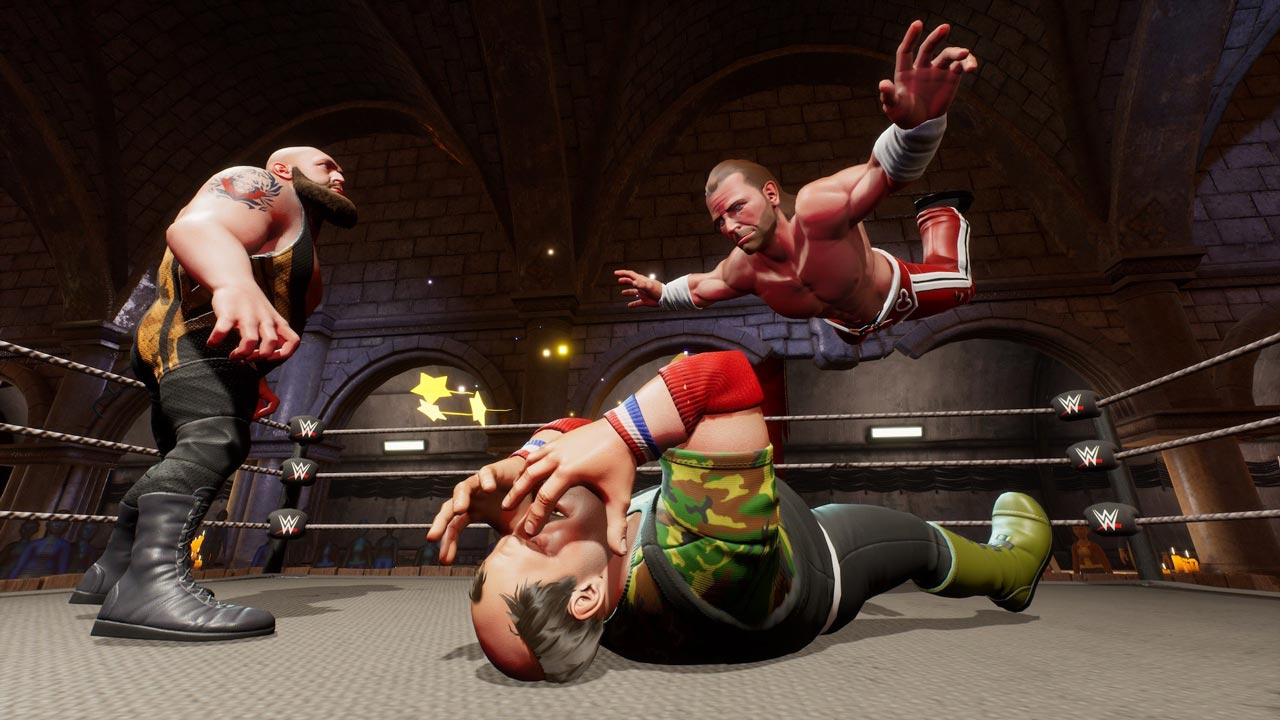
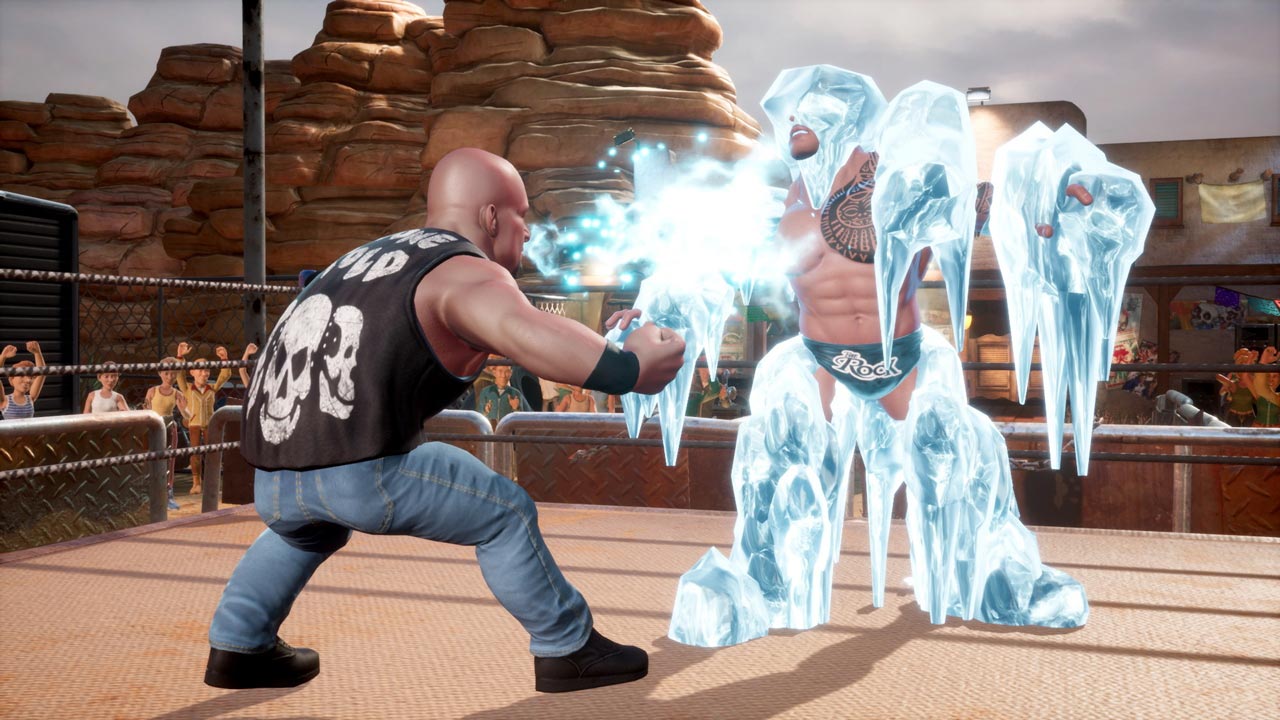
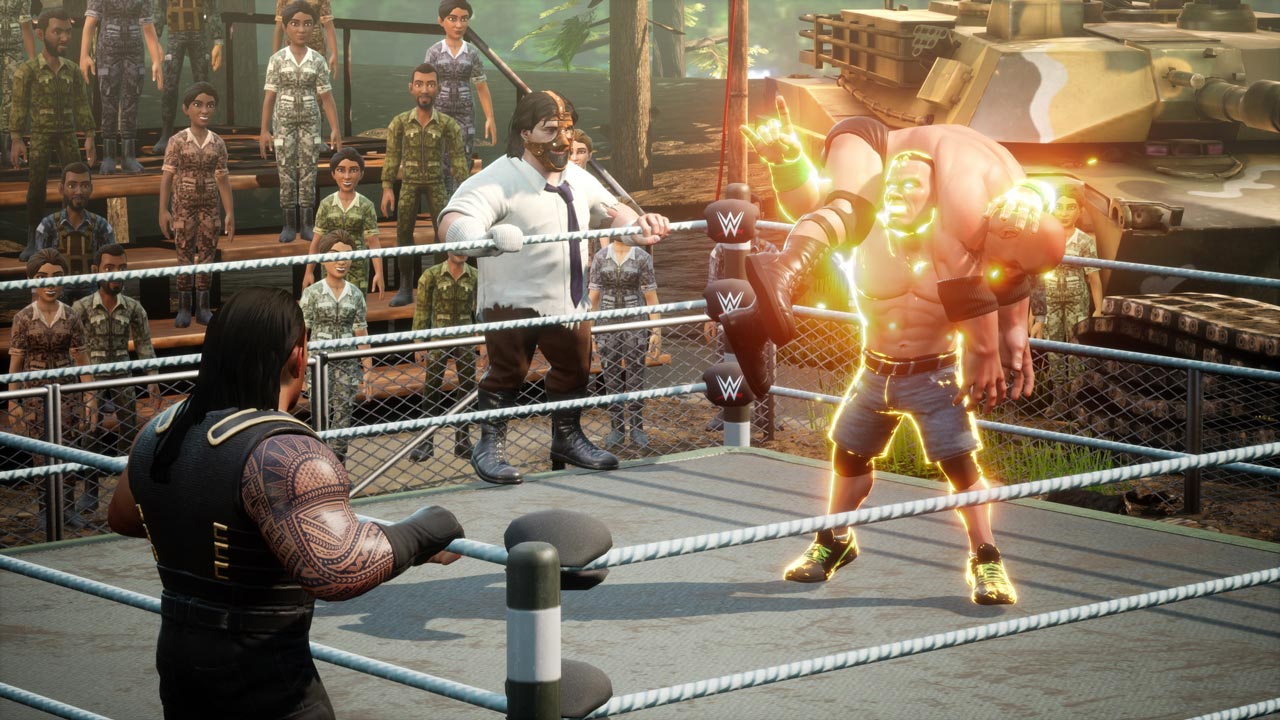
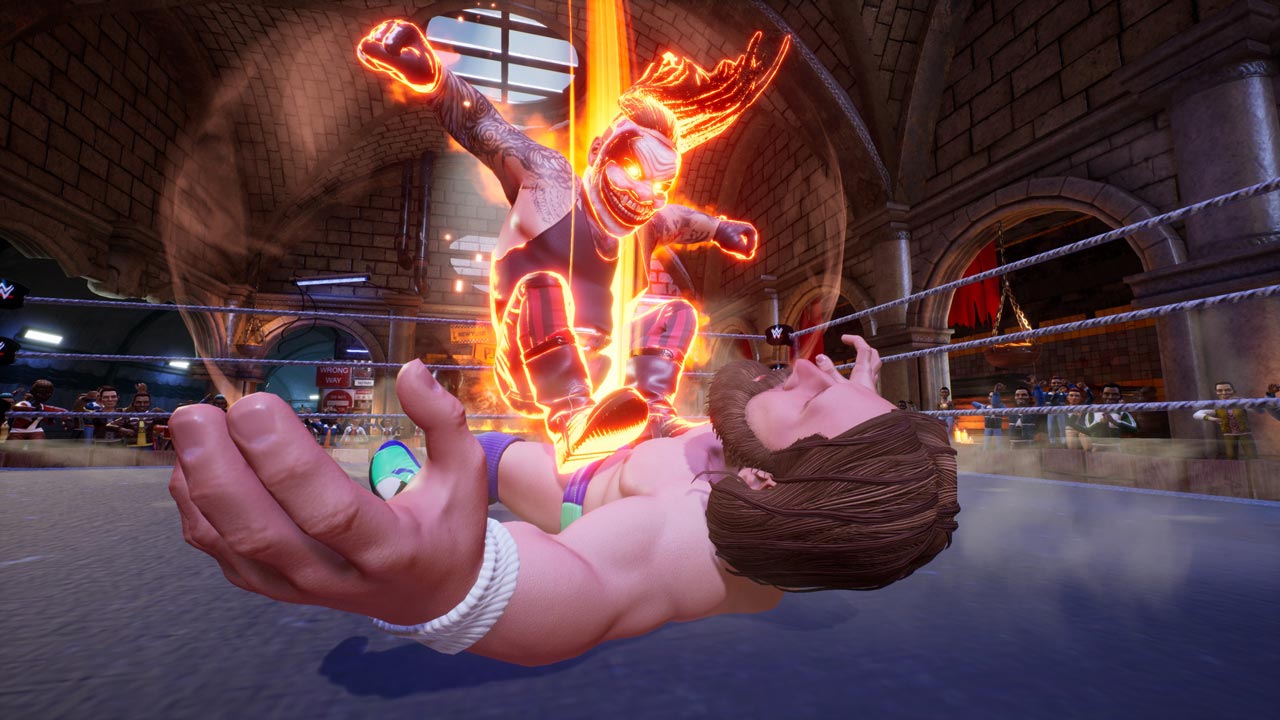
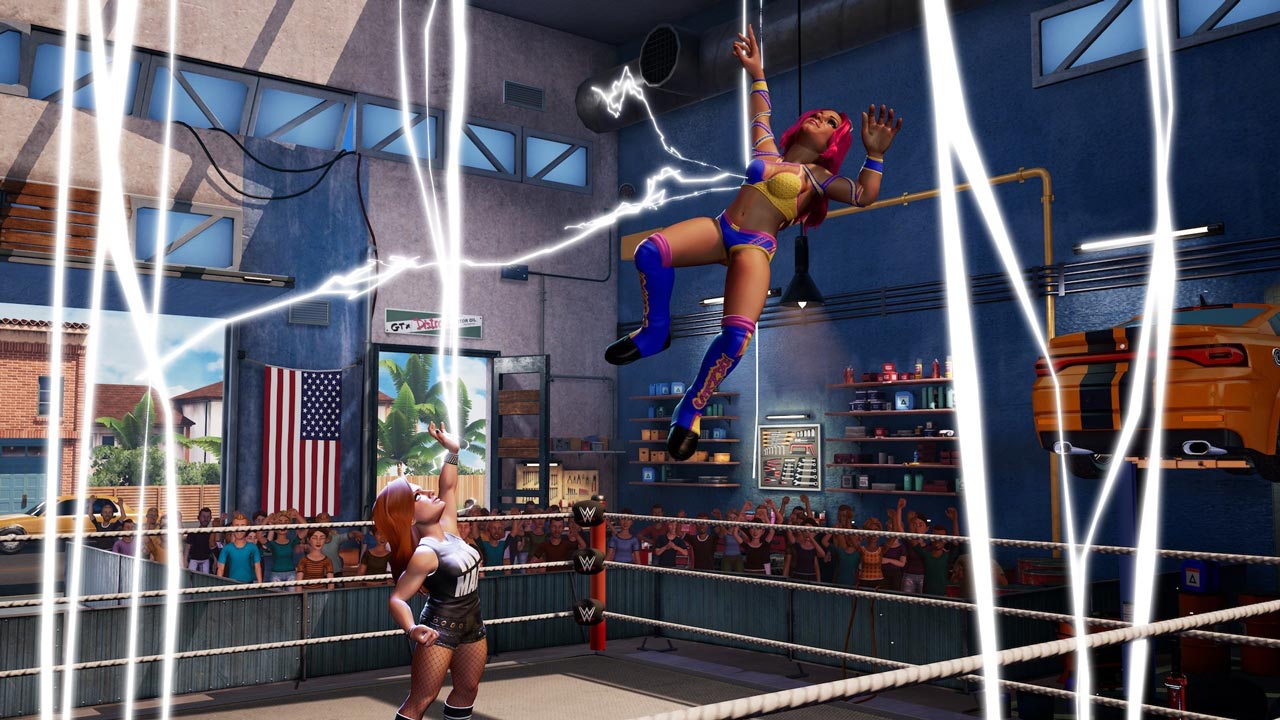
WWE 2K Battlegrounds is a stunning new arcade game where your favorite WWE Superstars and Legends battle it out in interactive arenas around the world. A whole arsenal of techniques, special skills and power-ups are used. Compete in match types like Steel Cage, Royal Rumble, Fatal Four Way and many more, with Mauro Ranallo and Jerry "The King" Lawler providing commentary for all the action! Are you ready to enter the arena?
Complete chaos!
Choose your favorite WWE Superstars and Legends and take them into battle. No rules, no restrictions - just chaos! Perform spectacular moves and special skills in interactive arenas to crush your opponents!
Fight all over the world!
Follow the comic book storyline and join Paul Heyman and Stone Cold Steve Austin to find new WWE Superstars. Pit newcomers against popular WWE Superstars, test your mettle and show off your power as you unlock new characters and arenas.
This is your battlefield!
WWE 2K Battlegrounds´ extensive customization options help you create the unique characters and arenas of your dreams!
Lots of match types
Cause real carnage in match types like Steel Cage, Royal Rumble and Fatal Four Way with unexpected twists and get ready for a new Arena Challenge!
Fight locally and online!
Participate in online tournaments and prove to players from all over the world that you are worthy of the title of King of the Arena, or play local matches with your friends and show them that they are no match for you.
======================================================
Activation
1. You need to download and install Steam http://steampowered.com/download/SteamInstall.msi (if not already installed)
2. Launch the Steam client
3. Create a new account on Steam or log into an existing one
4. Go to the “Games” section and select “Activate on Steam”
5. Enter the activation key you purchased
6. After this, the game will appear in your list of games and you can install it
! This key can only be activated on a Steam account registered in Russia, Ukraine or CIS countries
Game language: English
Release date: September 18, 2020
Platform: Windows
Region: RU / UA / CIS (Russia, Ukraine and CIS countries)
Activation: Steam
======================================================
WWE 2K Battlegrounds is a stunning new arcade game where your favorite WWE Superstars and Legends battle it out in interactive arenas around the world. A whole arsenal of techniques, special skills and power-ups are used. Compete in match types like Steel Cage, Royal Rumble, Fatal Four Way and many more, with Mauro Ranallo and Jerry "The King" Lawler providing commentary for all the action! Are you ready to enter the arena?
Complete chaos!
Choose your favorite WWE Superstars and Legends and take them into battle. No rules, no restrictions - just chaos! Perform spectacular moves and special skills in interactive arenas to crush your opponents!
Fight all over the world!
Follow the comic book storyline and join Paul Heyman and Stone Cold Steve Austin to find new WWE Superstars. Pit newcomers against popular WWE Superstars, test your mettle and show off your power as you unlock new characters and arenas.
This is your battlefield!
WWE 2K Battlegrounds´ extensive customization options help you create the unique characters and arenas of your dreams!
Lots of match types
Cause real carnage in match types like Steel Cage, Royal Rumble and Fatal Four Way with unexpected twists and get ready for a new Arena Challenge!
Fight locally and online!
Participate in online tournaments and prove to players from all over the world that you are worthy of the title of King of the Arena, or play local matches with your friends and show them that they are no match for you.
======================================================
Activation
1. You need to download and install Steam http://steampowered.com/download/SteamInstall.msi (if not already installed)
2. Launch the Steam client
3. Create a new account on Steam or log into an existing one
4. Go to the “Games” section and select “Activate on Steam”
5. Enter the activation key you purchased
6. After this, the game will appear in your list of games and you can install it
! Before buying, please check the system requirements of the game and other parameters that interest you (they may change with time). This can be done on the sites Steam / Uplay / Origin or the official website of the publisher. Goods purchased by mistake, as well as unsuitable for system requirements or region of activation, can not be returned and exchanged!
Dear customers! Convincing request, if there are any problems with the purchased goods, do not leave a negative feedback immediately. Write us a message in the correspondence (the purchase page on the site Oplata.info). We will try to respond to your message as soon as possible and promptly solve the problem. We draw to the fact that the basis for the exchange or return of the purchased key (key), which gives an error when activated, can only be VIDEO RECORD of the purchase process and subsequent attempt to activate it (mandatory condition - the record should not contain editing features).
Our entire range: https://boardrussia.ru/digital-shop/seller/467960
We will be grateful for every positive feedback you have left after the purchase. Sincerely, the project team "AlternativA".
Dear customers! Convincing request, if there are any problems with the purchased goods, do not leave a negative feedback immediately. Write us a message in the correspondence (the purchase page on the site Oplata.info). We will try to respond to your message as soon as possible and promptly solve the problem. We draw to the fact that the basis for the exchange or return of the purchased key (key), which gives an error when activated, can only be VIDEO RECORD of the purchase process and subsequent attempt to activate it (mandatory condition - the record should not contain editing features).
Our entire range: https://boardrussia.ru/digital-shop/seller/467960
We will be grateful for every positive feedback you have left after the purchase. Sincerely, the project team "AlternativA".
04.12.2025 19:18:34
++++
30.09.2025 21:24:45
spasibo
13.08.2025 1:12:30
Всё получил, спасибо!
04.08.2023 11:23:40
Спасибо
06.05.2023 22:29:45
Все отлично