Moving Out (STEAM KEY) RU+CIS
Content: text (0 symbol)
Available: 22
Uploaded: 17.12.2025
Positive responses: 31
Negative responses: 0
Sold: 282
Refunds: 0
~ $3.99
The exact amount is on the payment page
Type of publication: STEAM KEY / RU / UA / KZ / CIS
⚠️ ! This key can only be activated on a Steam account registered in Russia, Ukraine, Kazakhstan and other CIS countries
Game language: Russian (subtitles + interface) / English
Release date: April 28, 2020
Platform: Windows
Region: RU / UA / KZ / CIS (Russia, Ukraine, Kazakhstan and other CIS countries)
Activation: Steam
============================================
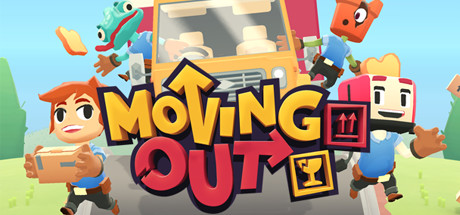
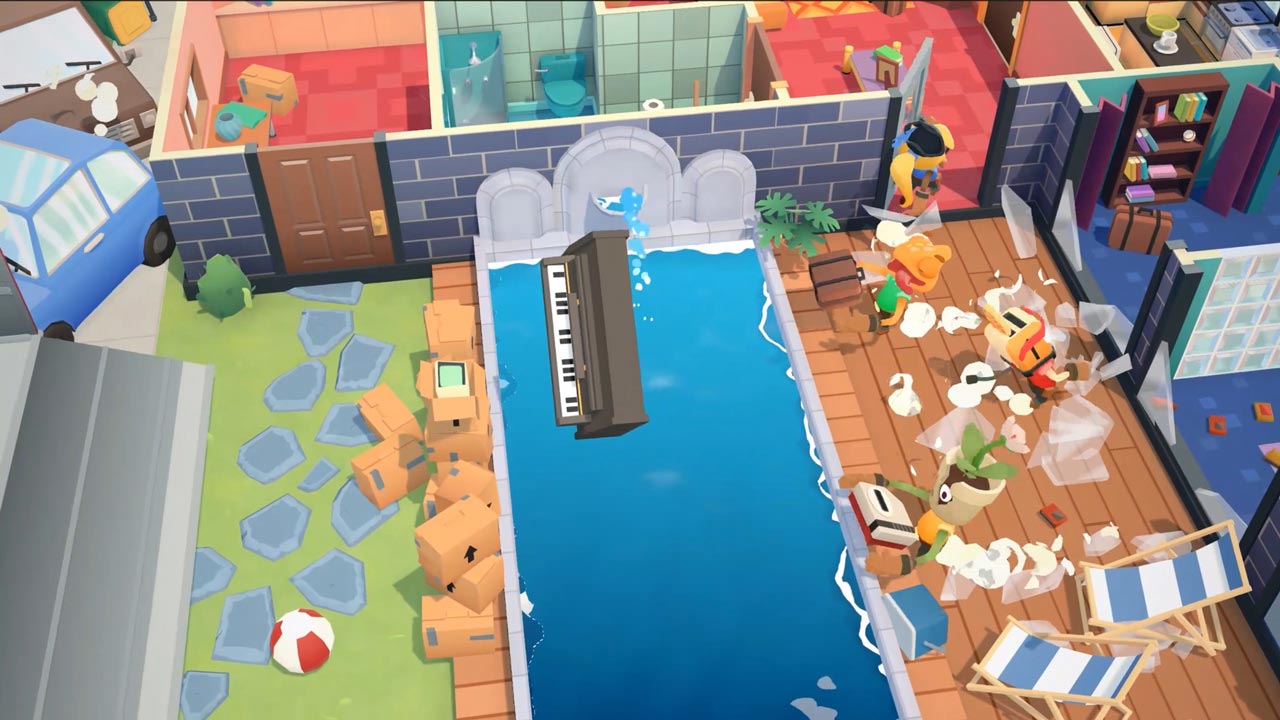
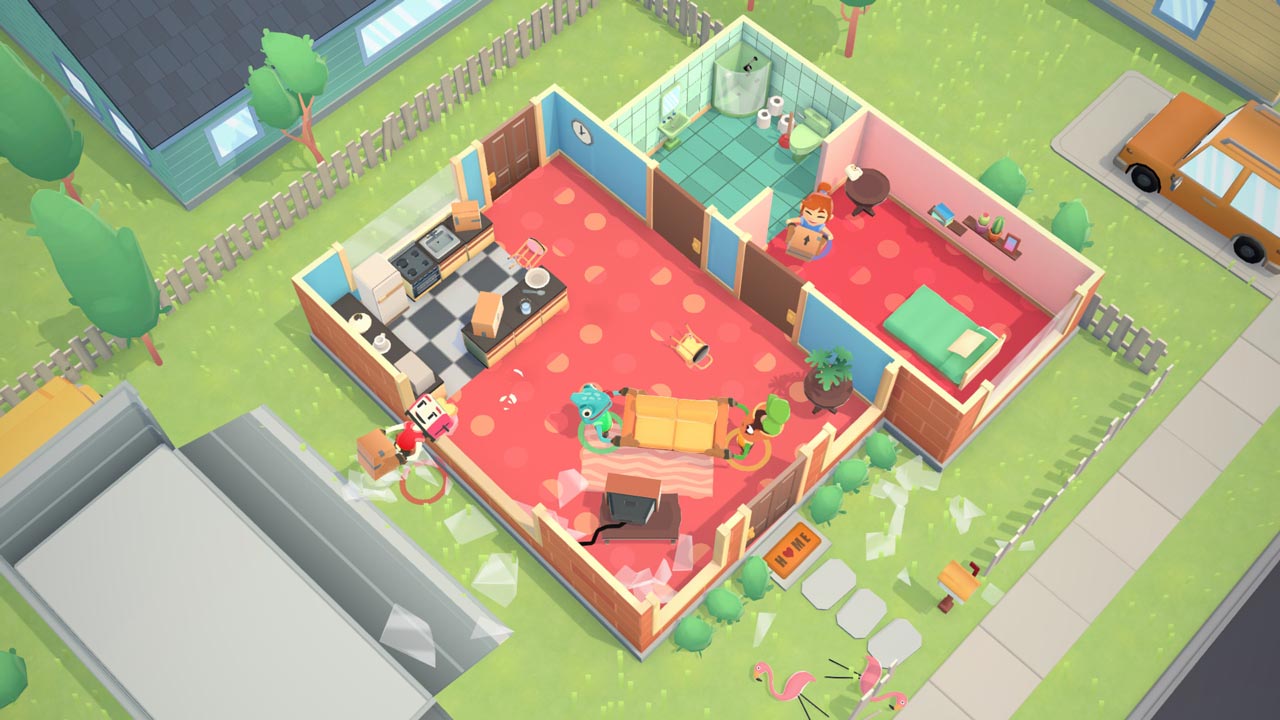
Moving Out is a hilarious physics-based moving simulator that will change your idea of a couch co-op game!
Are you ready to start an exciting career in the world of furniture? Become a certified furniture mover and arranger and take on moving jobs around the hectic town of Packmore. Smooth Moves may not be the leader in the moving industry, but even the most dangerous and bizarre tasks are within the reach of this dedicated team of hard workers. Grow your business to incredible heights, hire colorful characters, and save the city from a furniture disaster!
Co-op!
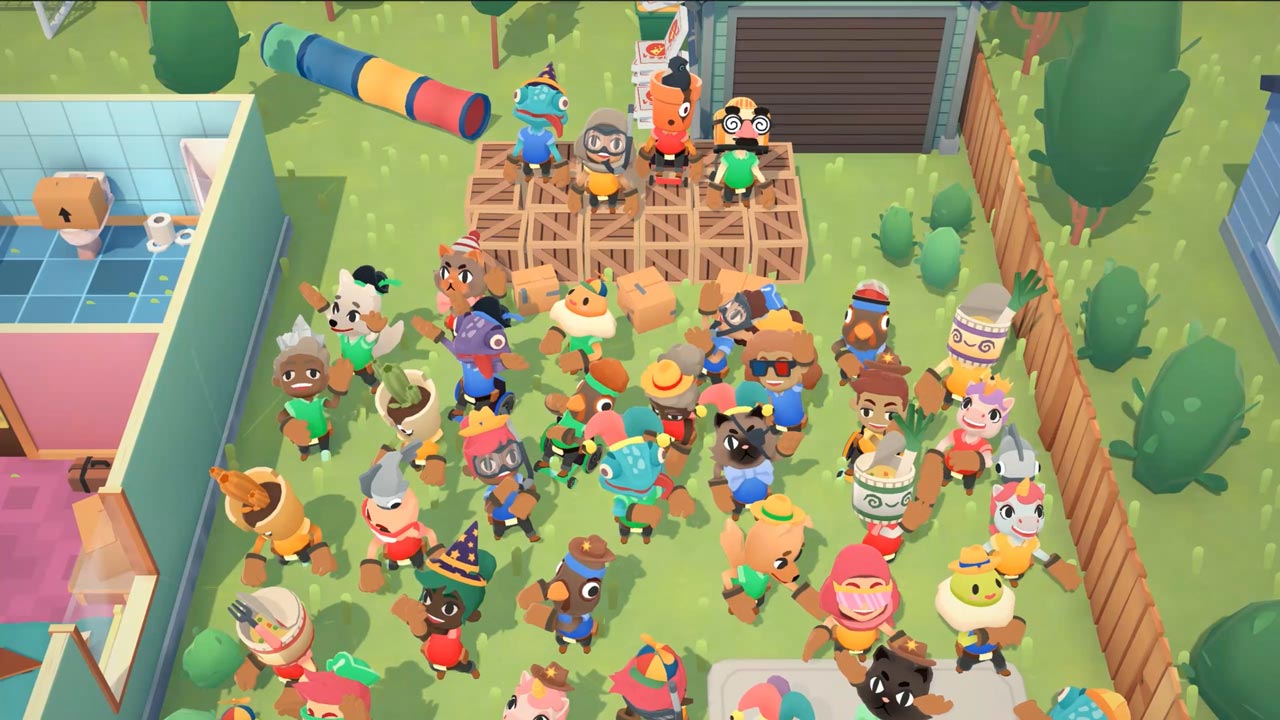
Enjoy the story alone as an independent contractor or team up with friends. Up to four players can discuss the best way to move a couch without getting up from the couch. Test yourself and your friendship!
Physics!
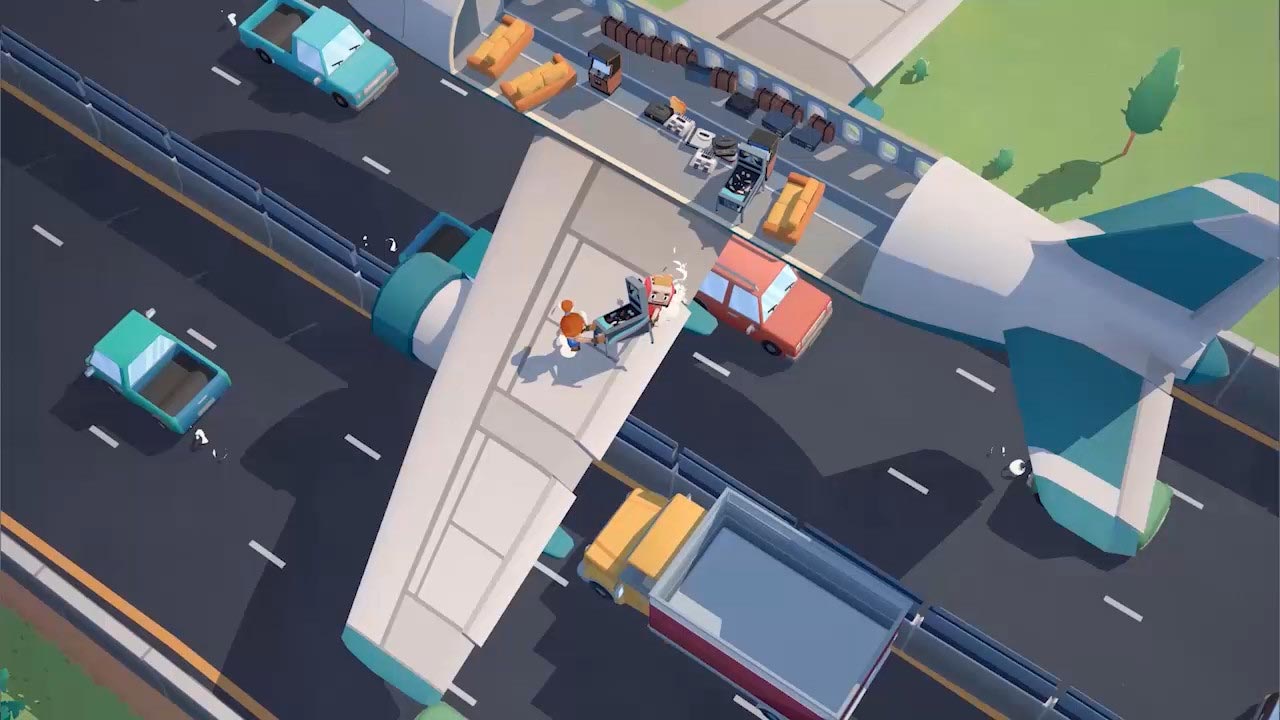
Is there a silly door or window in the way of your furniture? Use physics to smash it! Lift, throw, and smash everything to break moving records!"
Chaos!
Learn the ropes in a series of increasingly dangerous and mind-blowing moves. Think you can just move a bed from point A to point B in a straight line? No way! Forget everything you´ve been taught and get creative!"
Adventure!
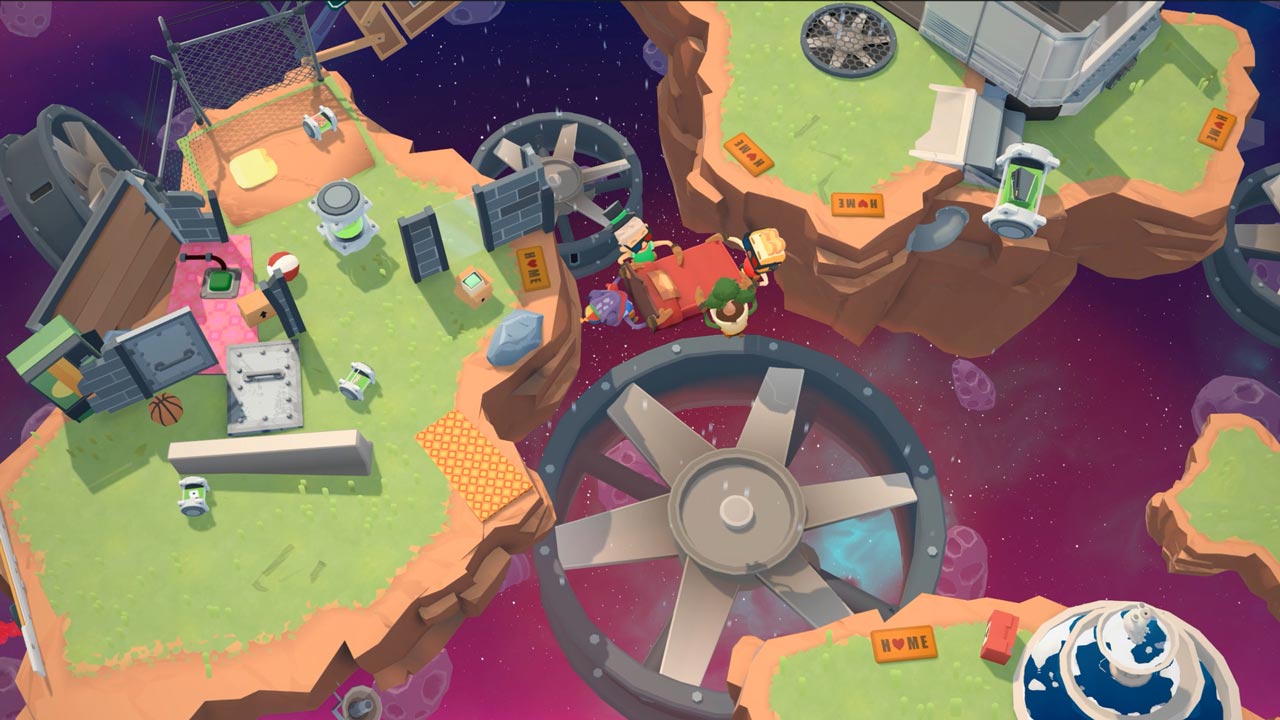
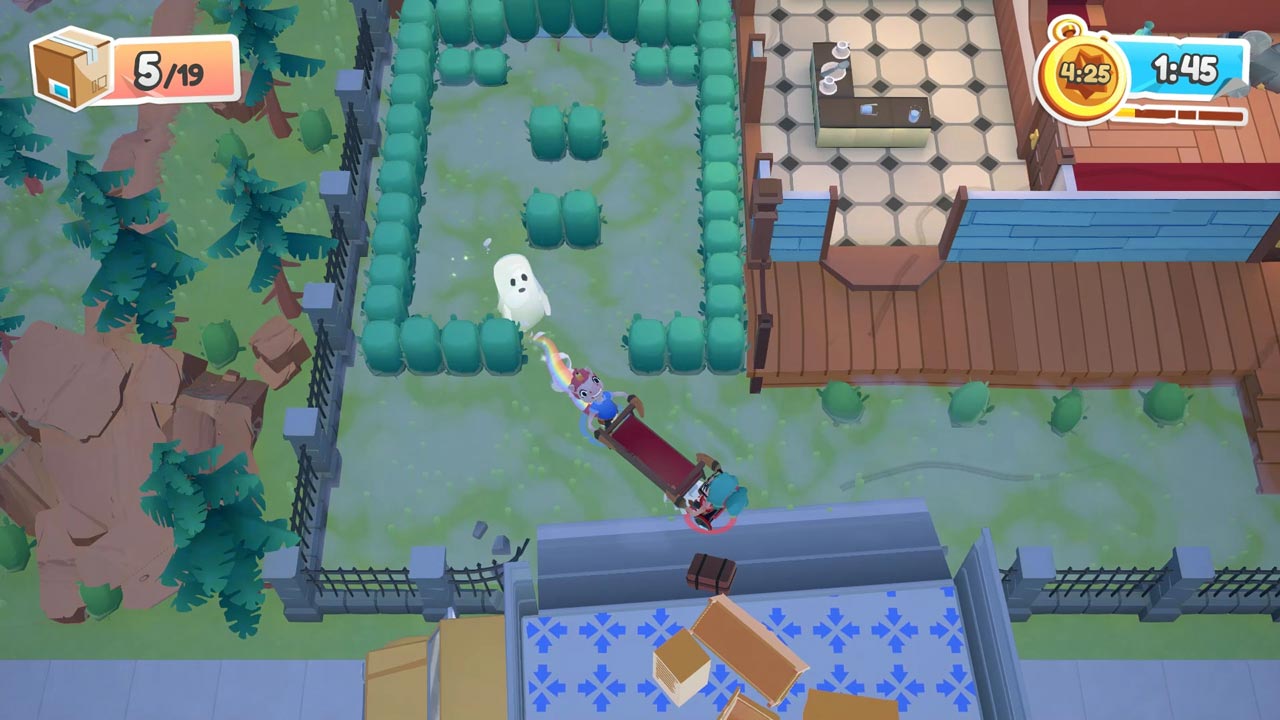
Every company starts small, but as your reputation grows, new horizons will open up for you. Move furniture through sleepy suburbs, wild farms, haunted houses, virtual reality - anywhere!"
Characters!
Are you new? No problem! Adjust the game difficulty to suit all players! Don´t wait! Grab your friends and become a moving expert in Moving Out!
========================================
Activation
1. You need to download and install Steam http://steampowered.com/download/SteamInstall.msi (if not already installed)
2. Launch the Steam client
3. Create a new Steam account or log into an existing one
4. Go to the "Games" section and select "Activate on Steam"
5. Enter the activation key you purchased
6. After that, the game will appear in your list of games and you can install it
⚠️ ! This key can only be activated on a Steam account registered in Russia, Ukraine, Kazakhstan and other CIS countries
Game language: Russian (subtitles + interface) / English
Release date: April 28, 2020
Platform: Windows
Region: RU / UA / KZ / CIS (Russia, Ukraine, Kazakhstan and other CIS countries)
Activation: Steam
============================================
Moving Out is a hilarious physics-based moving simulator that will change your idea of a couch co-op game!
Are you ready to start an exciting career in the world of furniture? Become a certified furniture mover and arranger and take on moving jobs around the hectic town of Packmore. Smooth Moves may not be the leader in the moving industry, but even the most dangerous and bizarre tasks are within the reach of this dedicated team of hard workers. Grow your business to incredible heights, hire colorful characters, and save the city from a furniture disaster!
Co-op!
Enjoy the story alone as an independent contractor or team up with friends. Up to four players can discuss the best way to move a couch without getting up from the couch. Test yourself and your friendship!
Physics!
Is there a silly door or window in the way of your furniture? Use physics to smash it! Lift, throw, and smash everything to break moving records!"
Chaos!
Learn the ropes in a series of increasingly dangerous and mind-blowing moves. Think you can just move a bed from point A to point B in a straight line? No way! Forget everything you´ve been taught and get creative!"
Adventure!
Every company starts small, but as your reputation grows, new horizons will open up for you. Move furniture through sleepy suburbs, wild farms, haunted houses, virtual reality - anywhere!"
Characters!
Are you new? No problem! Adjust the game difficulty to suit all players! Don´t wait! Grab your friends and become a moving expert in Moving Out!
========================================
Activation
1. You need to download and install Steam http://steampowered.com/download/SteamInstall.msi (if not already installed)
2. Launch the Steam client
3. Create a new Steam account or log into an existing one
4. Go to the "Games" section and select "Activate on Steam"
5. Enter the activation key you purchased
6. After that, the game will appear in your list of games and you can install it
! Before buying, please check the system requirements of the game and other parameters that interest you (they may change with time). This can be done on the sites Steam / Uplay / Origin or the official website of the publisher. Goods purchased by mistake, as well as unsuitable for system requirements or region of activation, can not be returned and exchanged!
Dear customers! Convincing request, if there are any problems with the purchased goods, do not leave a negative feedback immediately. Write us a message in the correspondence (the purchase page on the site Oplata.info). We will try to respond to your message as soon as possible and promptly solve the problem. We draw to the fact that the basis for the exchange or return of the purchased key (key), which gives an error when activated, can only be VIDEO RECORD of the purchase process and subsequent attempt to activate it (mandatory condition - the record should not contain editing features).
Our entire range: https://boardrussia.ru/digital-shop/seller/467960
We will be grateful for every positive feedback you have left after the purchase. Sincerely, the project team "AlternativA".
Dear customers! Convincing request, if there are any problems with the purchased goods, do not leave a negative feedback immediately. Write us a message in the correspondence (the purchase page on the site Oplata.info). We will try to respond to your message as soon as possible and promptly solve the problem. We draw to the fact that the basis for the exchange or return of the purchased key (key), which gives an error when activated, can only be VIDEO RECORD of the purchase process and subsequent attempt to activate it (mandatory condition - the record should not contain editing features).
Our entire range: https://boardrussia.ru/digital-shop/seller/467960
We will be grateful for every positive feedback you have left after the purchase. Sincerely, the project team "AlternativA".
05.07.2025 23:37:18
Все супер!
02.06.2025 19:54:36
Супер! на регионе Украина работает! я кайфую, щас куплю еще две своим друзьям)
26.04.2025 13:48:59
Всё супер, пришло моментально, активировалось. Спасибо! 🤙🏼✨
25.04.2025 22:21:10
Огонь!
29.03.2025 21:09:32
Все классно, автоматическая доставка ключи
15.03.2025 18:17:34
отлично
12.02.2025 1:43:40
Все ок!
15.01.2025 18:34:33
+rep
12.01.2025 13:21:37
Всё супер, играю в игру
12.01.2025 7:00:17
Отличный продавец,быстро все оформил,жду подарок!)