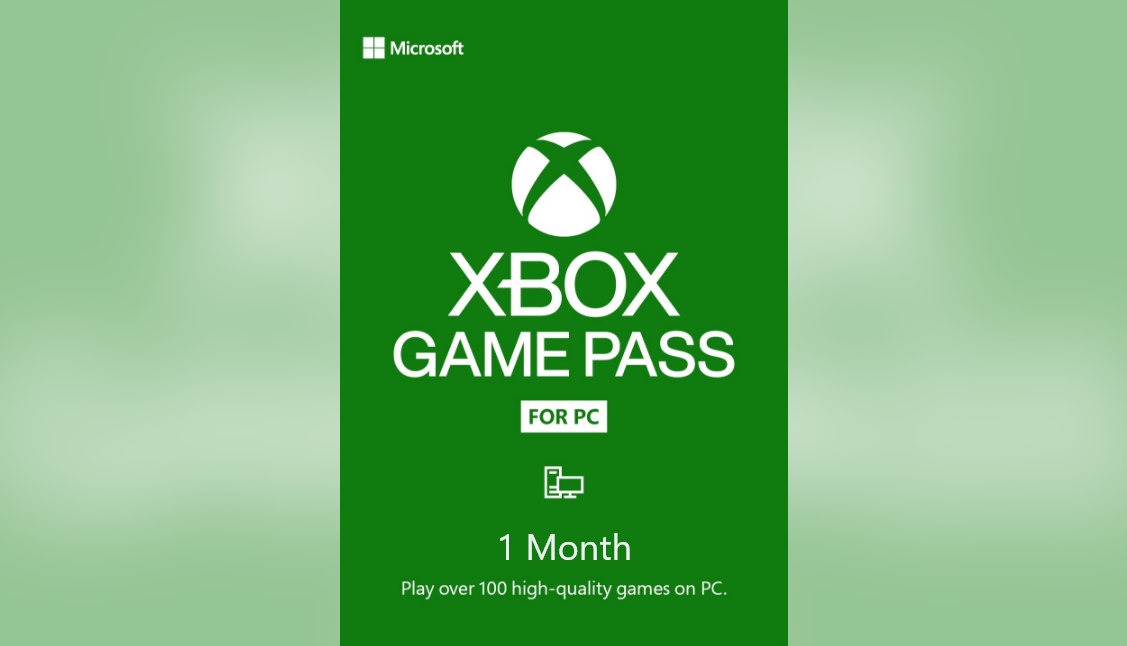
💎PC Game Pass 1 month ✅ Australia Trial Key
Content: text (0 symbol)
Available: 0
Uploaded:
Positive responses: 17
Negative responses: 0
Sold: 1448
Refunds: 5
$4.99
Please read before purchasing:
-The key must be activated immediately.
-This subscription is only valid for a new account that has never had a subscription.
-Key region: Australia.
-A European or US card is required for activation.
-If you have any questions, please contact me, I´ll be sure to answer.
-The key must be activated immediately.
-This subscription is only valid for a new account that has never had a subscription.
-Key region: Australia.
-A European or US card is required for activation.
-If you have any questions, please contact me, I´ll be sure to answer.
We do not offer refunds for "unable to activate" or "incorrect purchase."
Xbox Game Pass Ultimate includes:
✅ Xbox Game Core
✅ Game Pass for PC
✅ EA PLAY
A full list of games included in the subscription can be found at:
https://www.xbox.com/ru-RU/xbox-game-pass/games
The library of available games is constantly updated for Xbox One/Series X|S, PC.
✅ Xbox Game Core
✅ Game Pass for PC
✅ EA PLAY
A full list of games included in the subscription can be found at:
https://www.xbox.com/ru-RU/xbox-game-pass/games
The library of available games is constantly updated for Xbox One/Series X|S, PC.
Activation instructions:
Activation region: Australia
1) Log in to your personal account or create a new one on microsoft.com.
2) If your account is old and the country is not set to Australia, you must change the country to Australia on the page https://account.microsoft.com/profile/.
3) Wait a few hours for the country in your profile to change, or log out of your account on both sites: https://redeem.microsoft.com/ and https://account.microsoft.com/profile/, waiting for the profile country to change.
4) Verify that the country has changed on the page https://redeem.microsoft.com/ (it will be visible in parentheses), and then enter the 25-digit code we received from you. If the code is active, you will be prompted to proceed to the next step.
5) To activate your keys, you must have one of the following payment methods linked: a card (Russian cards do not work) or PayPal; PayPal has been reported to have fewer activation issues. You will not be charged in this case.
6) If all went well, you´ll see your GAME PASS subscription extension on the https://account.microsoft.com/services/xboxgamepassultimate/billing page.
Activation region: Australia
1) Log in to your personal account or create a new one on microsoft.com.
2) If your account is old and the country is not set to Australia, you must change the country to Australia on the page https://account.microsoft.com/profile/.
3) Wait a few hours for the country in your profile to change, or log out of your account on both sites: https://redeem.microsoft.com/ and https://account.microsoft.com/profile/, waiting for the profile country to change.
4) Verify that the country has changed on the page https://redeem.microsoft.com/ (it will be visible in parentheses), and then enter the 25-digit code we received from you. If the code is active, you will be prompted to proceed to the next step.
5) To activate your keys, you must have one of the following payment methods linked: a card (Russian cards do not work) or PayPal; PayPal has been reported to have fewer activation issues. You will not be charged in this case.
6) If all went well, you´ll see your GAME PASS subscription extension on the https://account.microsoft.com/services/xboxgamepassultimate/billing page.
24.06.2023 21:14:34
+rep good
24.06.2023 0:13:45
great as usual
23.06.2023 21:59:56
+rep honest
20.06.2023 20:39:10
This guy is legit very good at this work ++++REP
20.06.2023 14:51:21
Топ
20.06.2023 14:51:10
Топ
20.06.2023 2:43:06
+rep honest seller
20.06.2023 2:43:03
+rep honest seller
20.06.2023 2:42:58
+rep honest seller
19.06.2023 2:30:09
good!