theHunter Call of the Wild - Treestand & Tripod Pack🔑
Content: text (17 symbols)
Available: 15
Uploaded: 30.01.2025
Positive responses: 2
Negative responses: 0
Sold: 33
Refunds: 0
~ $4
The exact amount is on the payment page

⚠️ ! Requires Steam version of theHunter Call of the Wild to run
Publication type: Steam Key / REGION FREE
This edition has no regional restrictions and is activated in any country in the world
Game language: Russian (subtitles + interface) / English
Release date: June 3, 2019
Platform: Windows
Region: Region Free (any country, no restrictions)
Activation: Steam
=======================================
Our overseers have just received some heavy looking boxes of exciting new hunting gear. With this new set, you can create the perfect ambush using the expandable tree stand and extendable tripods. With their more stealthy approach to hunting, your environmental impact will be reduced, reducing your hunting pressure. So pack your bags, hunter, the wildlife beckons!
Deployable tree support:
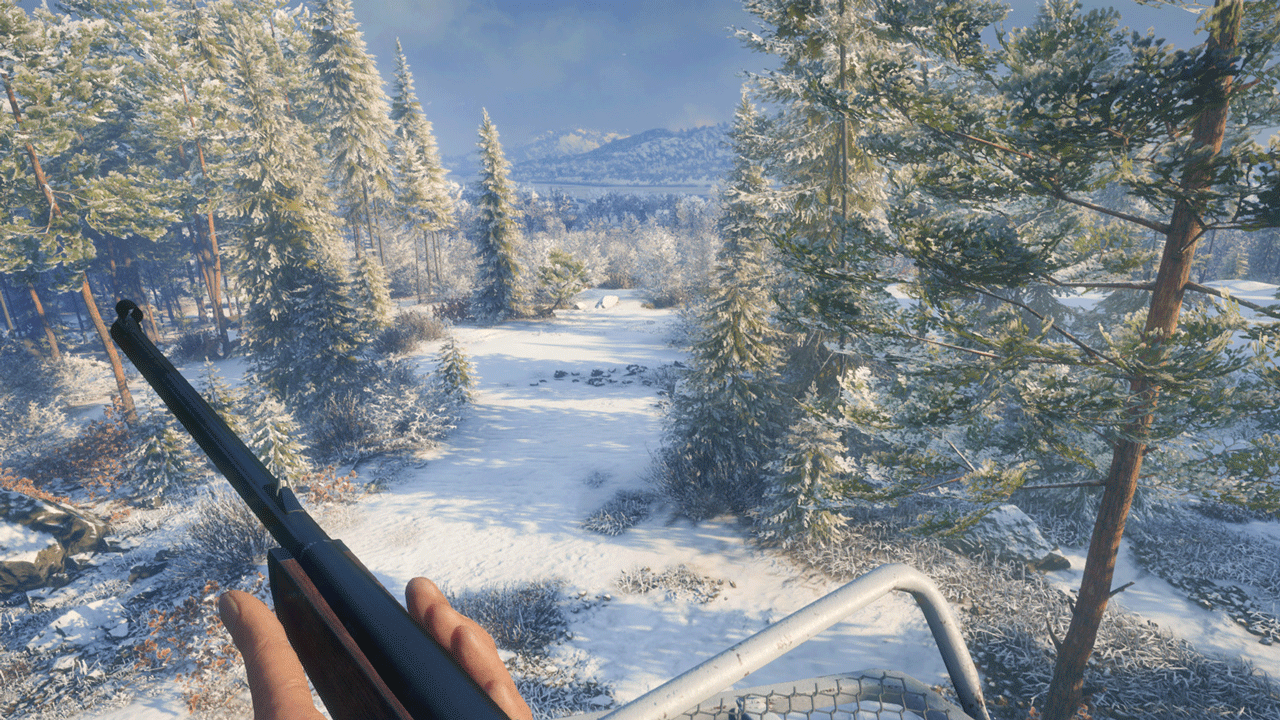
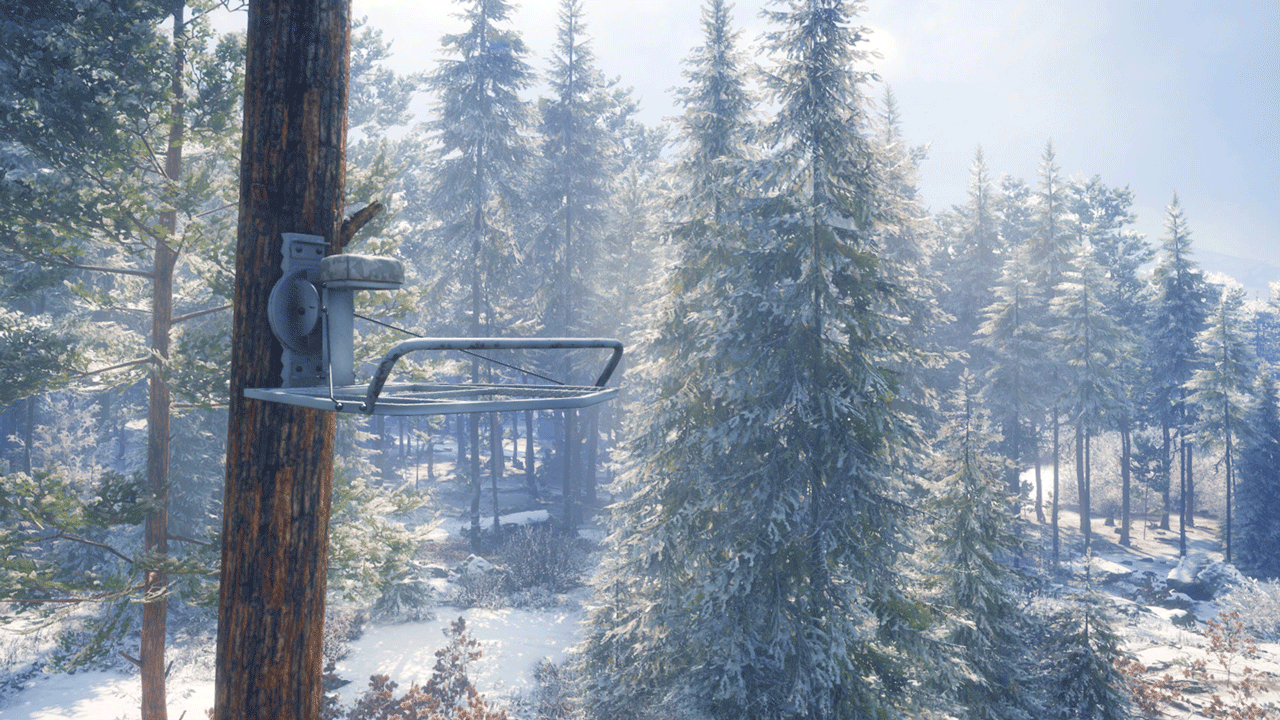
A must have for the patient hunter, the fold-out tree stand allows you to bide your time until the perfect opportunity to catch an animal by surprise presents itself. Check your surroundings for a suitable tree for your ambush, set your stand at the appropriate height, and climb up to your new perch. You can also easily adjust and replace it if you are unhappy with your original placement. Once you´re ready, sit back, relax, and watch as you enable that perfect shot. In addition, it reduces your environmental impact, greatly reducing your hunting burden.
Variations:
The expandable tree stand is available in three colors - Coniferous, Woody and Arctic.
Expandable tripod stands:
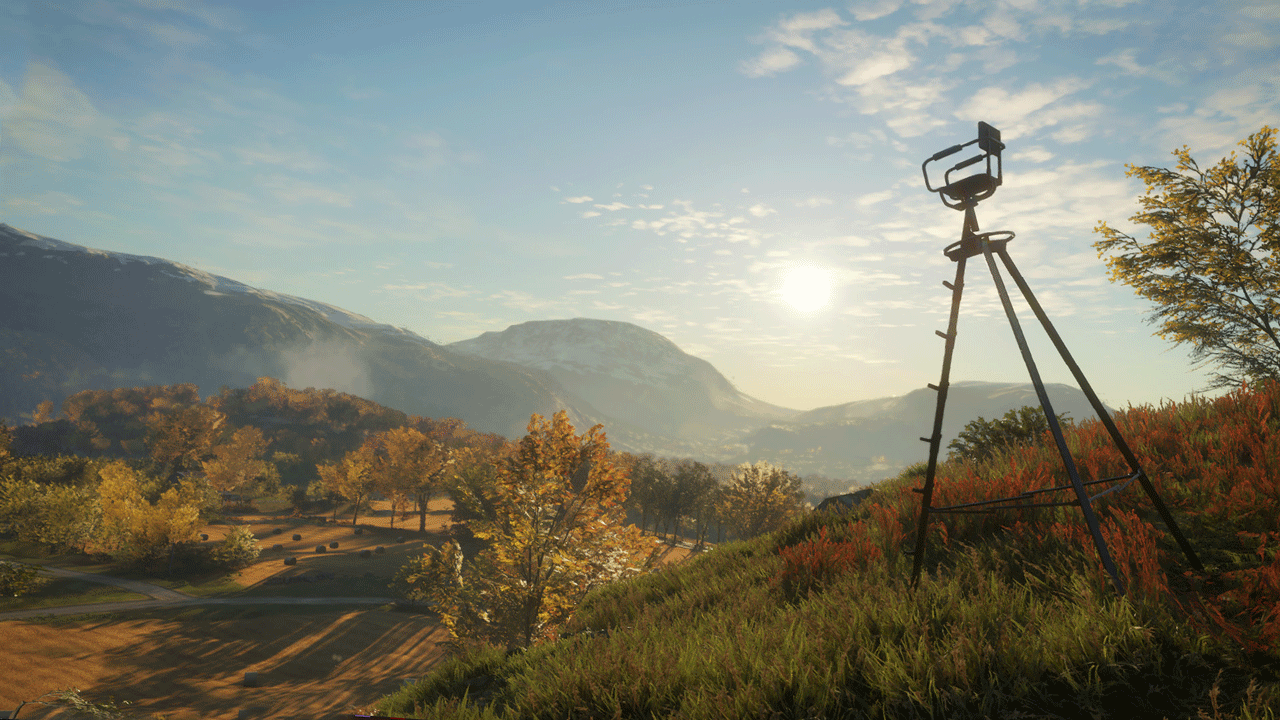
With 360° swivel capability, the fold out tripod stand gives you the best view even when there are no trees around. A tripod stand is a great way to get an overview of your surroundings and allows you to spot animals from a much greater distance. On top of that, they will keep you covered, easy to use, and reduce the burden on the environment when hunting.
Variations:
Like the tree stands, the fold-out tripods come in three varieties - softwood, wood and arctic.
=======================================
Activation
1. You need to download and install Steam http://steampowered.com/download/SteamInstall.msi (if not already installed)
2. Launch the Steam client
3. Create a new account on Steam or go to an existing one
4. Go to the "Games" section and select "Activate on Steam"
5. Enter the activation key you purchased
6. After that, the game will appear in your list of games and you can install it
Publication type: Steam Key / REGION FREE
This edition has no regional restrictions and is activated in any country in the world
Game language: Russian (subtitles + interface) / English
Release date: June 3, 2019
Platform: Windows
Region: Region Free (any country, no restrictions)
Activation: Steam
=======================================
Our overseers have just received some heavy looking boxes of exciting new hunting gear. With this new set, you can create the perfect ambush using the expandable tree stand and extendable tripods. With their more stealthy approach to hunting, your environmental impact will be reduced, reducing your hunting pressure. So pack your bags, hunter, the wildlife beckons!
Deployable tree support:
A must have for the patient hunter, the fold-out tree stand allows you to bide your time until the perfect opportunity to catch an animal by surprise presents itself. Check your surroundings for a suitable tree for your ambush, set your stand at the appropriate height, and climb up to your new perch. You can also easily adjust and replace it if you are unhappy with your original placement. Once you´re ready, sit back, relax, and watch as you enable that perfect shot. In addition, it reduces your environmental impact, greatly reducing your hunting burden.
Variations:
The expandable tree stand is available in three colors - Coniferous, Woody and Arctic.
Expandable tripod stands:
With 360° swivel capability, the fold out tripod stand gives you the best view even when there are no trees around. A tripod stand is a great way to get an overview of your surroundings and allows you to spot animals from a much greater distance. On top of that, they will keep you covered, easy to use, and reduce the burden on the environment when hunting.
Variations:
Like the tree stands, the fold-out tripods come in three varieties - softwood, wood and arctic.
=======================================
Activation
1. You need to download and install Steam http://steampowered.com/download/SteamInstall.msi (if not already installed)
2. Launch the Steam client
3. Create a new account on Steam or go to an existing one
4. Go to the "Games" section and select "Activate on Steam"
5. Enter the activation key you purchased
6. After that, the game will appear in your list of games and you can install it
! Before buying, please check the system requirements of the game and other parameters that interest you (they may change with time). This can be done on the sites Steam / Uplay / Origin or the official website of the publisher. Goods purchased by mistake, as well as unsuitable for system requirements or region of activation, can not be returned and exchanged!
Dear customers! Convincing request, if there are any problems with the purchased goods, do not leave a negative feedback immediately. Write us a message in the correspondence (the purchase page on the site Oplata.info). We will try to respond to your message as soon as possible and promptly solve the problem. We draw to the fact that the basis for the exchange or return of the purchased key (key), which gives an error when activated, can only be VIDEO RECORD of the purchase process and subsequent attempt to activate it (mandatory condition - the record should not contain editing features).
Our entire range: https://boardrussia.ru/digital-shop/seller/467960
We will be grateful for every positive feedback you have left after the purchase. Sincerely, the project team "AlternativA".
Dear customers! Convincing request, if there are any problems with the purchased goods, do not leave a negative feedback immediately. Write us a message in the correspondence (the purchase page on the site Oplata.info). We will try to respond to your message as soon as possible and promptly solve the problem. We draw to the fact that the basis for the exchange or return of the purchased key (key), which gives an error when activated, can only be VIDEO RECORD of the purchase process and subsequent attempt to activate it (mandatory condition - the record should not contain editing features).
Our entire range: https://boardrussia.ru/digital-shop/seller/467960
We will be grateful for every positive feedback you have left after the purchase. Sincerely, the project team "AlternativA".
31.10.2025 20:29:19
Спасибо!
29.03.2024 12:25:08
Вторая подряд покупка у данного продавца - от-ли-чно!
Все в лучшем виде, моментальная отдача и рабочий ключ! Спасибо!
Все в лучшем виде, моментальная отдача и рабочий ключ! Спасибо!