WRC Generations 🔑STEAM KEY 🔥RUSSIA + CIS
Content: text (17 symbols)
Available: 2
Uploaded: 07.08.2025
Positive responses: 13
Negative responses: 0
Sold: 62
Refunds: 0
~ $8.01
The exact amount is on the payment page
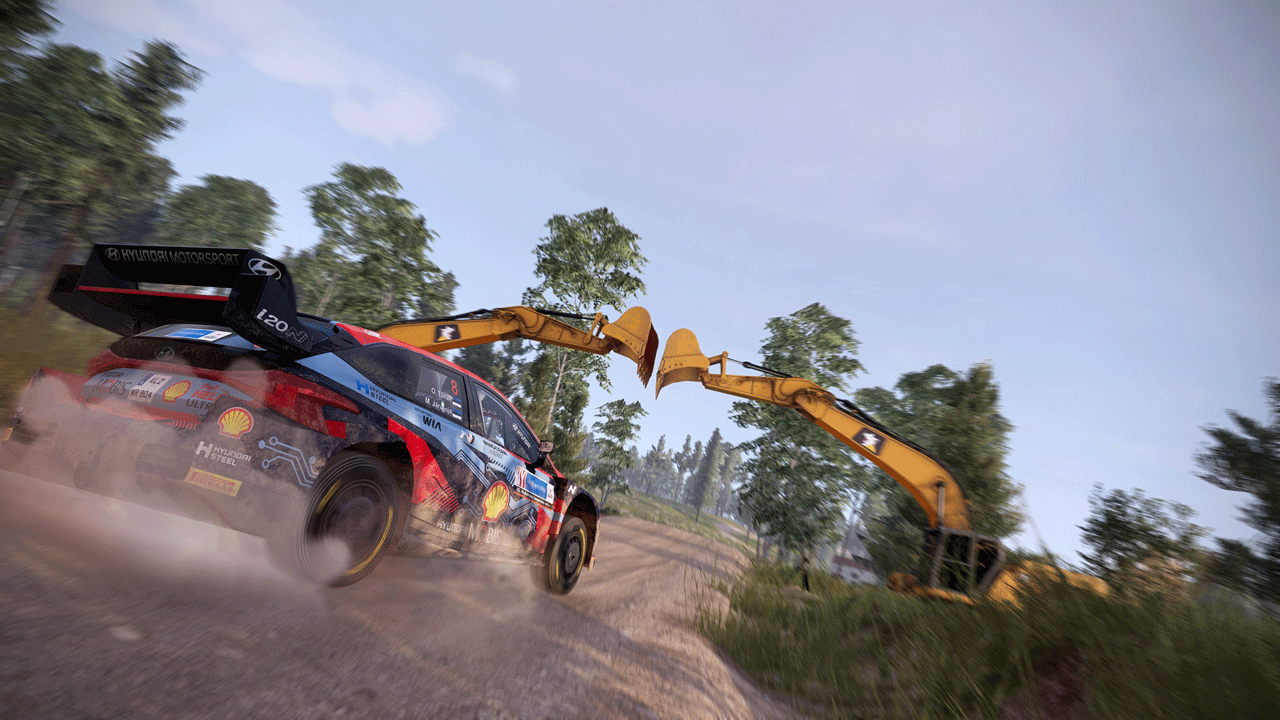
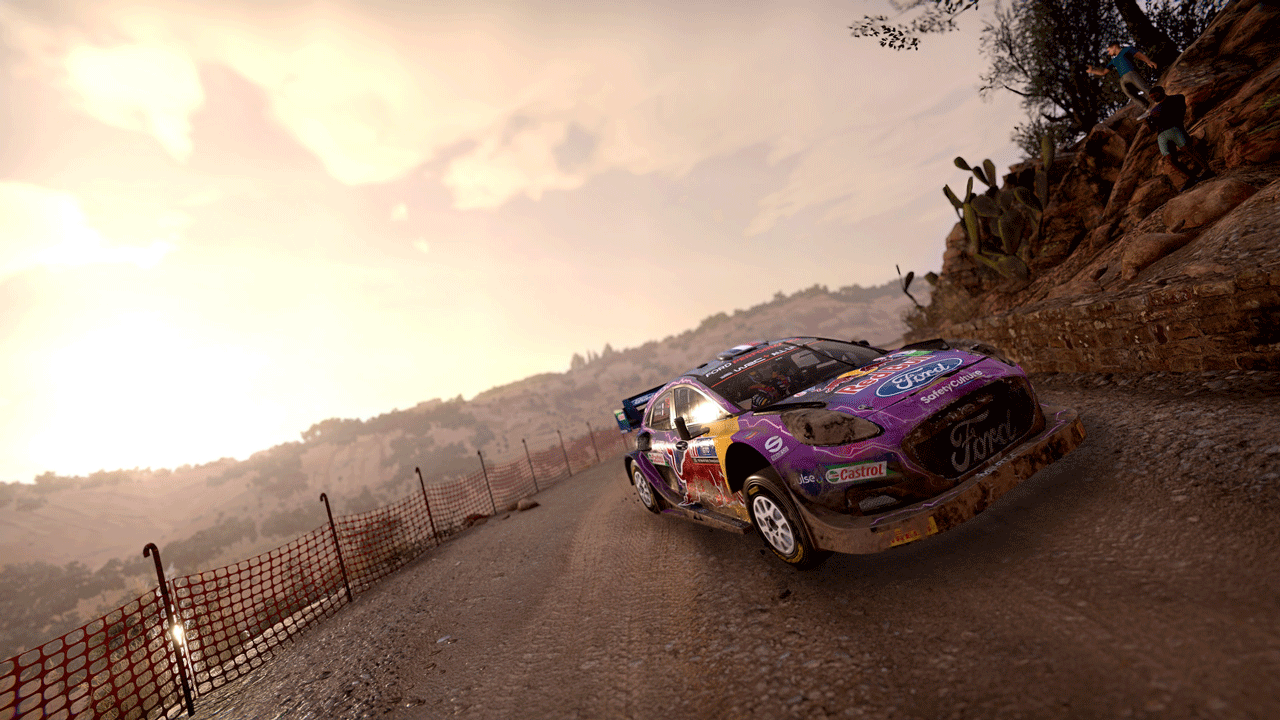
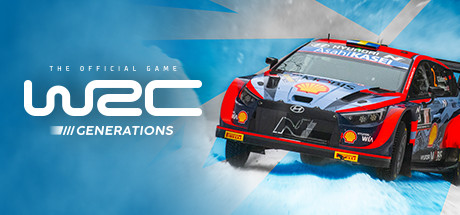
Edition type: Steam Key (key) / RU / UA / CIS
! This key can only be activated on a Steam account registered in Russia, Ukraine or CIS countries
Game language: Russian (subtitles interface) / English
Release Date: November 3, 2022
Platform: Windows
Region: RU / UA / CIS (Russia, Ukraine and CIS countries)
Activation: Steam
=======================================
In 2022, the WRC is entering a new hybrid era. This is a real revolution in the world of rally, which will not only affect the results of the races, but also force the drivers and their teams to adapt to new conditions and develop new strategies.
The changes also affected the gameplay of the game: new mechanics reflect the features of cars with hybrid engines. To win, you will have to fine-tune the battery performance by changing the engine settings on the special stages.
We always strive to please our community, so now you can share personalized liveries and stickers with other players. The best works will be marked. Their authors will receive awards.
For those who love competition, there is a new league mode. In it you can compete online against players close to you in level. Surpass rivals and move forward in the Legends category.
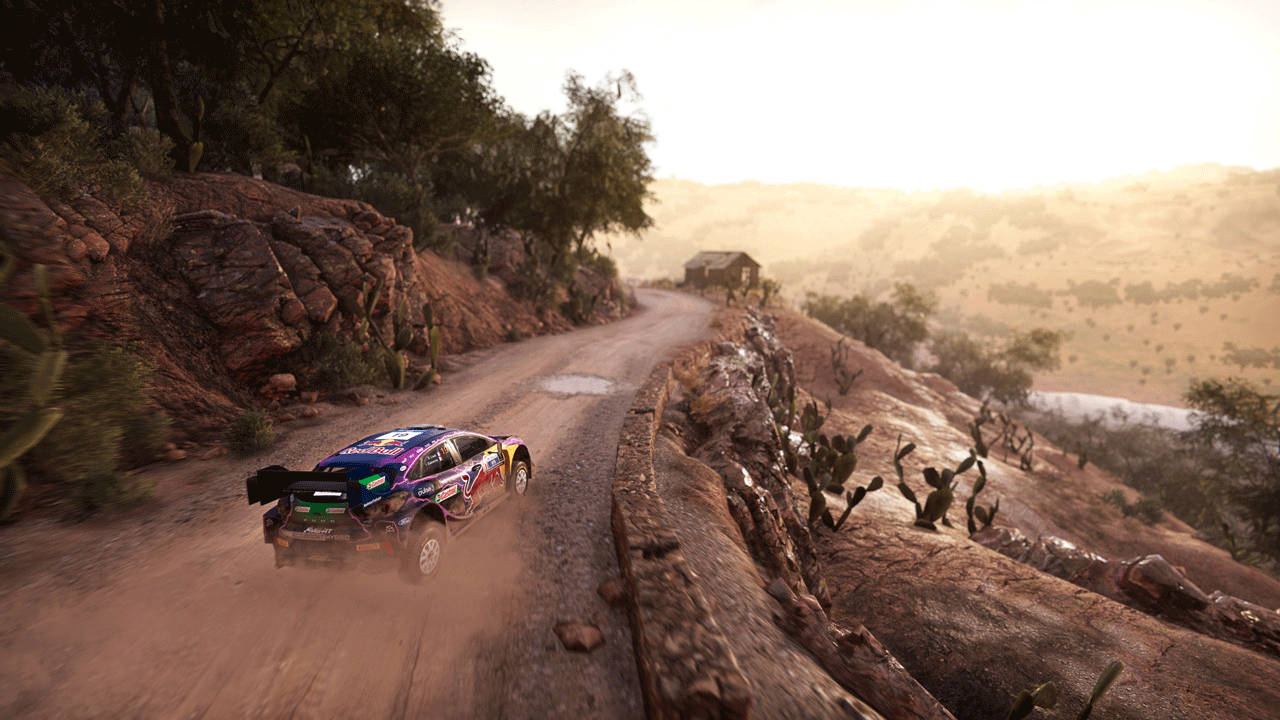
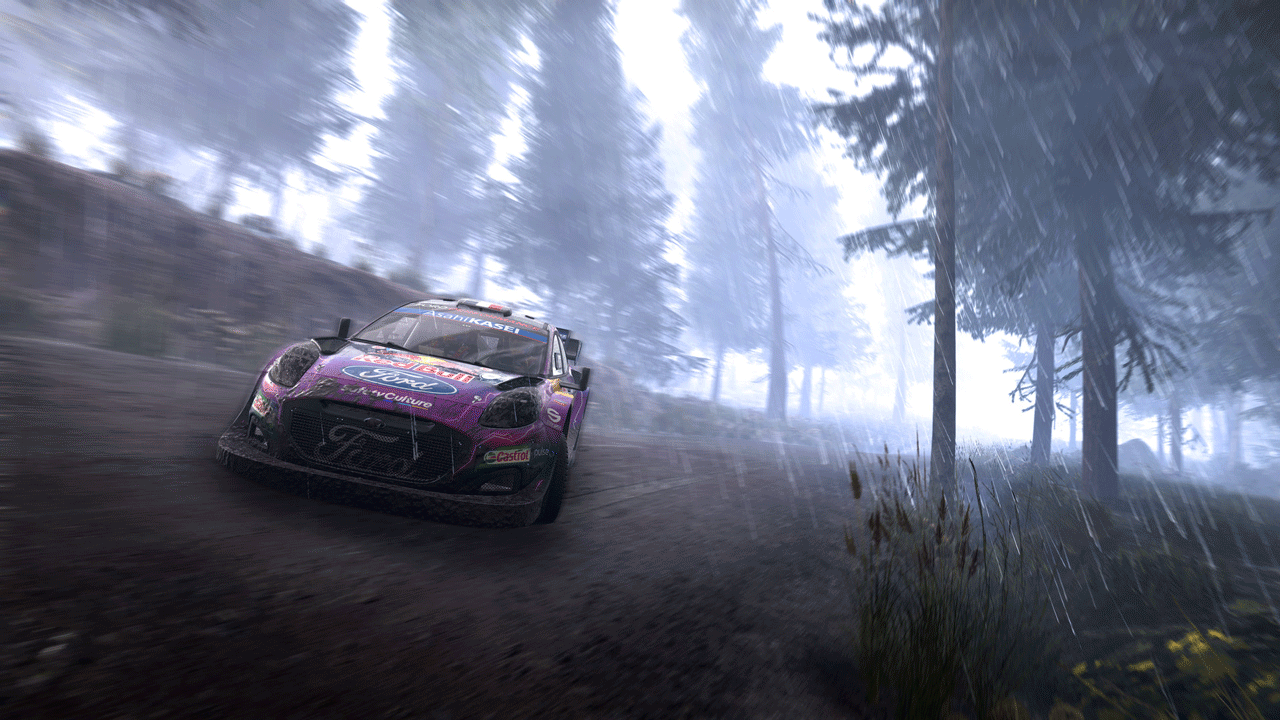
WRC Generations has a lot more in-game content than any other rally game.
• 750 km of unique stages in 22 countries
• 49 teams for the 2022 season (Rally1 / Rally2 / Junior WRC)
• 37 legendary cars and bonuses
• 165 time-limited stages
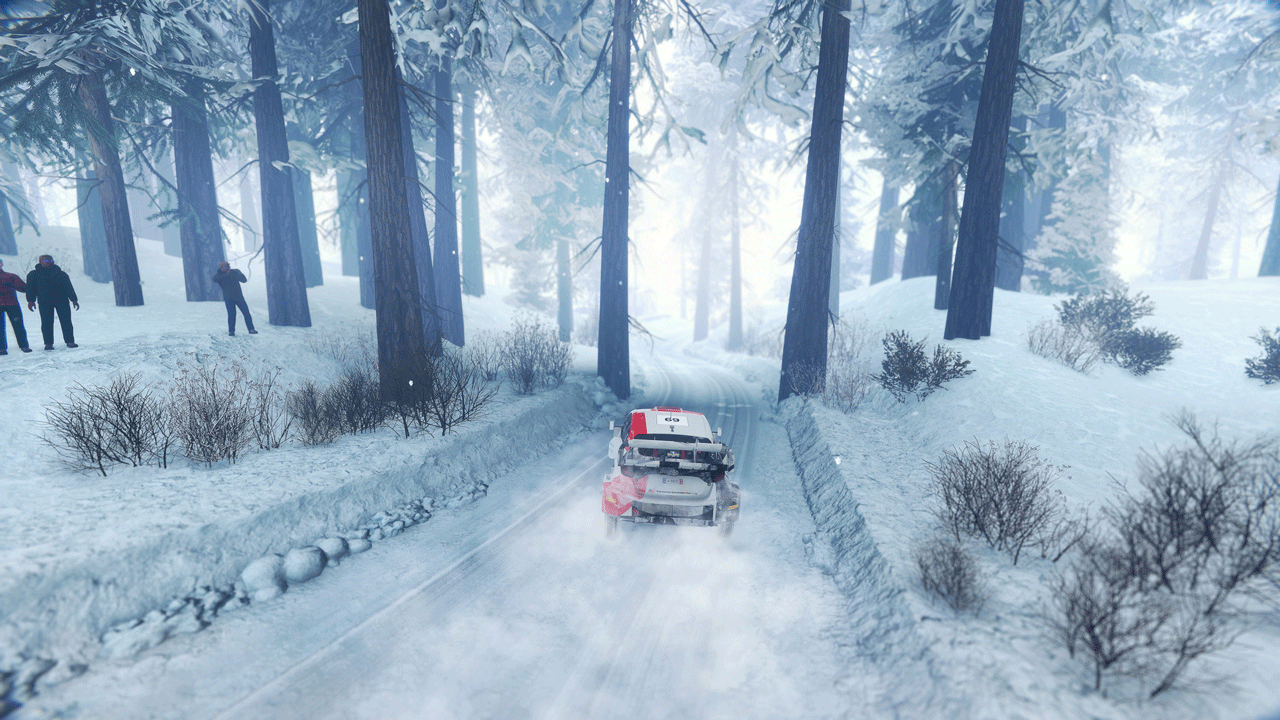
To make the representation of the championship even more realistic, we have added a completely redesigned Rally Sweden environment: 6 new special stages await you in the Umeå region.
New features:
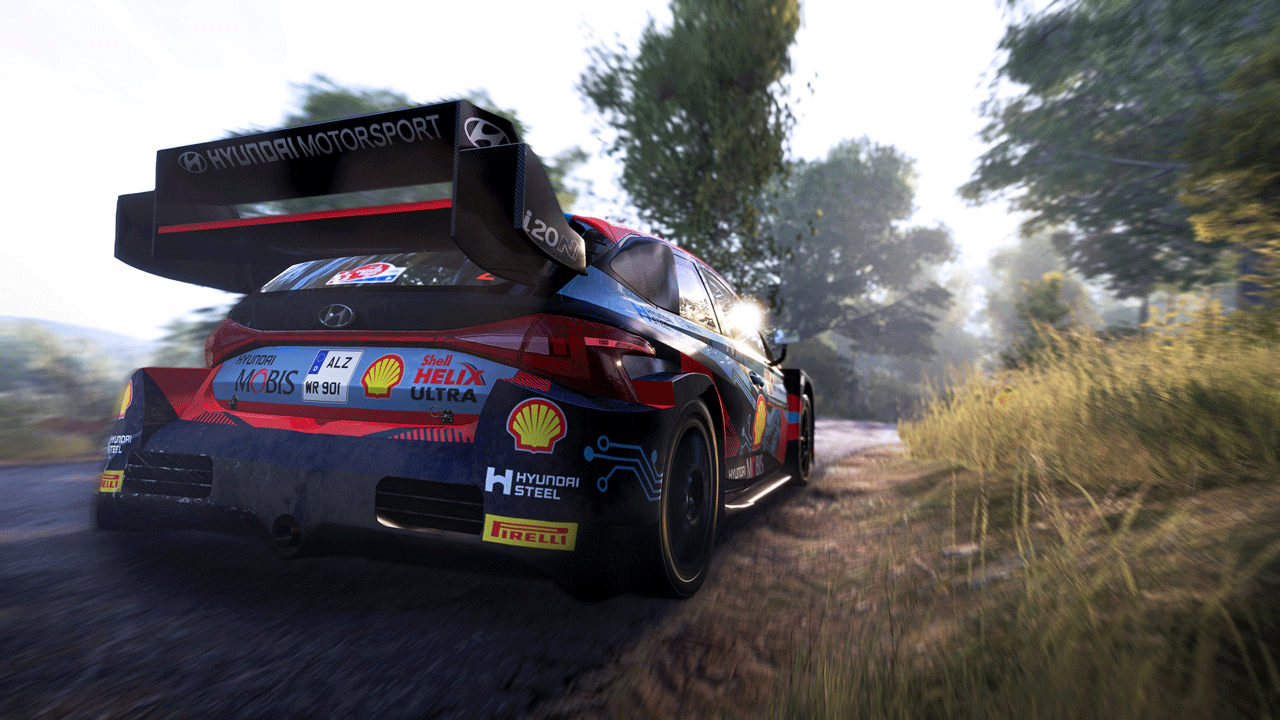
• New hybrid cars
• Redesigned and even more realistic physics
• "LEAGUE" mode in which you can challenge other players
• New Rally Sweden environment and 6 brand new stages
• Ability to share stickers and liveries with the community
• In-game team building and management
=======================================
Activation
1. You need to download and install the Steam app https://store.steampowered.com (if not already installed)
2. Create a new Steam account or log into an existing one
3. Go to the "Games" section and select "Activate on Steam"
4. Enter the activation key you purchased
5. After that, the game will appear in the application library and it can be installed
! This key can only be activated on a Steam account registered in Russia, Ukraine or CIS countries
Game language: Russian (subtitles interface) / English
Release Date: November 3, 2022
Platform: Windows
Region: RU / UA / CIS (Russia, Ukraine and CIS countries)
Activation: Steam
=======================================
In 2022, the WRC is entering a new hybrid era. This is a real revolution in the world of rally, which will not only affect the results of the races, but also force the drivers and their teams to adapt to new conditions and develop new strategies.
The changes also affected the gameplay of the game: new mechanics reflect the features of cars with hybrid engines. To win, you will have to fine-tune the battery performance by changing the engine settings on the special stages.
We always strive to please our community, so now you can share personalized liveries and stickers with other players. The best works will be marked. Their authors will receive awards.
For those who love competition, there is a new league mode. In it you can compete online against players close to you in level. Surpass rivals and move forward in the Legends category.
WRC Generations has a lot more in-game content than any other rally game.
• 750 km of unique stages in 22 countries
• 49 teams for the 2022 season (Rally1 / Rally2 / Junior WRC)
• 37 legendary cars and bonuses
• 165 time-limited stages
To make the representation of the championship even more realistic, we have added a completely redesigned Rally Sweden environment: 6 new special stages await you in the Umeå region.
New features:
• New hybrid cars
• Redesigned and even more realistic physics
• "LEAGUE" mode in which you can challenge other players
• New Rally Sweden environment and 6 brand new stages
• Ability to share stickers and liveries with the community
• In-game team building and management
=======================================
Activation
1. You need to download and install the Steam app https://store.steampowered.com (if not already installed)
2. Create a new Steam account or log into an existing one
3. Go to the "Games" section and select "Activate on Steam"
4. Enter the activation key you purchased
5. After that, the game will appear in the application library and it can be installed
! Before buying, please check the system requirements of the game and other parameters that interest you (they may change with time). This can be done on the sites Steam / Uplay / Origin or the official website of the publisher. Goods purchased by mistake, as well as unsuitable for system requirements or region of activation, can not be returned and exchanged!
Dear customers! Convincing request, if there are any problems with the purchased goods, do not leave a negative feedback immediately. Write us a message in the correspondence (the purchase page on the site Oplata.info). We will try to respond to your message as soon as possible and promptly solve the problem. We draw to the fact that the basis for the exchange or return of the purchased key (key), which gives an error when activated, can only be VIDEO RECORD of the purchase process and subsequent attempt to activate it (mandatory condition - the record should not contain editing features).
Our entire range: https://boardrussia.ru/digital-shop/seller/467960
We will be grateful for every positive feedback you have left after the purchase. Sincerely, the project team "AlternativA".
Dear customers! Convincing request, if there are any problems with the purchased goods, do not leave a negative feedback immediately. Write us a message in the correspondence (the purchase page on the site Oplata.info). We will try to respond to your message as soon as possible and promptly solve the problem. We draw to the fact that the basis for the exchange or return of the purchased key (key), which gives an error when activated, can only be VIDEO RECORD of the purchase process and subsequent attempt to activate it (mandatory condition - the record should not contain editing features).
Our entire range: https://boardrussia.ru/digital-shop/seller/467960
We will be grateful for every positive feedback you have left after the purchase. Sincerely, the project team "AlternativA".
23.10.2025 19:58:16
Все мгновенно и круто
28.09.2025 17:54:09
Все работает.
17.07.2025 5:45:12
Большое спасибо, ключ работает, получение моментальное
29.03.2025 14:15:32
Купил сразу 2 ключа, всё работает!
29.03.2025 14:15:28
Купил сразу 2 ключа, всё работает!
19.01.2025 18:52:43
Всё быстро и оперативно. Спасибо за игру, респект)
17.05.2024 15:58:49
Моментально получил, покупкой остался доволен, цена демократична
05.04.2024 23:53:47
игру получил
11.01.2024 22:14:23
Оплатил - получил - активировал.
Быстро, четко - как в аптеке.
Быстро, четко - как в аптеке.
11.01.2024 7:45:05
Всё отлично.