Metro Simulator 2 🔑STEAM KEY 🔴RUSSIA + CIS
Content: text (21 symbols)
Available: 9
Uploaded: 06.06.2023
Positive responses: 1
Negative responses: 0
Sold: 1
Refunds: 0
~ $1.68
The exact amount is on the payment page

Edition type: Steam Key / RU / UA / KZ / CIS
⚠️ ! This key can only be activated on a Steam account registered in Russia, Ukraine or CIS countries
Game language: Russian (full) / English
Release date: December 15, 2022
Platform: Windows
Region: RU / UA / KZ / CIS (Russia, Ukraine and CIS countries)
Activation: Steam
=======================================
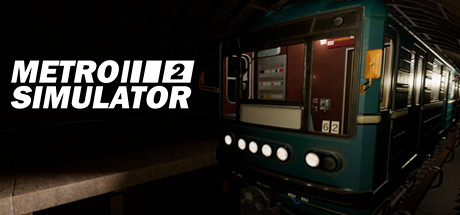
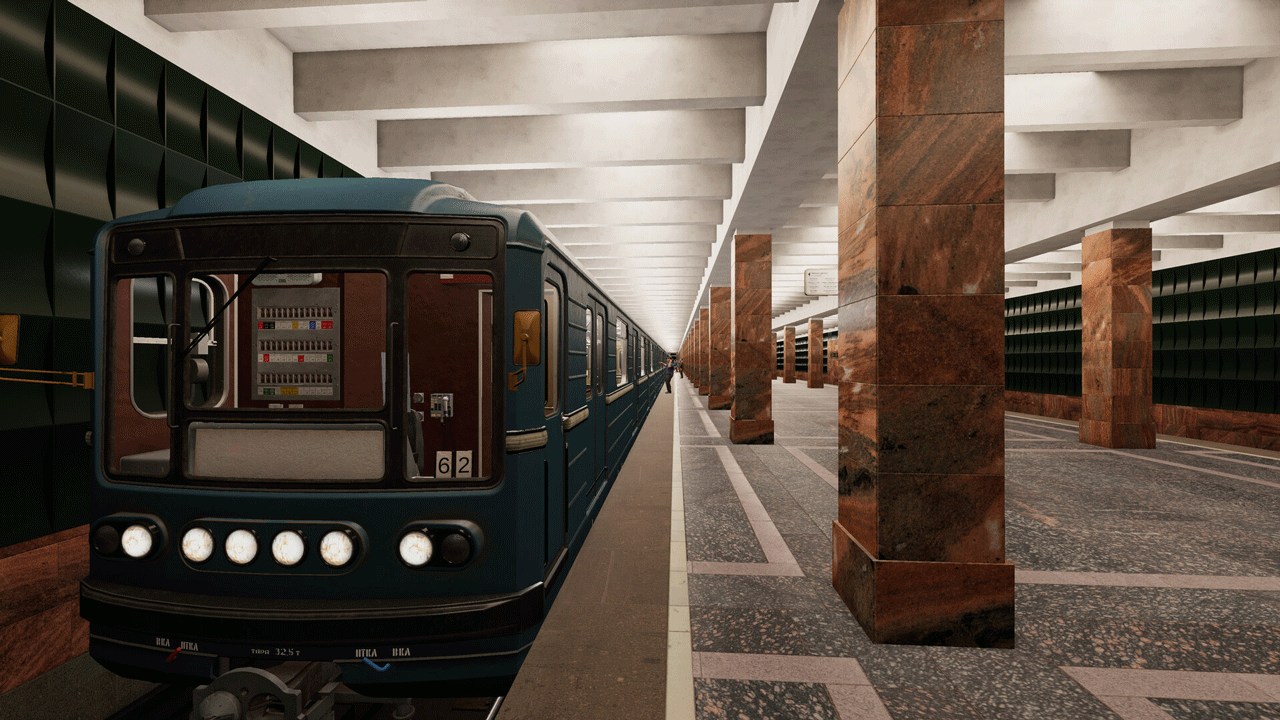
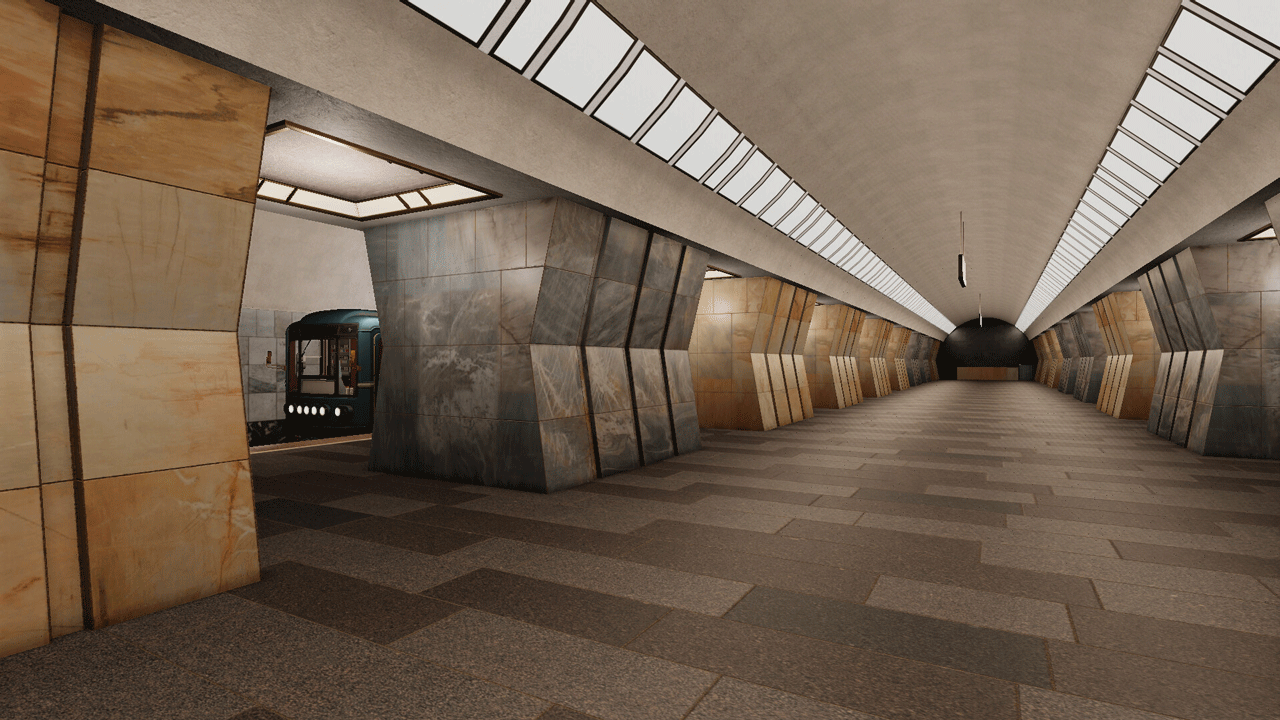
Metro Simulator 2 is a unique game that features a recreated Moscow metro and realistic train controls.
Different game modes
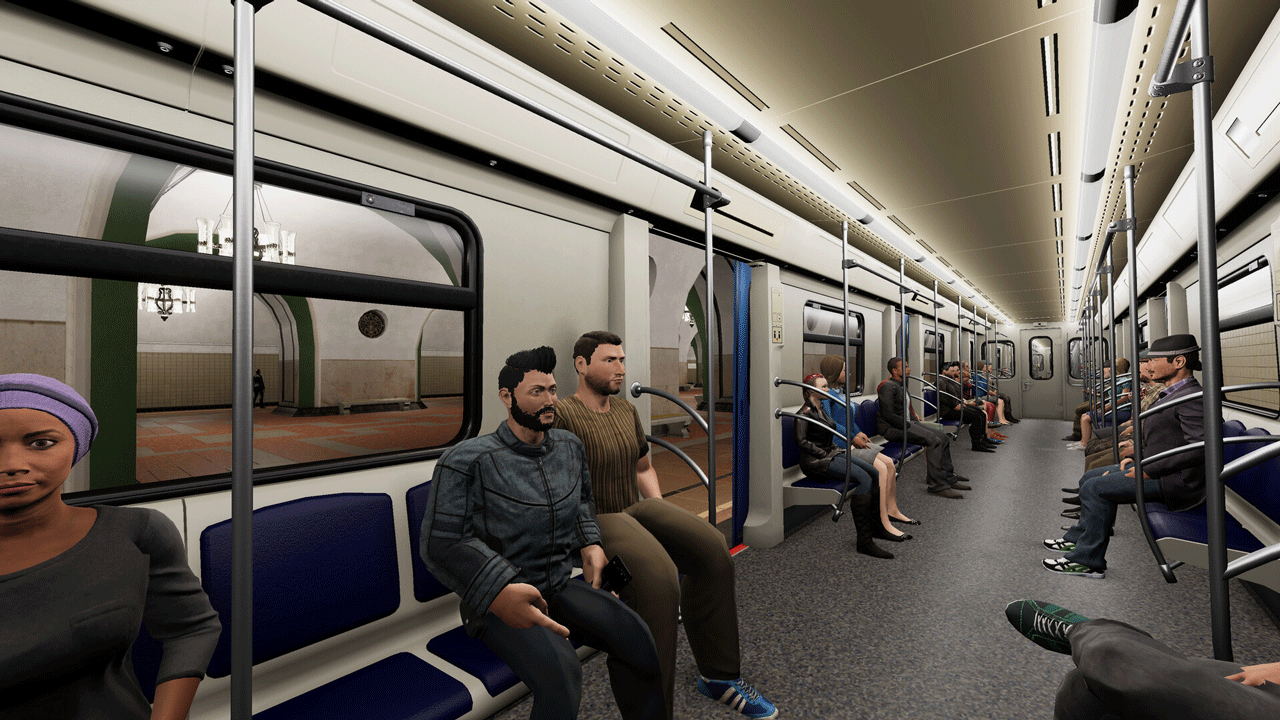
In the free ride mode, you can choose who you want to play as: a train driver or a passenger. You can choose on your own at which station or in which dead end to start the game session. You can travel along the line outside the flight without passengers, but at any time you can set the desired route and set the schedule. It is important to observe the time interval and leave the stations on time!
In scenarios, game conditions are predetermined. You have to face unusual situations that sometimes happen in the subway. Listen to the dispatcher´s instructions and follow them.
Kaluzhsko-Rizhskaya line: 24 stations, various tunnels and objects in them
The use of modern technologies made it possible to convey all the beauties of the metro of the Russian capital. The stations of this line were built in different years and their architecture perfectly reflects the trends of different eras.
Well-designed alarm system
The alarm system helps to avoid collisions and other embarrassments. Follow the speedometer and traffic lights along the way and your trip will pass without problems.
The main characters of the game are trains
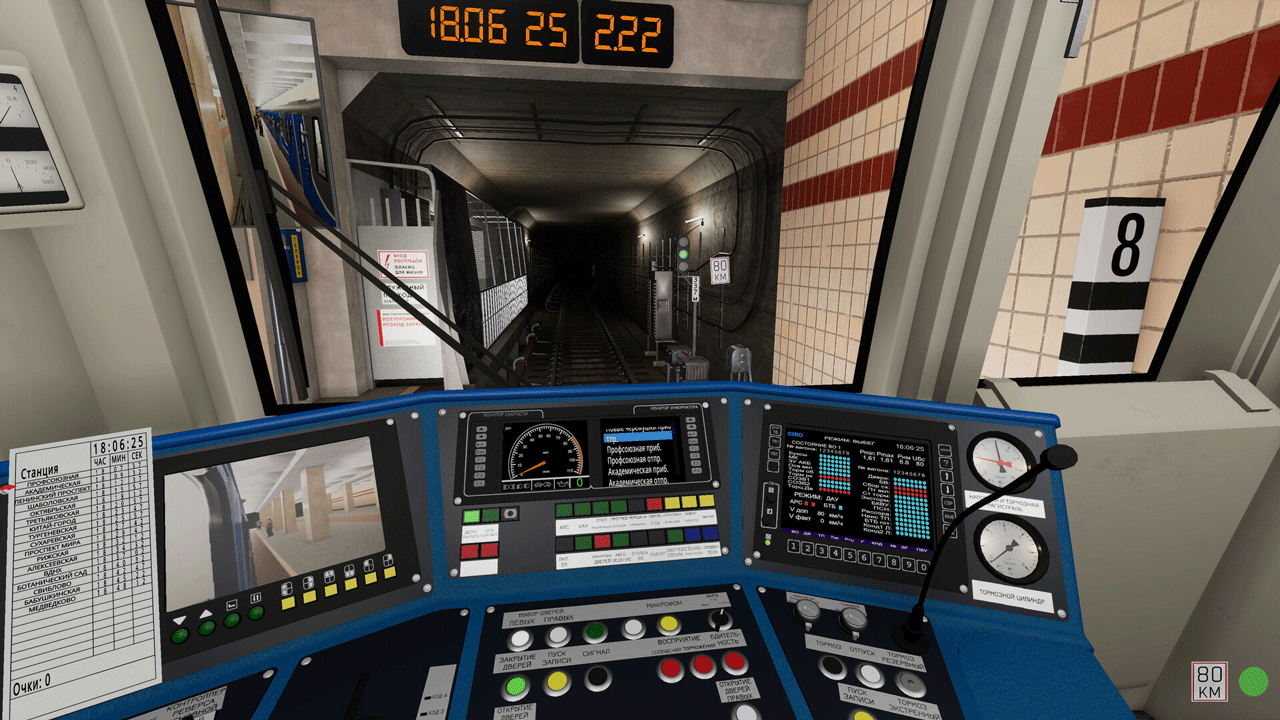
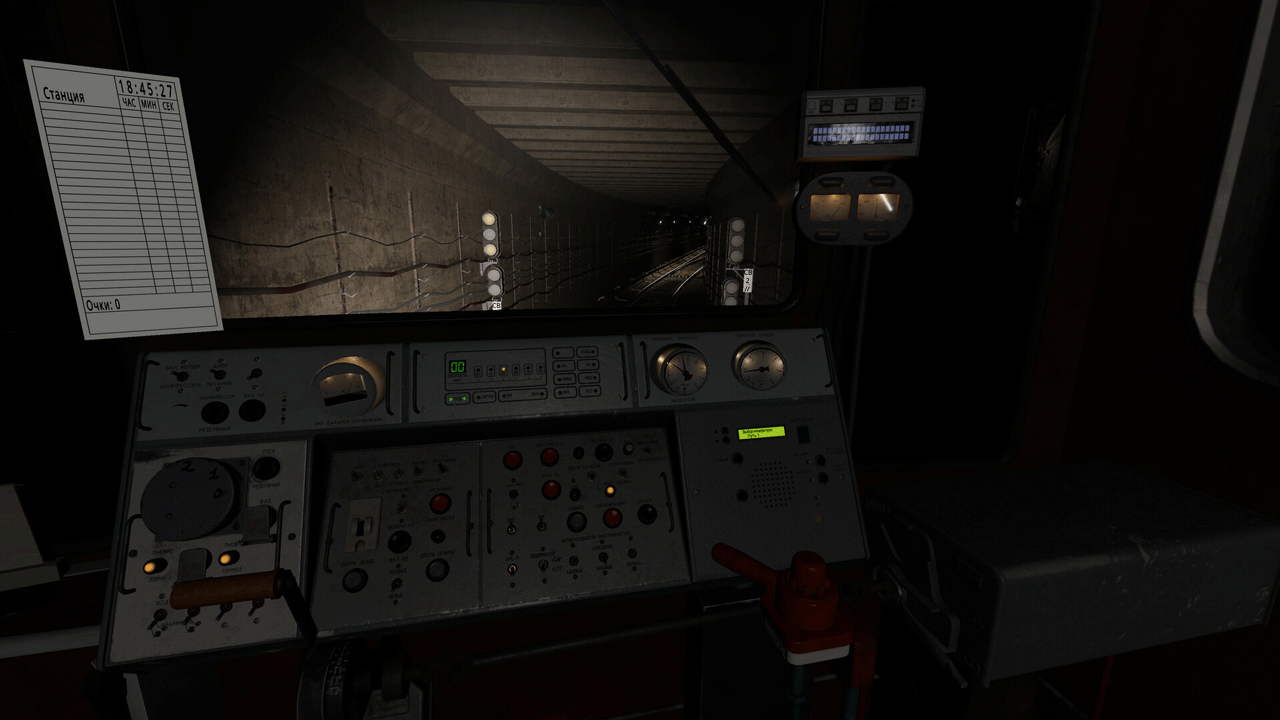
The game features two trains, each with a unique control system. The trains are equipped with all the basic functionality that allows for the safe transportation of passengers.
=======================================
Activation
1. You need to download and install the Steam app https://store.steampowered.com (if not already installed)
2. Create a new Steam account or log into an existing one
3. Go to the "Games" section and select "Activate on Steam"
4. Enter the activation key you purchased
5. After that, the game will appear in the application library and it can be installed
⚠️ ! This key can only be activated on a Steam account registered in Russia, Ukraine or CIS countries
Game language: Russian (full) / English
Release date: December 15, 2022
Platform: Windows
Region: RU / UA / KZ / CIS (Russia, Ukraine and CIS countries)
Activation: Steam
=======================================
Metro Simulator 2 is a unique game that features a recreated Moscow metro and realistic train controls.
Different game modes
In the free ride mode, you can choose who you want to play as: a train driver or a passenger. You can choose on your own at which station or in which dead end to start the game session. You can travel along the line outside the flight without passengers, but at any time you can set the desired route and set the schedule. It is important to observe the time interval and leave the stations on time!
In scenarios, game conditions are predetermined. You have to face unusual situations that sometimes happen in the subway. Listen to the dispatcher´s instructions and follow them.
Kaluzhsko-Rizhskaya line: 24 stations, various tunnels and objects in them
The use of modern technologies made it possible to convey all the beauties of the metro of the Russian capital. The stations of this line were built in different years and their architecture perfectly reflects the trends of different eras.
Well-designed alarm system
The alarm system helps to avoid collisions and other embarrassments. Follow the speedometer and traffic lights along the way and your trip will pass without problems.
The main characters of the game are trains
The game features two trains, each with a unique control system. The trains are equipped with all the basic functionality that allows for the safe transportation of passengers.
=======================================
Activation
1. You need to download and install the Steam app https://store.steampowered.com (if not already installed)
2. Create a new Steam account or log into an existing one
3. Go to the "Games" section and select "Activate on Steam"
4. Enter the activation key you purchased
5. After that, the game will appear in the application library and it can be installed
! Before buying, please check the system requirements of the game and other parameters that interest you (they may change with time). This can be done on the sites Steam / Uplay / Origin or the official website of the publisher. Goods purchased by mistake, as well as unsuitable for system requirements or region of activation, can not be returned and exchanged!
Dear customers! Convincing request, if there are any problems with the purchased goods, do not leave a negative feedback immediately. Write us a message in the correspondence (the purchase page on the site Oplata.info). We will try to respond to your message as soon as possible and promptly solve the problem. We draw to the fact that the basis for the exchange or return of the purchased key (key), which gives an error when activated, can only be VIDEO RECORD of the purchase process and subsequent attempt to activate it (mandatory condition - the record should not contain editing features).
Our entire range: https://boardrussia.ru/digital-shop/seller/467960
We will be grateful for every positive feedback you have left after the purchase. Sincerely, the project team "AlternativA".
Dear customers! Convincing request, if there are any problems with the purchased goods, do not leave a negative feedback immediately. Write us a message in the correspondence (the purchase page on the site Oplata.info). We will try to respond to your message as soon as possible and promptly solve the problem. We draw to the fact that the basis for the exchange or return of the purchased key (key), which gives an error when activated, can only be VIDEO RECORD of the purchase process and subsequent attempt to activate it (mandatory condition - the record should not contain editing features).
Our entire range: https://boardrussia.ru/digital-shop/seller/467960
We will be grateful for every positive feedback you have left after the purchase. Sincerely, the project team "AlternativA".
05.06.2023 23:38:20
Все пришло оперативно и то что нужно