Stellaris: Galactic Paragons🔑STEAM KEY🔥RU+CIS+TURKEY
Content: text (17 symbols)
Available: 11
Uploaded: 24.08.2025
Positive responses: 5
Negative responses: 0
Sold: 34
Refunds: 0
~ $12.03
The exact amount is on the payment page
⚠️ ! The Steam version of the Stellaris game is required to run
Edition type: Steam Key / RU / UA / CIS / KZ / TR
⚠️ ! This key can only be activated on a Steam account registered in Russia, Ukraine or the CIS countries, Turkey
Game language: Russian (interface) / English
Release date: May 9, 2023
Platform: Windows
Region: RU / UA / CIS / TR (Russia, Ukraine and the CIS countries, Turkey)
Activation: Steam
===========================================
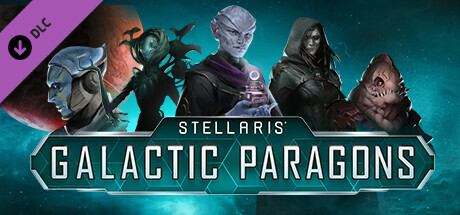
The Galactic Council is huge and diverse! With Galactic Paragons, your empire will gain new powerful leaders who will follow you to the stars. Completely new mechanics for the Council and leaders that can change the direction of your empire, new civil models and more - the Galactic Paragons add-on will help you create a new future!
Galactic Paragons Features*
NEW COUNCIL MECHANICS
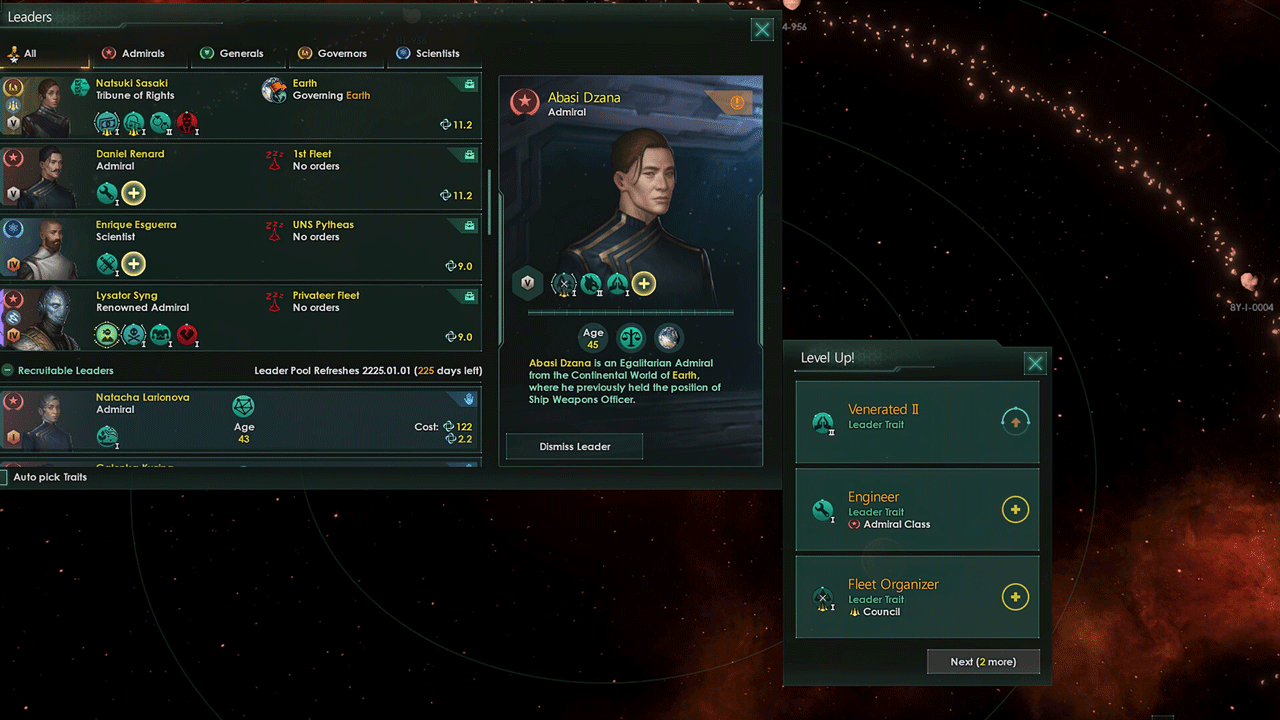
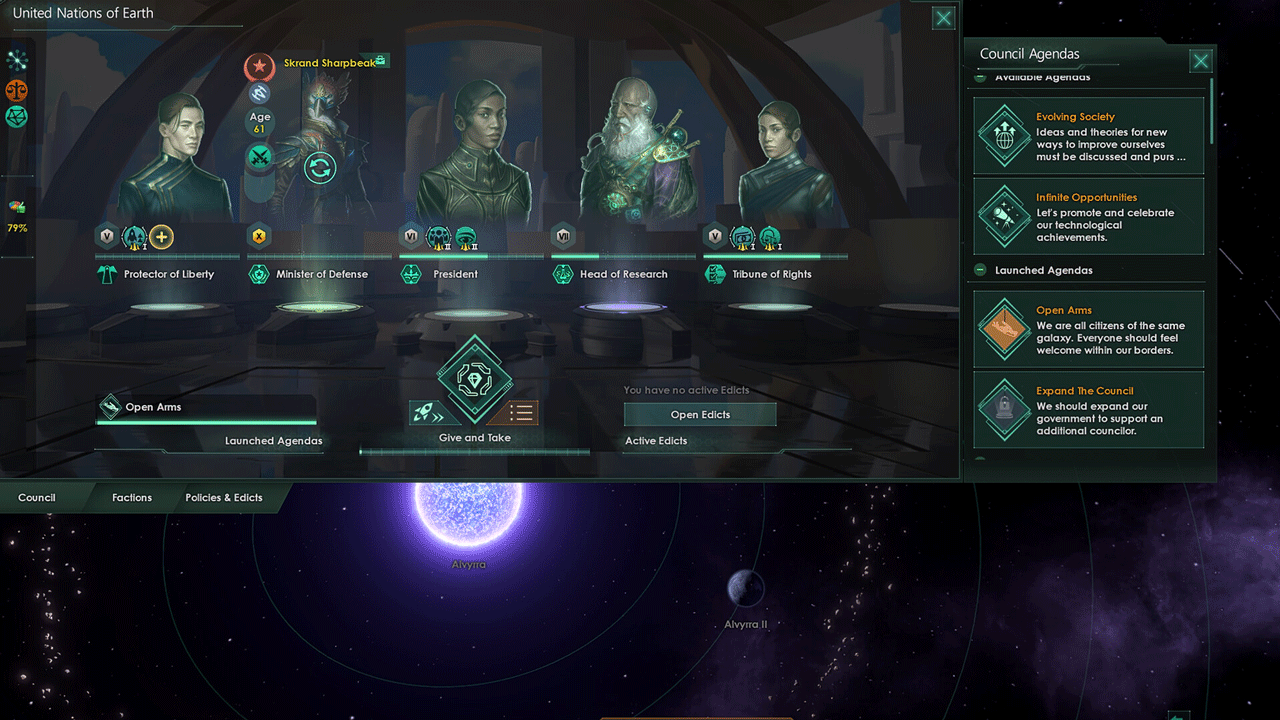
Assign leaders to important positions and make plans as you see fit. There are dozens of unique Council roles available, depending on the government models and types. As your empire grows, more positions will become available!
NEW DYNAMIC LEADERS
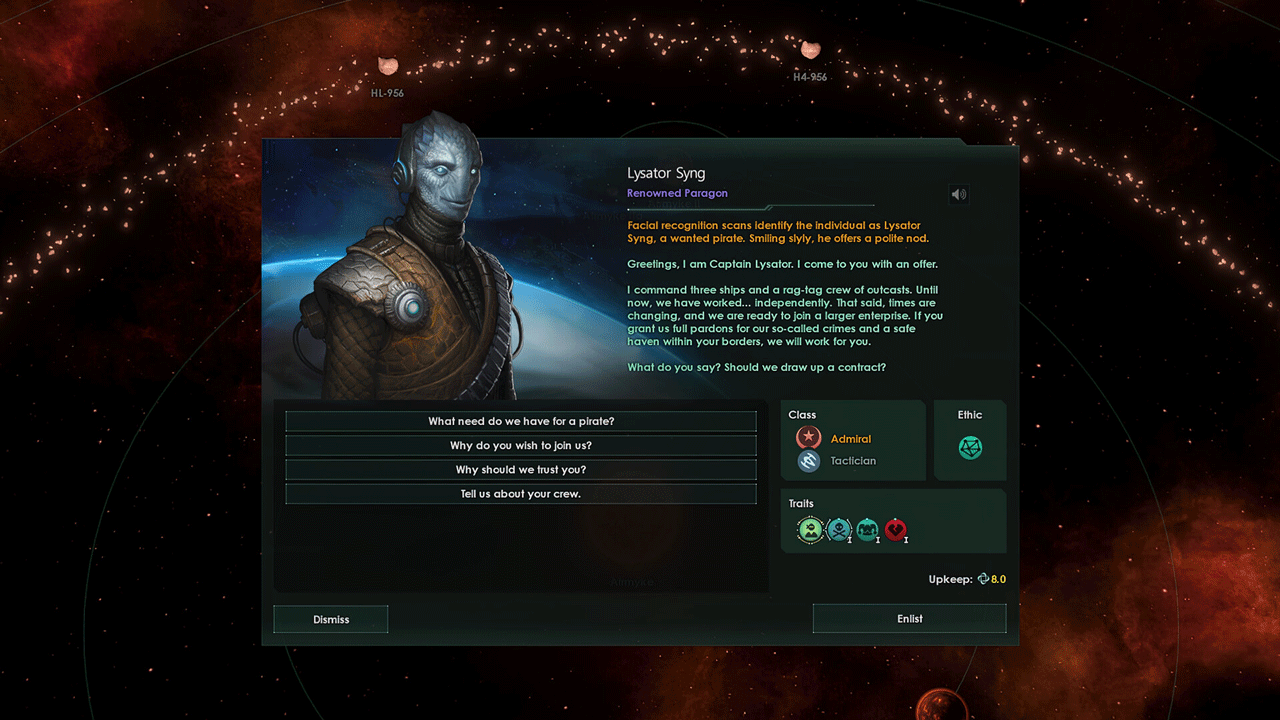
Hire leaders, develop them, and lead your empire to success! Help them develop by choosing traits and classes, and watch their fate until they retire or die!
HEROES OF THE GALAXY
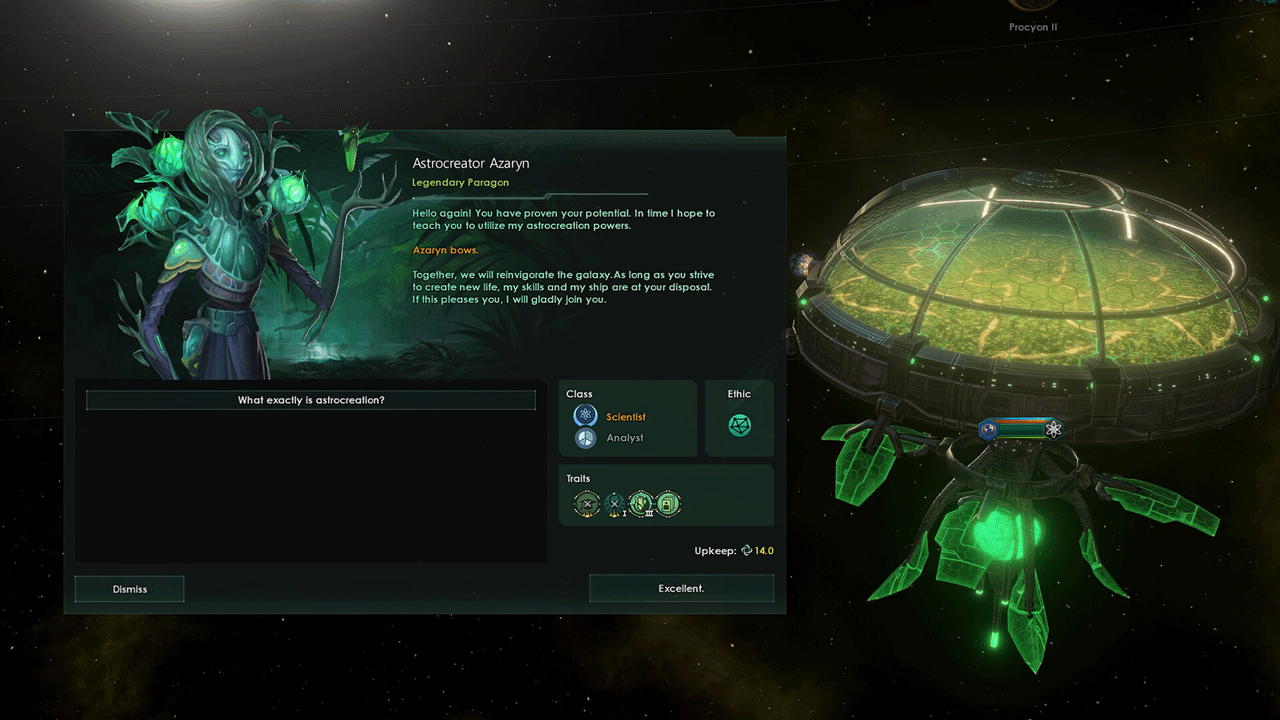
Attract real diamonds to your side: your empire needs unique leaders with their own events and stories. And that´s not counting the four legendary heroes with unique mechanics and intrigues!
NEW TRADITIONS AND PRINCIPLES
• A new origin, "Under One Rule", tells the story of the leader who founded the empire.
• 8 new civics focused on leadership, from digital immortality for the deceased to streamlined Council elections.
• 12 new veteran classes.
• Hundreds of leader traits.
• 2 new Tradition trees with new edicts and leader upgrades.
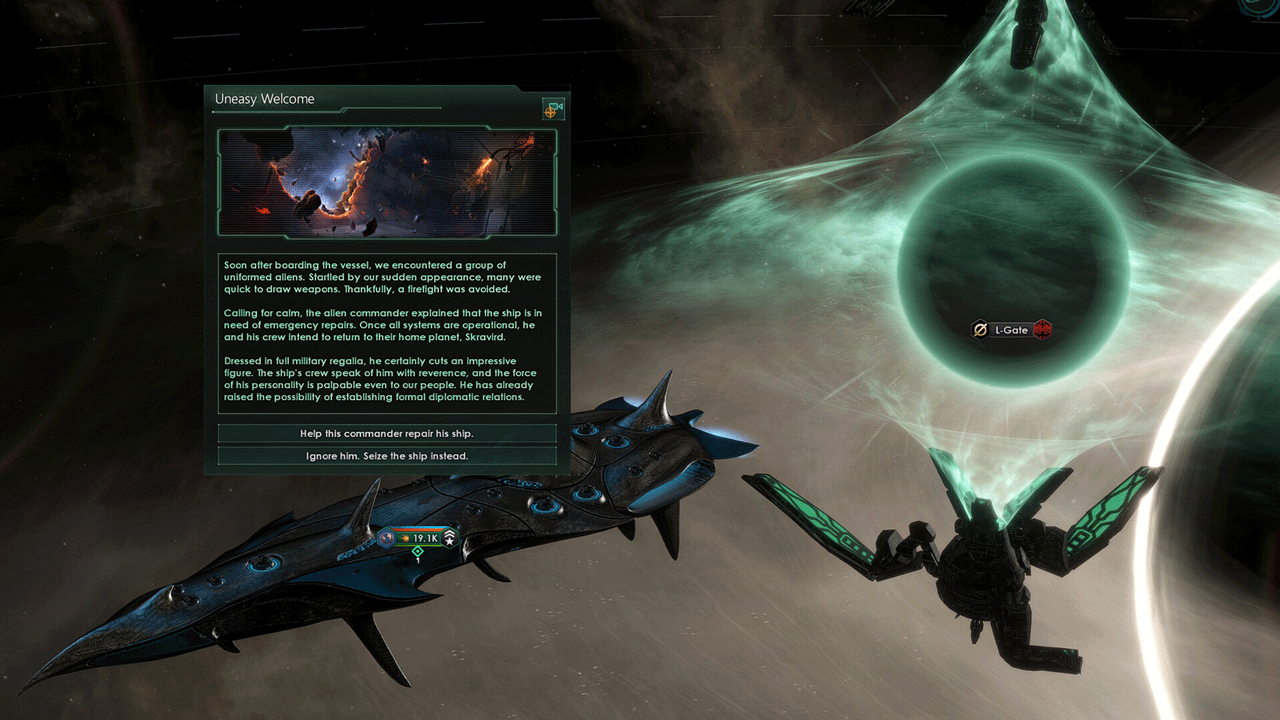
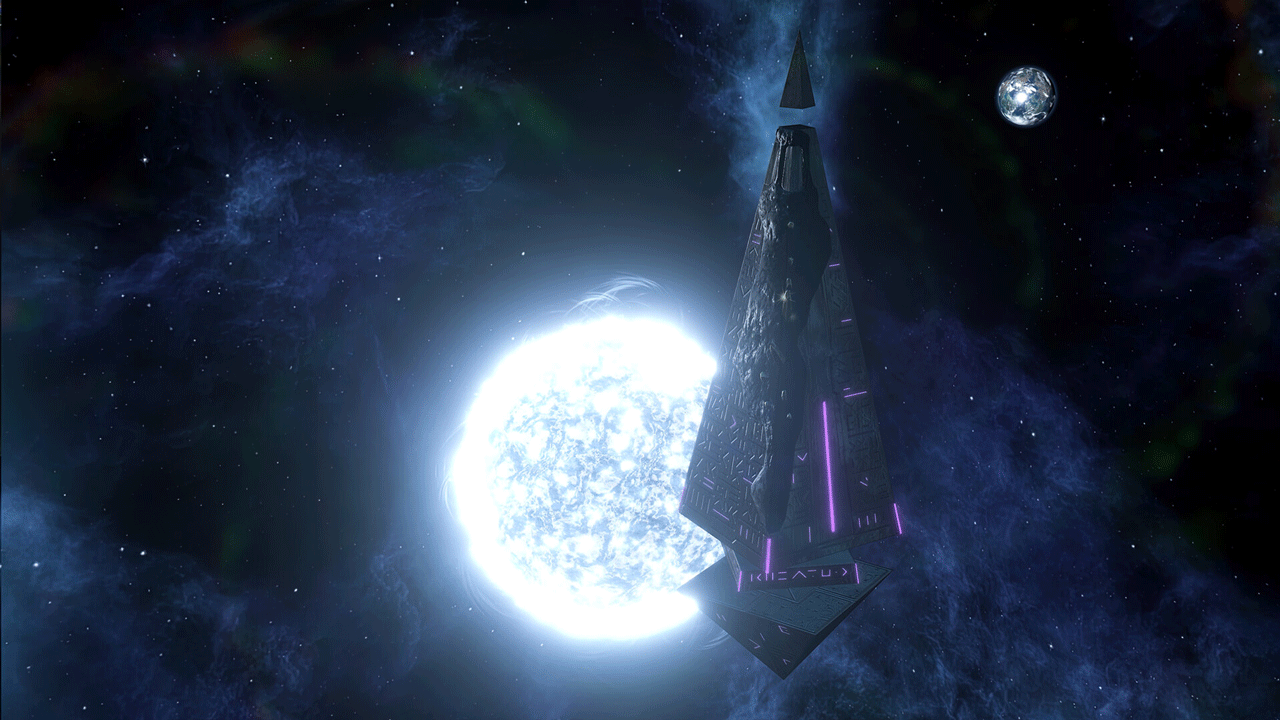
• New ships, stories, and art.
* Some features require the purchase of additional content.
========================================
Activation
1. You need to download and install the Steam application https://store.steampowered.com (if not already installed)
2. Create a new account on Steam or log in to an existing one
3. Go to the "Games" section and select "Activate on Steam"
4. Enter the activation key you purchased
5. After that, the game will appear in the application library and can be installed
Edition type: Steam Key / RU / UA / CIS / KZ / TR
⚠️ ! This key can only be activated on a Steam account registered in Russia, Ukraine or the CIS countries, Turkey
Game language: Russian (interface) / English
Release date: May 9, 2023
Platform: Windows
Region: RU / UA / CIS / TR (Russia, Ukraine and the CIS countries, Turkey)
Activation: Steam
===========================================
The Galactic Council is huge and diverse! With Galactic Paragons, your empire will gain new powerful leaders who will follow you to the stars. Completely new mechanics for the Council and leaders that can change the direction of your empire, new civil models and more - the Galactic Paragons add-on will help you create a new future!
Galactic Paragons Features*
NEW COUNCIL MECHANICS
Assign leaders to important positions and make plans as you see fit. There are dozens of unique Council roles available, depending on the government models and types. As your empire grows, more positions will become available!
NEW DYNAMIC LEADERS
Hire leaders, develop them, and lead your empire to success! Help them develop by choosing traits and classes, and watch their fate until they retire or die!
HEROES OF THE GALAXY
Attract real diamonds to your side: your empire needs unique leaders with their own events and stories. And that´s not counting the four legendary heroes with unique mechanics and intrigues!
NEW TRADITIONS AND PRINCIPLES
• A new origin, "Under One Rule", tells the story of the leader who founded the empire.
• 8 new civics focused on leadership, from digital immortality for the deceased to streamlined Council elections.
• 12 new veteran classes.
• Hundreds of leader traits.
• 2 new Tradition trees with new edicts and leader upgrades.
• New ships, stories, and art.
* Some features require the purchase of additional content.
========================================
Activation
1. You need to download and install the Steam application https://store.steampowered.com (if not already installed)
2. Create a new account on Steam or log in to an existing one
3. Go to the "Games" section and select "Activate on Steam"
4. Enter the activation key you purchased
5. After that, the game will appear in the application library and can be installed
! Before buying, please check the system requirements of the game and other parameters that interest you (they may change with time). This can be done on the sites Steam / Uplay / Origin or the official website of the publisher. Goods purchased by mistake, as well as unsuitable for system requirements or region of activation, can not be returned and exchanged!
Dear customers! Convincing request, if there are any problems with the purchased goods, do not leave a negative feedback immediately. Write us a message in the correspondence (the purchase page on the site Oplata.info). We will try to respond to your message as soon as possible and promptly solve the problem. We draw to the fact that the basis for the exchange or return of the purchased key (key), which gives an error when activated, can only be VIDEO RECORD of the purchase process and subsequent attempt to activate it (mandatory condition - the record should not contain editing features).
Our entire range: https://boardrussia.ru/digital-shop/seller/467960
We will be grateful for every positive feedback you have left after the purchase. Sincerely, the project team "AlternativA".
Dear customers! Convincing request, if there are any problems with the purchased goods, do not leave a negative feedback immediately. Write us a message in the correspondence (the purchase page on the site Oplata.info). We will try to respond to your message as soon as possible and promptly solve the problem. We draw to the fact that the basis for the exchange or return of the purchased key (key), which gives an error when activated, can only be VIDEO RECORD of the purchase process and subsequent attempt to activate it (mandatory condition - the record should not contain editing features).
Our entire range: https://boardrussia.ru/digital-shop/seller/467960
We will be grateful for every positive feedback you have left after the purchase. Sincerely, the project team "AlternativA".
28.08.2025 19:15:58
спасибо
05.03.2025 17:53:16
Спасибо
29.01.2025 7:25:33
Спасибо ,все пришло
21.12.2024 23:16:44
Спасибо, все супер
24.06.2023 1:02:05
Всё супер