Overcooked! All You Can Eat (STEAM KEY) RU+CIS
Content: text (0 symbol)
Available: 6
Uploaded: 19.10.2025
Positive responses: 9
Negative responses: 0
Sold: 93
Refunds: 0
~ $14
The exact amount is on the payment page
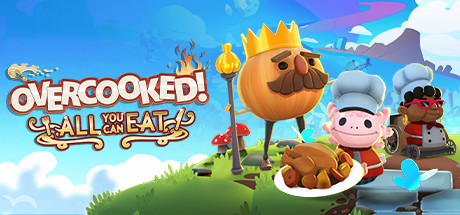
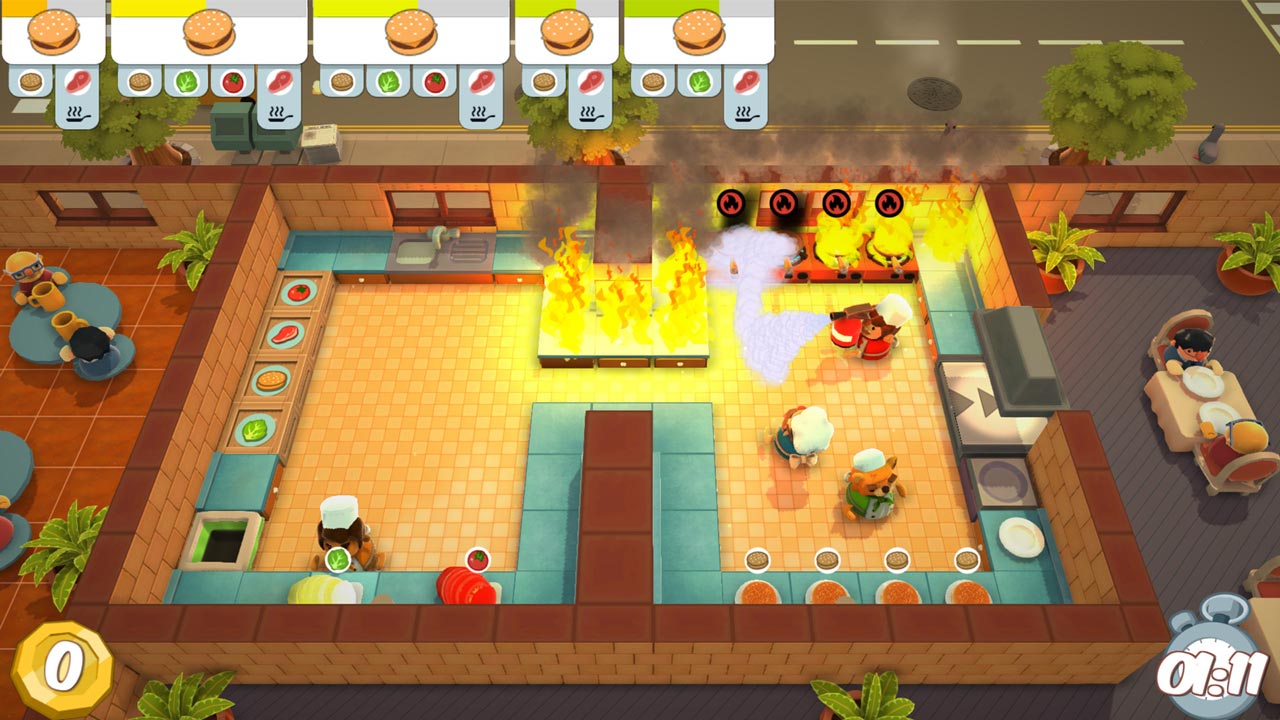
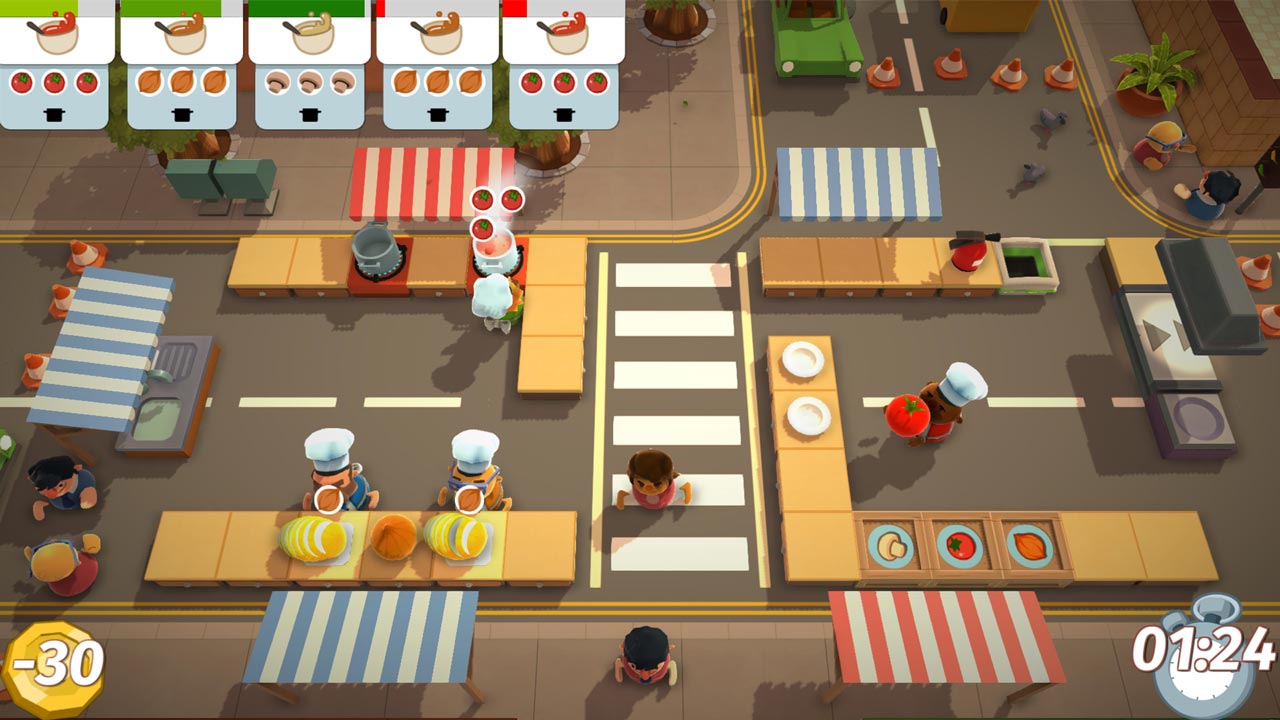
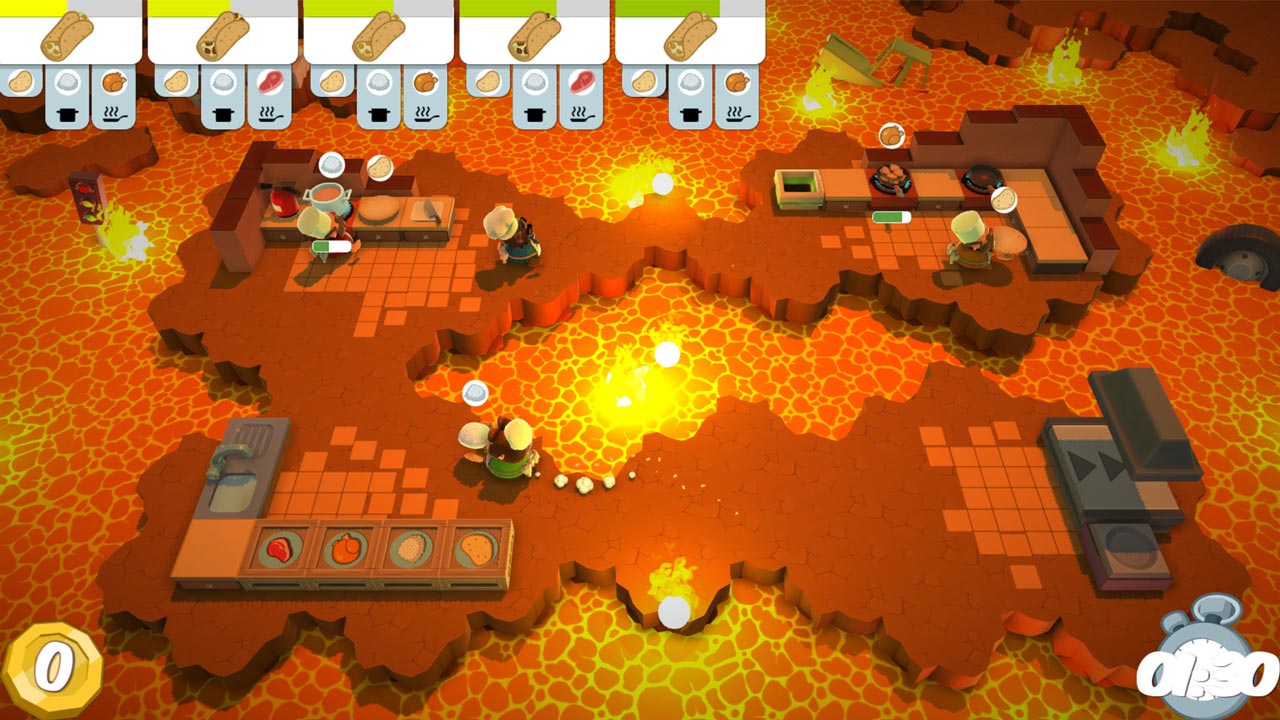
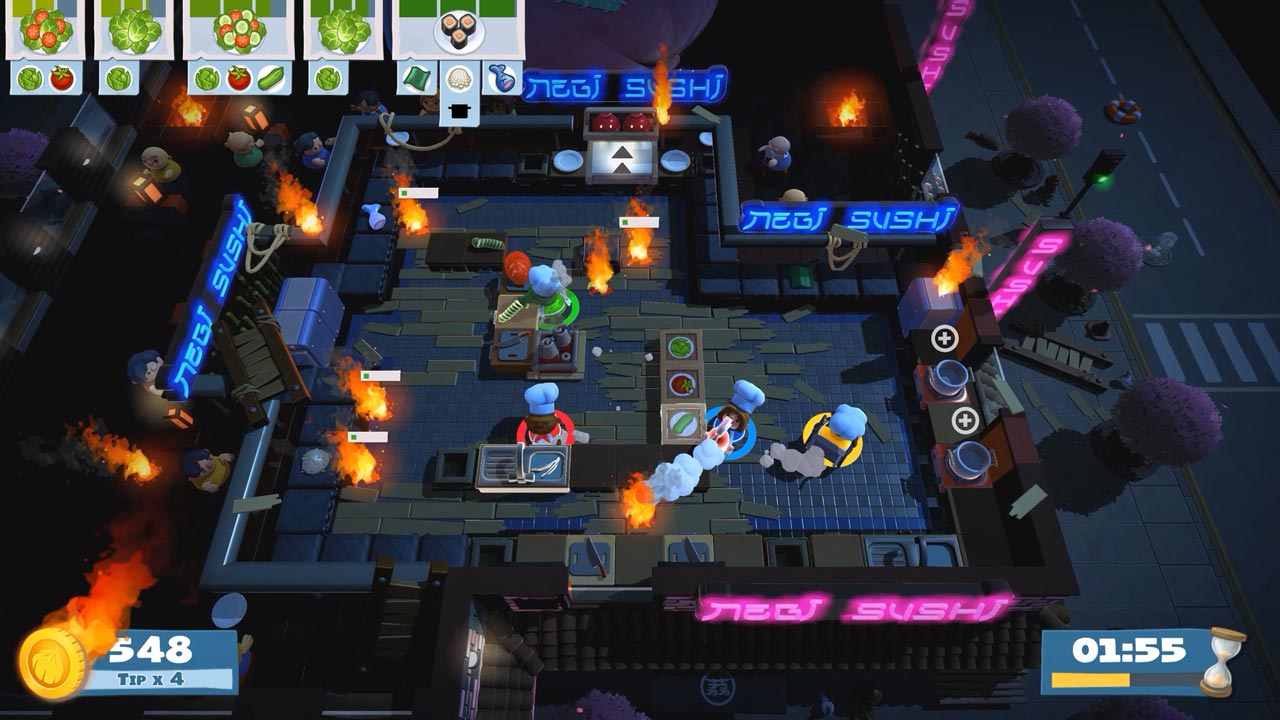
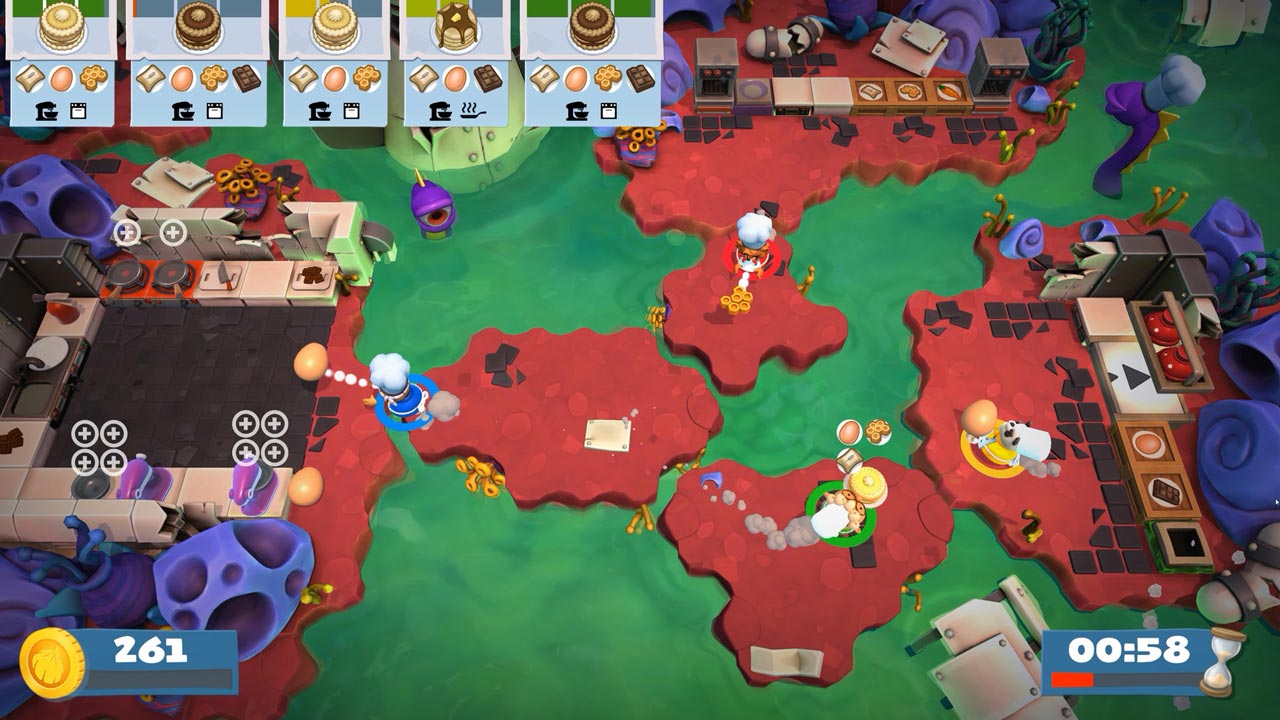
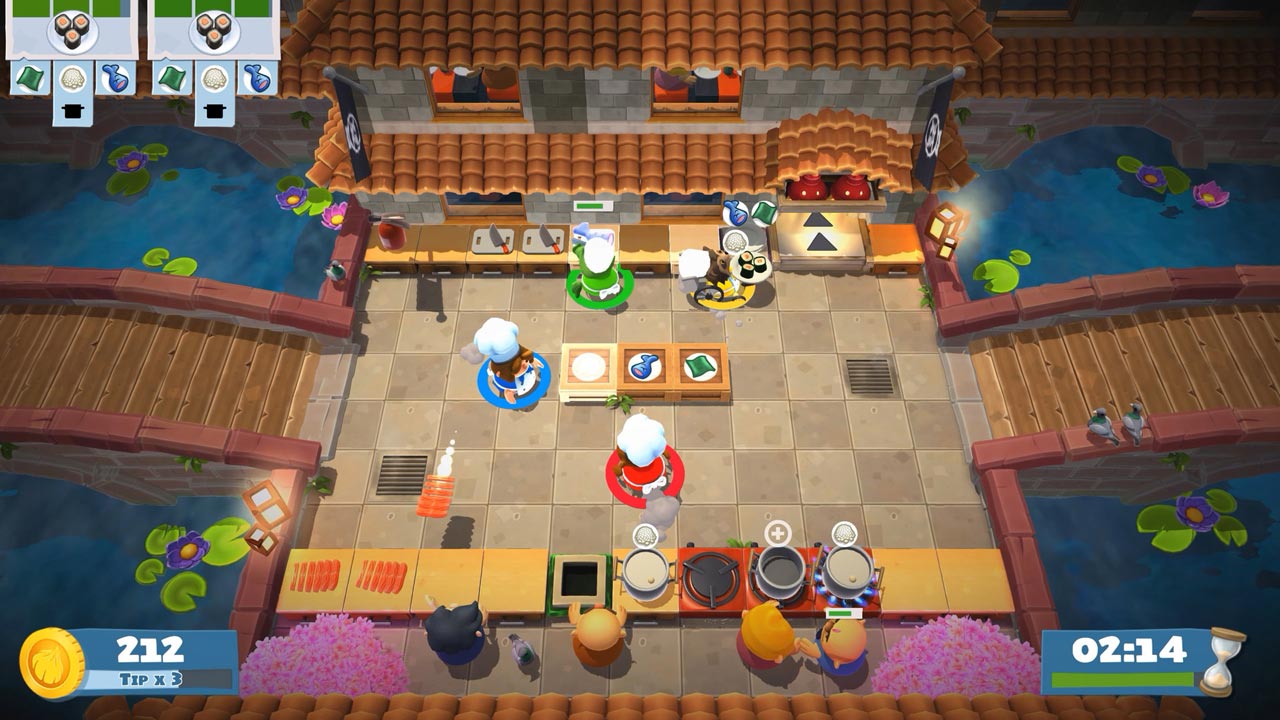
Edition type: Steam Key / RU / UA / KZ / CIS
⚠️ ! This key can only be activated on a Steam account registered in Russia, Ukraine or the CIS countries
🔹 Game language: Russian / English
🔹 Release date: November 10, 2020
🔹 Platform: Windows
🔹 Region: RU / UA / KZ / CIS (Russia, Ukraine and the CIS countries)
🔹 Activation: Steam
===========================================
Overcooked!, Overcooked! 2 and all the additional content mixed together and served in an updated gourmet edition!
Enjoy hundreds of levels of co-op culinary mayhem in increasingly dangerous and unimaginable kitchens!
• Overcooked! online
For the first time ever, Overcooked! has an online multiplayer game available! Experience your favorite kitchens from the first game in stunning 4K resolution — LIVE!
• Cross-platform multiplayer
Get into a cooking frenzy with all your friends thanks to cross-platform support and voice chat. A single queue means less waiting time for multiplayer, leaving more time for cooking battles!
• A feast for the eyes!
The graphics of both games have been taken to a whole new level in stunning 4K. The Overcooked! series has never looked so good.
• New delicious content!
New levels, new chefs, new absurdities — exclusive to Overcooked! All You Can Eat.
• Multiple modes!
Play campaign, survival, or training, and All You Can Eat also has a new assist mode with a number of settings to make the game less stressful: more time for recipes, longer rounds, and the ability to skip levels.
• Available for everyone!
Overcooked! All You Can Eat includes features that will invite as many players as possible to join the edible mayhem! There is a scalable interface, a dyslexic font, and customizable color filters.
Return to the Onion Kingdom for a feast of epic proportions in Overcooked! All You Can Eat.
========================================
Activation
1. You need to download and install Steam http://steampowered.com/download/SteamInstall.msi (if not already installed)
2. Launch the Steam client
3. Create a new Steam account or log in to an existing one
4. Go to the "Games" section and select "Activate on Steam"
5. Enter the activation key you purchased
6. After that, the game will appear in your list of games and you can install it
⚠️ ! This key can only be activated on a Steam account registered in Russia, Ukraine or the CIS countries
🔹 Game language: Russian / English
🔹 Release date: November 10, 2020
🔹 Platform: Windows
🔹 Region: RU / UA / KZ / CIS (Russia, Ukraine and the CIS countries)
🔹 Activation: Steam
===========================================
Overcooked!, Overcooked! 2 and all the additional content mixed together and served in an updated gourmet edition!
Enjoy hundreds of levels of co-op culinary mayhem in increasingly dangerous and unimaginable kitchens!
• Overcooked! online
For the first time ever, Overcooked! has an online multiplayer game available! Experience your favorite kitchens from the first game in stunning 4K resolution — LIVE!
• Cross-platform multiplayer
Get into a cooking frenzy with all your friends thanks to cross-platform support and voice chat. A single queue means less waiting time for multiplayer, leaving more time for cooking battles!
• A feast for the eyes!
The graphics of both games have been taken to a whole new level in stunning 4K. The Overcooked! series has never looked so good.
• New delicious content!
New levels, new chefs, new absurdities — exclusive to Overcooked! All You Can Eat.
• Multiple modes!
Play campaign, survival, or training, and All You Can Eat also has a new assist mode with a number of settings to make the game less stressful: more time for recipes, longer rounds, and the ability to skip levels.
• Available for everyone!
Overcooked! All You Can Eat includes features that will invite as many players as possible to join the edible mayhem! There is a scalable interface, a dyslexic font, and customizable color filters.
Return to the Onion Kingdom for a feast of epic proportions in Overcooked! All You Can Eat.
========================================
Activation
1. You need to download and install Steam http://steampowered.com/download/SteamInstall.msi (if not already installed)
2. Launch the Steam client
3. Create a new Steam account or log in to an existing one
4. Go to the "Games" section and select "Activate on Steam"
5. Enter the activation key you purchased
6. After that, the game will appear in your list of games and you can install it
! Before buying, please check the system requirements of the game and other parameters that interest you (they may change with time). This can be done on the sites Steam / Uplay / Origin or the official website of the publisher. Goods purchased by mistake, as well as unsuitable for system requirements or region of activation, can not be returned and exchanged!
Dear customers! Convincing request, if there are any problems with the purchased goods, do not leave a negative feedback immediately. Write us a message in the correspondence (the purchase page on the site Oplata.info). We will try to respond to your message as soon as possible and promptly solve the problem. We draw to the fact that the basis for the exchange or return of the purchased key (key), which gives an error when activated, can only be VIDEO RECORD of the purchase process and subsequent attempt to activate it (mandatory condition - the record should not contain editing features).
Our entire range: https://boardrussia.ru/digital-shop/seller/467960
We will be grateful for every positive feedback you have left after the purchase. Sincerely, the project team "AlternativA".
Dear customers! Convincing request, if there are any problems with the purchased goods, do not leave a negative feedback immediately. Write us a message in the correspondence (the purchase page on the site Oplata.info). We will try to respond to your message as soon as possible and promptly solve the problem. We draw to the fact that the basis for the exchange or return of the purchased key (key), which gives an error when activated, can only be VIDEO RECORD of the purchase process and subsequent attempt to activate it (mandatory condition - the record should not contain editing features).
Our entire range: https://boardrussia.ru/digital-shop/seller/467960
We will be grateful for every positive feedback you have left after the purchase. Sincerely, the project team "AlternativA".
04.12.2025 22:36:27
все четко и быстро, оплатил - получил, спасибо
14.11.2025 20:32:23
все отлично, спасибо!
19.09.2025 23:53:34
Все гуд, активация прошла успешно
17.07.2025 22:46:16
Быстро и качественно, рекомендую)
17.07.2025 22:45:58
Все отлично, сразу после оплаты поступил код, активирован успешно)
10.06.2025 19:30:10
Всё четко и быстро, код рабочий
07.04.2025 18:46:29
Все четко! Спасибо за ключ.
21.06.2024 11:21:31
Ответственный продавец, ключ пришёл сразу после оплаты, и спокойно активировался на территорий РФ. Большое спасибо.
11.10.2023 7:35:27
Всё, супер! Быстро и без проблем