Pathfinder: Wrath of the Righteous - Season Pass 2 KEY
Content: text (0 symbol)
Available: 8
Uploaded: 11.12.2025
Positive responses: 5
Negative responses: 0
Sold: 36
Refunds: 0
~ $5.99
The exact amount is on the payment page
⚠️ ! Pathfinder: Wrath of the Righteous - Enhanced Edition required for Steam play.
Edition Type: Steam Key / RU / UA / KZ / CIS
⚠️ ! This key can only be activated on a Steam account registered in Russia, Ukraine, or the CIS.
🔹 Game Language: Russian (subtitles + interface) / English
🔹 Release Date: October 25, 2022
🔹 Platform: Windows
🔹 Region: RU / UA / KZ / CIS (Russia, Ukraine, and the CIS)
🔹 Activation: Steam
===========================================
This edition includes:
✔️ Pathfinder: Wrath of the Righteous - The Last Sarkorians (DLC)
✔️ Pathfinder: Wrath of the Righteous – The Lord of Nothing (DLC)
✔️ Pathfinder: Wrath of the Righteous – A Dance of Masks (DLC)
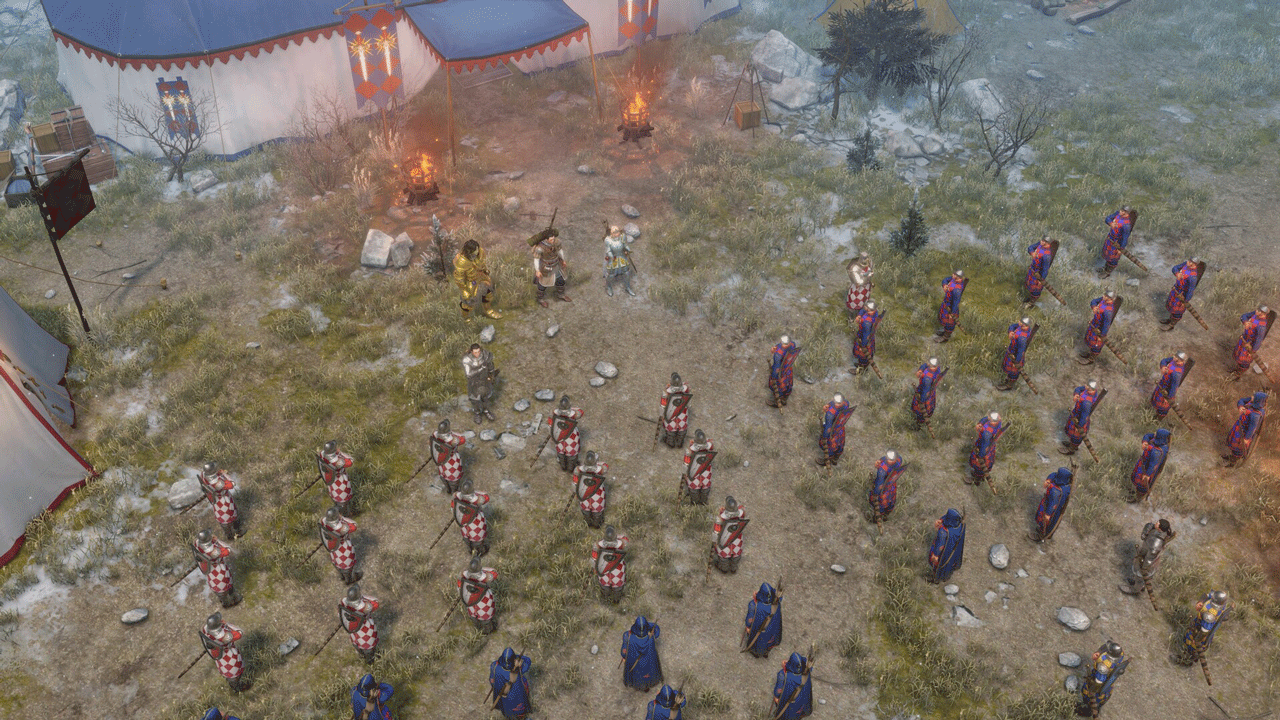
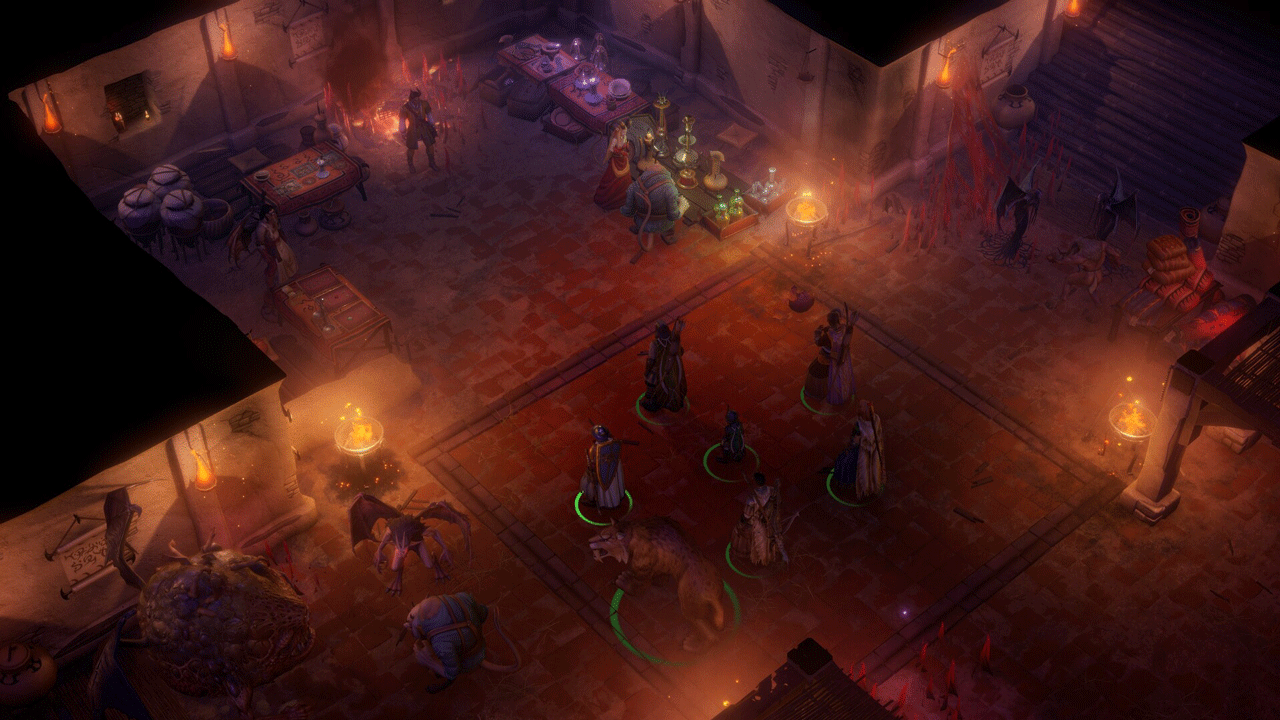
A new season of DLC brings new adventures! New friends and enemies, dangers and rewards await you—both as part of the main campaign and as standalone storylines.
The Last Sarkorians
Meet Ulbrig Olesk, one of the last heirs of the destroyed Sarkoris. Armed with the ability to transform into a mighty griffin, he could become a stalwart fighter in your party, a trusted friend—or perhaps even more.
The Lord of Nothing
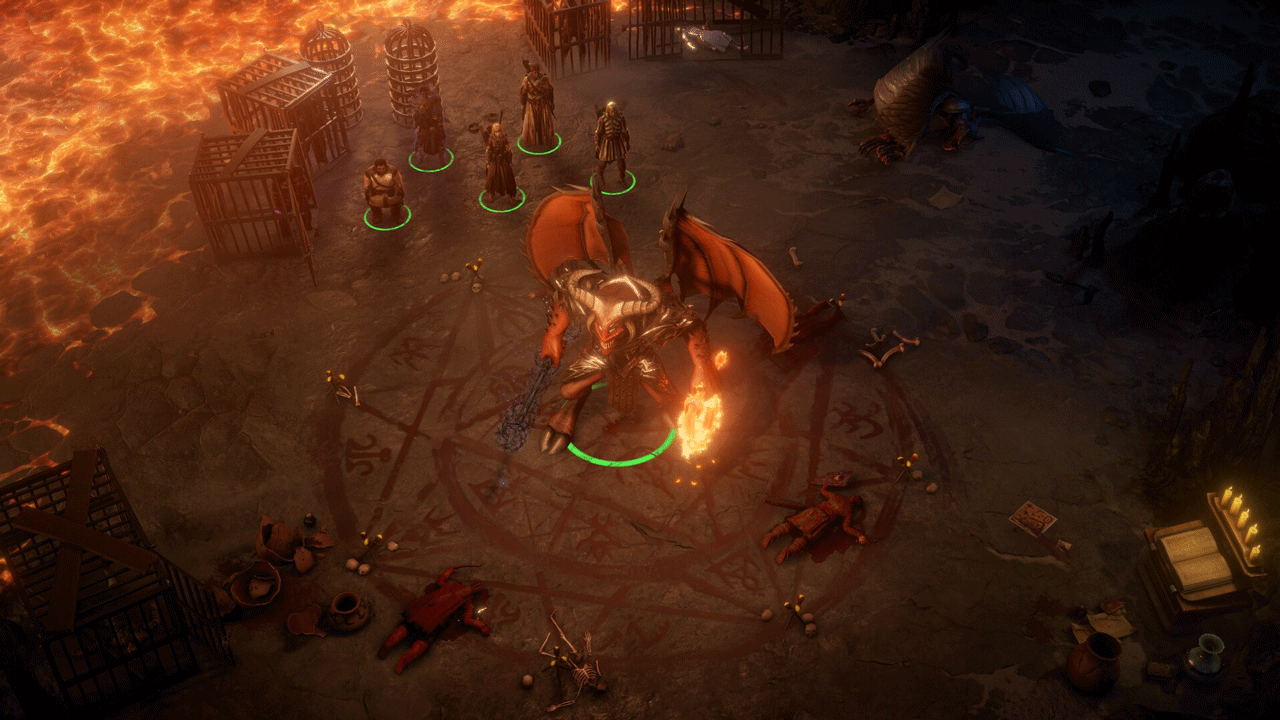
"The Lord of Nothing" is the fifth story expansion for Pathfinder: Wrath of the Righteous, concluding the story of the second expansion, "Steps on Ash." Explore new unique locations, make new friends, and confront a powerful demon lord to bring Sendri and Rekarth´s story to its long-awaited conclusion. How this adventure unfolds for your characters will be entirely up to you, as the expansion offers more than five unique endings.
A Dance of Masks
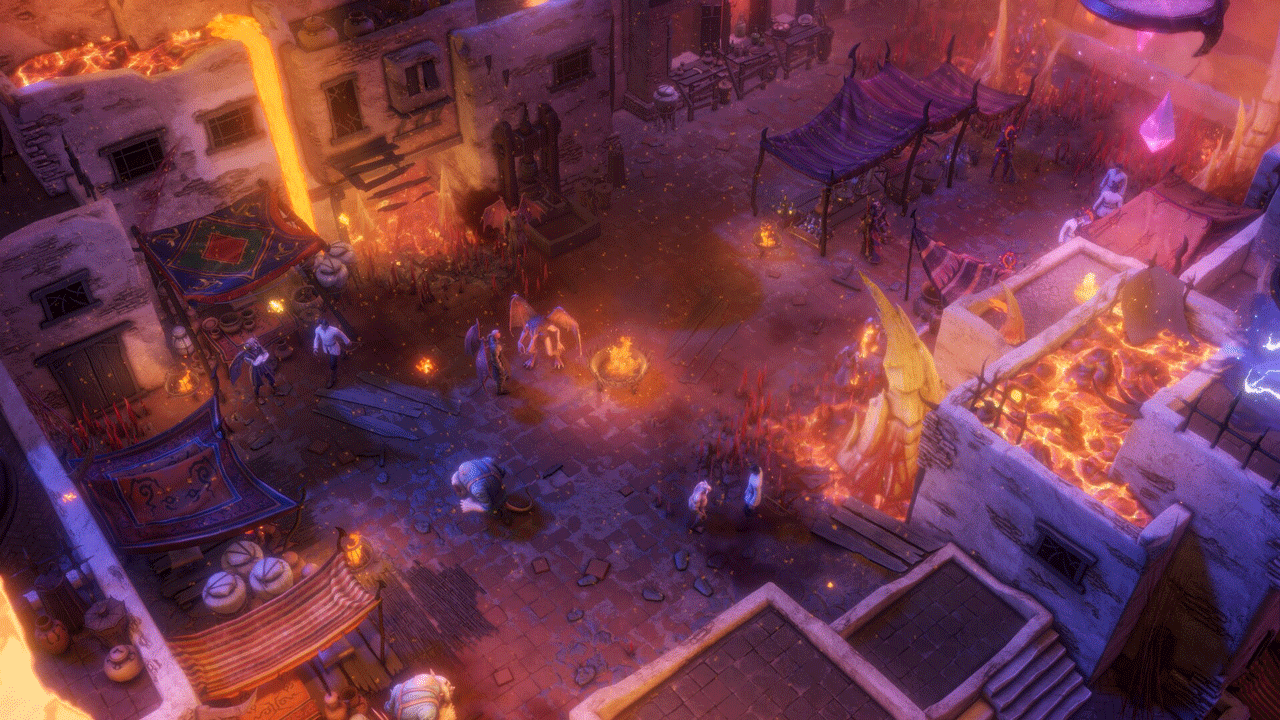
"A Dance of Masks" is the sixth and final DLC for Pathfinder: Wrath of the Righteous in Season Pass 2, a love letter to the Knight Commander and his colorful retinue. Gather your companions and return to where it all began—the city of Kenabres, destroyed and rebuilt. Enjoy the city festival, celebrate your victories, socialize with friends and loved ones, admire the fireworks... and thwart the villains who plan to ruin the festivities!
========================================
Activation
1. Download and install the Steam app from https://store.steampowered.com (if you haven´t already).
2. Create a new Steam account or sign in to an existing one.
3. Go to the "Games" section and select "Activate on Steam."
4. Enter the activation key you purchased.
5. The game will then appear in the app library and can be installed.
Edition Type: Steam Key / RU / UA / KZ / CIS
⚠️ ! This key can only be activated on a Steam account registered in Russia, Ukraine, or the CIS.
🔹 Game Language: Russian (subtitles + interface) / English
🔹 Release Date: October 25, 2022
🔹 Platform: Windows
🔹 Region: RU / UA / KZ / CIS (Russia, Ukraine, and the CIS)
🔹 Activation: Steam
===========================================
This edition includes:
✔️ Pathfinder: Wrath of the Righteous - The Last Sarkorians (DLC)
✔️ Pathfinder: Wrath of the Righteous – The Lord of Nothing (DLC)
✔️ Pathfinder: Wrath of the Righteous – A Dance of Masks (DLC)
A new season of DLC brings new adventures! New friends and enemies, dangers and rewards await you—both as part of the main campaign and as standalone storylines.
The Last Sarkorians
Meet Ulbrig Olesk, one of the last heirs of the destroyed Sarkoris. Armed with the ability to transform into a mighty griffin, he could become a stalwart fighter in your party, a trusted friend—or perhaps even more.
The Lord of Nothing
"The Lord of Nothing" is the fifth story expansion for Pathfinder: Wrath of the Righteous, concluding the story of the second expansion, "Steps on Ash." Explore new unique locations, make new friends, and confront a powerful demon lord to bring Sendri and Rekarth´s story to its long-awaited conclusion. How this adventure unfolds for your characters will be entirely up to you, as the expansion offers more than five unique endings.
A Dance of Masks
"A Dance of Masks" is the sixth and final DLC for Pathfinder: Wrath of the Righteous in Season Pass 2, a love letter to the Knight Commander and his colorful retinue. Gather your companions and return to where it all began—the city of Kenabres, destroyed and rebuilt. Enjoy the city festival, celebrate your victories, socialize with friends and loved ones, admire the fireworks... and thwart the villains who plan to ruin the festivities!
========================================
Activation
1. Download and install the Steam app from https://store.steampowered.com (if you haven´t already).
2. Create a new Steam account or sign in to an existing one.
3. Go to the "Games" section and select "Activate on Steam."
4. Enter the activation key you purchased.
5. The game will then appear in the app library and can be installed.
! Before buying, please check the system requirements of the game and other parameters that interest you (they may change with time). This can be done on the sites Steam / Uplay / Origin or the official website of the publisher. Goods purchased by mistake, as well as unsuitable for system requirements or region of activation, can not be returned and exchanged!
Dear customers! Convincing request, if there are any problems with the purchased goods, do not leave a negative feedback immediately. Write us a message in the correspondence (the purchase page on the site Oplata.info). We will try to respond to your message as soon as possible and promptly solve the problem. We draw to the fact that the basis for the exchange or return of the purchased key (key), which gives an error when activated, can only be VIDEO RECORD of the purchase process and subsequent attempt to activate it (mandatory condition - the record should not contain editing features).
Our entire range: https://boardrussia.ru/digital-shop/seller/467960
We will be grateful for every positive feedback you have left after the purchase. Sincerely, the project team "AlternativA".
Dear customers! Convincing request, if there are any problems with the purchased goods, do not leave a negative feedback immediately. Write us a message in the correspondence (the purchase page on the site Oplata.info). We will try to respond to your message as soon as possible and promptly solve the problem. We draw to the fact that the basis for the exchange or return of the purchased key (key), which gives an error when activated, can only be VIDEO RECORD of the purchase process and subsequent attempt to activate it (mandatory condition - the record should not contain editing features).
Our entire range: https://boardrussia.ru/digital-shop/seller/467960
We will be grateful for every positive feedback you have left after the purchase. Sincerely, the project team "AlternativA".
14.12.2025 3:50:20
Все гуд, пришло моментально.
16.10.2025 13:02:31
+
27.09.2025 21:04:03
Очень быстро, спасибо!
21.07.2025 16:48:47
Всё отлично
16.02.2024 11:17:31
Отлично! Всё работает! Продавцу РЕСПЕКТ!