Melvor Idle: Throne of the Herald (DLC) 🔑STEAM KEY
Content: text (0 symbol)
Available: 9
Uploaded: 22.10.2025
Positive responses: 1
Negative responses: 0
Sold: 8
Refunds: 0
~ $2.34
The exact amount is on the payment page
⚠️ ! To run, you need a Steam version of the game Melvor Idle
Publication type: Steam Key / RU / UA / CIS*
⚠️ ! This key can only be activated on a Steam account registered in Russia, Ukraine, Georgia, Azerbaijan, Armenia, Kyrgyzstan, Moldova, Uzbekistan
🔹 Game language: Russian (interface) / English
🔹 Release date: October 20, 2022
🔹 Platform: Windows
🔹 Region: RU / UA / CIS* (Russia, Ukraine, Georgia, Azerbaijan, Armenia, Kyrgyzstan, Moldova, Uzbekistan) ⚠️
🔹 Activation: Steam
======================================================
Throne of the Herald is the first expansion of Melvor Idle, in which you will continue the story of your hero and learn more about the mysterious forces that have invaded Melvor and the shadows that lurk beyond the Capital.
Explore new locations, craft new equipment and fight new monsters in the Throne of the Herald expansion, which brings new content and significantly expands the Melvor Idle story.
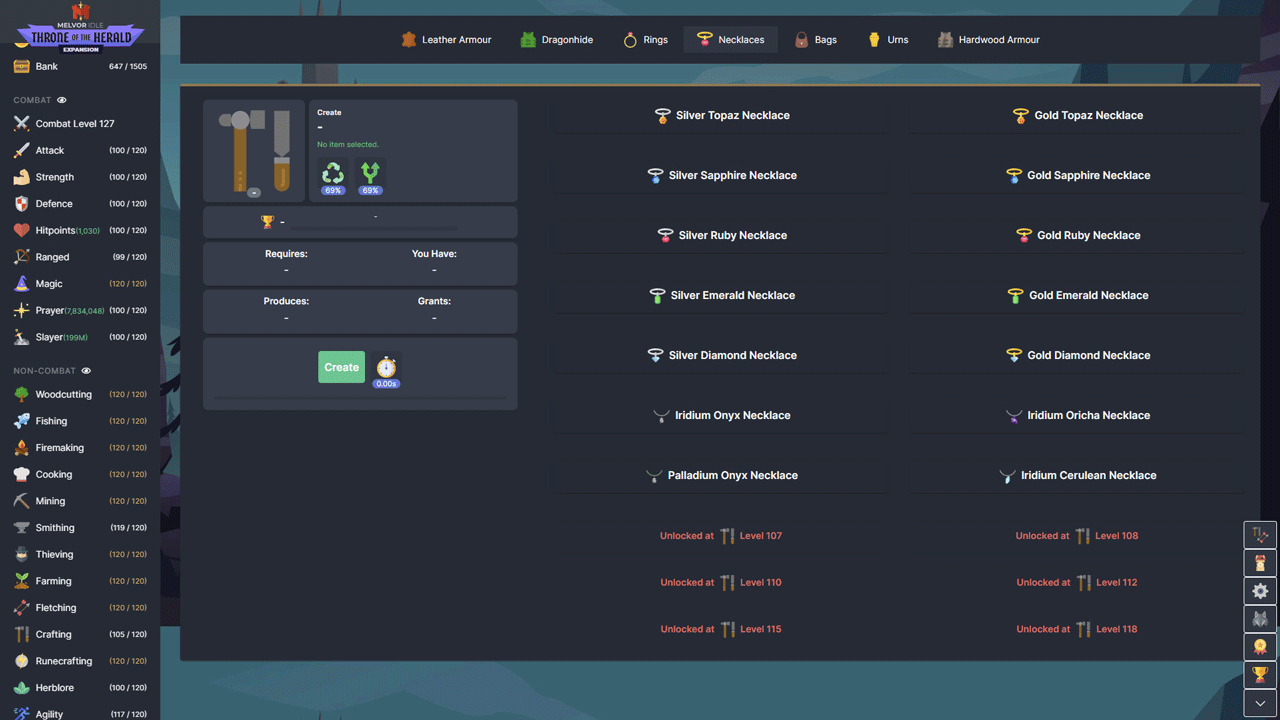
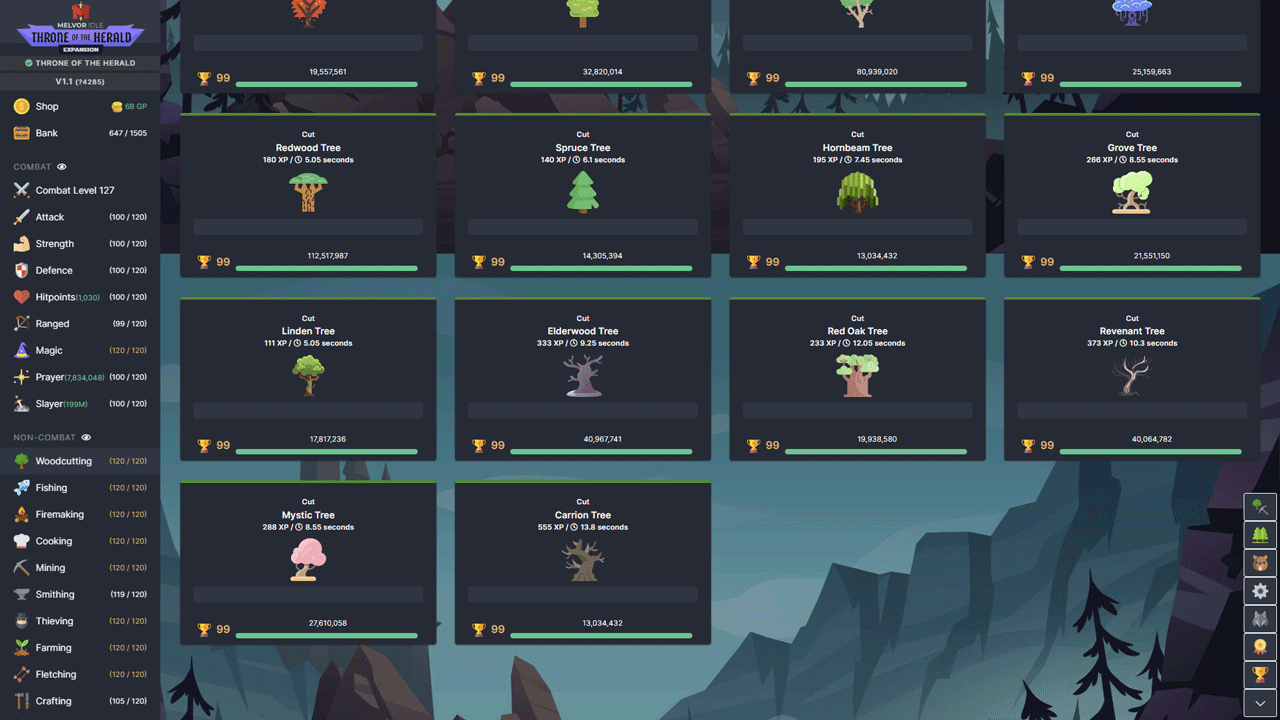
• Includes new content for all skills and increases their level from 100 to 120.
• Find and use over 500 new unique items.
• Learn more about the world of Melvor. Continue your journey and complete new combat tests.
Improve your combat skills to level 120
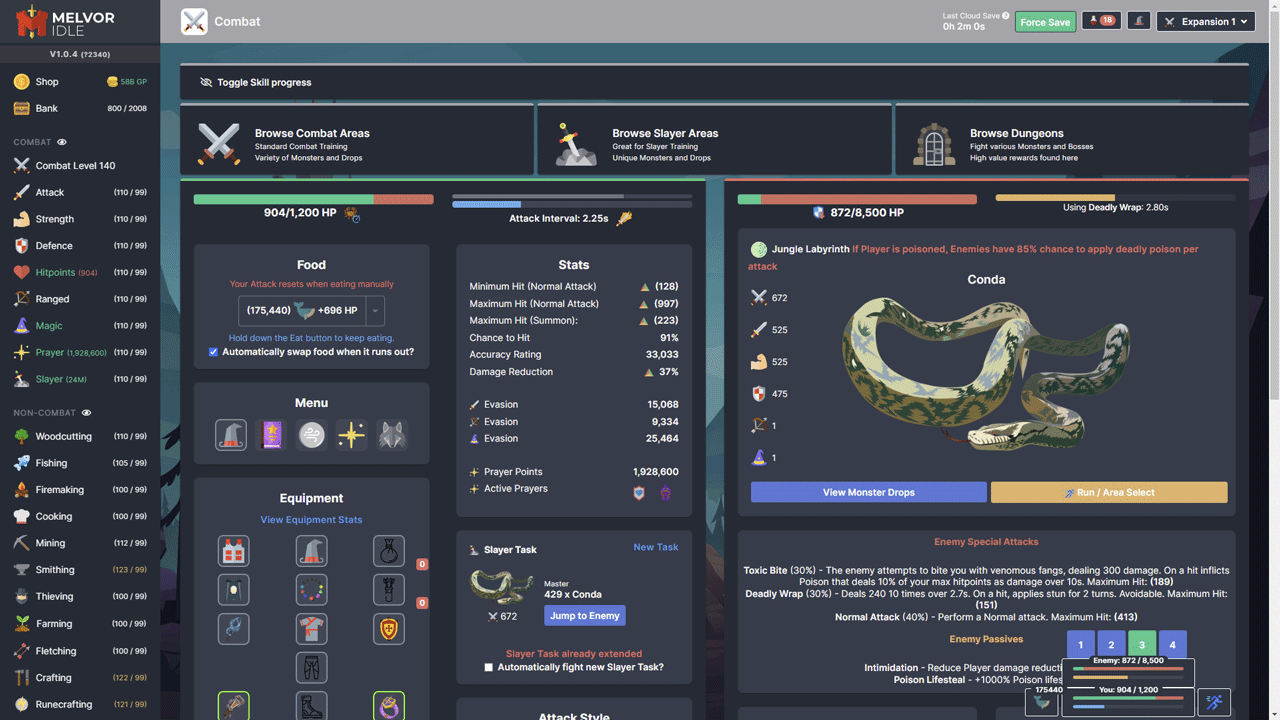
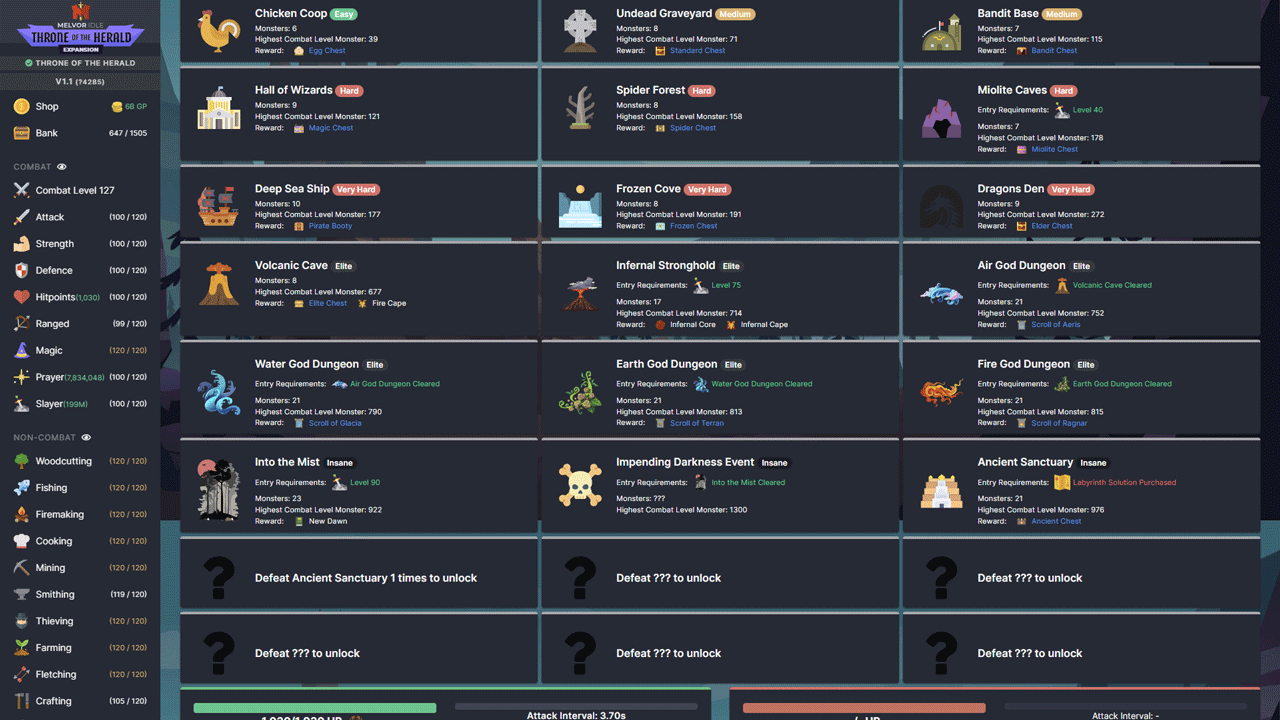
• 7 new unique and challenging dungeons
• 8 new dangerous killer areas
• More than 55 new monsters
• Fight the final boss, who will be the only monster in his dungeon
• Mountains of new combat equipment that will be useful on your journey
• New prayers
• New spell book with 10 unique enchantments for levels 100–120
• New magical curses and auras
• 2 new categories of monsters for the killer
Improve non-combat skills to level 120
• Explore new content for all level 100-120 non-combat skills
• 8 new summonable familiars. Unlock over 100 new synergies and more benefits!
• New astrological constellations. Unlock permanent bonuses for your character!
• New buildings for the city. Expand your domain!
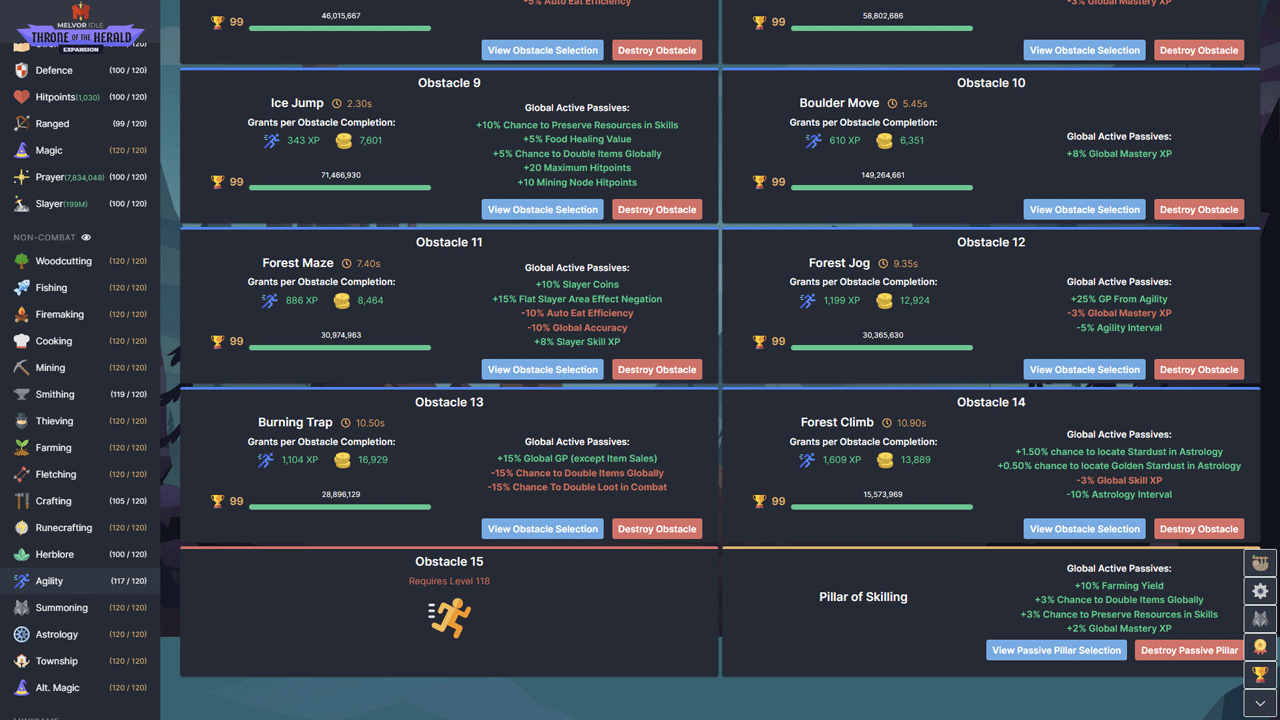
• 5 new obstacles for agility training
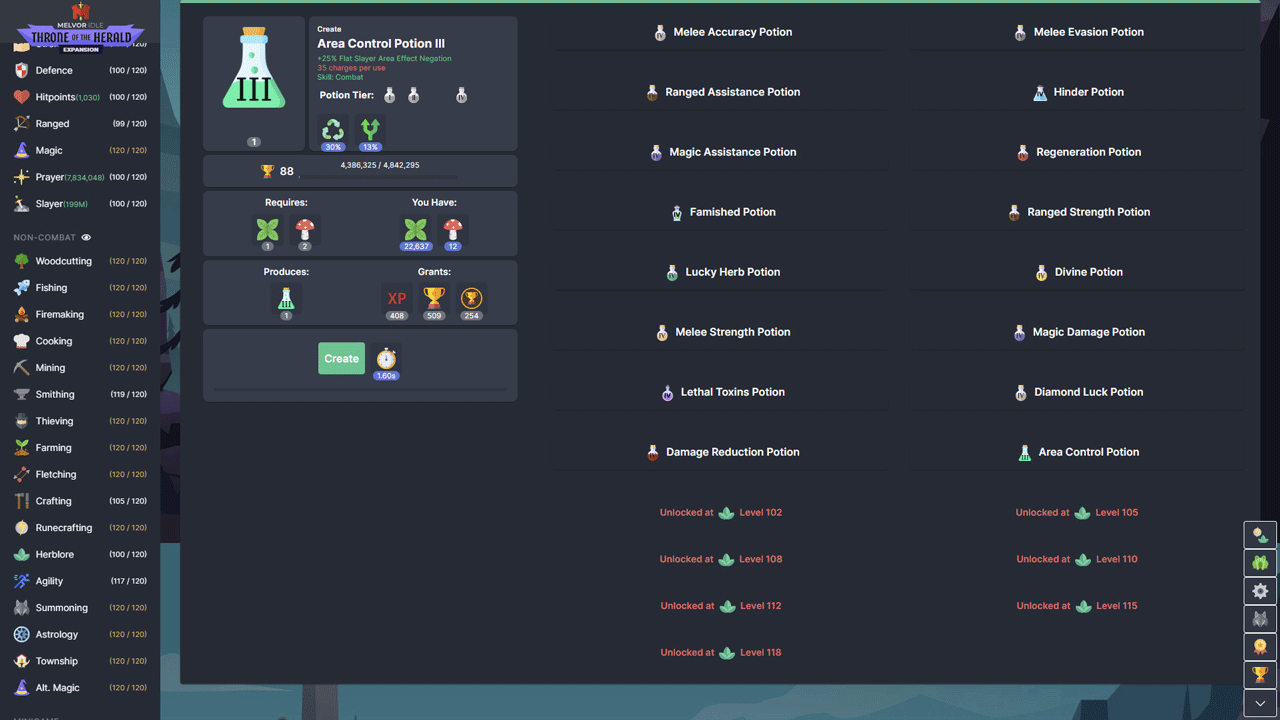
• 16 new potions that simplify various aspects of the game
• And much more!
======================================================
Activation
1. You need to download and install the Steam application https://store.steampowered.com (if not already installed)
2. Create a new account on Steam or log into an existing one
3. Go to the “Games” section and select “Activate on Steam”
4. Enter the activation key you purchased
5. After this, the game will appear in the application library and you can install it
Publication type: Steam Key / RU / UA / CIS*
⚠️ ! This key can only be activated on a Steam account registered in Russia, Ukraine, Georgia, Azerbaijan, Armenia, Kyrgyzstan, Moldova, Uzbekistan
🔹 Game language: Russian (interface) / English
🔹 Release date: October 20, 2022
🔹 Platform: Windows
🔹 Region: RU / UA / CIS* (Russia, Ukraine, Georgia, Azerbaijan, Armenia, Kyrgyzstan, Moldova, Uzbekistan) ⚠️
🔹 Activation: Steam
======================================================
Throne of the Herald is the first expansion of Melvor Idle, in which you will continue the story of your hero and learn more about the mysterious forces that have invaded Melvor and the shadows that lurk beyond the Capital.
Explore new locations, craft new equipment and fight new monsters in the Throne of the Herald expansion, which brings new content and significantly expands the Melvor Idle story.
• Includes new content for all skills and increases their level from 100 to 120.
• Find and use over 500 new unique items.
• Learn more about the world of Melvor. Continue your journey and complete new combat tests.
Improve your combat skills to level 120
• 7 new unique and challenging dungeons
• 8 new dangerous killer areas
• More than 55 new monsters
• Fight the final boss, who will be the only monster in his dungeon
• Mountains of new combat equipment that will be useful on your journey
• New prayers
• New spell book with 10 unique enchantments for levels 100–120
• New magical curses and auras
• 2 new categories of monsters for the killer
Improve non-combat skills to level 120
• Explore new content for all level 100-120 non-combat skills
• 8 new summonable familiars. Unlock over 100 new synergies and more benefits!
• New astrological constellations. Unlock permanent bonuses for your character!
• New buildings for the city. Expand your domain!
• 5 new obstacles for agility training
• 16 new potions that simplify various aspects of the game
• And much more!
======================================================
Activation
1. You need to download and install the Steam application https://store.steampowered.com (if not already installed)
2. Create a new account on Steam or log into an existing one
3. Go to the “Games” section and select “Activate on Steam”
4. Enter the activation key you purchased
5. After this, the game will appear in the application library and you can install it
! Before buying, please check the system requirements of the game and other parameters that interest you (they may change with time). This can be done on the sites Steam / Uplay / Origin or the official website of the publisher. Goods purchased by mistake, as well as unsuitable for system requirements or region of activation, can not be returned and exchanged!
Dear customers! Convincing request, if there are any problems with the purchased goods, do not leave a negative feedback immediately. Write us a message in the correspondence (the purchase page on the site Oplata.info). We will try to respond to your message as soon as possible and promptly solve the problem. We draw to the fact that the basis for the exchange or return of the purchased key (key), which gives an error when activated, can only be VIDEO RECORD of the purchase process and subsequent attempt to activate it (mandatory condition - the record should not contain editing features).
Our entire range: https://boardrussia.ru/digital-shop/seller/467960
We will be grateful for every positive feedback you have left after the purchase. Sincerely, the project team "AlternativA".
Dear customers! Convincing request, if there are any problems with the purchased goods, do not leave a negative feedback immediately. Write us a message in the correspondence (the purchase page on the site Oplata.info). We will try to respond to your message as soon as possible and promptly solve the problem. We draw to the fact that the basis for the exchange or return of the purchased key (key), which gives an error when activated, can only be VIDEO RECORD of the purchase process and subsequent attempt to activate it (mandatory condition - the record should not contain editing features).
Our entire range: https://boardrussia.ru/digital-shop/seller/467960
We will be grateful for every positive feedback you have left after the purchase. Sincerely, the project team "AlternativA".
16.06.2024 3:06:11
Успешная активация, спасибо!