Slime Rancher (STEAM KEY) RU+CIS*
Content: text (0 symbol)
Available: 6
Uploaded: 19.10.2025
Positive responses: 4
Negative responses: 0
Sold: 28
Refunds: 0
~ $4.2
The exact amount is on the payment page
Publication type: Steam Key / RU / CIS
⚠️ ! This key can only be activated on a Steam account registered in Russia, Belarus or CIS countries. The exception is Ukraine, where this key CANNOT be activated
Game language: Russian (interface subtitles) / English
Release date: August 1, 2017
Platform: Windows
Region: RU / CIS (Russia and CIS countries, except Ukraine)
Activation: Steam
======================================================
Welcome to the Endless Outlands
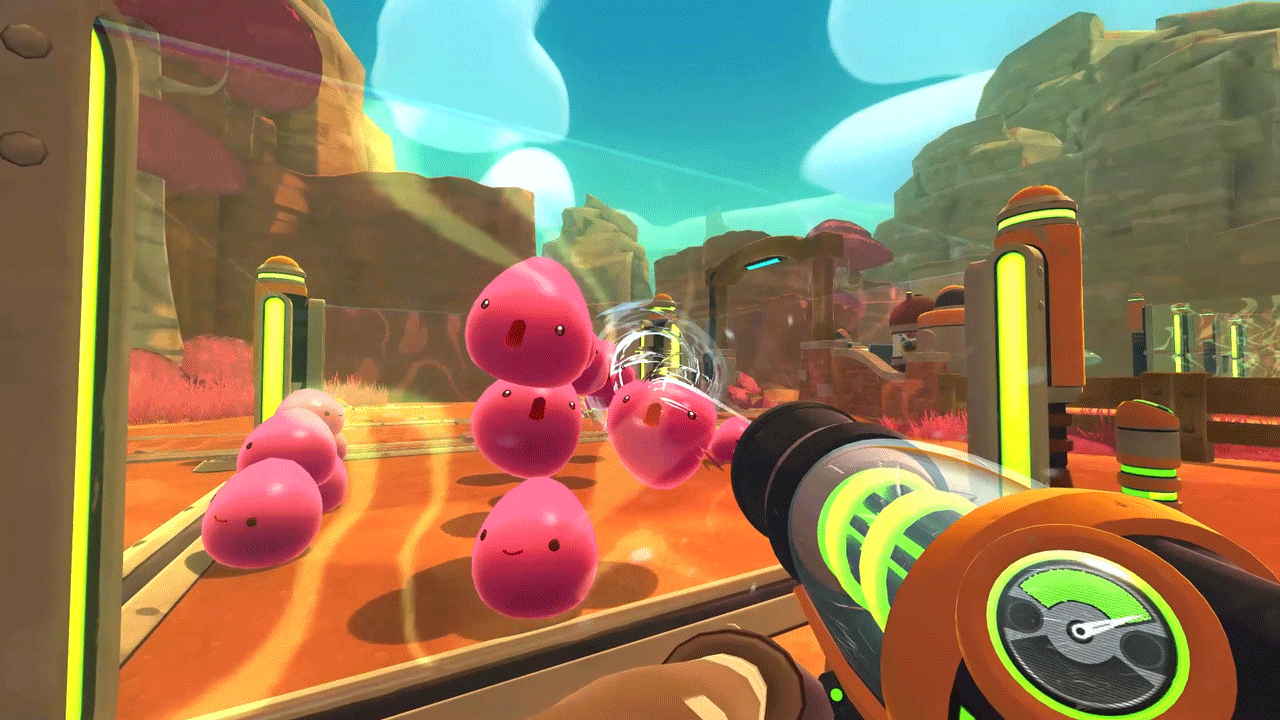
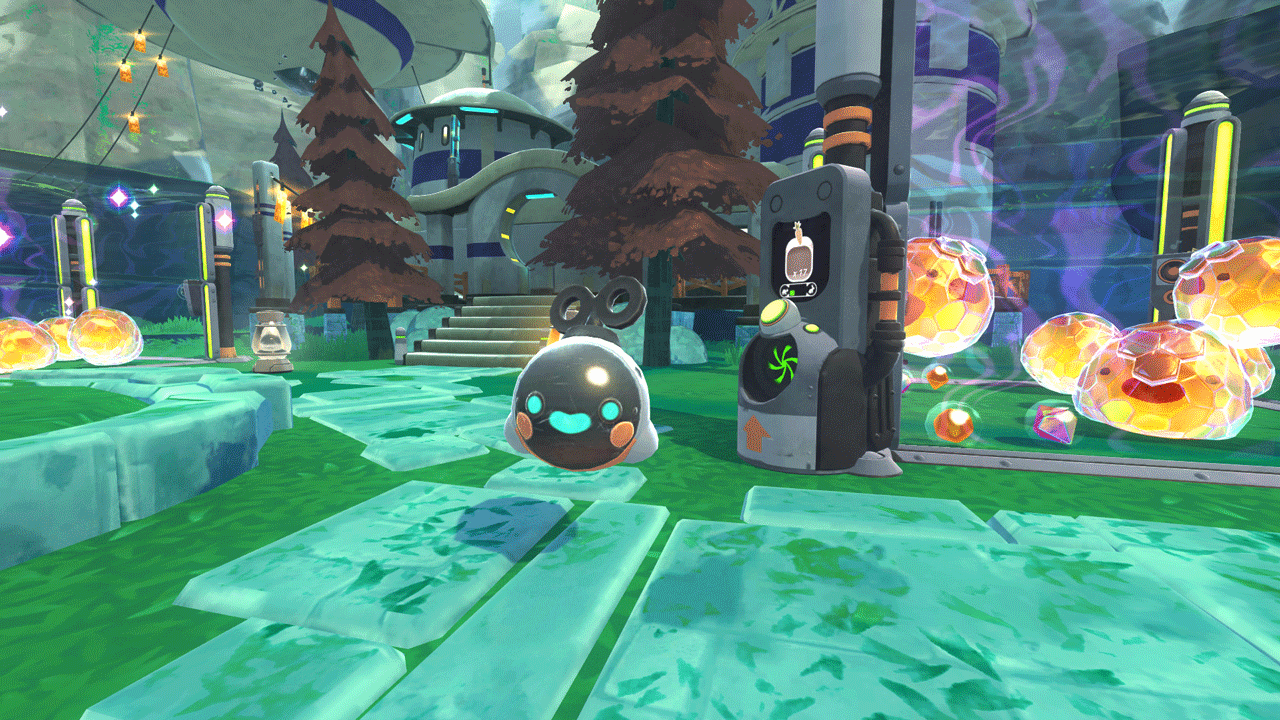
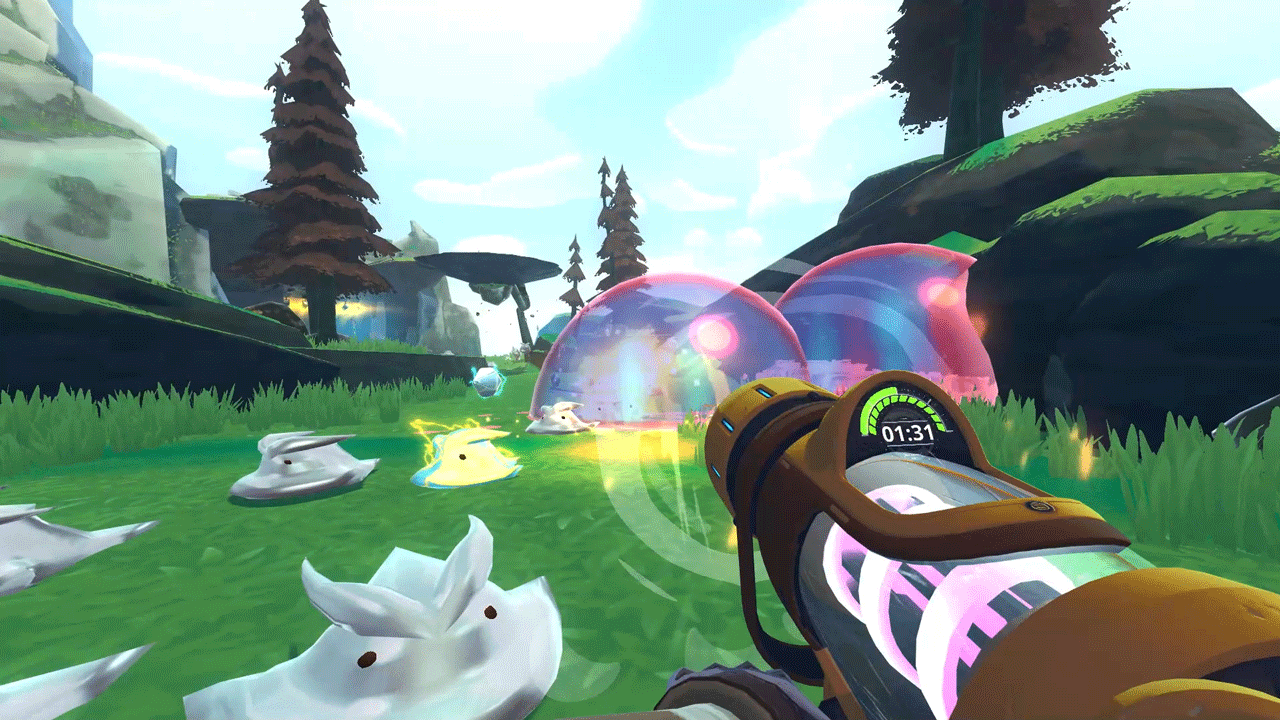
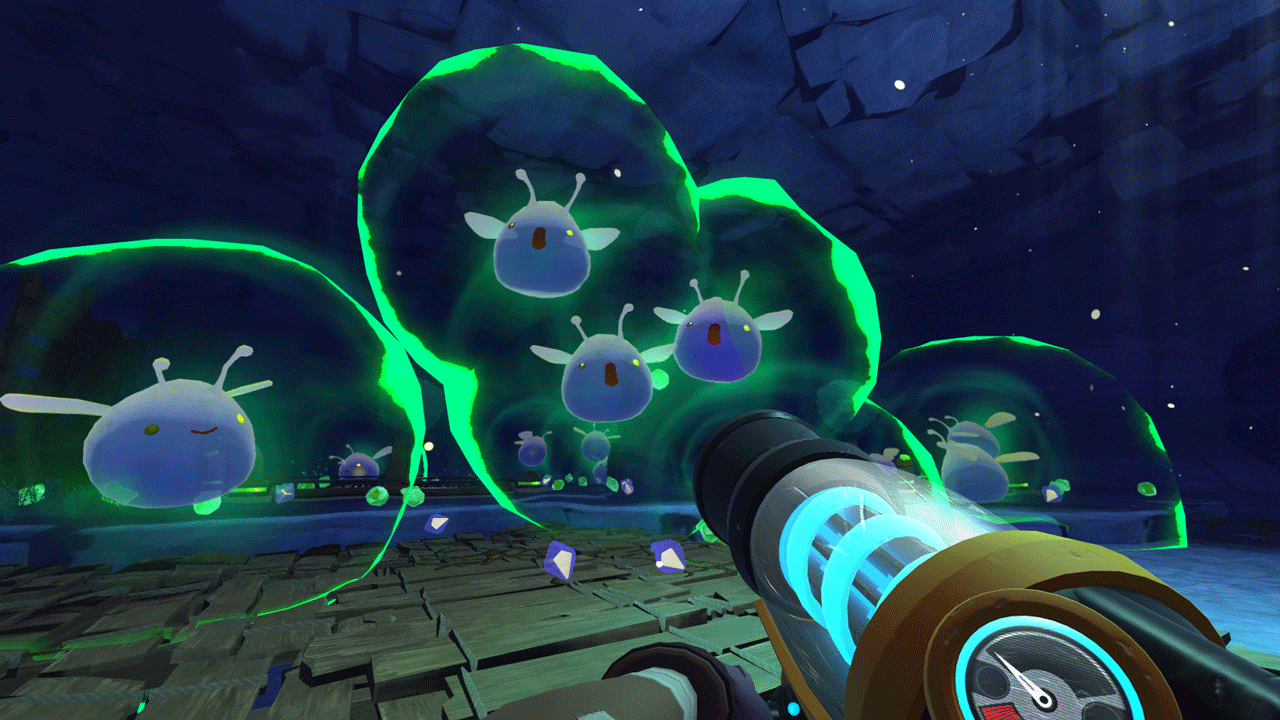
Slime Rancher is a charming first-person experience in an experimental environment. Become Beatrix LeBeau, a brave young farmer who decides to spend the rest of her life on the planet Far Beyond, thousands of light years from Earth.
Every day brings new challenges and risky opportunities as you try to make a fortune in the business of slime farming. Collect colorful slimes, grow crops, mine resources and explore the wilds with masterful use of your multi-functional backpack vacuum cleaner.
Stand up for your rights
The famous farmer Hobson Twillgers handed over his farm to you. Put it in order, reveal the secrets hidden on this mysterious planet, and learn how to make money on the plort market.
• Grow crops and breed chicken chicks to feed your hungry slimes.
• Complete daily requests from other farmers to receive additional rewards.
• Earn money to upgrade your backpack vacuum cleaner, build more pens or expand your farm.
• Use Slime Science to find rare resources, create decorations and devices to help you on your adventures.
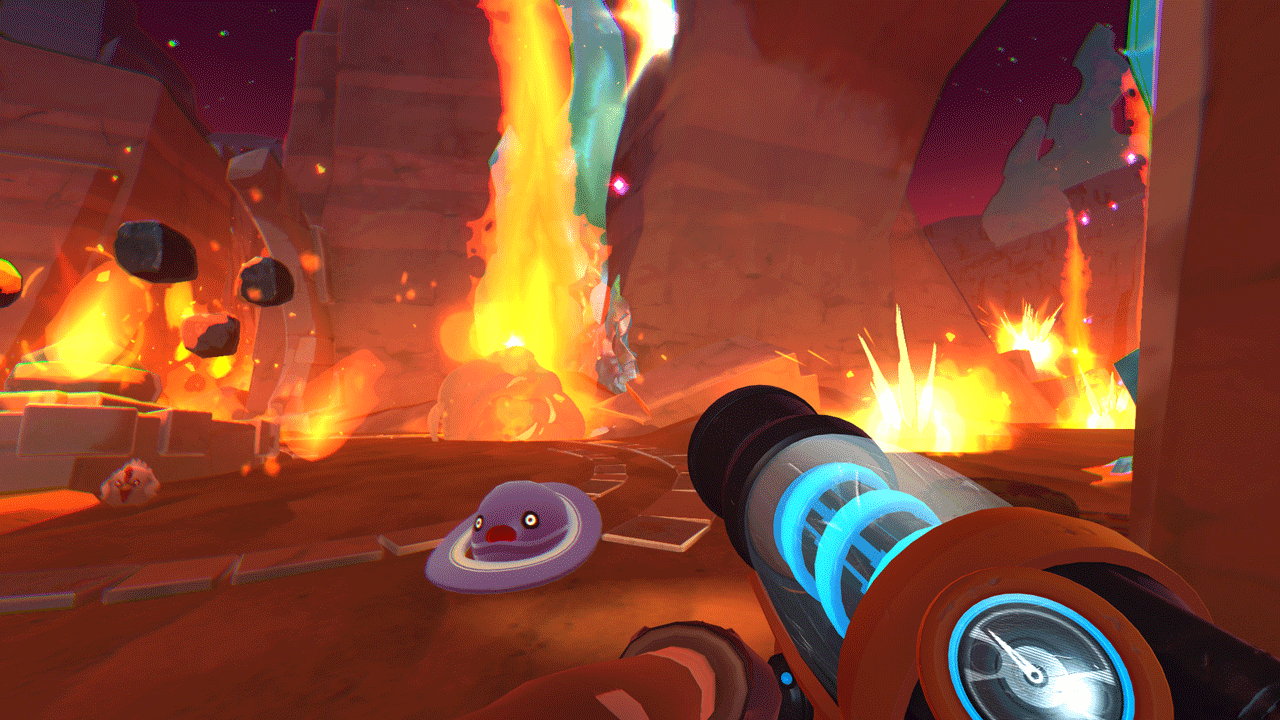
• Explore a thriving world full of secrets and hidden treasures.
Slime features:
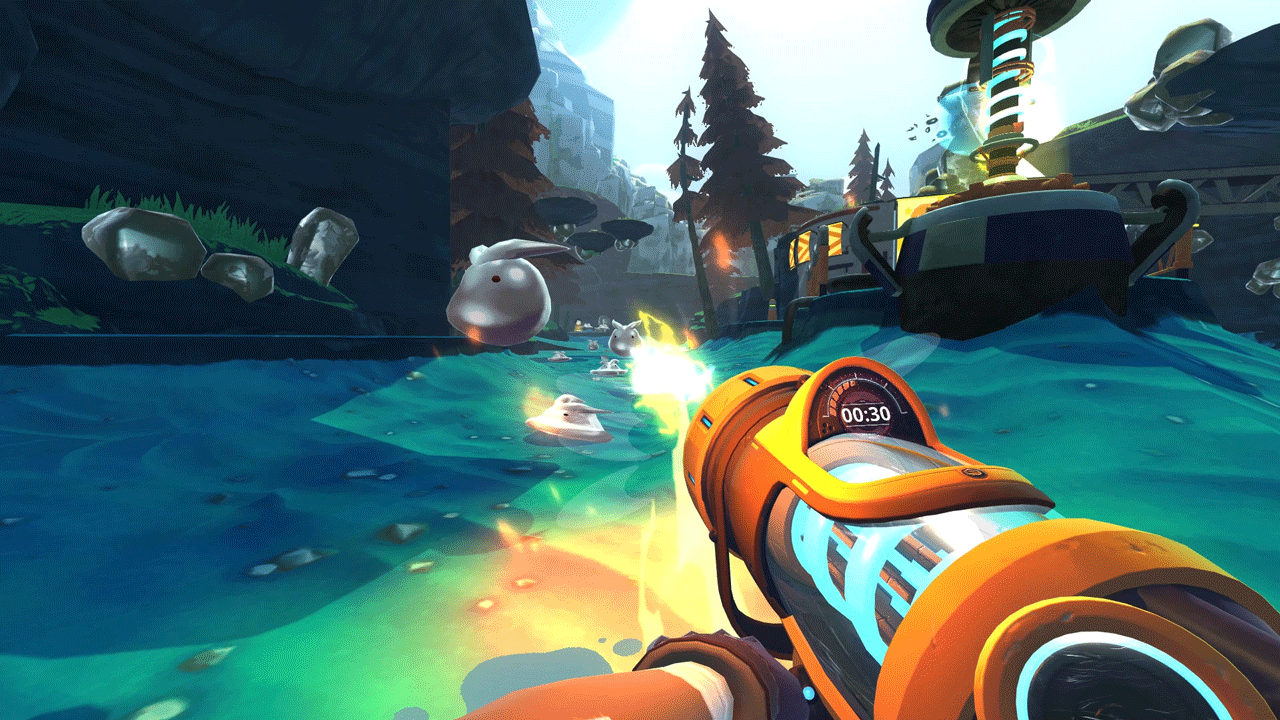
• Choose from three game modes: Adventure, Carefree and Race
• Get creative and crossbreed slimes into over 150 types of hybrid slimes
• Take advantage of our full gamepad support if you think the keys are made for music, not games.
======================================================
Activation
1. You need to download and install the Steam application https://store.steampowered.com (if not already installed)
2. Create a new account on Steam or log into an existing one
3. Go to the “Games” section and select “Activate on Steam”
4. Enter the activation key you purchased
5. After this, the game will appear in the application library and you can install it
⚠️ ! This key can only be activated on a Steam account registered in Russia, Belarus or CIS countries. The exception is Ukraine, where this key CANNOT be activated
Game language: Russian (interface subtitles) / English
Release date: August 1, 2017
Platform: Windows
Region: RU / CIS (Russia and CIS countries, except Ukraine)
Activation: Steam
======================================================
Welcome to the Endless Outlands
Slime Rancher is a charming first-person experience in an experimental environment. Become Beatrix LeBeau, a brave young farmer who decides to spend the rest of her life on the planet Far Beyond, thousands of light years from Earth.
Every day brings new challenges and risky opportunities as you try to make a fortune in the business of slime farming. Collect colorful slimes, grow crops, mine resources and explore the wilds with masterful use of your multi-functional backpack vacuum cleaner.
Stand up for your rights
The famous farmer Hobson Twillgers handed over his farm to you. Put it in order, reveal the secrets hidden on this mysterious planet, and learn how to make money on the plort market.
• Grow crops and breed chicken chicks to feed your hungry slimes.
• Complete daily requests from other farmers to receive additional rewards.
• Earn money to upgrade your backpack vacuum cleaner, build more pens or expand your farm.
• Use Slime Science to find rare resources, create decorations and devices to help you on your adventures.
• Explore a thriving world full of secrets and hidden treasures.
Slime features:
• Choose from three game modes: Adventure, Carefree and Race
• Get creative and crossbreed slimes into over 150 types of hybrid slimes
• Take advantage of our full gamepad support if you think the keys are made for music, not games.
======================================================
Activation
1. You need to download and install the Steam application https://store.steampowered.com (if not already installed)
2. Create a new account on Steam or log into an existing one
3. Go to the “Games” section and select “Activate on Steam”
4. Enter the activation key you purchased
5. After this, the game will appear in the application library and you can install it
! Before buying, please check the system requirements of the game and other parameters that interest you (they may change with time). This can be done on the sites Steam / Uplay / Origin or the official website of the publisher. Goods purchased by mistake, as well as unsuitable for system requirements or region of activation, can not be returned and exchanged!
Dear customers! Convincing request, if there are any problems with the purchased goods, do not leave a negative feedback immediately. Write us a message in the correspondence (the purchase page on the site Oplata.info). We will try to respond to your message as soon as possible and promptly solve the problem. We draw to the fact that the basis for the exchange or return of the purchased key (key), which gives an error when activated, can only be VIDEO RECORD of the purchase process and subsequent attempt to activate it (mandatory condition - the record should not contain editing features).
Our entire range: https://boardrussia.ru/digital-shop/seller/467960
We will be grateful for every positive feedback you have left after the purchase. Sincerely, the project team "AlternativA".
Dear customers! Convincing request, if there are any problems with the purchased goods, do not leave a negative feedback immediately. Write us a message in the correspondence (the purchase page on the site Oplata.info). We will try to respond to your message as soon as possible and promptly solve the problem. We draw to the fact that the basis for the exchange or return of the purchased key (key), which gives an error when activated, can only be VIDEO RECORD of the purchase process and subsequent attempt to activate it (mandatory condition - the record should not contain editing features).
Our entire range: https://boardrussia.ru/digital-shop/seller/467960
We will be grateful for every positive feedback you have left after the purchase. Sincerely, the project team "AlternativA".
10.11.2025 10:41:26
Спасибо)
09.06.2025 10:55:22
Спасибо! Все получили и довольно быстро!
13.04.2025 20:55:43
ключ пришел сразу же, активировал без проблем
19.02.2024 17:11:56
Спасибо