Loddlenaut 🔑STEAM KEY 🔥RUSSIA + GLOBAL
Content: text (17 symbols)
Available: 13
Uploaded: 03.08.2025
Positive responses: 9
Negative responses: 0
Sold: 36
Refunds: 0
~ $0.98
The exact amount is on the payment page
Edition type: Steam Key / REGION FREE
🌎 This publication has no regional restrictions and is activated in any country in the world
Game language: Russian (interface) / English
Release date: November 16, 2023
Platform: Windows
Region: Region Free (any country, no restrictions)
Activation: Steam
======================================================
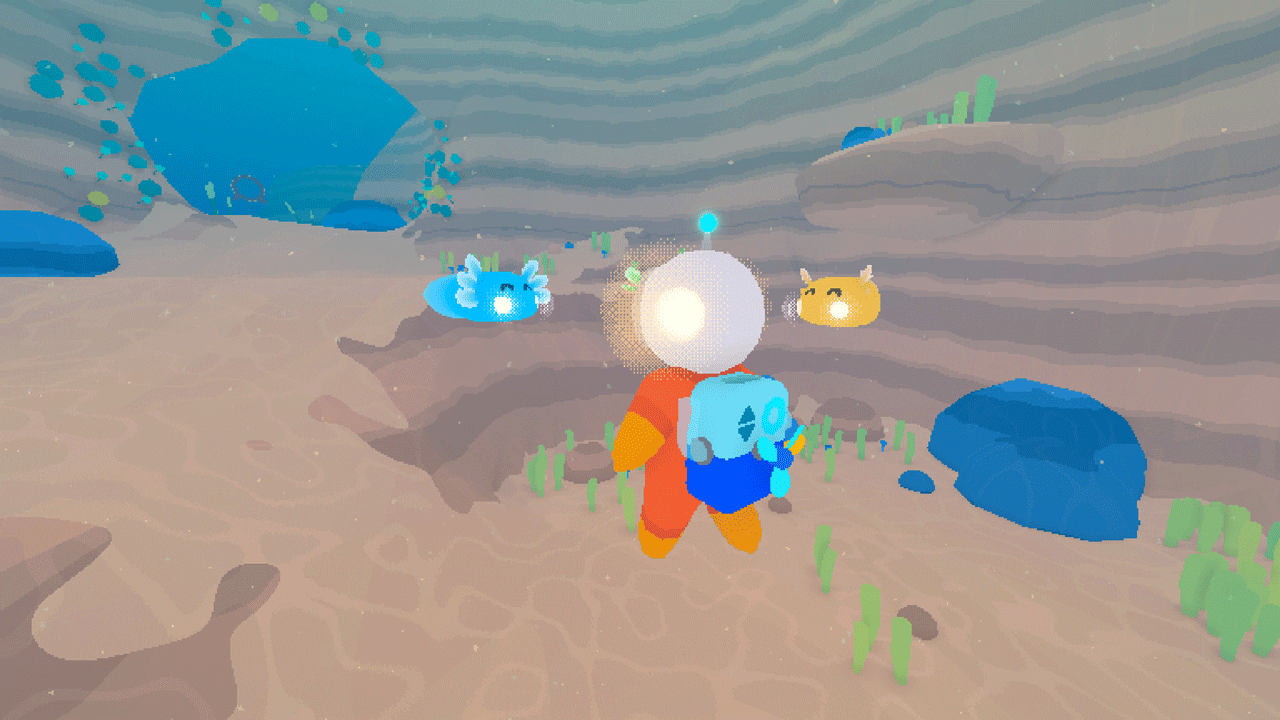
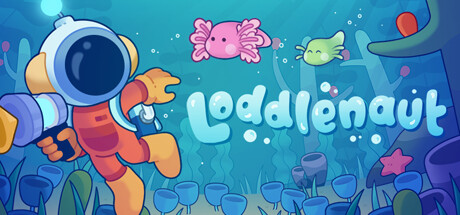
Loddlenaut is an adventure on a colorful alien planet where you have to clean up the ocean. You will become an interstellar administrator tasked with cleaning up traces of the activities of a cosmic mega-corporation. Befriend the axolotl-like locals, explore sunken corporate ruins, and restore beauty to the planet.
🚀 Explore an alien planet with an open world
🐠 Raise loddle aquatic creatures that develop differently depending on what they eat.
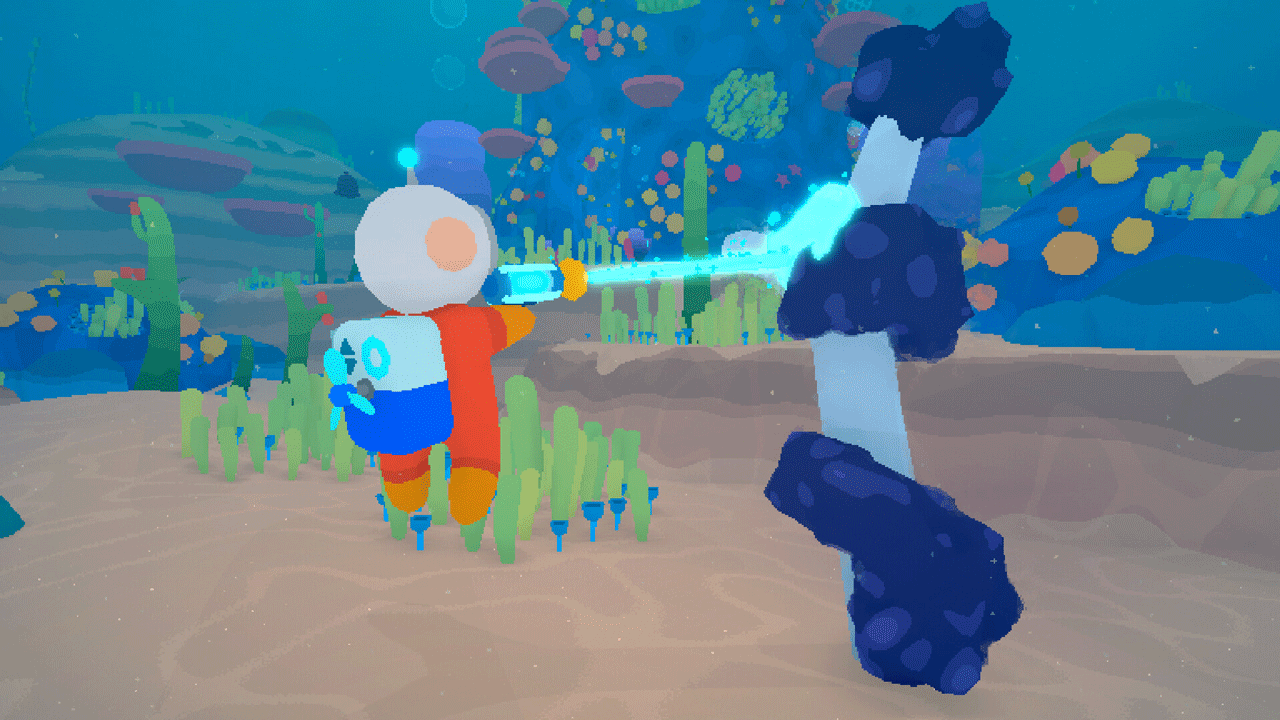
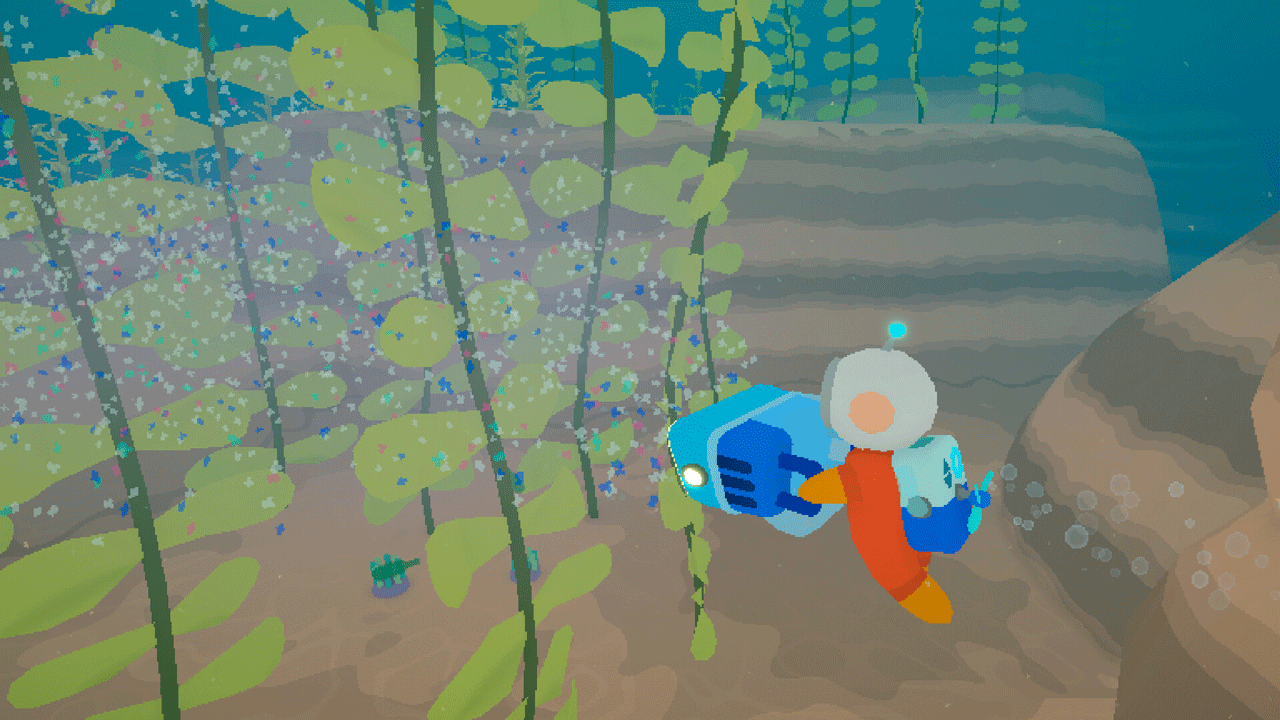
🔫 Remove nasty slime and floating debris with a bubble gun.
🌟 Unlock devices to remove various types of pollution.
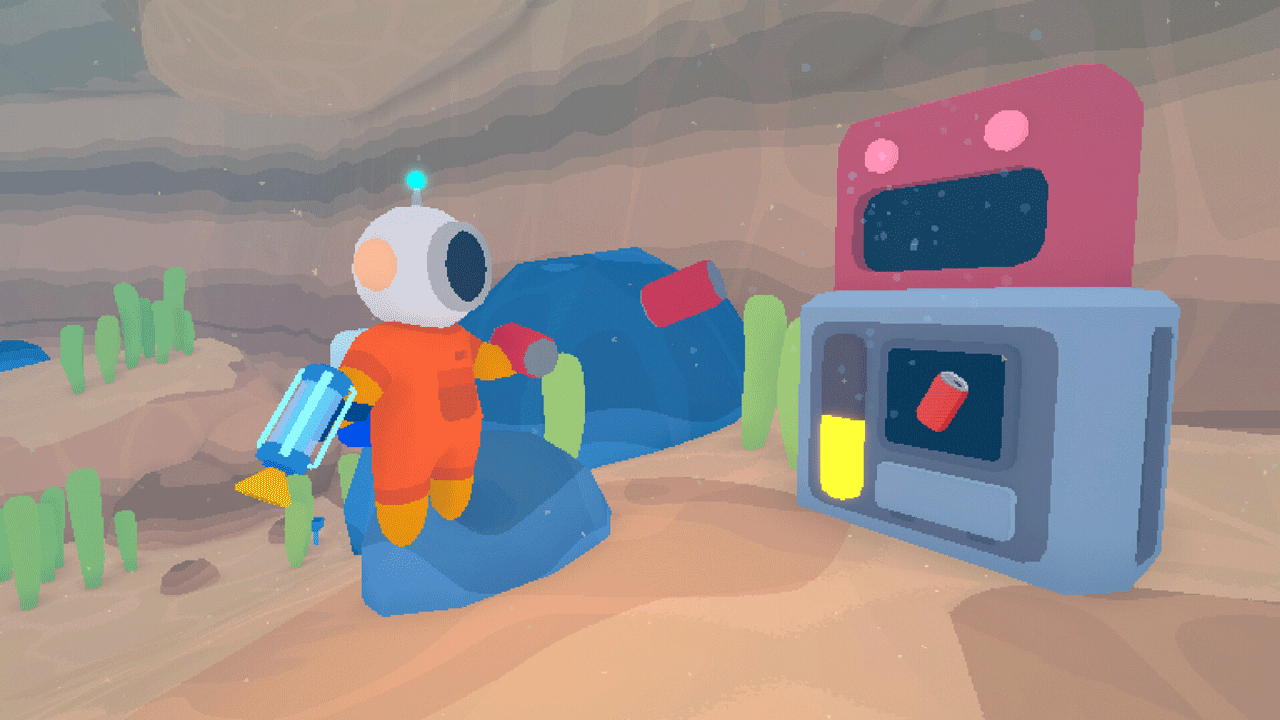
🛠️ Recycle trash into useful items and upgrades.
BRING GUP-14 BACK TO LIFE
It´s your duty to clear the ocean-covered planet GUP-14, which has been abandoned by GUPPI, a megacorporation that sells everything from soda to spaceships. When you first land on the planet, you will see muddy water, oil stains and mountains of garbage.
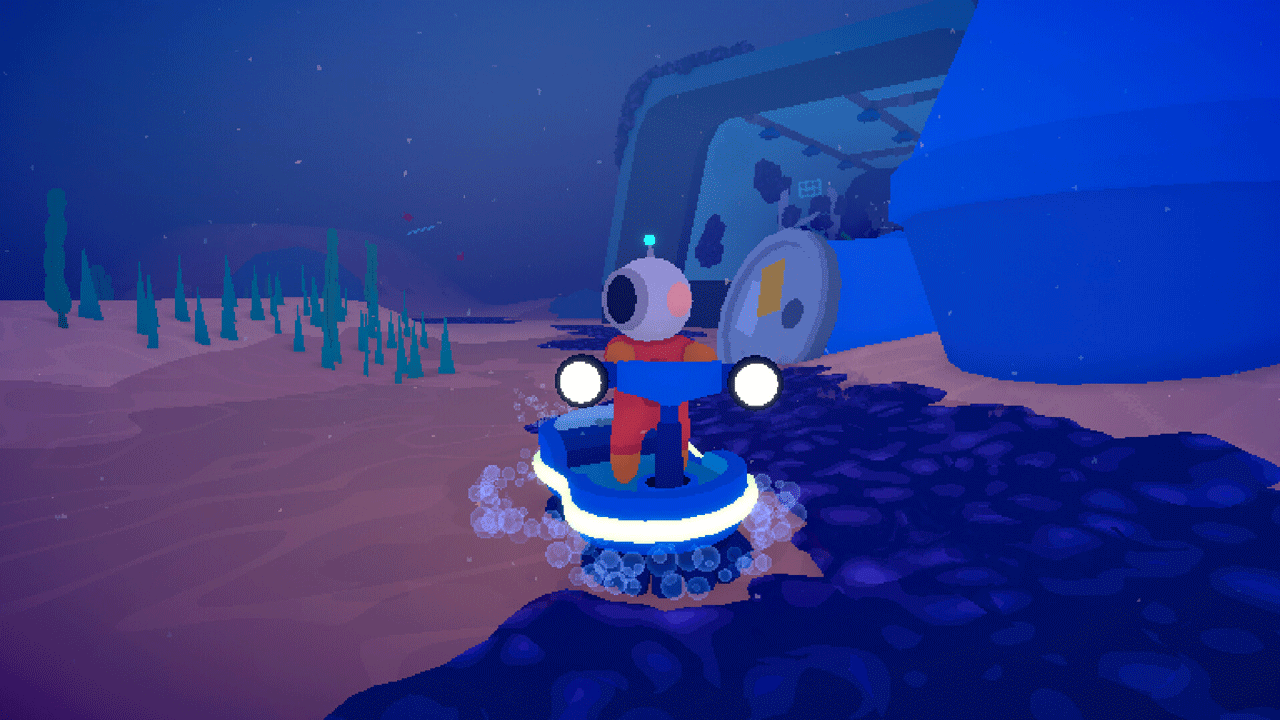
Somewhere on the ocean floor lie the remains of GUPPI buildings, ships and equipment. Look for information about the former owners of the planet by cleaning up after them. High-tech gadgets will help you with this.
MAKE FRIENDS WITH LODDLES
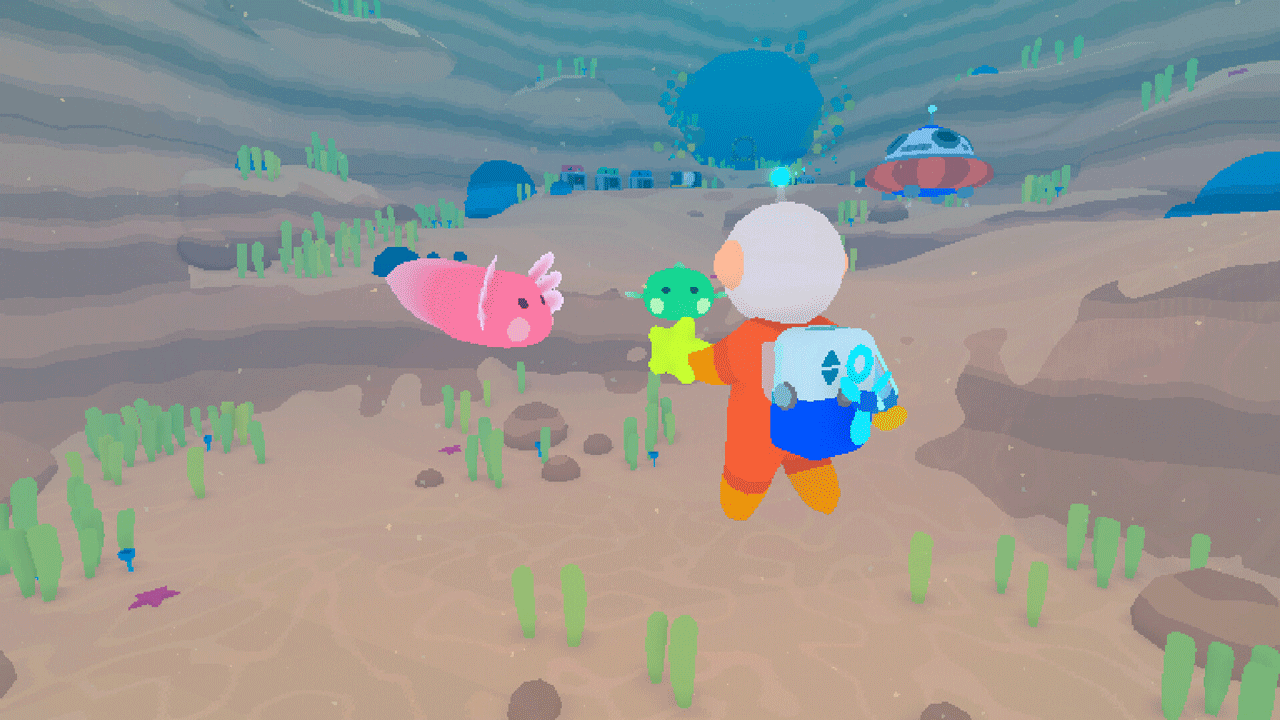
While clearing the planet, you will encounter loddles - aliens that look like axolotls. Save them from the dirt and feed them fruits until the planet becomes habitable. Loddles will grow and develop differently depending on their diet. These unique traits and abilities will allow them to survive on a polluted planet.
When the loddles get stronger and the water becomes clearer, release them! You can even find eggs that can be placed in an incubator and hatch new loddles.
======================================================
Activation
1. You need to download and install Steam http://steampowered.com/download/SteamInstall.msi (if not already installed)
2. Launch the Steam client
3. Create a new account on Steam or log into an existing one
4. Go to the “Games” section and select “Activate on Steam”
5. Enter the activation key you purchased
6. After this, the game will appear in your list of games and you can install it
🌎 This publication has no regional restrictions and is activated in any country in the world
Game language: Russian (interface) / English
Release date: November 16, 2023
Platform: Windows
Region: Region Free (any country, no restrictions)
Activation: Steam
======================================================
Loddlenaut is an adventure on a colorful alien planet where you have to clean up the ocean. You will become an interstellar administrator tasked with cleaning up traces of the activities of a cosmic mega-corporation. Befriend the axolotl-like locals, explore sunken corporate ruins, and restore beauty to the planet.
🚀 Explore an alien planet with an open world
🐠 Raise loddle aquatic creatures that develop differently depending on what they eat.
🔫 Remove nasty slime and floating debris with a bubble gun.
🌟 Unlock devices to remove various types of pollution.
🛠️ Recycle trash into useful items and upgrades.
BRING GUP-14 BACK TO LIFE
It´s your duty to clear the ocean-covered planet GUP-14, which has been abandoned by GUPPI, a megacorporation that sells everything from soda to spaceships. When you first land on the planet, you will see muddy water, oil stains and mountains of garbage.
Somewhere on the ocean floor lie the remains of GUPPI buildings, ships and equipment. Look for information about the former owners of the planet by cleaning up after them. High-tech gadgets will help you with this.
MAKE FRIENDS WITH LODDLES
While clearing the planet, you will encounter loddles - aliens that look like axolotls. Save them from the dirt and feed them fruits until the planet becomes habitable. Loddles will grow and develop differently depending on their diet. These unique traits and abilities will allow them to survive on a polluted planet.
When the loddles get stronger and the water becomes clearer, release them! You can even find eggs that can be placed in an incubator and hatch new loddles.
======================================================
Activation
1. You need to download and install Steam http://steampowered.com/download/SteamInstall.msi (if not already installed)
2. Launch the Steam client
3. Create a new account on Steam or log into an existing one
4. Go to the “Games” section and select “Activate on Steam”
5. Enter the activation key you purchased
6. After this, the game will appear in your list of games and you can install it
! Before buying, please check the system requirements of the game and other parameters that interest you (they may change with time). This can be done on the sites Steam / Uplay / Origin or the official website of the publisher. Goods purchased by mistake, as well as unsuitable for system requirements or region of activation, can not be returned and exchanged!
Dear customers! Convincing request, if there are any problems with the purchased goods, do not leave a negative feedback immediately. Write us a message in the correspondence (the purchase page on the site Oplata.info). We will try to respond to your message as soon as possible and promptly solve the problem. We draw to the fact that the basis for the exchange or return of the purchased key (key), which gives an error when activated, can only be VIDEO RECORD of the purchase process and subsequent attempt to activate it (mandatory condition - the record should not contain editing features).
Our entire range: https://boardrussia.ru/digital-shop/seller/467960
We will be grateful for every positive feedback you have left after the purchase. Sincerely, the project team "AlternativA".
Dear customers! Convincing request, if there are any problems with the purchased goods, do not leave a negative feedback immediately. Write us a message in the correspondence (the purchase page on the site Oplata.info). We will try to respond to your message as soon as possible and promptly solve the problem. We draw to the fact that the basis for the exchange or return of the purchased key (key), which gives an error when activated, can only be VIDEO RECORD of the purchase process and subsequent attempt to activate it (mandatory condition - the record should not contain editing features).
Our entire range: https://boardrussia.ru/digital-shop/seller/467960
We will be grateful for every positive feedback you have left after the purchase. Sincerely, the project team "AlternativA".
22.12.2025 22:28:21
Все ок, спасибо
05.12.2025 19:08:35
Спасибо
25.11.2025 0:02:19
Всё хорошо
19.09.2025 19:07:42
+
13.08.2025 14:48:34
Ключ успешно активирован на стим-аккаунте с регионом Россия.
08.05.2025 19:46:40
Все супер, ключ быстро пришел
16.04.2025 20:50:44
Спасибо, ключ рабочий!
24.02.2025 9:06:54
+
06.11.2024 0:17:56
Спасибо