Frozenheim 🔑STEAM KEY 🔥GLOBAL
Content: text (17 symbols)
Available: 9
Uploaded: 06.08.2025
Positive responses: 0
Negative responses: 0
Sold: 9
Refunds: 0
~ $6.74
The exact amount is on the payment page
Type of publication: STEAM KEY / RUSSIA + WORLD
This edition has no regional restrictions and is activated in any country in the world
Game language: Russian (subtitles + interface) / English
Release date: June 16, 2022
Platform: Windows
Region: Region Free (any country, without restrictions)
Activation: Steam
=========================================
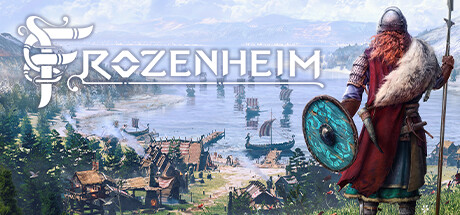
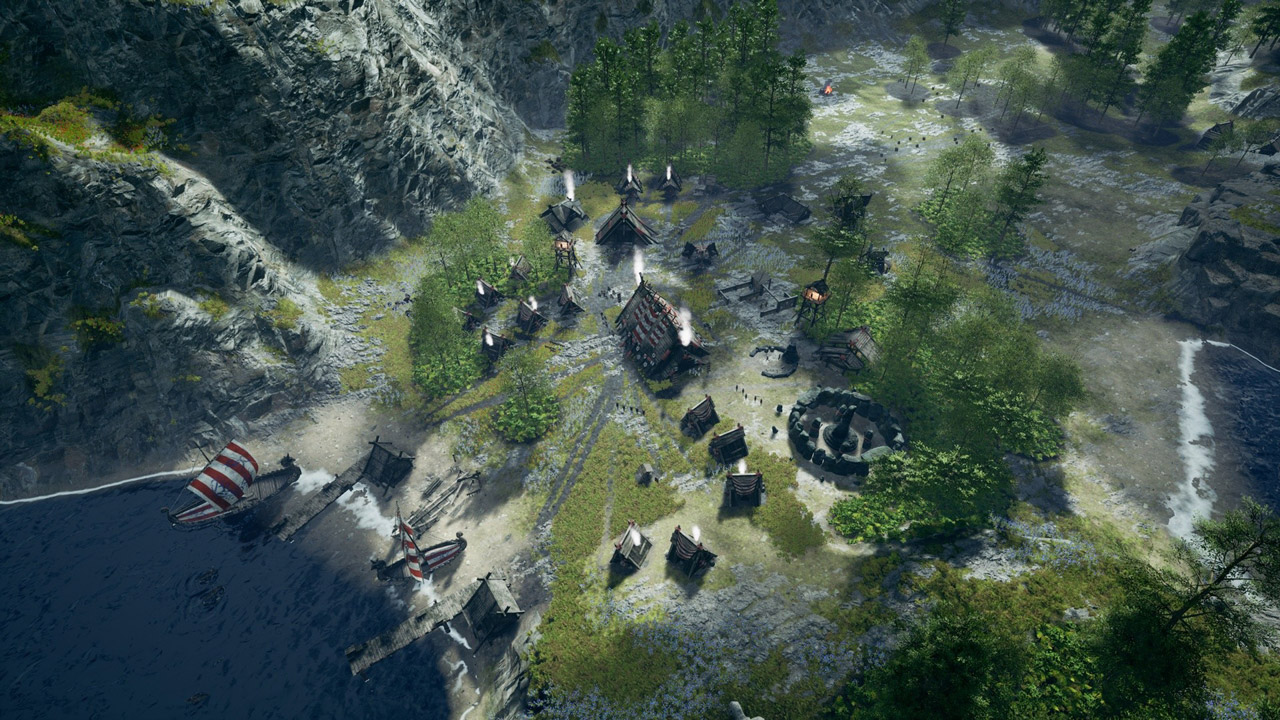
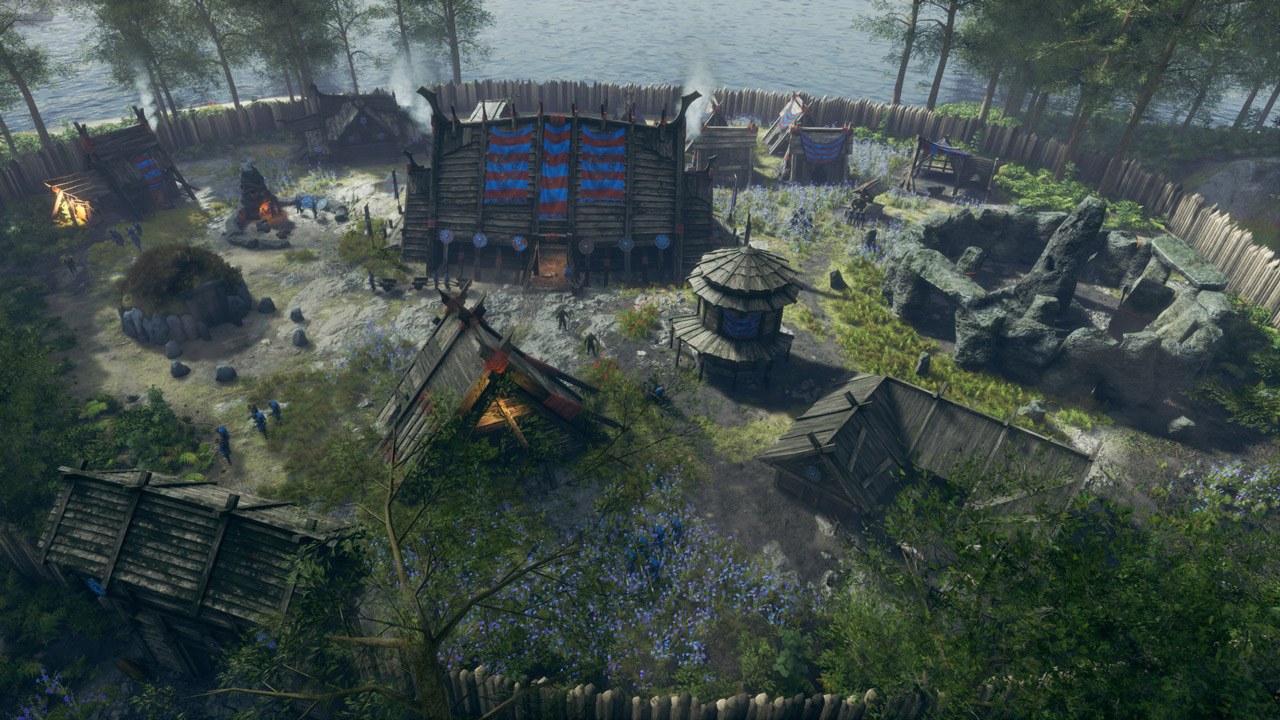
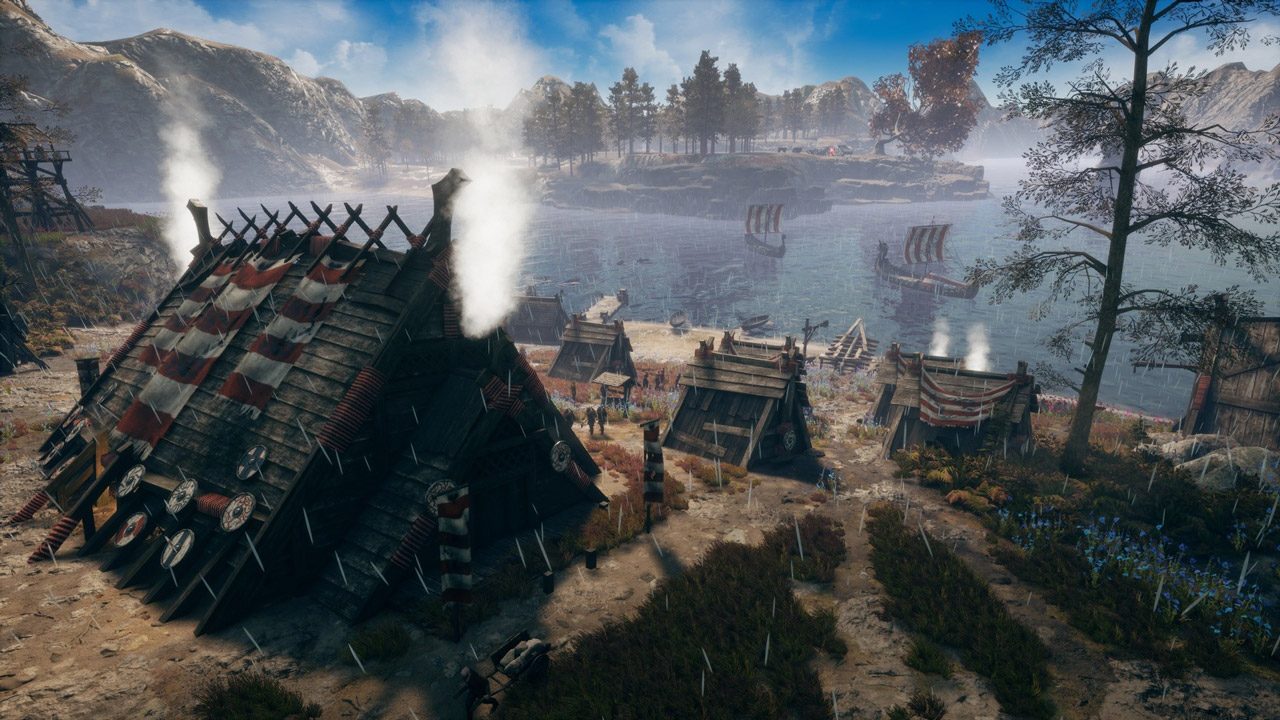
The time has come for tales of the Vikings. Your homeland is torn apart by a bloody dispute. You are expelled from the land of your ancestors. You are doomed to wander in search of a new home together with like-minded people. Winter is approaching. The last hope of your clan is you. Building a settlement is not easy, and protecting people from the cold, drought and bloodthirsty opponents is even more difficult. Can you become a Jarl who can write his own tale of conquest and victory?
Frozenheim is a Scandinavian city-building simulator with sophisticated management mechanics and several development trees that balance the life and growth of the settlement. Get ready for brutal battles in real time, demonstrate your tactical skills. Send land and sea expeditions. So you can not only find useful resources, but also attract the of enemies who want to destroy you. Prove that you are worthy of the title of the legendary Jarl.
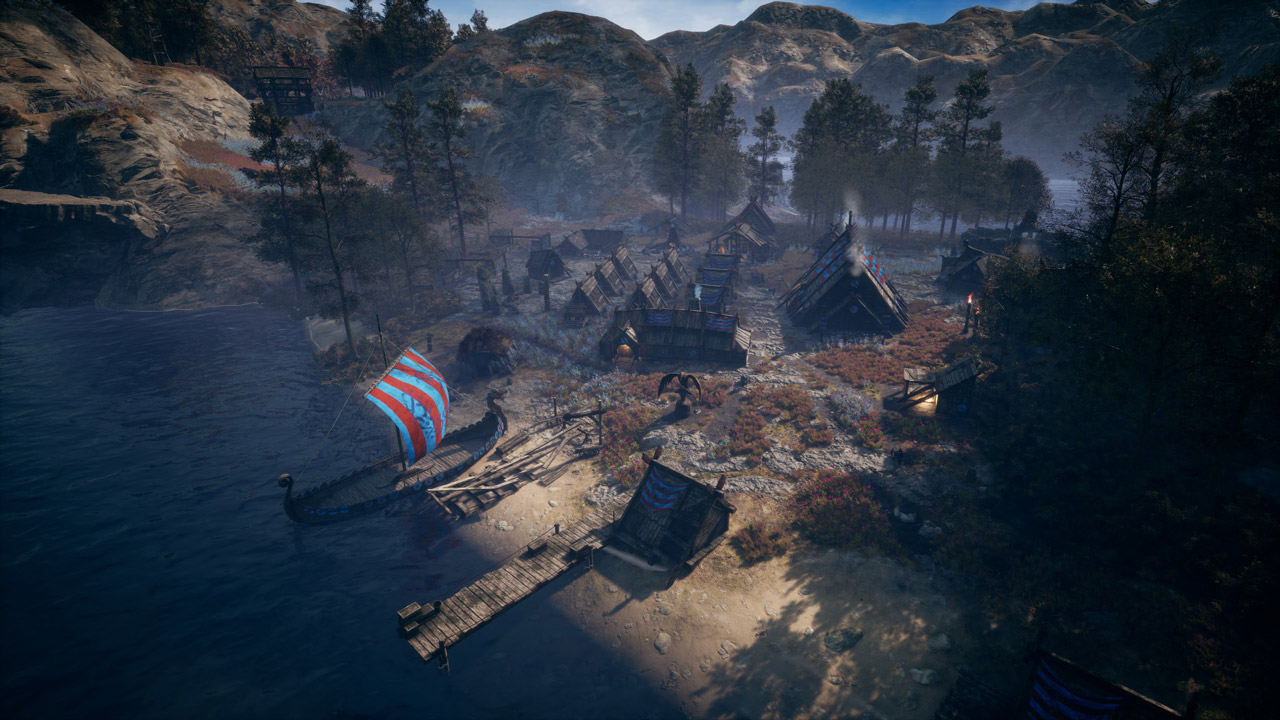
• Build and expand the settlement: from an open field to a rich impregnable fortress.
• Get food by hunting, fishing or gardening. Protect the clan season after season.
• Choose your own path thanks to new buildings and units.
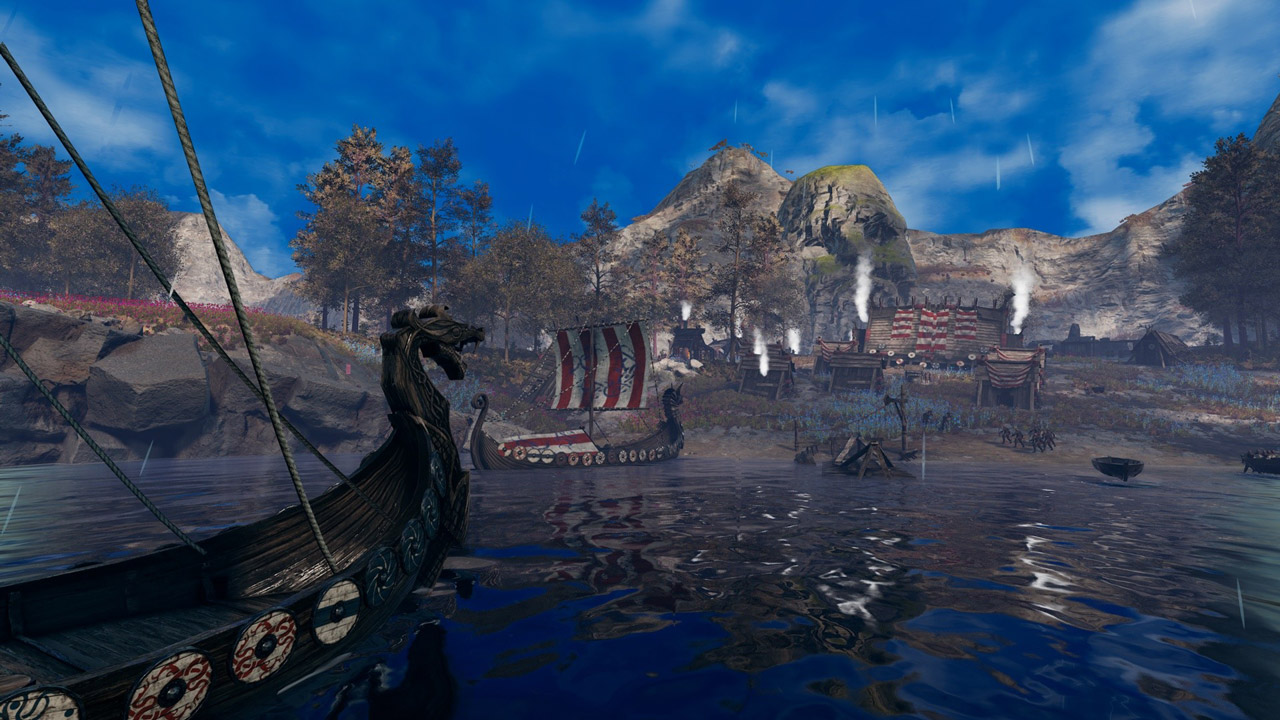
• Explore the fjords of Midgard, send foot raids or launch drakkars.
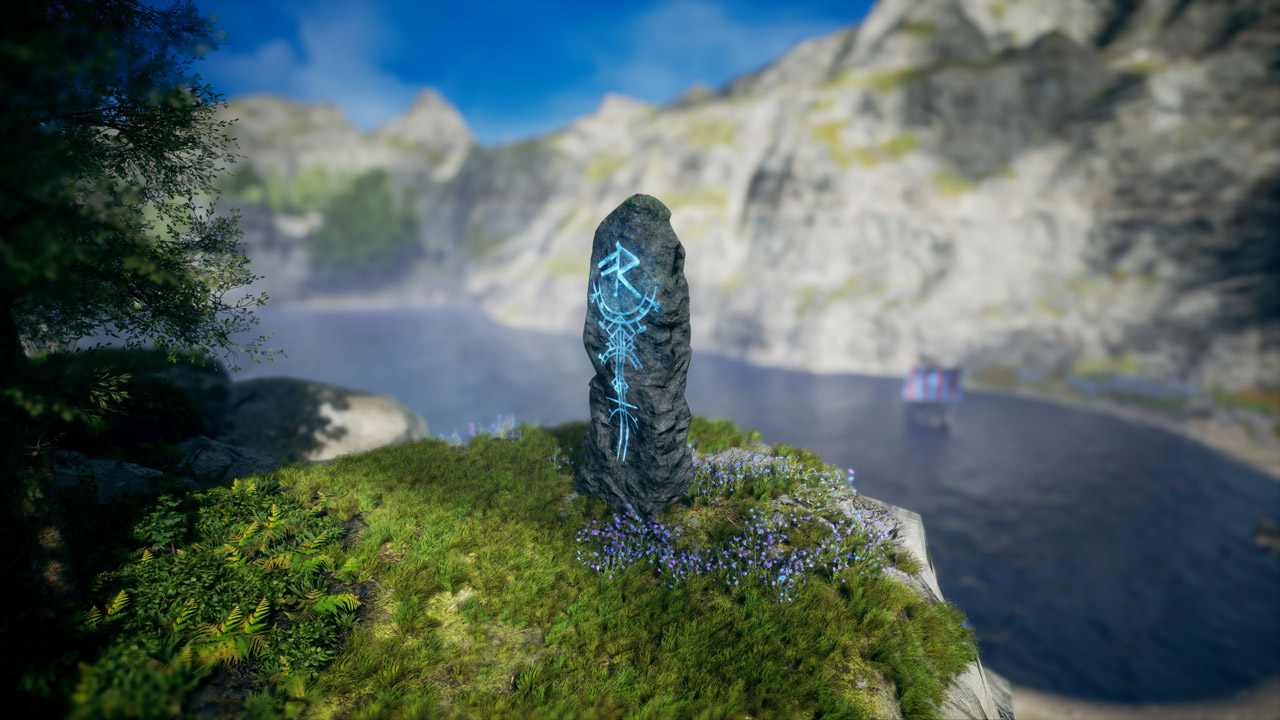
• Seek blessings from ancient shrines and build temples to earn Asgard´s favor.
• Raid other players or form alliances with them in online mode.
• Capture the harsh beauty of the frozen north in Photo Mode.
Survive. Conquer. Win. Make Odin proud!
======================================
Activation
1. You need to download and install Steam http://steampowered.com/download/SteamInstall.msi (if not already installed)
2. Launch the Steam client
3. Create a new Steam account or log into an existing one
4. Go to the "Games" section and select "Activate on Steam"
5. Enter the activation key you purchased
6. After that, the game will appear in your list of games and you can install it
This edition has no regional restrictions and is activated in any country in the world
Game language: Russian (subtitles + interface) / English
Release date: June 16, 2022
Platform: Windows
Region: Region Free (any country, without restrictions)
Activation: Steam
=========================================
The time has come for tales of the Vikings. Your homeland is torn apart by a bloody dispute. You are expelled from the land of your ancestors. You are doomed to wander in search of a new home together with like-minded people. Winter is approaching. The last hope of your clan is you. Building a settlement is not easy, and protecting people from the cold, drought and bloodthirsty opponents is even more difficult. Can you become a Jarl who can write his own tale of conquest and victory?
Frozenheim is a Scandinavian city-building simulator with sophisticated management mechanics and several development trees that balance the life and growth of the settlement. Get ready for brutal battles in real time, demonstrate your tactical skills. Send land and sea expeditions. So you can not only find useful resources, but also attract the of enemies who want to destroy you. Prove that you are worthy of the title of the legendary Jarl.
• Build and expand the settlement: from an open field to a rich impregnable fortress.
• Get food by hunting, fishing or gardening. Protect the clan season after season.
• Choose your own path thanks to new buildings and units.
• Explore the fjords of Midgard, send foot raids or launch drakkars.
• Seek blessings from ancient shrines and build temples to earn Asgard´s favor.
• Raid other players or form alliances with them in online mode.
• Capture the harsh beauty of the frozen north in Photo Mode.
Survive. Conquer. Win. Make Odin proud!
======================================
Activation
1. You need to download and install Steam http://steampowered.com/download/SteamInstall.msi (if not already installed)
2. Launch the Steam client
3. Create a new Steam account or log into an existing one
4. Go to the "Games" section and select "Activate on Steam"
5. Enter the activation key you purchased
6. After that, the game will appear in your list of games and you can install it
! Before buying, please check the system requirements of the game and other parameters that interest you (they may change with time). This can be done on the sites Steam / Uplay / Origin or the official website of the publisher. Goods purchased by mistake, as well as unsuitable for system requirements or region of activation, can not be returned and exchanged!
Dear customers! Convincing request, if there are any problems with the purchased goods, do not leave a negative feedback immediately. Write us a message in the correspondence (the purchase page on the site Oplata.info). We will try to respond to your message as soon as possible and promptly solve the problem. We draw to the fact that the basis for the exchange or return of the purchased key (key), which gives an error when activated, can only be VIDEO RECORD of the purchase process and subsequent attempt to activate it (mandatory condition - the record should not contain editing features).
Our entire range: https://boardrussia.ru/digital-shop/seller/467960
We will be grateful for every positive feedback you have left after the purchase. Sincerely, the project team "AlternativA".
Dear customers! Convincing request, if there are any problems with the purchased goods, do not leave a negative feedback immediately. Write us a message in the correspondence (the purchase page on the site Oplata.info). We will try to respond to your message as soon as possible and promptly solve the problem. We draw to the fact that the basis for the exchange or return of the purchased key (key), which gives an error when activated, can only be VIDEO RECORD of the purchase process and subsequent attempt to activate it (mandatory condition - the record should not contain editing features).
Our entire range: https://boardrussia.ru/digital-shop/seller/467960
We will be grateful for every positive feedback you have left after the purchase. Sincerely, the project team "AlternativA".
No feedback yet