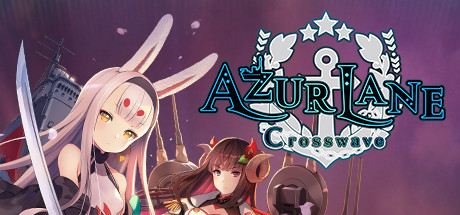
Azur Lane: Crosswave 🔑STEAM KEY 🔥RUSSIA + CIS
Content: text (19 symbols)
Available: 1
Uploaded: 01.10.2024
Positive responses: 1
Negative responses: 0
Sold: 2
Refunds: 0
~ $4.84
The exact amount is on the payment page


Publication type: Steam Key / RU / UA / CIS
! This key can only be activated on a Steam account registered in Russia, Ukraine or CIS countries
Game language: English
Release date: February 13, 2020
Platform: Windows
Region: RU / UA / CIS (Russia, Ukraine and CIS countries)
Activation: Steam
======================================================
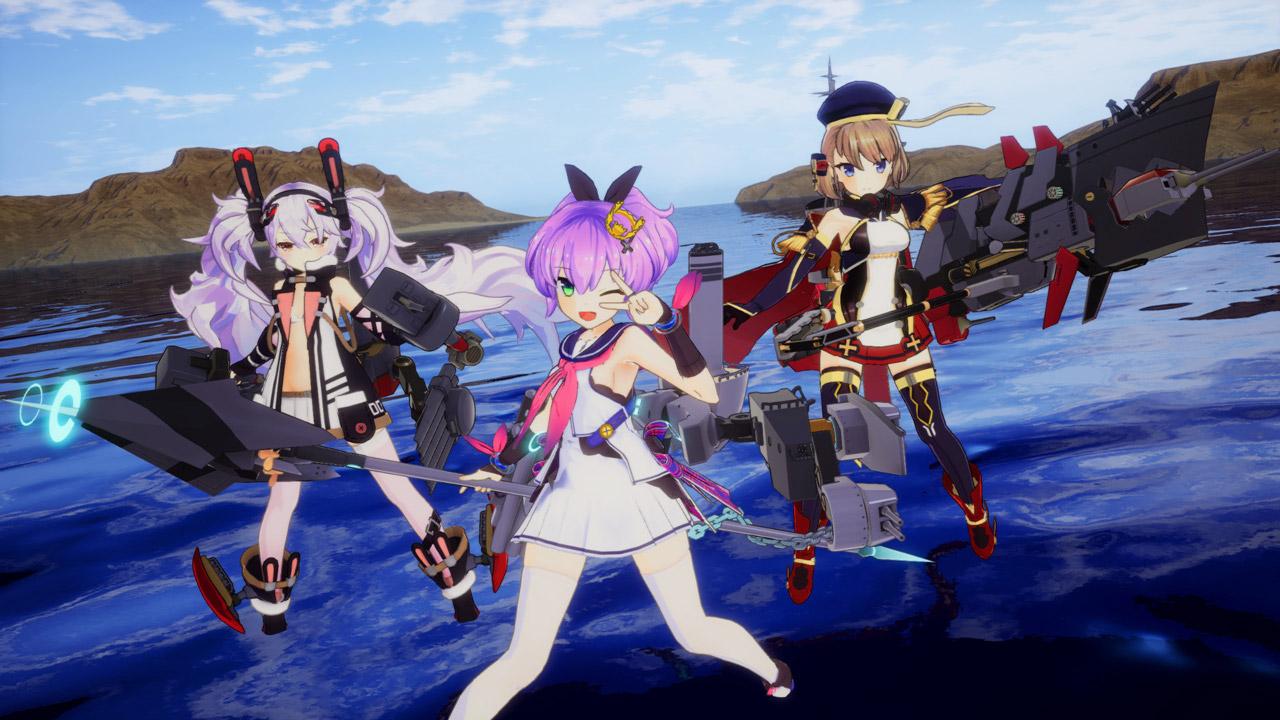
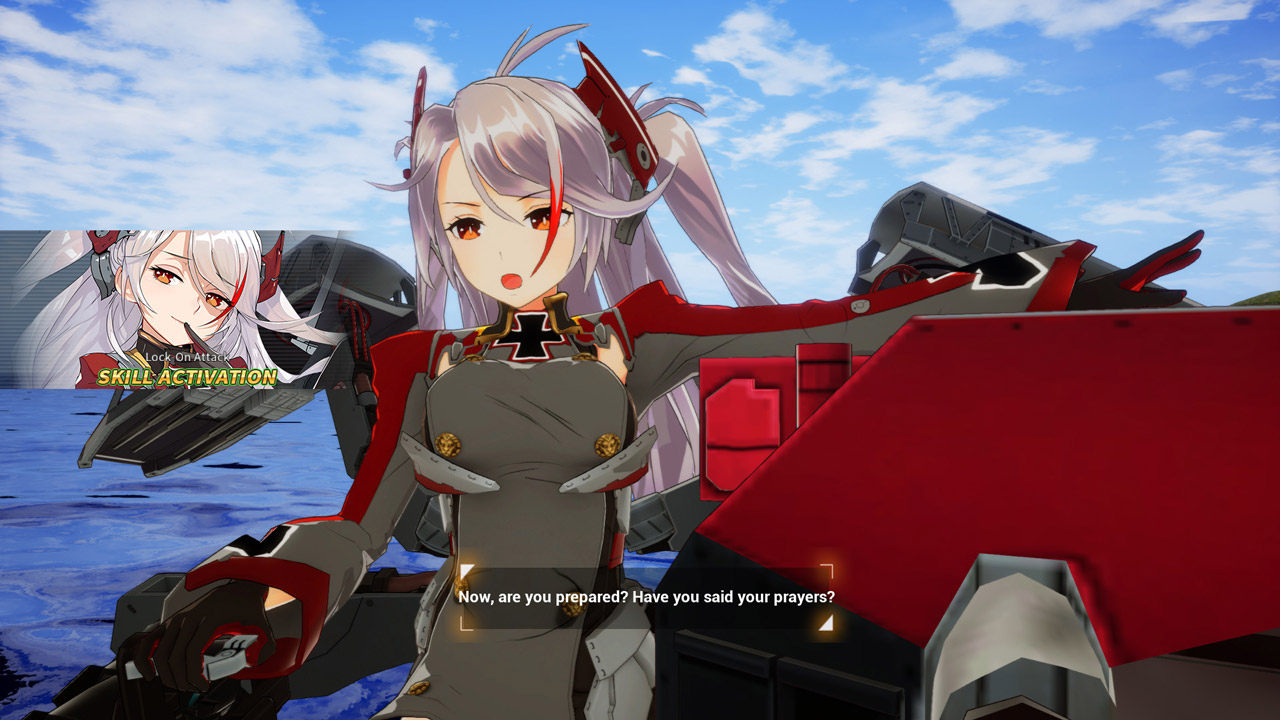
Remastered in 3D – Azur Lane mobile, the beloved side-scrolling shooter, has now been remastered for Steam as a 3D action game powered by the Unreal Engine! Choose from over 25 characters and over 30 support characters to help lead your fleet to victory. Azur Lane: Crosswave also introduces 2 brand new playable characters - Shimakaze and Suruga!
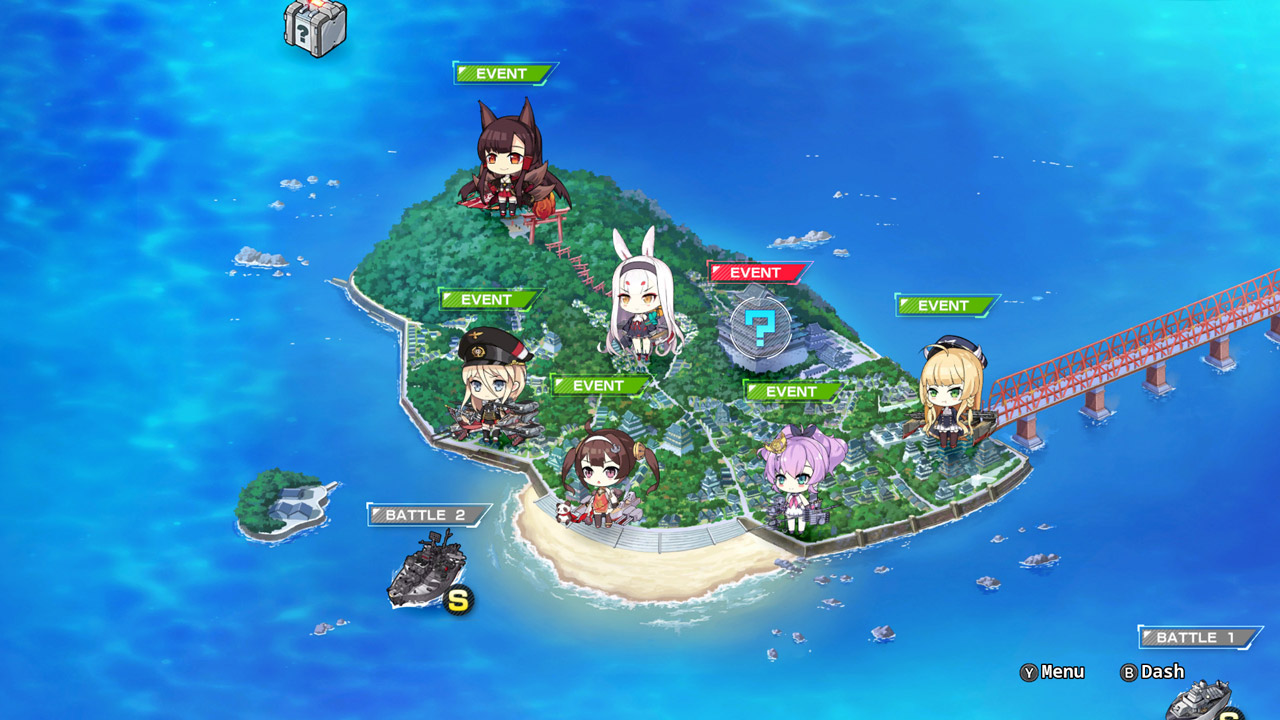
4 Modes to Choose from – Choose from 4 different modes: Story, Extreme Combat, Photo or Episodic. The story mode consists of 7 exciting chapters that focus on the newcomers, Shimakaza and Suruga. In Extreme Battle mode, choose from over 100 exciting fleets to fight for rare items and special materials. In Photo mode, you can pose characters, change facial expressions, change backgrounds and camera angles to create a picturesque moment. Episode mode includes over 50 storylines featuring additional character backgrounds!
Armada Your Armada – Before setting sail, upgrade your characters by equipping them with rare items found after a successful battle or creating them in Akash´s laboratory. Here, commanders can exchange blueprints to create new equipment, turn materials into rare items and receive rewards. Experiment with different fleet layouts to obtain special effects that can enhance in-game stats.
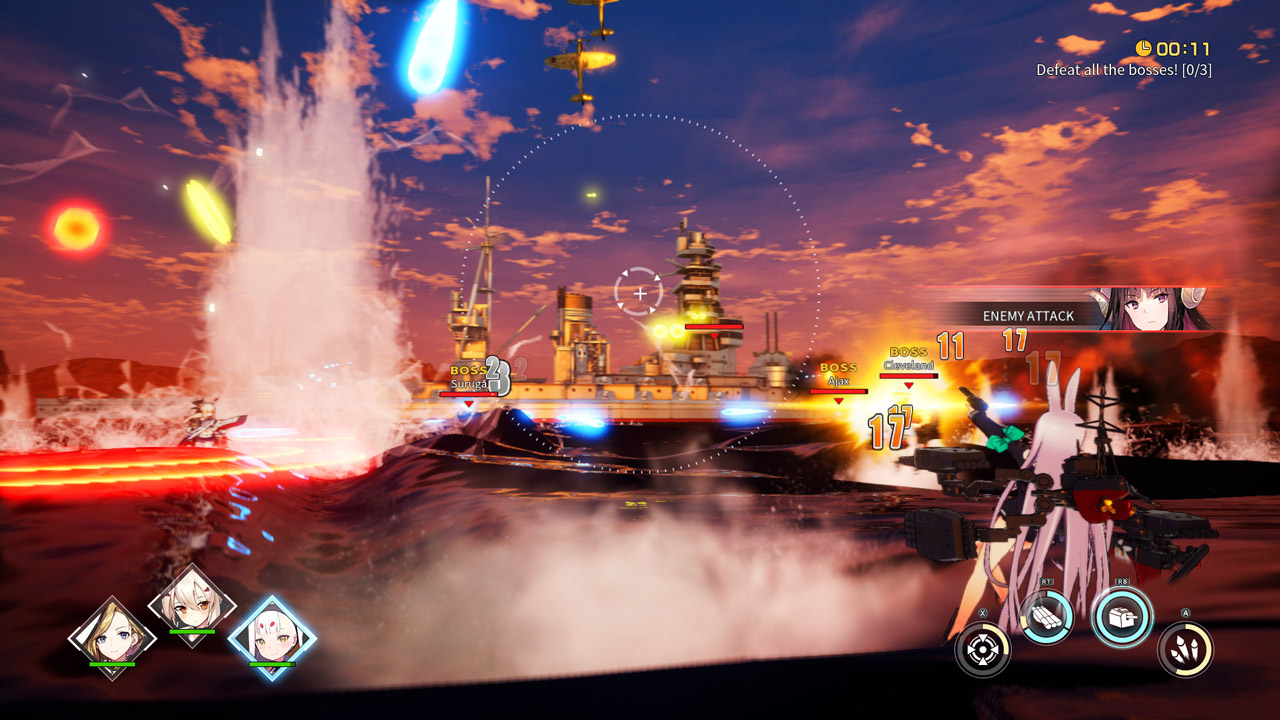
Ready, Aim, Fire - In Azur Lane: Crosswave you can now control, aim and fire at approaching battleships, aircraft carriers and other enemies. Depending on the character´s subtype, players can make rolls to dodge attacks, or activate protective shields, launch torpedoes or planes, and use character-specific special attacks to defeat uncontrollable enemies!
======================================================
Activation
1. You need to download and install the Steam application https://store.steampowered.com (if not already installed)
2. Create a new account on Steam or log into an existing one
3. Go to the “Games” section and select “Activate on Steam”
4. Enter the activation key you purchased
5. After this, the game will appear in the application library and you can install it
! This key can only be activated on a Steam account registered in Russia, Ukraine or CIS countries
Game language: English
Release date: February 13, 2020
Platform: Windows
Region: RU / UA / CIS (Russia, Ukraine and CIS countries)
Activation: Steam
======================================================
Remastered in 3D – Azur Lane mobile, the beloved side-scrolling shooter, has now been remastered for Steam as a 3D action game powered by the Unreal Engine! Choose from over 25 characters and over 30 support characters to help lead your fleet to victory. Azur Lane: Crosswave also introduces 2 brand new playable characters - Shimakaze and Suruga!
4 Modes to Choose from – Choose from 4 different modes: Story, Extreme Combat, Photo or Episodic. The story mode consists of 7 exciting chapters that focus on the newcomers, Shimakaza and Suruga. In Extreme Battle mode, choose from over 100 exciting fleets to fight for rare items and special materials. In Photo mode, you can pose characters, change facial expressions, change backgrounds and camera angles to create a picturesque moment. Episode mode includes over 50 storylines featuring additional character backgrounds!
Armada Your Armada – Before setting sail, upgrade your characters by equipping them with rare items found after a successful battle or creating them in Akash´s laboratory. Here, commanders can exchange blueprints to create new equipment, turn materials into rare items and receive rewards. Experiment with different fleet layouts to obtain special effects that can enhance in-game stats.
Ready, Aim, Fire - In Azur Lane: Crosswave you can now control, aim and fire at approaching battleships, aircraft carriers and other enemies. Depending on the character´s subtype, players can make rolls to dodge attacks, or activate protective shields, launch torpedoes or planes, and use character-specific special attacks to defeat uncontrollable enemies!
======================================================
Activation
1. You need to download and install the Steam application https://store.steampowered.com (if not already installed)
2. Create a new account on Steam or log into an existing one
3. Go to the “Games” section and select “Activate on Steam”
4. Enter the activation key you purchased
5. After this, the game will appear in the application library and you can install it
! Before buying, please check the system requirements of the game and other parameters that interest you (they may change with time). This can be done on the sites Steam / Uplay / Origin or the official website of the publisher. Goods purchased by mistake, as well as unsuitable for system requirements or region of activation, can not be returned and exchanged!
Dear customers! Convincing request, if there are any problems with the purchased goods, do not leave a negative feedback immediately. Write us a message in the correspondence (the purchase page on the site Oplata.info). We will try to respond to your message as soon as possible and promptly solve the problem. We draw to the fact that the basis for the exchange or return of the purchased key (key), which gives an error when activated, can only be VIDEO RECORD of the purchase process and subsequent attempt to activate it (mandatory condition - the record should not contain editing features).
Our entire range: https://boardrussia.ru/digital-shop/seller/467960
We will be grateful for every positive feedback you have left after the purchase. Sincerely, the project team "AlternativA".
Dear customers! Convincing request, if there are any problems with the purchased goods, do not leave a negative feedback immediately. Write us a message in the correspondence (the purchase page on the site Oplata.info). We will try to respond to your message as soon as possible and promptly solve the problem. We draw to the fact that the basis for the exchange or return of the purchased key (key), which gives an error when activated, can only be VIDEO RECORD of the purchase process and subsequent attempt to activate it (mandatory condition - the record should not contain editing features).
Our entire range: https://boardrussia.ru/digital-shop/seller/467960
We will be grateful for every positive feedback you have left after the purchase. Sincerely, the project team "AlternativA".
29.09.2024 23:47:55
Ключ активировал без проблем. Спасибо!