Jurassic World Evolution 2 🔑STEAM KEY 🔥RUSSIA +GLOBAL
Content: text (19 symbols)
Available: 1
Uploaded: 19.09.2024
Positive responses: 0
Negative responses: 0
Sold: 0
Refunds: 0
~ $25.84
The exact amount is on the payment page
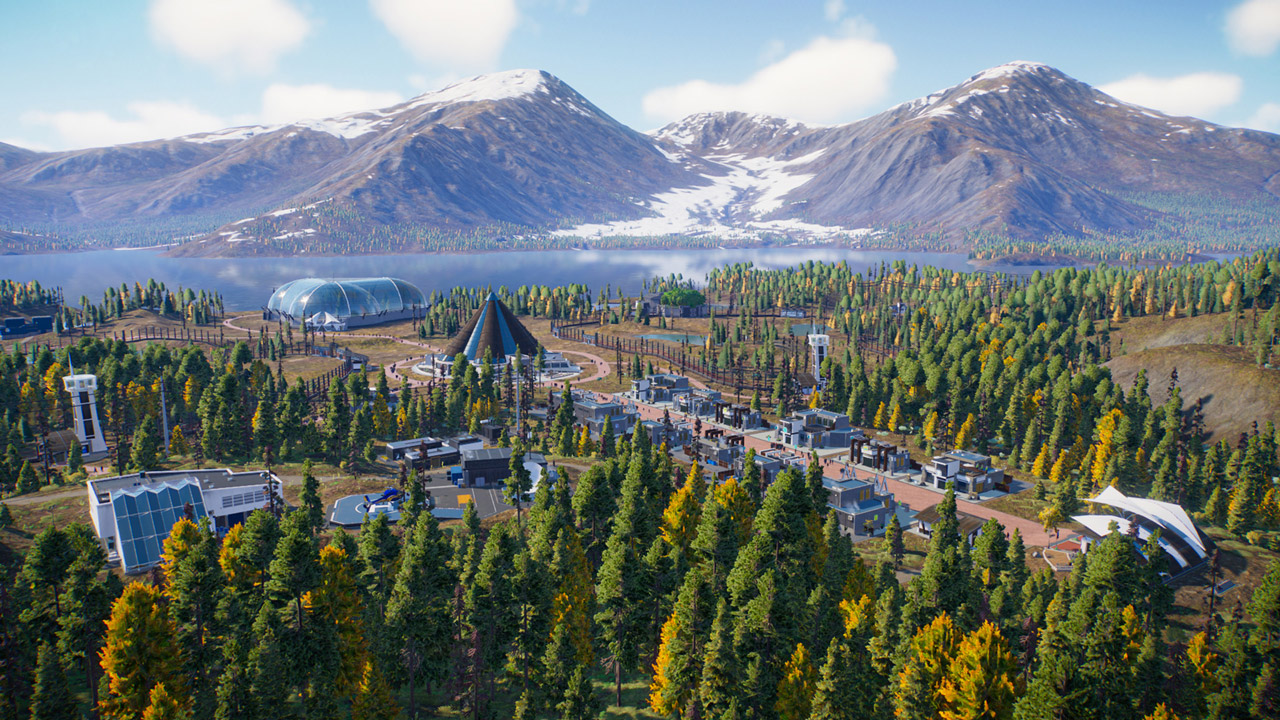
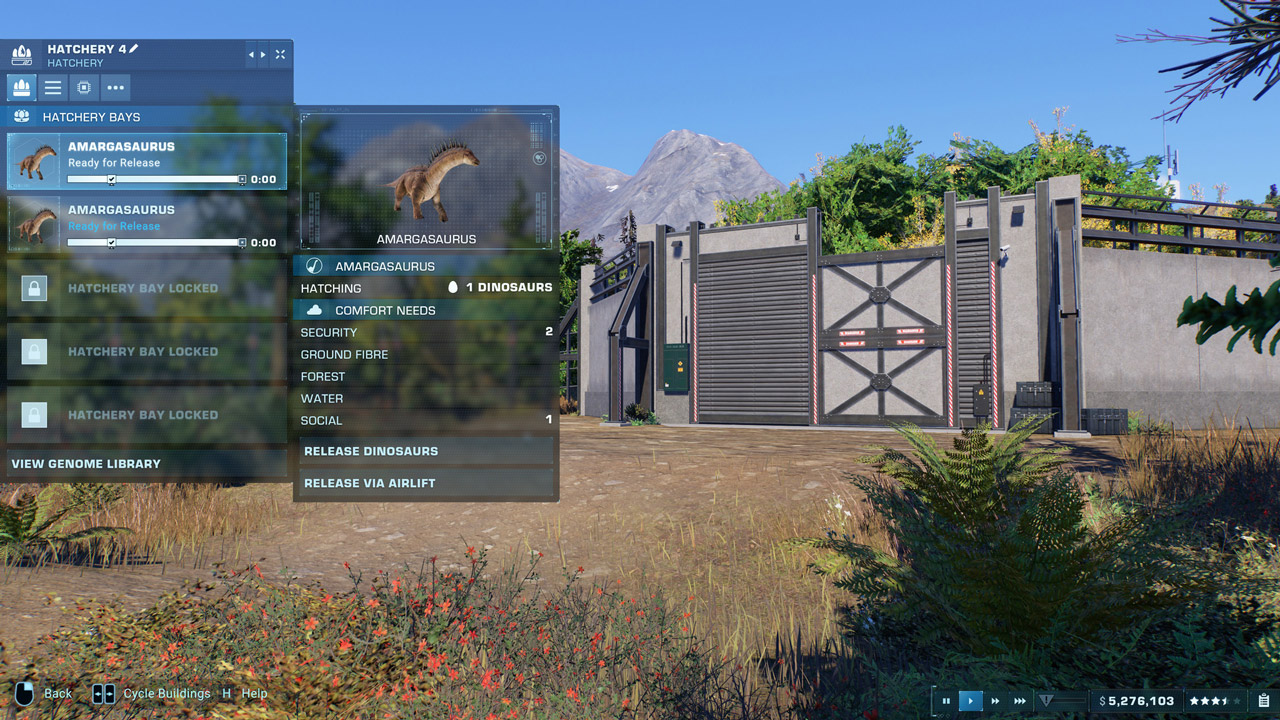
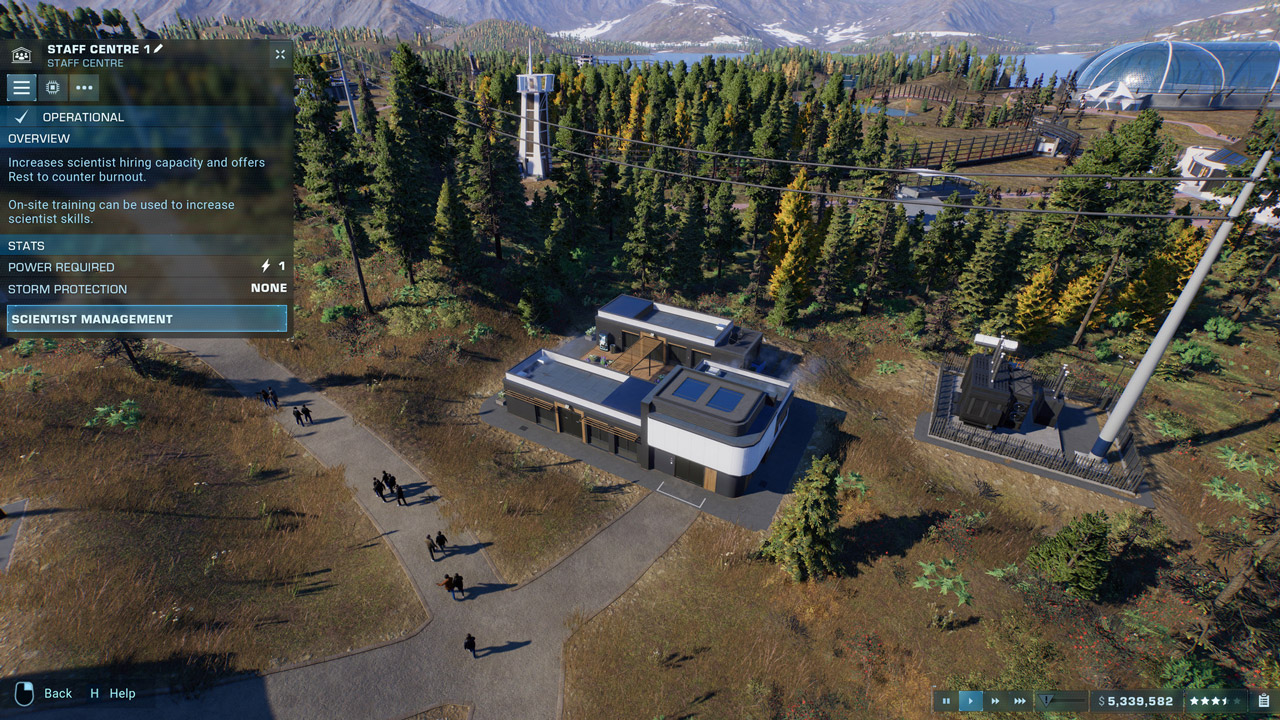
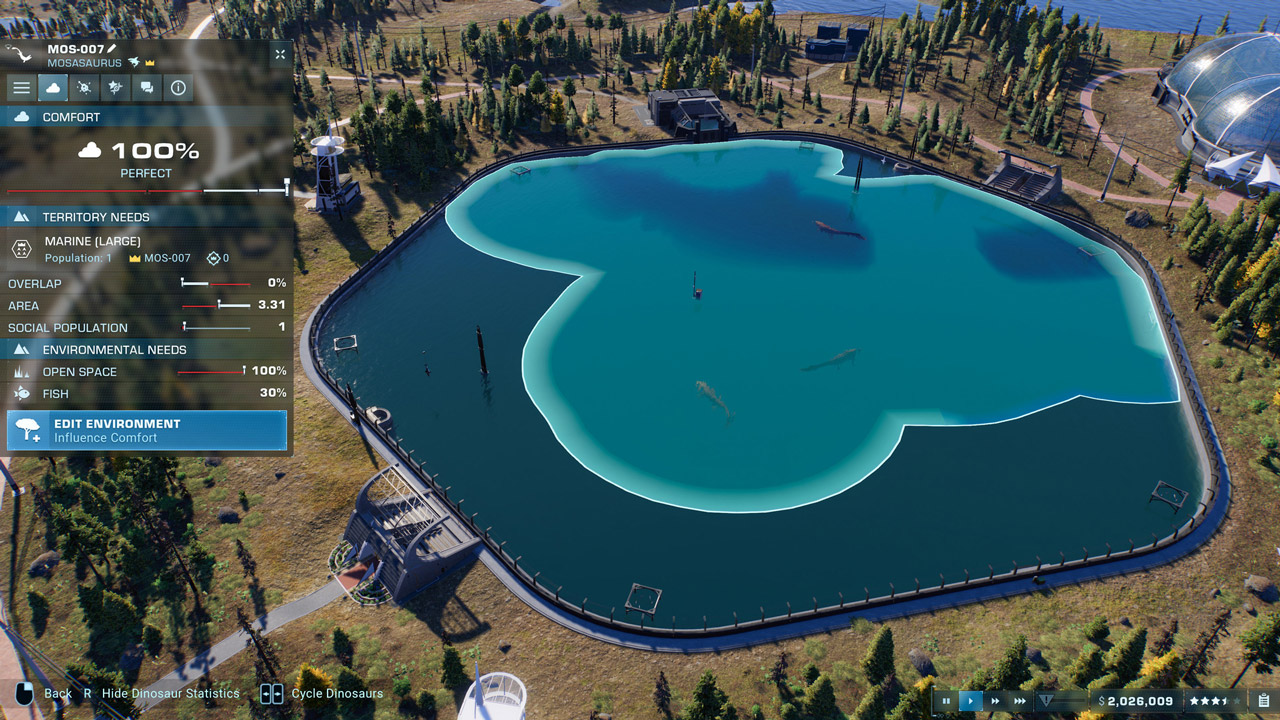
Type of publication: Steam Key / REGION FREE
This edition has no regional restrictions and is activated in any country in the world
Game language: Russian / English
Release date: November 9, 2021
Platform: Windows
Region: Region Free (any country, no restrictions)
Activation: Steam
==========================================
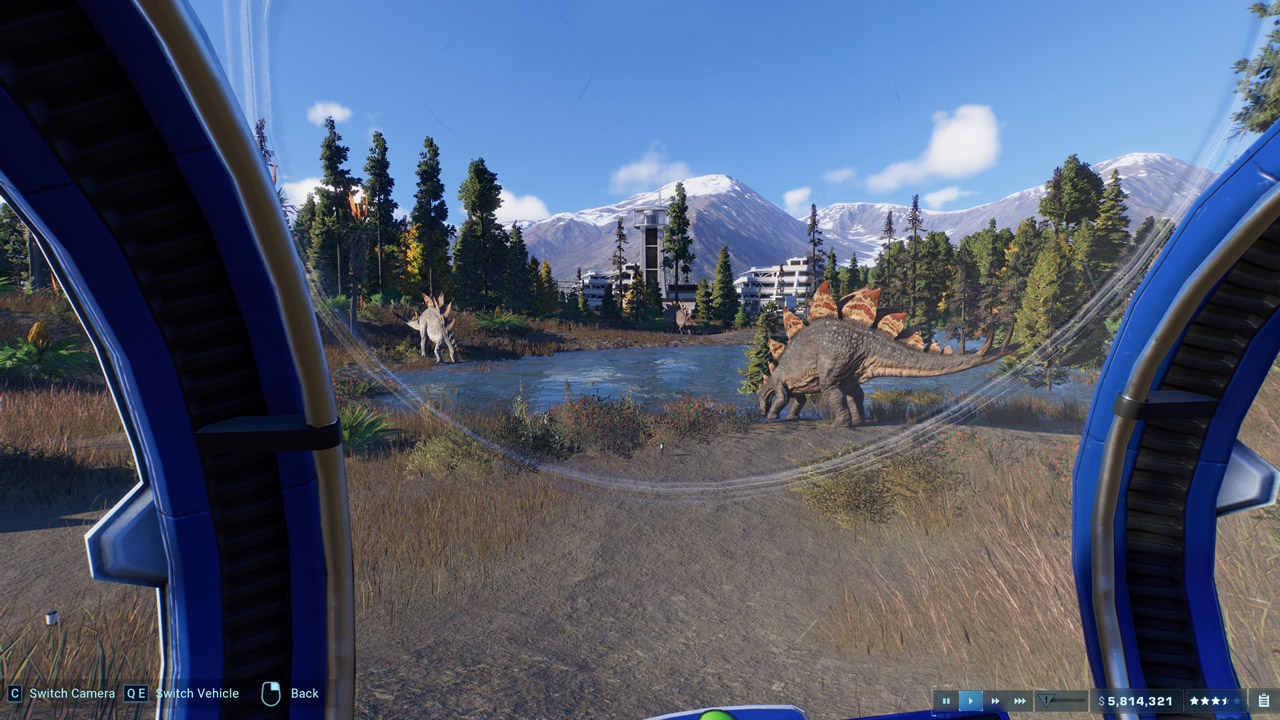
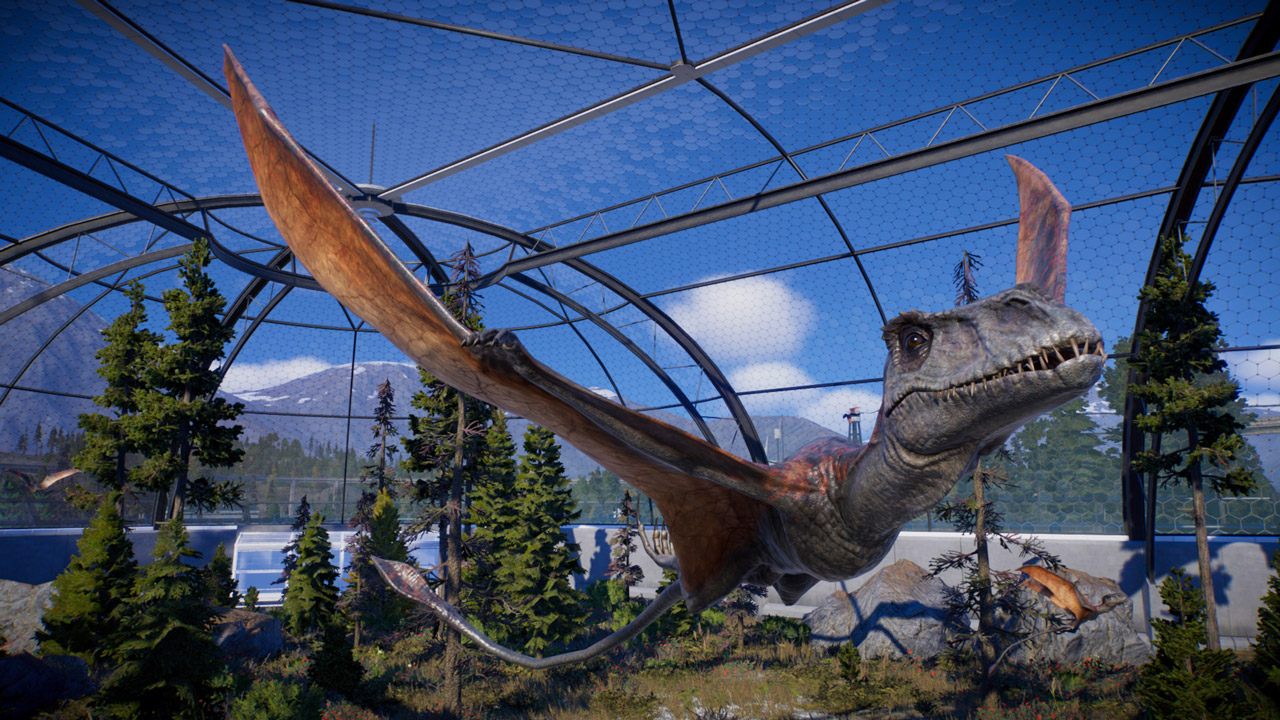
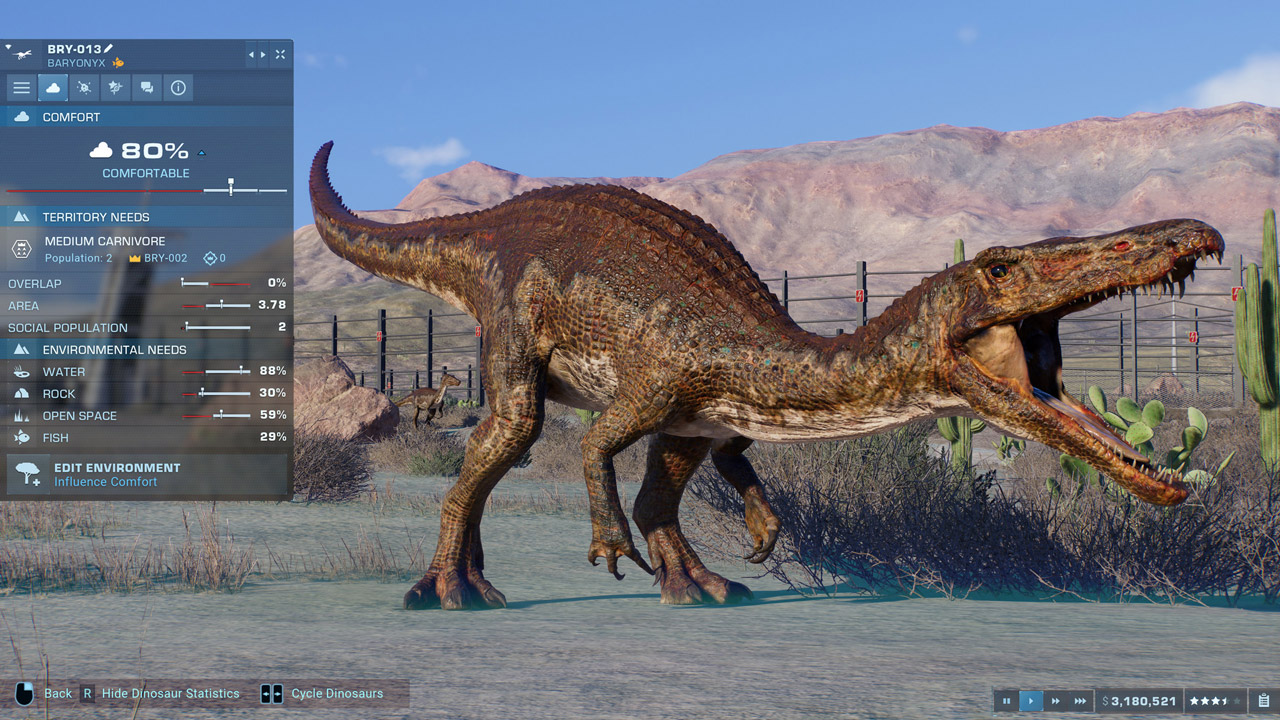
Jurassic World Evolution 2 is the long-awaited sequel to the popular game Jurassic World Evolution from Frontier Studios, which develops the innovative ideas of this management simulator, released in 2018. In the new game, you will find an exciting story campaign, a number of impressive features and beautiful dinosaurs, recreated with a high degree of authenticity. With expanded building and customization options, the Jurassic World experience is bigger, more fun, and more authentic than ever.
An Original Jurassic World Story
Experience a thrilling, original Jurassic World story set after the shocking events of Jurassic World 2. As you lead an operation to capture, preserve, and breed dinosaurs, you’ll work with iconic characters from the films, including Dr. Ian Malcolm (Jeff Goldblum) and Claire Dearing (Bryce Dallas Howard).
Create Your Jurassic World
Expand your management and creativity. Construct and upgrade new buildings, and take your leadership skills to new locations, from lush forests to rocky deserts. Rescue and genetically engineer over 75 prehistoric species, including popularly requested flying and marine reptiles, then watch them explore, fight, and interact with stunning levels of realism.
Have Fun with Chaos Theory
Chaos Theory lets you experience key moments from your favorite movies, reimagined. See how the iconic Jurassic World and Jurassic Park franchises might have played out with scenarios spanning time periods and locations from all five films. Venture into Jurassic World and see how things might have turned out if you led a team facing new challenges and unexpected consequences.
======================================
Activation
1. You need to download and install Steam http://steampowered.com/download/SteamInstall.msi (if not already installed)
2. Launch the Steam client
3. Create a new account on Steam or log into an existing one
4. Go to the "Games" section and select "Activate on Steam"
5. Enter the activation key you purchased
6. After that, the game will appear in your list of games and you can install it
This edition has no regional restrictions and is activated in any country in the world
Game language: Russian / English
Release date: November 9, 2021
Platform: Windows
Region: Region Free (any country, no restrictions)
Activation: Steam
==========================================
Jurassic World Evolution 2 is the long-awaited sequel to the popular game Jurassic World Evolution from Frontier Studios, which develops the innovative ideas of this management simulator, released in 2018. In the new game, you will find an exciting story campaign, a number of impressive features and beautiful dinosaurs, recreated with a high degree of authenticity. With expanded building and customization options, the Jurassic World experience is bigger, more fun, and more authentic than ever.
An Original Jurassic World Story
Experience a thrilling, original Jurassic World story set after the shocking events of Jurassic World 2. As you lead an operation to capture, preserve, and breed dinosaurs, you’ll work with iconic characters from the films, including Dr. Ian Malcolm (Jeff Goldblum) and Claire Dearing (Bryce Dallas Howard).
Create Your Jurassic World
Expand your management and creativity. Construct and upgrade new buildings, and take your leadership skills to new locations, from lush forests to rocky deserts. Rescue and genetically engineer over 75 prehistoric species, including popularly requested flying and marine reptiles, then watch them explore, fight, and interact with stunning levels of realism.
Have Fun with Chaos Theory
Chaos Theory lets you experience key moments from your favorite movies, reimagined. See how the iconic Jurassic World and Jurassic Park franchises might have played out with scenarios spanning time periods and locations from all five films. Venture into Jurassic World and see how things might have turned out if you led a team facing new challenges and unexpected consequences.
======================================
Activation
1. You need to download and install Steam http://steampowered.com/download/SteamInstall.msi (if not already installed)
2. Launch the Steam client
3. Create a new account on Steam or log into an existing one
4. Go to the "Games" section and select "Activate on Steam"
5. Enter the activation key you purchased
6. After that, the game will appear in your list of games and you can install it
! Before buying, please check the system requirements of the game and other parameters that interest you (they may change with time). This can be done on the sites Steam / Uplay / Origin or the official website of the publisher. Goods purchased by mistake, as well as unsuitable for system requirements or region of activation, can not be returned and exchanged!
Dear customers! Convincing request, if there are any problems with the purchased goods, do not leave a negative feedback immediately. Write us a message in the correspondence (the purchase page on the site Oplata.info). We will try to respond to your message as soon as possible and promptly solve the problem. We draw to the fact that the basis for the exchange or return of the purchased key (key), which gives an error when activated, can only be VIDEO RECORD of the purchase process and subsequent attempt to activate it (mandatory condition - the record should not contain editing features).
Our entire range: https://boardrussia.ru/digital-shop/seller/467960
We will be grateful for every positive feedback you have left after the purchase. Sincerely, the project team "AlternativA".
Dear customers! Convincing request, if there are any problems with the purchased goods, do not leave a negative feedback immediately. Write us a message in the correspondence (the purchase page on the site Oplata.info). We will try to respond to your message as soon as possible and promptly solve the problem. We draw to the fact that the basis for the exchange or return of the purchased key (key), which gives an error when activated, can only be VIDEO RECORD of the purchase process and subsequent attempt to activate it (mandatory condition - the record should not contain editing features).
Our entire range: https://boardrussia.ru/digital-shop/seller/467960
We will be grateful for every positive feedback you have left after the purchase. Sincerely, the project team "AlternativA".
No feedback yet