InfraSpace 🔑STEAM KEY 🔥RUSSIA + GLOBAL
Content: text (17 symbols)
Available: 19
Uploaded: 30.07.2025
Positive responses: 5
Negative responses: 0
Sold: 53
Refunds: 0
~ $0.89
The exact amount is on the payment page
Edition type: Steam Key / REGION FREE
🌎 This edition has no regional restrictions and is activated in any country in the world
Game language: Russian (interface) / English
Release date: September 22, 2023
Platform: Windows
Region: Region Free (any country, no restrictions)
Activation: Steam
==========================================
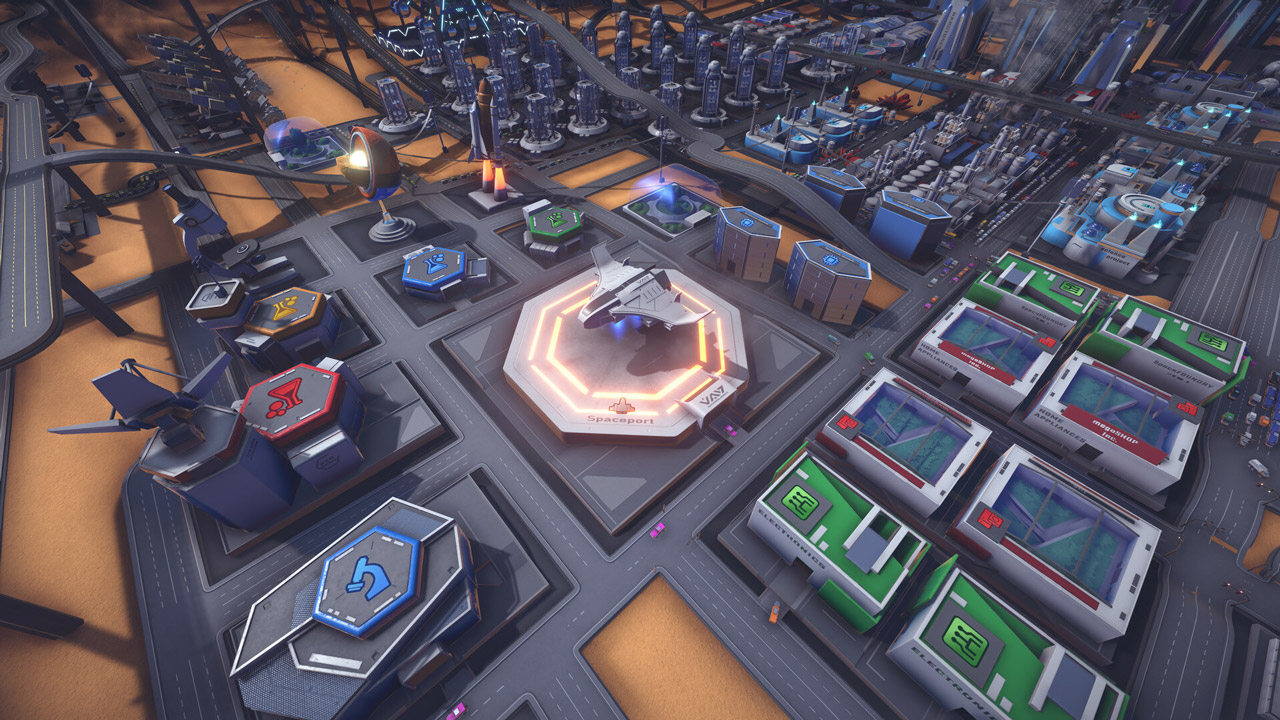
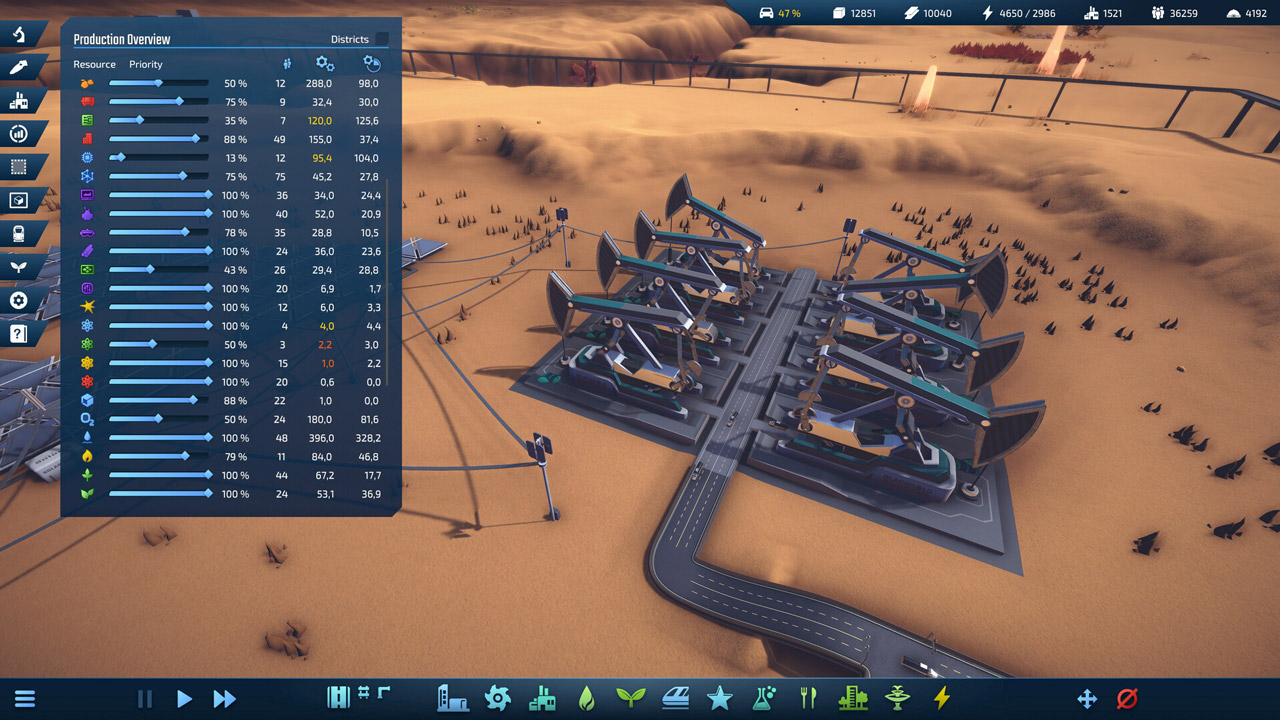
Produce everything you consume
On the edge of space, where humans can reach, you can´t build a city by just spending a lot of money. Instead, you´ll have to send your first astronauts to mine resources.
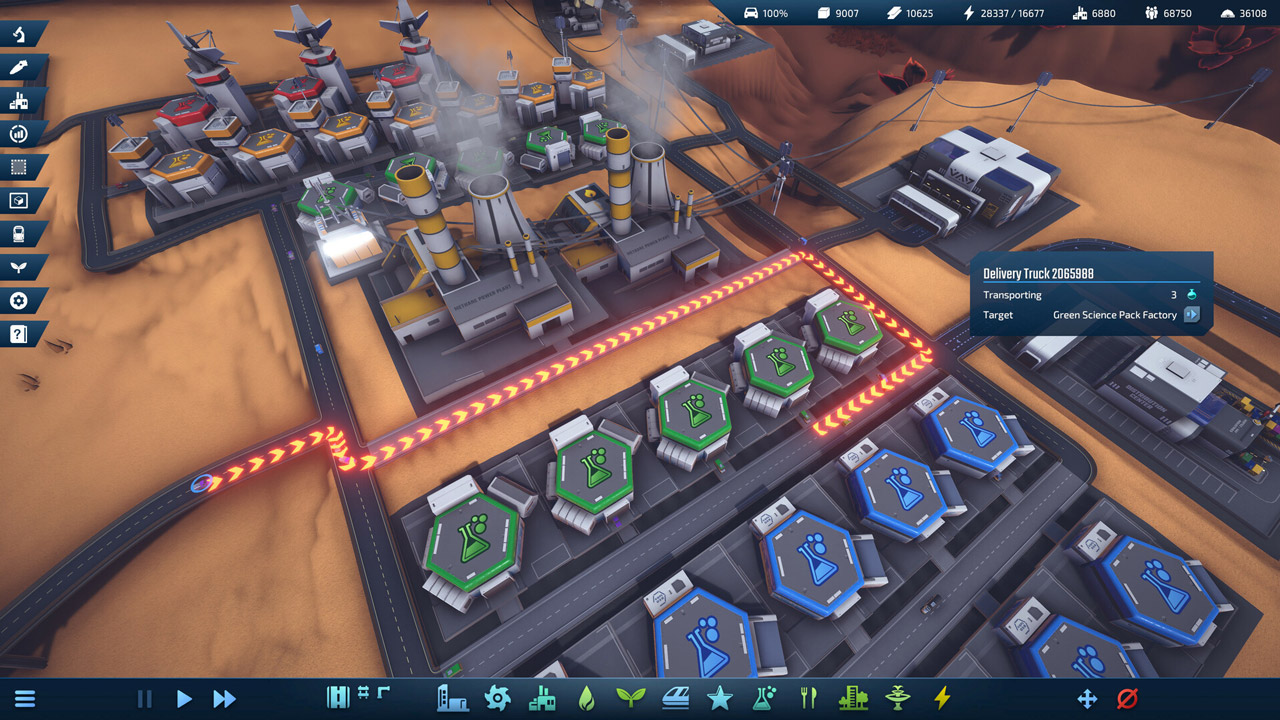
As soon as you have some iron, carbon, sand, and sulfur, you can build your first steel and concrete plant to start building infrastructure. Even essentials like food and oxygen require a stable production chain that can´t be disrupted!
Transportation Infrastructure
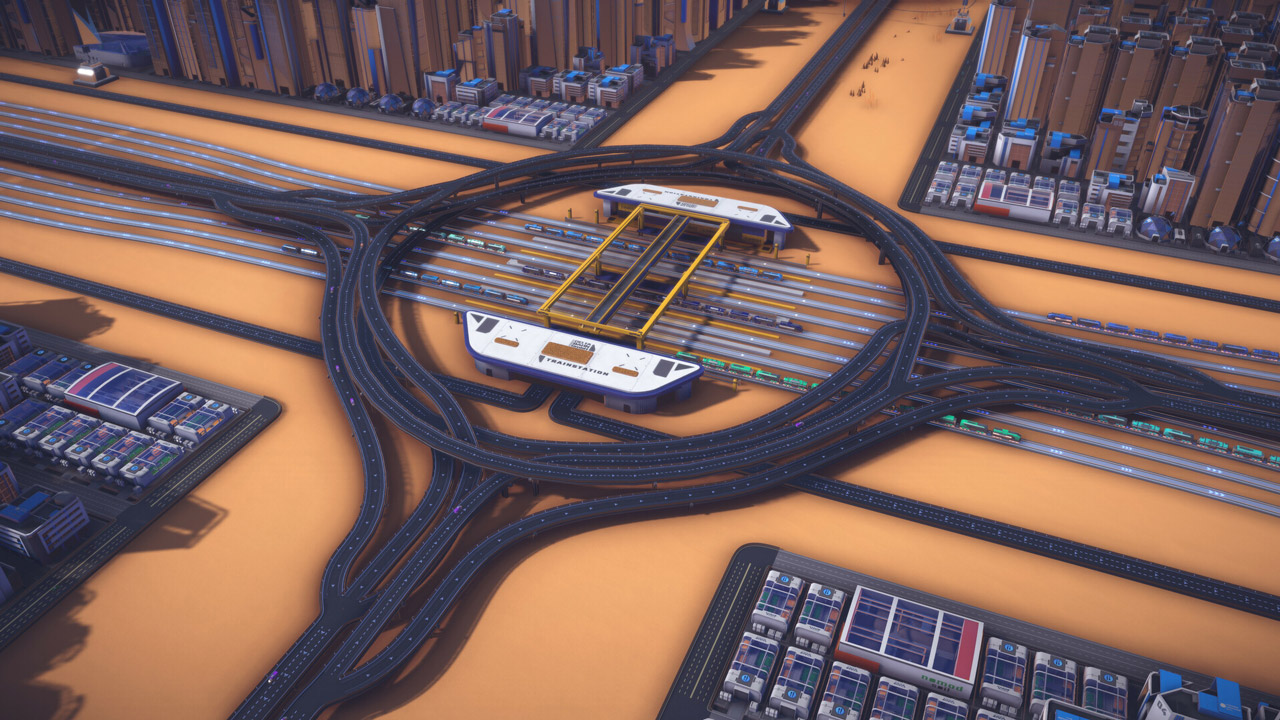
InfraSpace simulates every machine. Every resource produced must be transported to a factory for processing, and every product must reach the consumer´s environment.
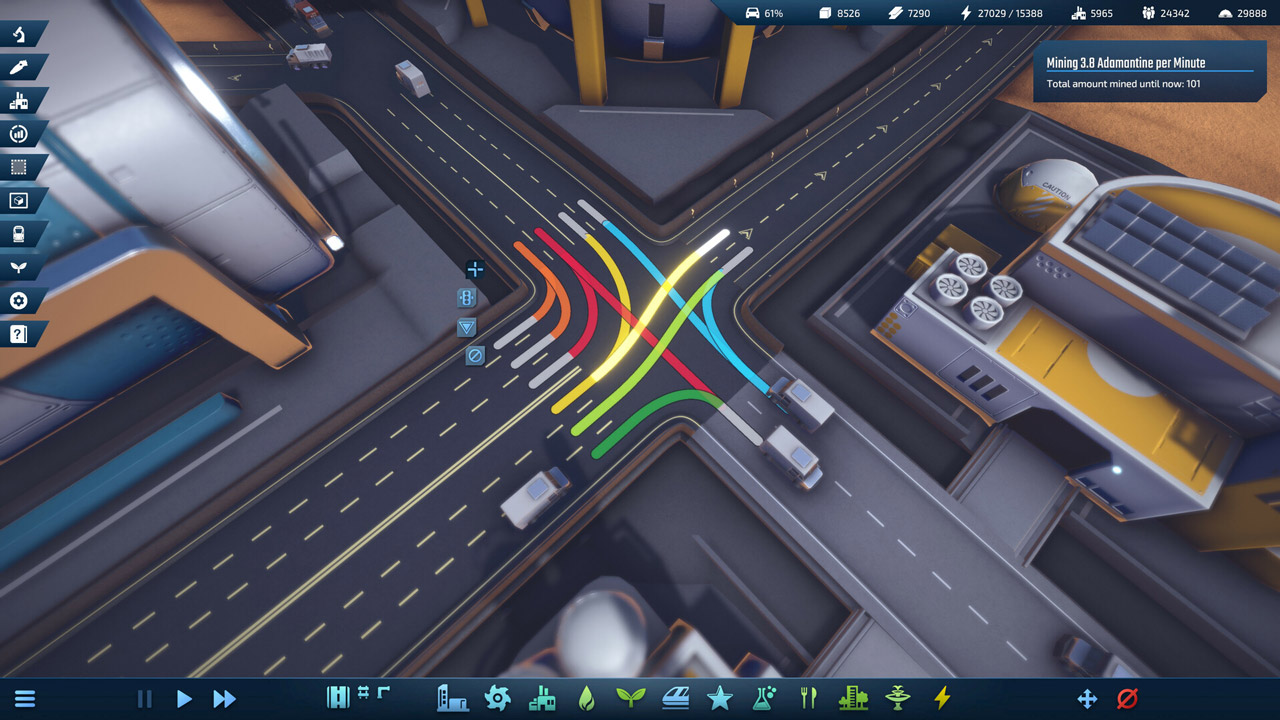
Your road network can handle a lot, but without your oversight, it will eventually become bogged down in traffic. Build highways, roundabouts, and multi-lane roads to keep your city´s manufacturing hub running.
Population Growth
Your first colonists will be astronauts, the best and bravest humanity has to offer. Provide them with food and shelter, and they will keep your outpost running no matter what.
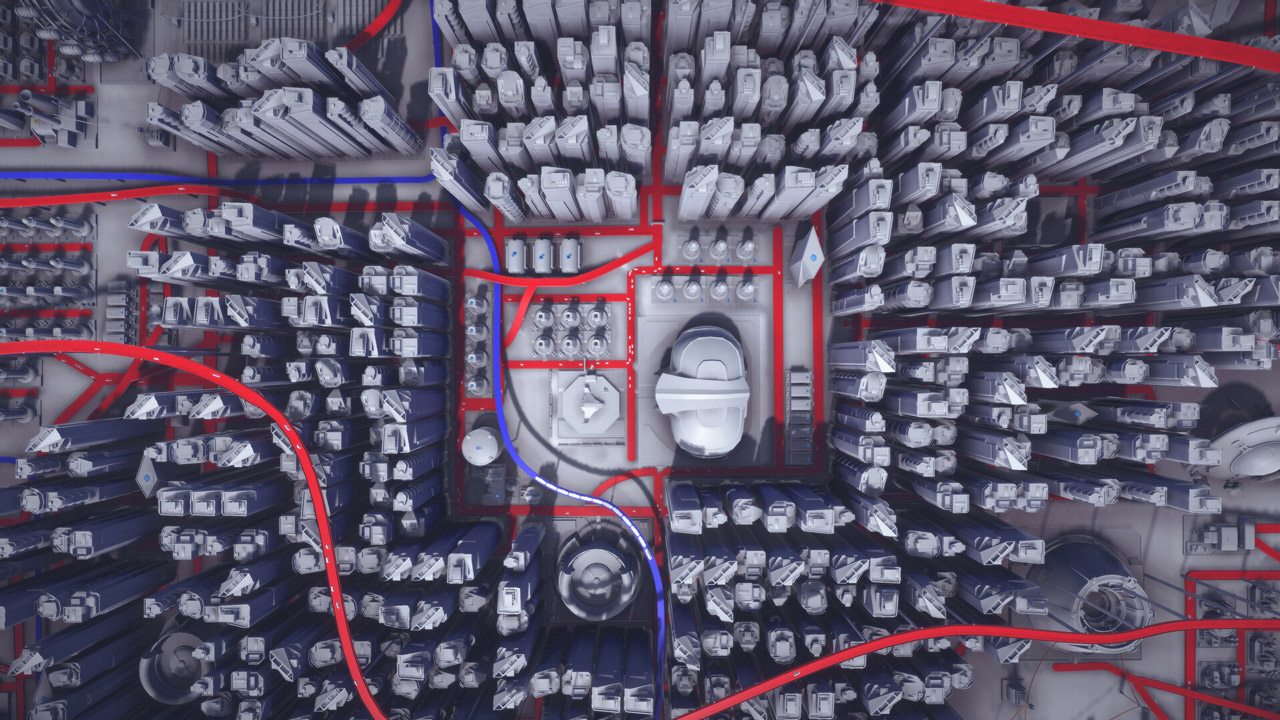
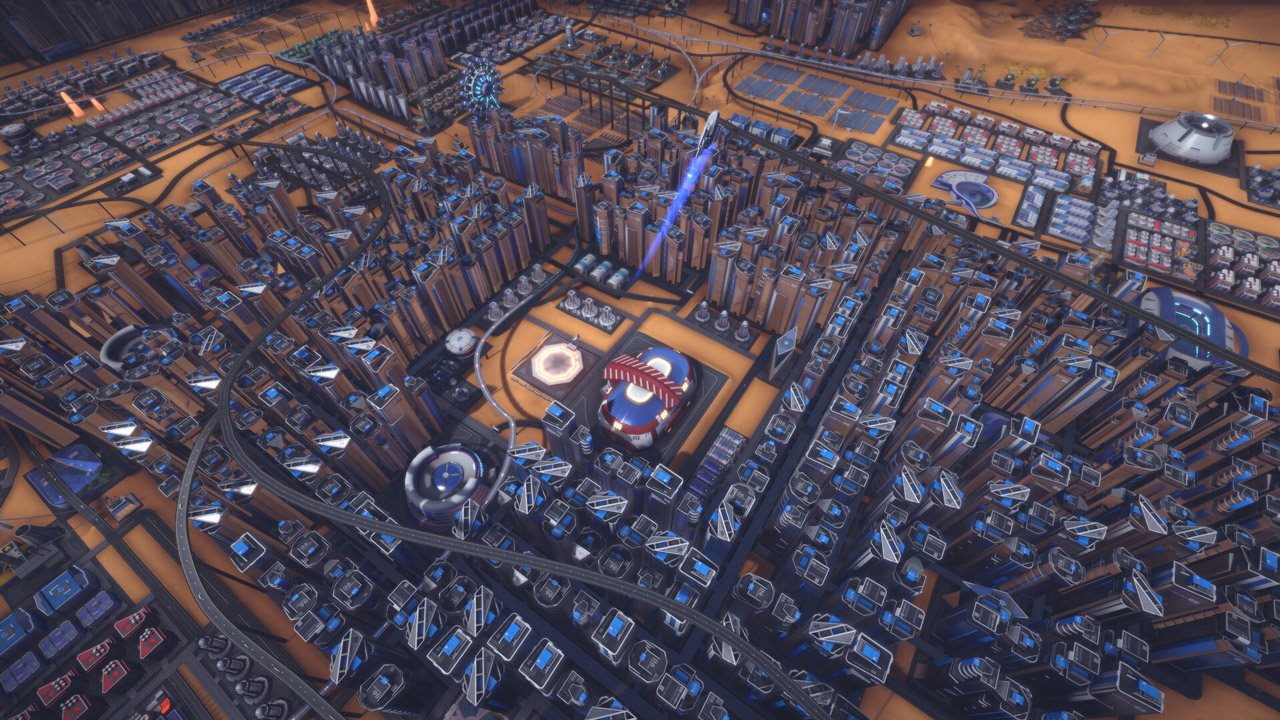
As your settlement grows, you will need to cover the increasing workload by hiring scientists and engineers who require some amenities. Any city of sufficient size will eventually become home to more and more families, so make sure your schools can handle it and that you can supply the latest VR learning products.
You don´t have to strain yourself
Traffic management can be volatile, and survival can be difficult. You can adjust the difficulty of both to make your city management experience as easy or as difficult as you want it to be.
=======================================
Activation
1. You need to download and install Steam http://steampowered.com/download/SteamInstall.msi (if not already installed)
2. Launch the Steam client
3. Create a new Steam account or log into an existing one
4. Go to the "Games" section and select "Activate on Steam"
5. Enter the activation key you purchased
6. After that, the game will appear in your list of games and you can install it
🌎 This edition has no regional restrictions and is activated in any country in the world
Game language: Russian (interface) / English
Release date: September 22, 2023
Platform: Windows
Region: Region Free (any country, no restrictions)
Activation: Steam
==========================================
Produce everything you consume
On the edge of space, where humans can reach, you can´t build a city by just spending a lot of money. Instead, you´ll have to send your first astronauts to mine resources.
As soon as you have some iron, carbon, sand, and sulfur, you can build your first steel and concrete plant to start building infrastructure. Even essentials like food and oxygen require a stable production chain that can´t be disrupted!
Transportation Infrastructure
InfraSpace simulates every machine. Every resource produced must be transported to a factory for processing, and every product must reach the consumer´s environment.
Your road network can handle a lot, but without your oversight, it will eventually become bogged down in traffic. Build highways, roundabouts, and multi-lane roads to keep your city´s manufacturing hub running.
Population Growth
Your first colonists will be astronauts, the best and bravest humanity has to offer. Provide them with food and shelter, and they will keep your outpost running no matter what.
As your settlement grows, you will need to cover the increasing workload by hiring scientists and engineers who require some amenities. Any city of sufficient size will eventually become home to more and more families, so make sure your schools can handle it and that you can supply the latest VR learning products.
You don´t have to strain yourself
Traffic management can be volatile, and survival can be difficult. You can adjust the difficulty of both to make your city management experience as easy or as difficult as you want it to be.
=======================================
Activation
1. You need to download and install Steam http://steampowered.com/download/SteamInstall.msi (if not already installed)
2. Launch the Steam client
3. Create a new Steam account or log into an existing one
4. Go to the "Games" section and select "Activate on Steam"
5. Enter the activation key you purchased
6. After that, the game will appear in your list of games and you can install it
! Before buying, please check the system requirements of the game and other parameters that interest you (they may change with time). This can be done on the sites Steam / Uplay / Origin or the official website of the publisher. Goods purchased by mistake, as well as unsuitable for system requirements or region of activation, can not be returned and exchanged!
Dear customers! Convincing request, if there are any problems with the purchased goods, do not leave a negative feedback immediately. Write us a message in the correspondence (the purchase page on the site Oplata.info). We will try to respond to your message as soon as possible and promptly solve the problem. We draw to the fact that the basis for the exchange or return of the purchased key (key), which gives an error when activated, can only be VIDEO RECORD of the purchase process and subsequent attempt to activate it (mandatory condition - the record should not contain editing features).
Our entire range: https://boardrussia.ru/digital-shop/seller/467960
We will be grateful for every positive feedback you have left after the purchase. Sincerely, the project team "AlternativA".
Dear customers! Convincing request, if there are any problems with the purchased goods, do not leave a negative feedback immediately. Write us a message in the correspondence (the purchase page on the site Oplata.info). We will try to respond to your message as soon as possible and promptly solve the problem. We draw to the fact that the basis for the exchange or return of the purchased key (key), which gives an error when activated, can only be VIDEO RECORD of the purchase process and subsequent attempt to activate it (mandatory condition - the record should not contain editing features).
Our entire range: https://boardrussia.ru/digital-shop/seller/467960
We will be grateful for every positive feedback you have left after the purchase. Sincerely, the project team "AlternativA".
31.05.2025 22:57:37
+
10.03.2025 2:18:29
Now there will be something to play!
17.12.2024 12:23:15
Всё годно!)
07.10.2024 18:32:42
Ключ рабочий
06.10.2024 10:32:33
Ключ рабочий