Unrailed! 🔑STEAM KEY 🔥RUSSIA + CIS
Content: text (0 symbol)
Available: 9
Uploaded: 29.11.2025
Positive responses: 0
Negative responses: 0
Sold: 1
Refunds: 0
~ $2.19
The exact amount is on the payment page
Edition Type: STEAM KEY / RU / UA / KZ / CIS
⚠️ ! This key can only be activated on a Steam account registered in Russia, Ukraine, Kazakhstan, and other CIS countries.
🔹 Game Language: Russian (interface) / English
🔹 Release Date: September 23, 2020
🔹 Platform: Windows
🔹 Region: RU / UA / KZ / CIS (Russia, Ukraine, Kazakhstan, and other CIS countries)
🔹 Activation: Steam
=============================================
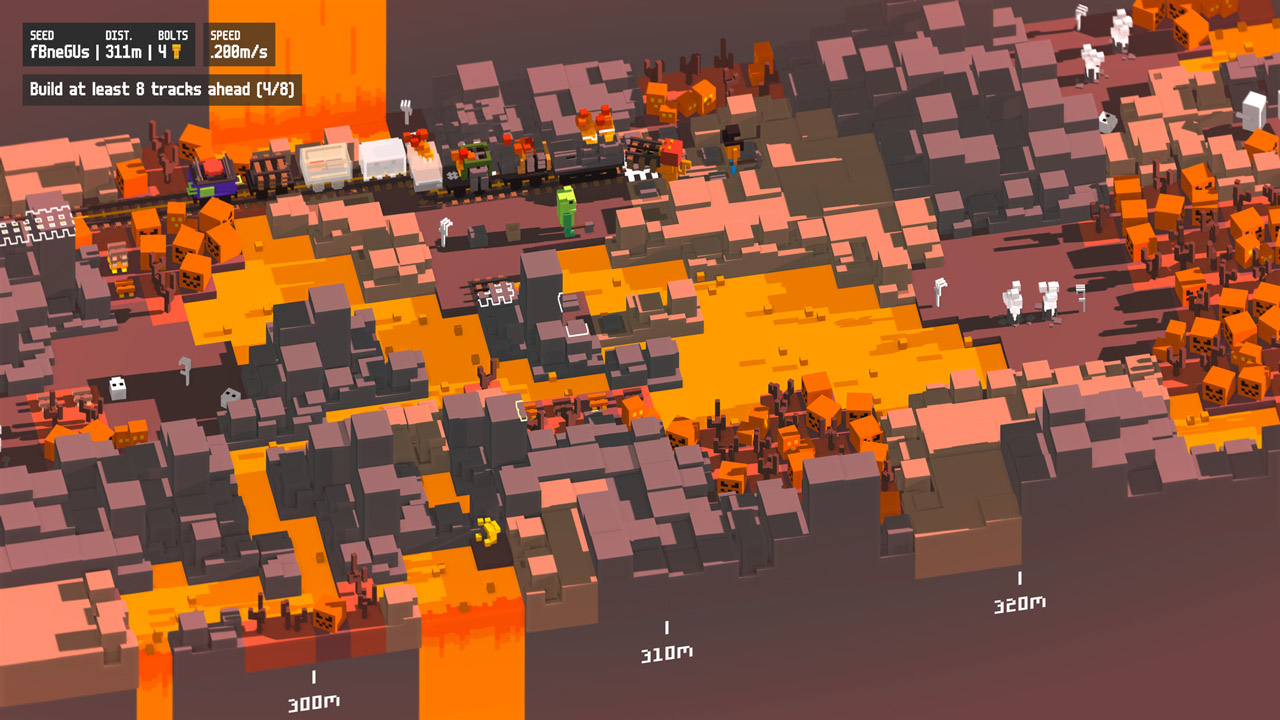
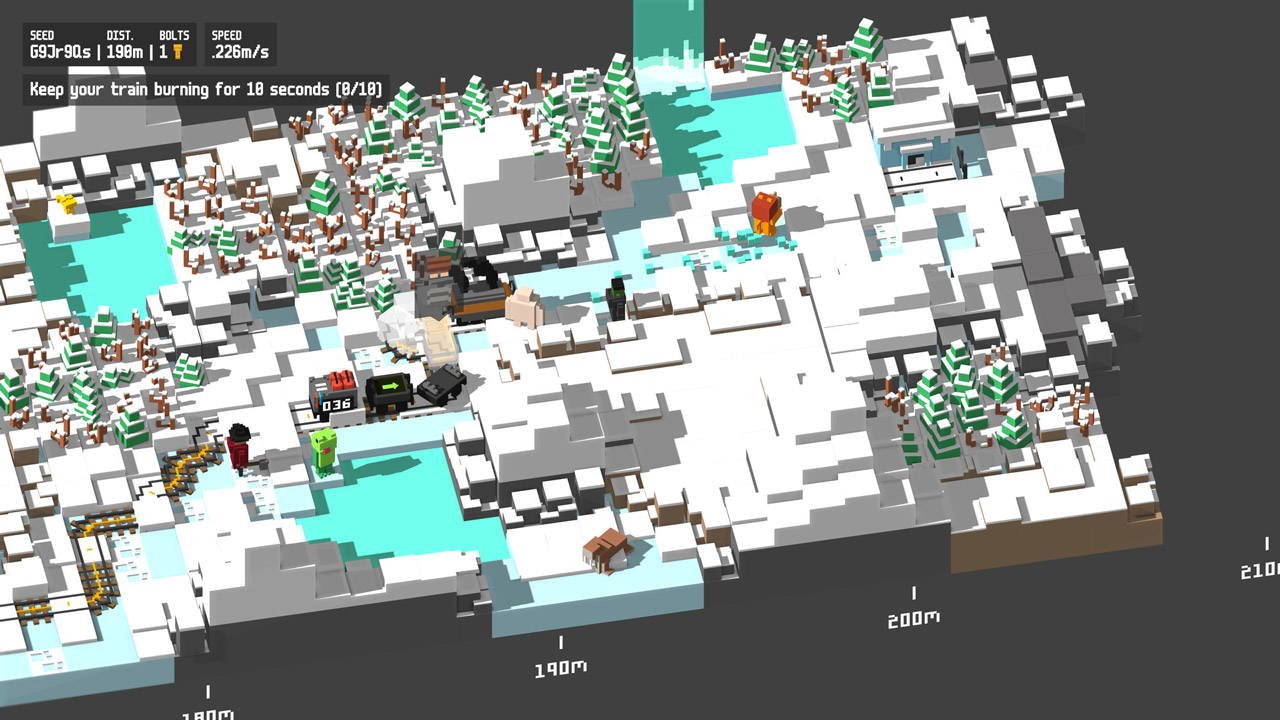
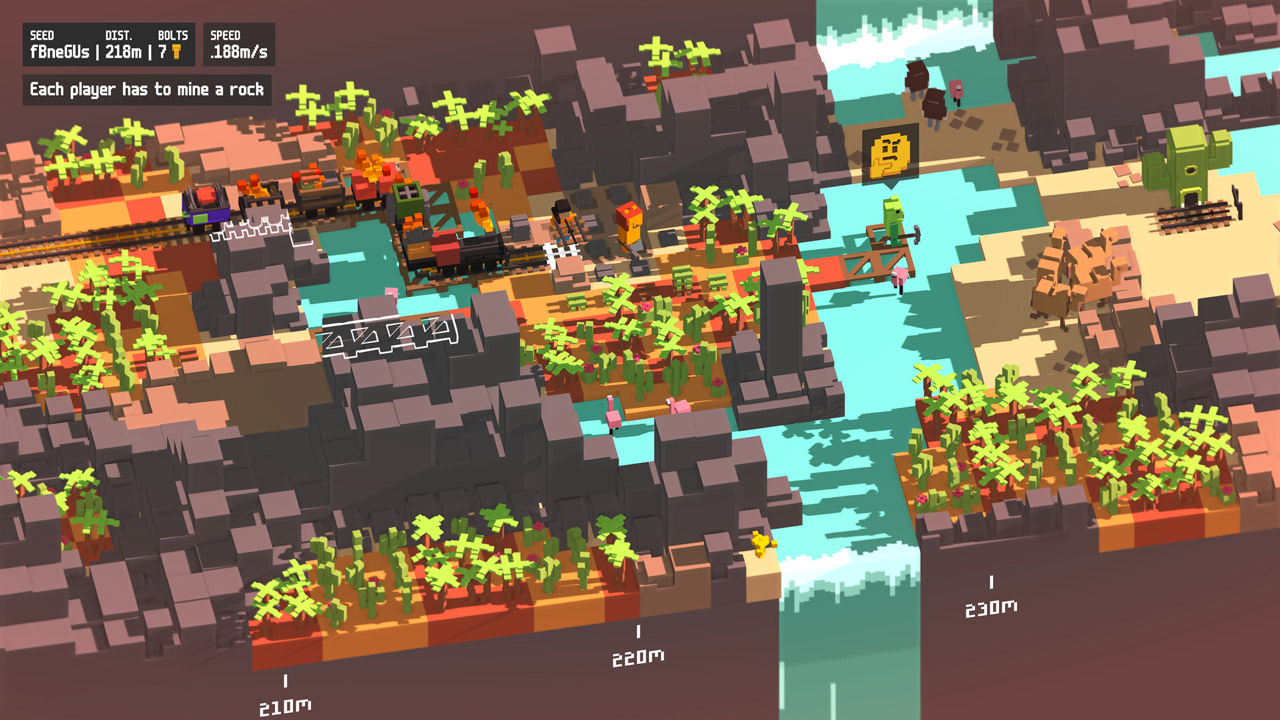
Unrailed! is a frantic online multiplayer game where you build a railroad in an endless procedurally generated world. To achieve your goal, you´ll need to work together, coordinate your team, upgrade your train cars, keep the train on track, and be prepared to encounter the inhabitants of the local lands!
BUILD THE LONGEST ROAD
Collect resources and lay tracks to keep your train moving and never stopping. But remember: construction tools are limited! This means you´ll need to carefully coordinate your team to ensure your journey lasts as long as possible.
CREATE YOUR PATH IN EVERY WORLD
Each world in the game is unique! To stay on track, you and your team will have to overcome ever-increasing obstacles.
ATTACH YOUR CARRIAGES AND CONQUER UNKNOWN LANDS
Want to be prepared for anything? Then upgrade your train. Add a nuclear locomotive, upgrade your craftsman car, attach an energy car, or choose from a variety of other upgrades!
PLAY WITH OR AGAINST FRIENDS
Play in a team of four players or test your friends´ teamwork in a two-on-two battle.
• Dynamic and unpredictable gameplay
• Local and online co-op
• Procedurally generated worlds with varying difficulty levels
• Dynamic weather and day/night cycles
• Game modes: Long, Quick (team of 4), and Duel (2 teams of 2)
• Over 5 unique zones
• Over 10 upgraded car types that can be used in Long Mode
• Different characters
• Replayability
• Simple controls and split-screen play
• Blocks are everything!
=========================================
Activation
1. Download and install Steam http://steampowered.com/download/SteamInstall.msi (if not already installed)
2. Launch the Steam client
3. Create a new Steam account or log in to an existing one
4. Go to the "Games" section and select "Activate on Steam"
5. Enter the activation key you purchased
6. The game will then appear in your list of games and can be installed
⚠️ ! This key can only be activated on a Steam account registered in Russia, Ukraine, Kazakhstan, and other CIS countries.
🔹 Game Language: Russian (interface) / English
🔹 Release Date: September 23, 2020
🔹 Platform: Windows
🔹 Region: RU / UA / KZ / CIS (Russia, Ukraine, Kazakhstan, and other CIS countries)
🔹 Activation: Steam
=============================================
Unrailed! is a frantic online multiplayer game where you build a railroad in an endless procedurally generated world. To achieve your goal, you´ll need to work together, coordinate your team, upgrade your train cars, keep the train on track, and be prepared to encounter the inhabitants of the local lands!
BUILD THE LONGEST ROAD
Collect resources and lay tracks to keep your train moving and never stopping. But remember: construction tools are limited! This means you´ll need to carefully coordinate your team to ensure your journey lasts as long as possible.
CREATE YOUR PATH IN EVERY WORLD
Each world in the game is unique! To stay on track, you and your team will have to overcome ever-increasing obstacles.
ATTACH YOUR CARRIAGES AND CONQUER UNKNOWN LANDS
Want to be prepared for anything? Then upgrade your train. Add a nuclear locomotive, upgrade your craftsman car, attach an energy car, or choose from a variety of other upgrades!
PLAY WITH OR AGAINST FRIENDS
Play in a team of four players or test your friends´ teamwork in a two-on-two battle.
• Dynamic and unpredictable gameplay
• Local and online co-op
• Procedurally generated worlds with varying difficulty levels
• Dynamic weather and day/night cycles
• Game modes: Long, Quick (team of 4), and Duel (2 teams of 2)
• Over 5 unique zones
• Over 10 upgraded car types that can be used in Long Mode
• Different characters
• Replayability
• Simple controls and split-screen play
• Blocks are everything!
=========================================
Activation
1. Download and install Steam http://steampowered.com/download/SteamInstall.msi (if not already installed)
2. Launch the Steam client
3. Create a new Steam account or log in to an existing one
4. Go to the "Games" section and select "Activate on Steam"
5. Enter the activation key you purchased
6. The game will then appear in your list of games and can be installed
! Before buying, please check the system requirements of the game and other parameters that interest you (they may change with time). This can be done on the sites Steam / Uplay / Origin or the official website of the publisher. Goods purchased by mistake, as well as unsuitable for system requirements or region of activation, can not be returned and exchanged!
Dear customers! Convincing request, if there are any problems with the purchased goods, do not leave a negative feedback immediately. Write us a message in the correspondence (the purchase page on the site Oplata.info). We will try to respond to your message as soon as possible and promptly solve the problem. We draw to the fact that the basis for the exchange or return of the purchased key (key), which gives an error when activated, can only be VIDEO RECORD of the purchase process and subsequent attempt to activate it (mandatory condition - the record should not contain editing features).
Our entire range: https://boardrussia.ru/digital-shop/seller/467960
We will be grateful for every positive feedback you have left after the purchase. Sincerely, the project team "AlternativA".
Dear customers! Convincing request, if there are any problems with the purchased goods, do not leave a negative feedback immediately. Write us a message in the correspondence (the purchase page on the site Oplata.info). We will try to respond to your message as soon as possible and promptly solve the problem. We draw to the fact that the basis for the exchange or return of the purchased key (key), which gives an error when activated, can only be VIDEO RECORD of the purchase process and subsequent attempt to activate it (mandatory condition - the record should not contain editing features).
Our entire range: https://boardrussia.ru/digital-shop/seller/467960
We will be grateful for every positive feedback you have left after the purchase. Sincerely, the project team "AlternativA".
No feedback yet