Through the Woods 🔑STEAM KEY 🔥RUSSIA + CIS
Content: text (19 symbols)
Available: 6
Uploaded: 21.02.2025
Positive responses: 1
Negative responses: 0
Sold: 4
Refunds: 0
~ $2.79
The exact amount is on the payment page
Type of publication: Steam Key / RU / UA / KZ / CIS
⚠️ ! This key can only be activated on a Steam account registered in Russia, Ukraine or the CIS countries
🔹 Game language: Russian (subtitles + interface) / English
🔹 Release date: October 27, 2016
🔹 Platform: Windows
🔹 Region: RU / UA / KZ / CIS (Russia, Ukraine and the CIS countries)
🔹 Activation: Steam
===========================================
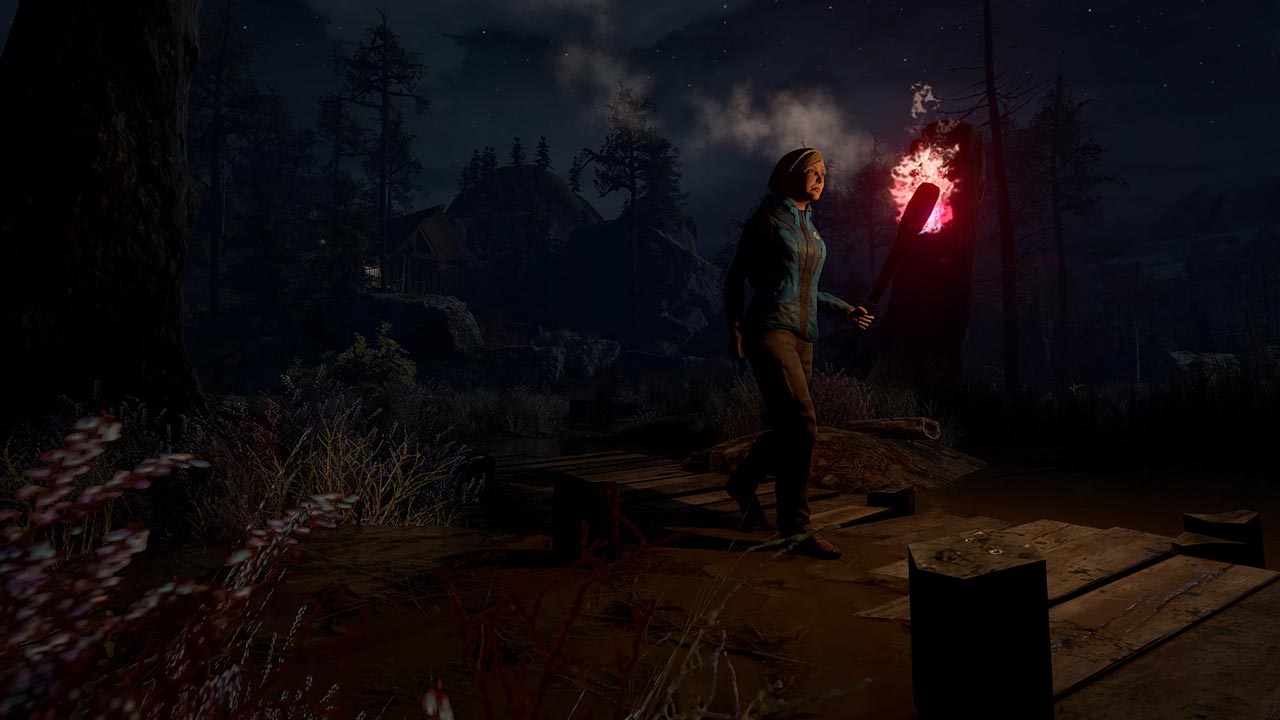
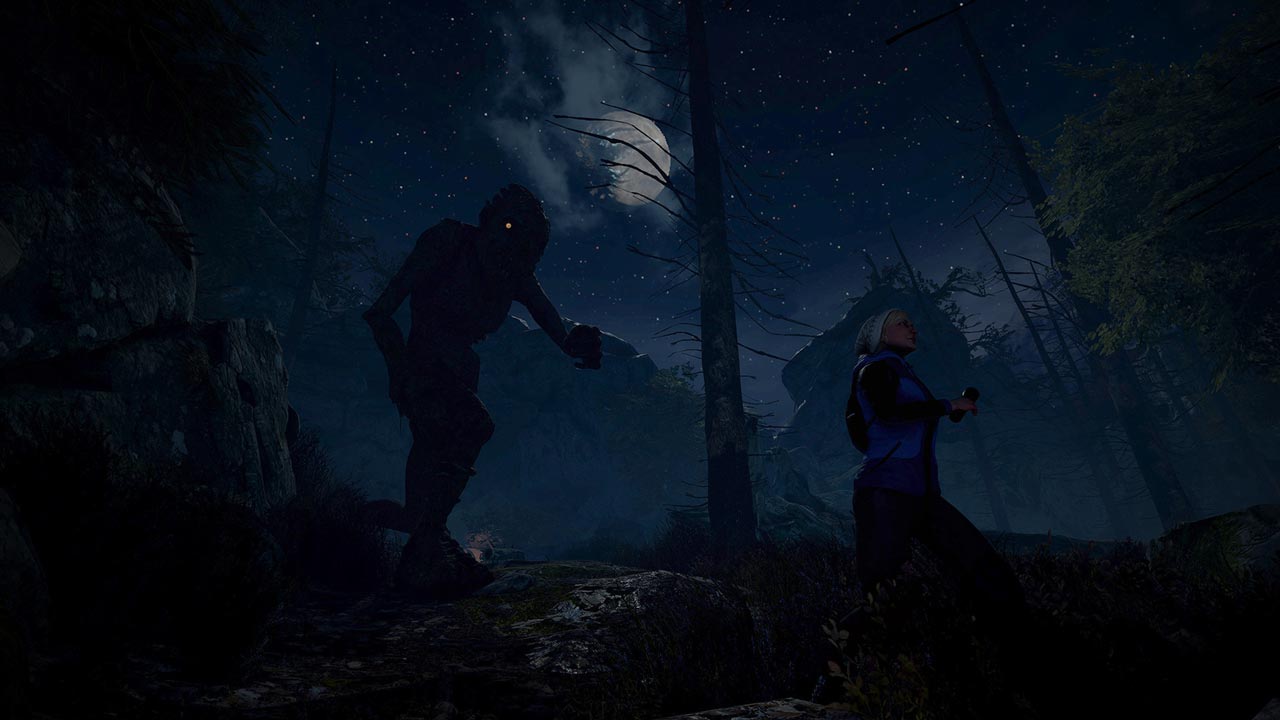
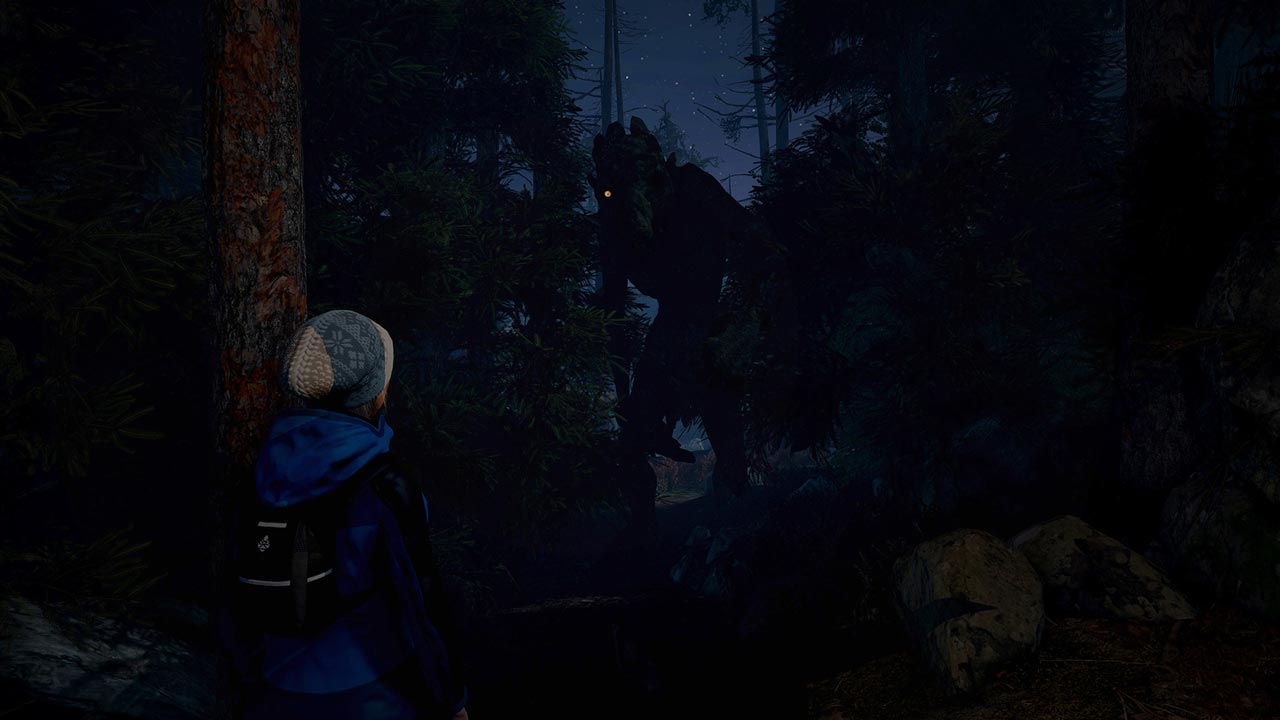
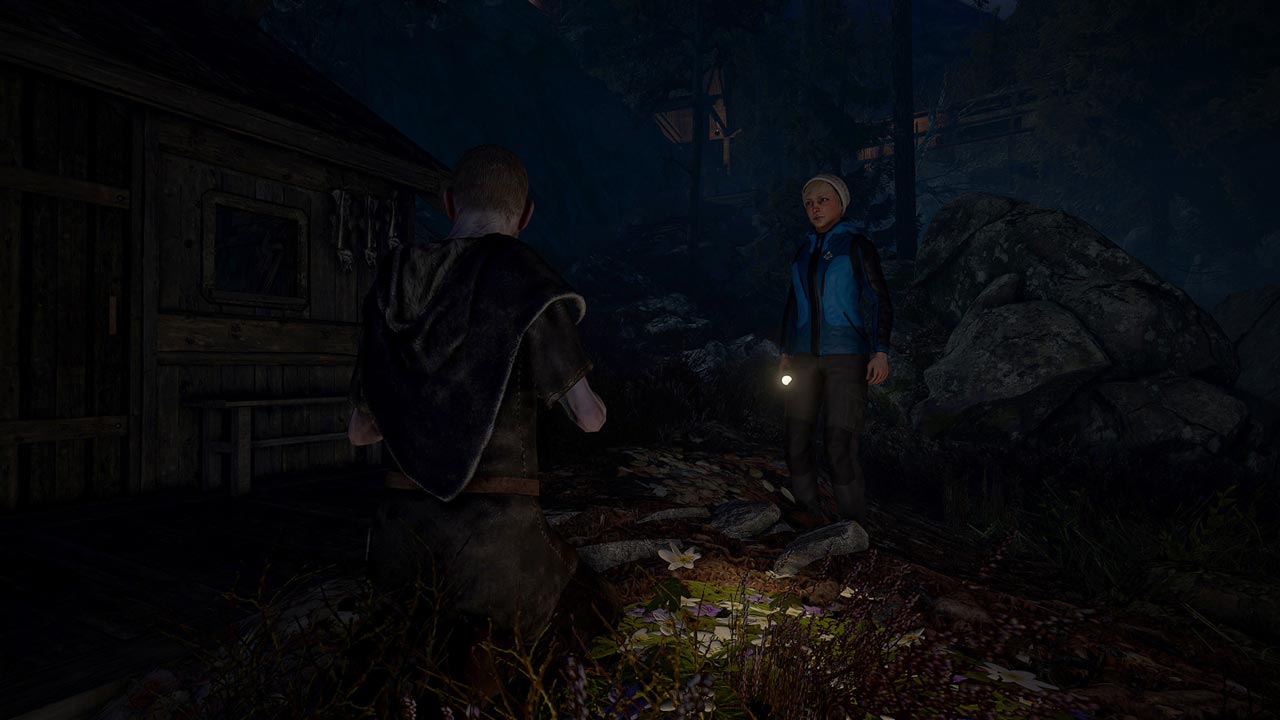
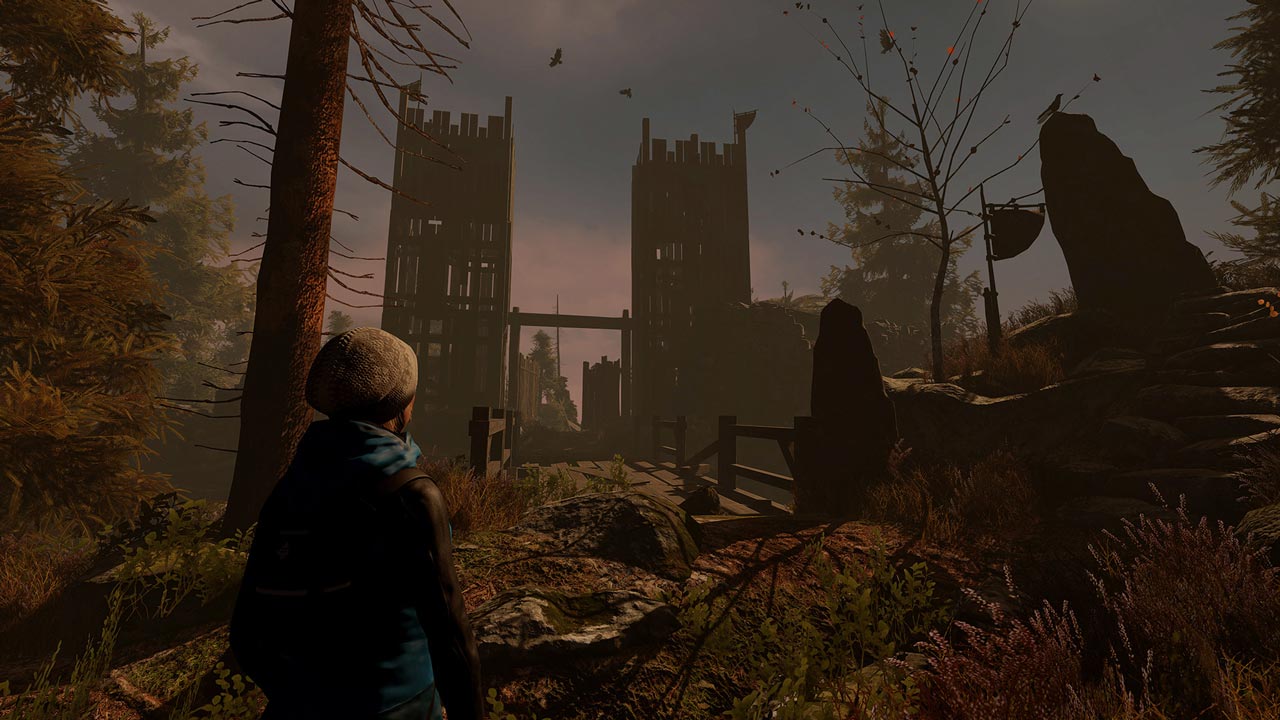
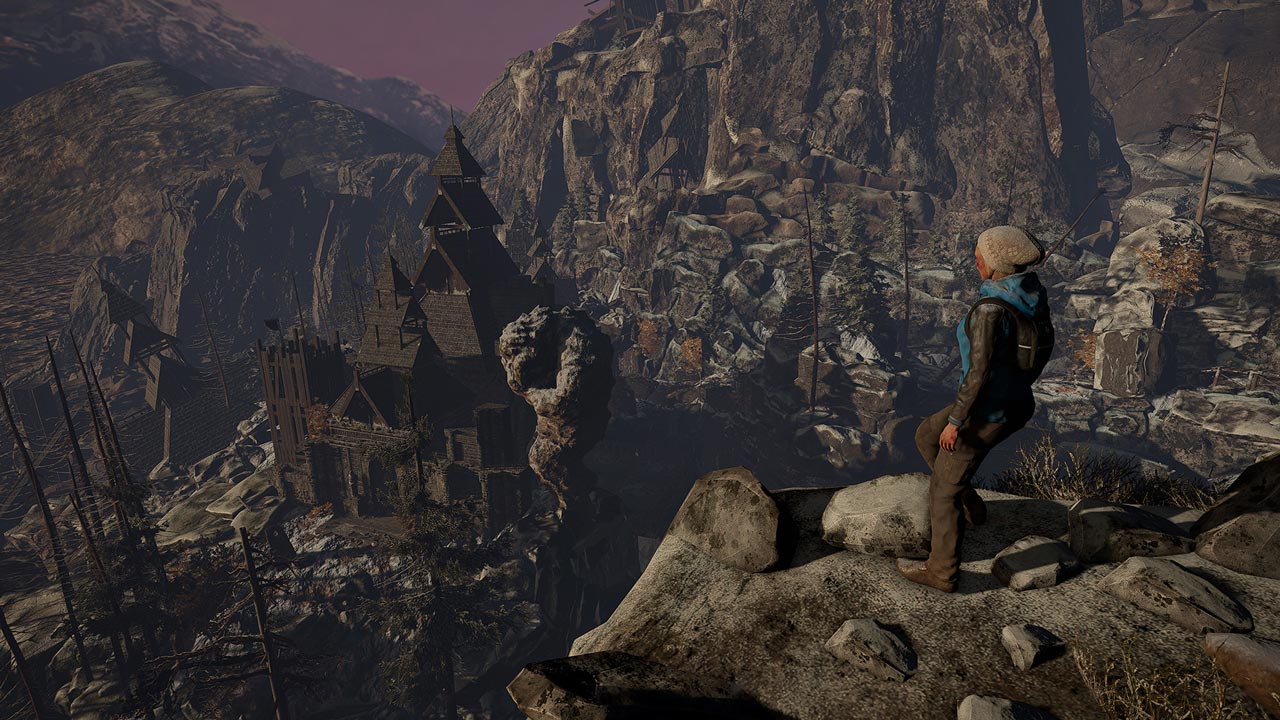
Through the Woods is a third-person adventure game in the horror genre. The action takes place in the forests of the western coast of Norway and tells the story of a mother who has lost her son. As the game progresses, you will learn from the woman what preceded the disappearance of her son. You will follow the frightened heroine who was forced to enter this terrible place with one goal - to find her son in the woods inhabited by spirits from Norse mythology and fairy tales.
In Through the Woods, the developers from Antagonist captured the feelings they experienced when they were in the forest as children: all their fear and all the mystery that emanated from the forest when they wandered through it alone. The atmosphere is perfectly complemented by a tense story and a beautiful soundtrack, which in the darkness of the forest become the main components of the game. Through the Woods incredibly realistically conveys the feeling of loneliness and loss in a place full of fear and despair...
• Immerse yourself in the stunning world of harsh Norwegian nature and learn an incredible history steeped in Norwegian mythology and art.
• Encounter scary tales of the past and present in an interactive storytelling.
• An original approach to the use of shadow and light creates a realistic atmosphere.
• The exciting journey is complemented by dark, enchanting melodies.
======================================
Activation
1. You need to download and install the Steam application https://store.steampowered.com (if not already installed)
2. Create a new account on Steam or log in to an existing one
3. Go to the "Games" section and select "Activate on Steam"
4. Enter the activation key you purchased
5. After that, the game will appear in the application library and you can install it
⚠️ ! This key can only be activated on a Steam account registered in Russia, Ukraine or the CIS countries
🔹 Game language: Russian (subtitles + interface) / English
🔹 Release date: October 27, 2016
🔹 Platform: Windows
🔹 Region: RU / UA / KZ / CIS (Russia, Ukraine and the CIS countries)
🔹 Activation: Steam
===========================================
Through the Woods is a third-person adventure game in the horror genre. The action takes place in the forests of the western coast of Norway and tells the story of a mother who has lost her son. As the game progresses, you will learn from the woman what preceded the disappearance of her son. You will follow the frightened heroine who was forced to enter this terrible place with one goal - to find her son in the woods inhabited by spirits from Norse mythology and fairy tales.
In Through the Woods, the developers from Antagonist captured the feelings they experienced when they were in the forest as children: all their fear and all the mystery that emanated from the forest when they wandered through it alone. The atmosphere is perfectly complemented by a tense story and a beautiful soundtrack, which in the darkness of the forest become the main components of the game. Through the Woods incredibly realistically conveys the feeling of loneliness and loss in a place full of fear and despair...
• Immerse yourself in the stunning world of harsh Norwegian nature and learn an incredible history steeped in Norwegian mythology and art.
• Encounter scary tales of the past and present in an interactive storytelling.
• An original approach to the use of shadow and light creates a realistic atmosphere.
• The exciting journey is complemented by dark, enchanting melodies.
======================================
Activation
1. You need to download and install the Steam application https://store.steampowered.com (if not already installed)
2. Create a new account on Steam or log in to an existing one
3. Go to the "Games" section and select "Activate on Steam"
4. Enter the activation key you purchased
5. After that, the game will appear in the application library and you can install it
! Before buying, please check the system requirements of the game and other parameters that interest you (they may change with time). This can be done on the sites Steam / UBISOFT (Uplay) / EA APP (Origin) or the official website of the publisher. Goods purchased by mistake, as well as unsuitable for system requirements or region of activation, cannot be returned and exchanged!
Dear customers! Convincing request, if there are any problems with the purchased goods, do not leave a negative feedback immediately. Write us a message in the correspondence (the purchase page on the site Oplata.info). We will try to respond to your message as soon as possible and promptly solve the problem. We draw to the fact that the basis for the exchange or return of the purchased key (key), which gives an error when activated, can only be VIDEO RECORD of the purchase process and subsequent attempt to activate it (mandatory condition - the record should not contain editing features).
Our entire range: https://boardrussia.ru/digital-shop/seller/467960
We will be grateful for every positive feedback you have left after the purchase. Sincerely, the project team "AlternativA".
Dear customers! Convincing request, if there are any problems with the purchased goods, do not leave a negative feedback immediately. Write us a message in the correspondence (the purchase page on the site Oplata.info). We will try to respond to your message as soon as possible and promptly solve the problem. We draw to the fact that the basis for the exchange or return of the purchased key (key), which gives an error when activated, can only be VIDEO RECORD of the purchase process and subsequent attempt to activate it (mandatory condition - the record should not contain editing features).
Our entire range: https://boardrussia.ru/digital-shop/seller/467960
We will be grateful for every positive feedback you have left after the purchase. Sincerely, the project team "AlternativA".
21.02.2025 17:28:18
+