Trover Saves the Universe + DLC 🔑STEAM KEY 🔥RU+KZ+CIS
Content: text (19 symbols)
Available: 1
Uploaded: 05.02.2025
Positive responses: 0
Negative responses: 0
Sold: 0
Refunds: 0
~ $3.39
The exact amount is on the payment page
Type of publication: STEAM KEY / RU / UA / KZ / CIS
⚠️ ! This key can only be activated on a Steam account registered in Russia, Ukraine, Kazakhstan and other CIS countries
Game language: English
Release date: June 4, 2019
Platform: Windows
Region: RU / UA / KZ / CIS (Russia, Ukraine, Kazakhstan and other CIS countries)
Activation: Steam
==========================================
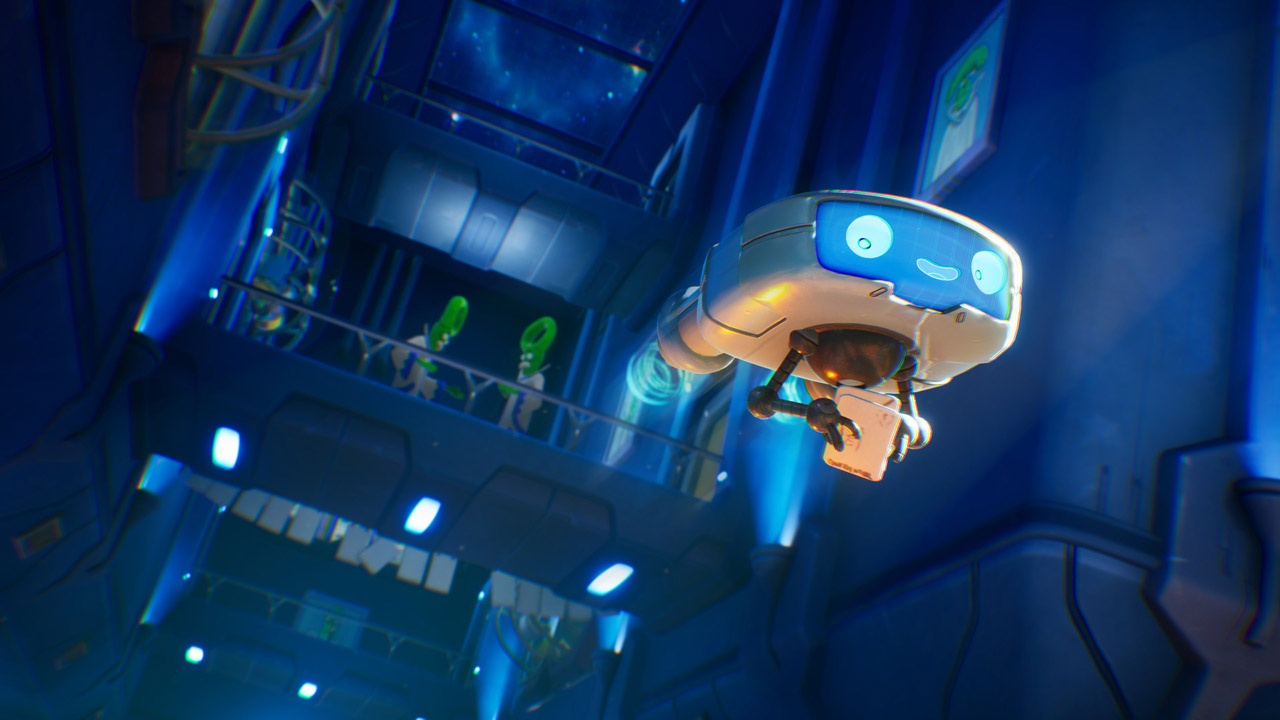
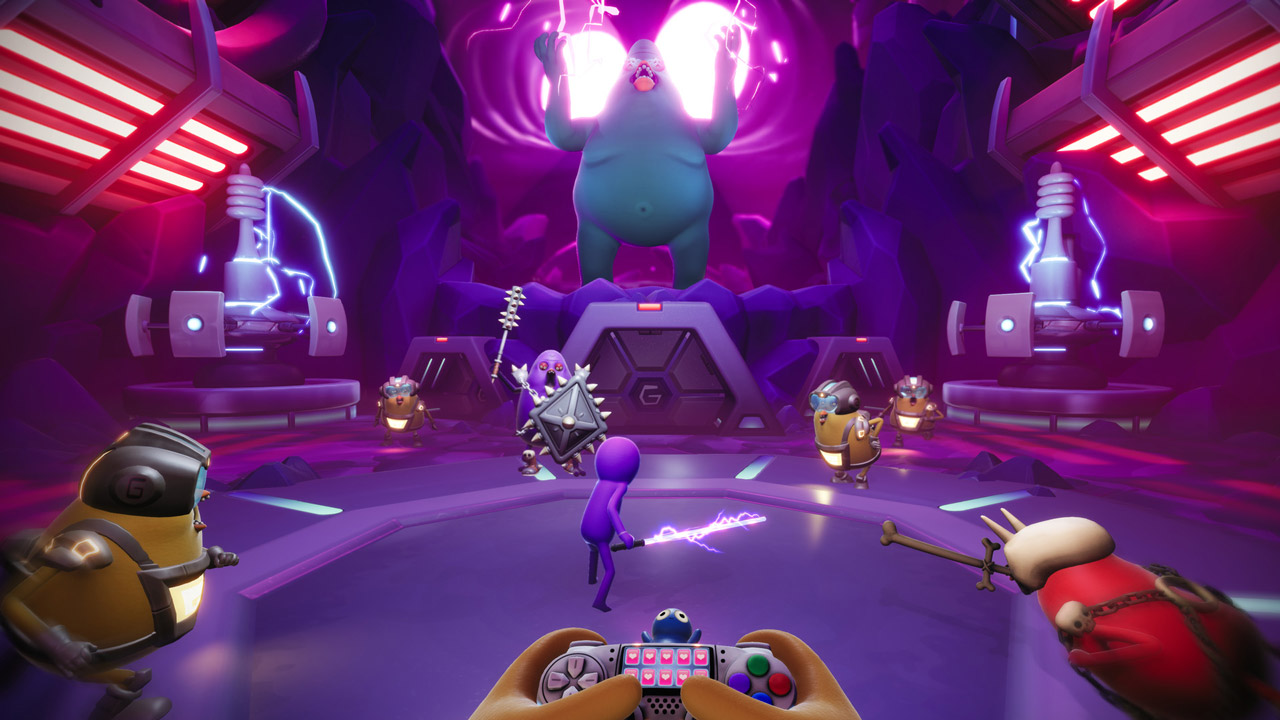
Your dogs have been kidnapped by a beaked madman named Glorkon, who stuffed them into his eye holes and is using their life essence to destroy the universe. Your helper in saving them will be Trover, a purple monster with holes instead of eyes, who doesn’t really like working or being in situations where he has to save the universe. He also doesn’t really like you, and to be honest, neither do I. (Just kidding - you’re awesome!)
Only you and Trover can save everyone in this crazy, humorous adventure from Squanch Games!
• A humorous adventure full of combat, platform jumping, puzzles, and morally ambiguous decisions. You’ll see how the best intentions can lead to horrific consequences.
• You control Trover’s movements, but not his chatter. And he has a lot to say about everything that happens in the game.
• During your travels through space, you’ll visit various strange alien planets and meet eccentric characters with extraordinary personalities.
• Upgrade Trover´s abilities and YOURSELF´s and you´ll be able to (hopefully) defeat Glorkon while avoiding awkward situations.
• Immerse yourself in an incredible atmosphere of absurdity, regardless of the display you´re using. You can switch between TV and VR displays* at any time.
🔥BONUS! INCLUDES FREE DLC:
• JOPO MODE: Play in a new way!
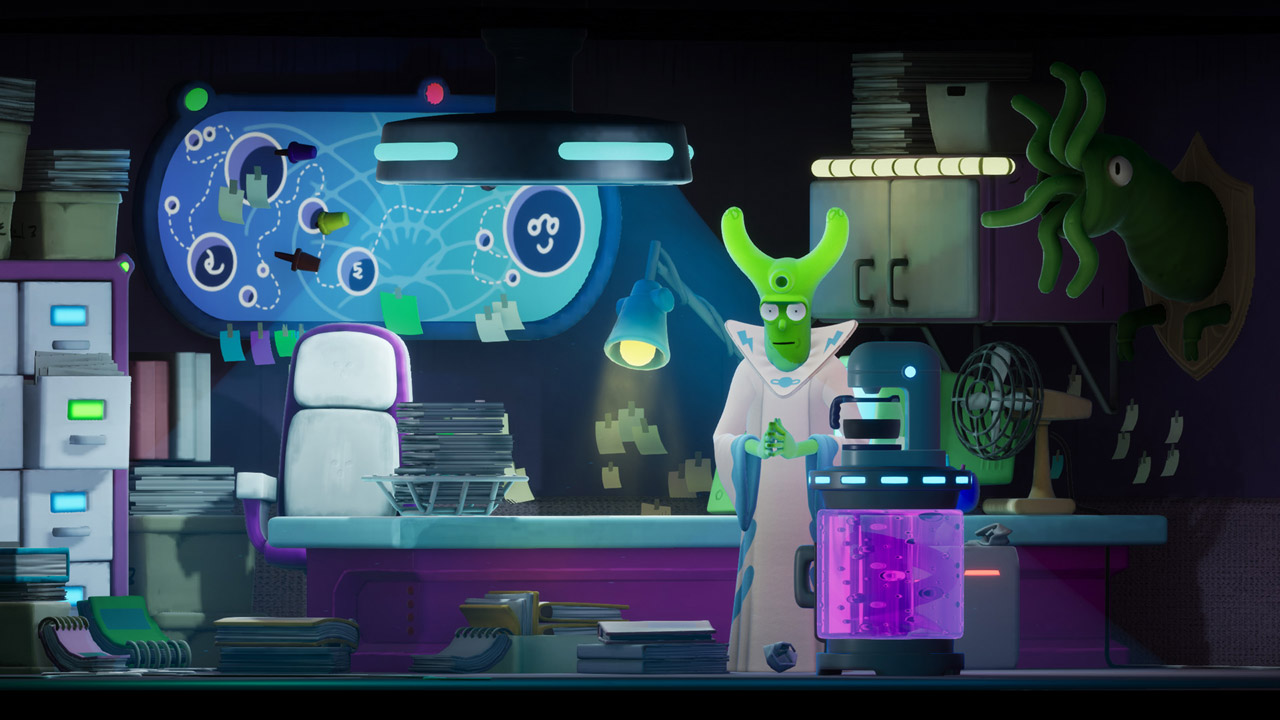
• IMPORTANT SPACE JOBS: Explore Trover´s workplace to help employees, prevent terrible harm, and discover sketches made for an original comedy.
======================================
Activation
1. You need to download and install the Steam application https://store.steampowered.com (if not already installed)
2. Create a new account on Steam or log into an existing one
3. Go to the "Games" section and select "Activate on Steam"
4. Enter the activation key you purchased
5. After that, the game will appear in the application library and you can install it
⚠️ ! This key can only be activated on a Steam account registered in Russia, Ukraine, Kazakhstan and other CIS countries
Game language: English
Release date: June 4, 2019
Platform: Windows
Region: RU / UA / KZ / CIS (Russia, Ukraine, Kazakhstan and other CIS countries)
Activation: Steam
==========================================
Your dogs have been kidnapped by a beaked madman named Glorkon, who stuffed them into his eye holes and is using their life essence to destroy the universe. Your helper in saving them will be Trover, a purple monster with holes instead of eyes, who doesn’t really like working or being in situations where he has to save the universe. He also doesn’t really like you, and to be honest, neither do I. (Just kidding - you’re awesome!)
Only you and Trover can save everyone in this crazy, humorous adventure from Squanch Games!
• A humorous adventure full of combat, platform jumping, puzzles, and morally ambiguous decisions. You’ll see how the best intentions can lead to horrific consequences.
• You control Trover’s movements, but not his chatter. And he has a lot to say about everything that happens in the game.
• During your travels through space, you’ll visit various strange alien planets and meet eccentric characters with extraordinary personalities.
• Upgrade Trover´s abilities and YOURSELF´s and you´ll be able to (hopefully) defeat Glorkon while avoiding awkward situations.
• Immerse yourself in an incredible atmosphere of absurdity, regardless of the display you´re using. You can switch between TV and VR displays* at any time.
🔥BONUS! INCLUDES FREE DLC:
• JOPO MODE: Play in a new way!
• IMPORTANT SPACE JOBS: Explore Trover´s workplace to help employees, prevent terrible harm, and discover sketches made for an original comedy.
======================================
Activation
1. You need to download and install the Steam application https://store.steampowered.com (if not already installed)
2. Create a new account on Steam or log into an existing one
3. Go to the "Games" section and select "Activate on Steam"
4. Enter the activation key you purchased
5. After that, the game will appear in the application library and you can install it
! Before buying, please check the system requirements of the game and other parameters that interest you (they may change with time). This can be done on the sites Steam / UBISOFT (Uplay) / EA APP (Origin) or the official website of the publisher. Goods purchased by mistake, as well as unsuitable for system requirements or region of activation, cannot be returned and exchanged!
Dear customers! Convincing request, if there are any problems with the purchased goods, do not leave a negative feedback immediately. Write us a message in the correspondence (the purchase page on the site Oplata.info). We will try to respond to your message as soon as possible and promptly solve the problem. We draw to the fact that the basis for the exchange or return of the purchased key (key), which gives an error when activated, can only be VIDEO RECORD of the purchase process and subsequent attempt to activate it (mandatory condition - the record should not contain editing features).
Our entire range: https://boardrussia.ru/digital-shop/seller/467960
We will be grateful for every positive feedback you have left after the purchase. Sincerely, the project team "AlternativA".
Dear customers! Convincing request, if there are any problems with the purchased goods, do not leave a negative feedback immediately. Write us a message in the correspondence (the purchase page on the site Oplata.info). We will try to respond to your message as soon as possible and promptly solve the problem. We draw to the fact that the basis for the exchange or return of the purchased key (key), which gives an error when activated, can only be VIDEO RECORD of the purchase process and subsequent attempt to activate it (mandatory condition - the record should not contain editing features).
Our entire range: https://boardrussia.ru/digital-shop/seller/467960
We will be grateful for every positive feedback you have left after the purchase. Sincerely, the project team "AlternativA".
No feedback yet