WE ARE FOOTBALL 🔑STEAM KEY 🔥RUSSIA+KZ+CIS
Content: text (19 symbols)
Available: 1
Uploaded: 12.02.2025
Positive responses: 0
Negative responses: 0
Sold: 0
Refunds: 0
~ $8.01
The exact amount is on the payment page

Type of publication: STEAM KEY / RU / UA / KZ / CIS
⚠️ ! This key can only be activated on a Steam account registered in Russia, Ukraine, Kazakhstan and other CIS countries
Game language: Russian (interface) / English
Release date: June 10, 2021
Platform: Windows
Region: RU / UA / KZ / CIS (Russia, Ukraine, Kazakhstan and other CIS countries)
Activation: Steam
==========================================
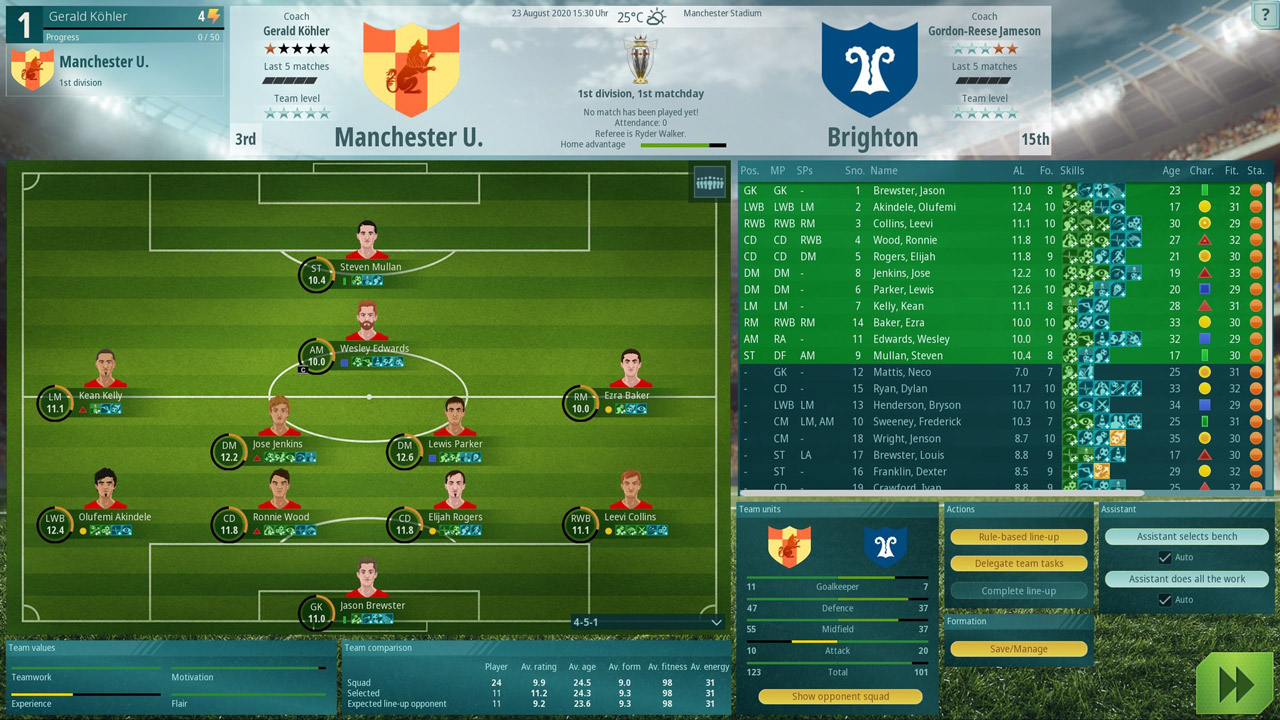
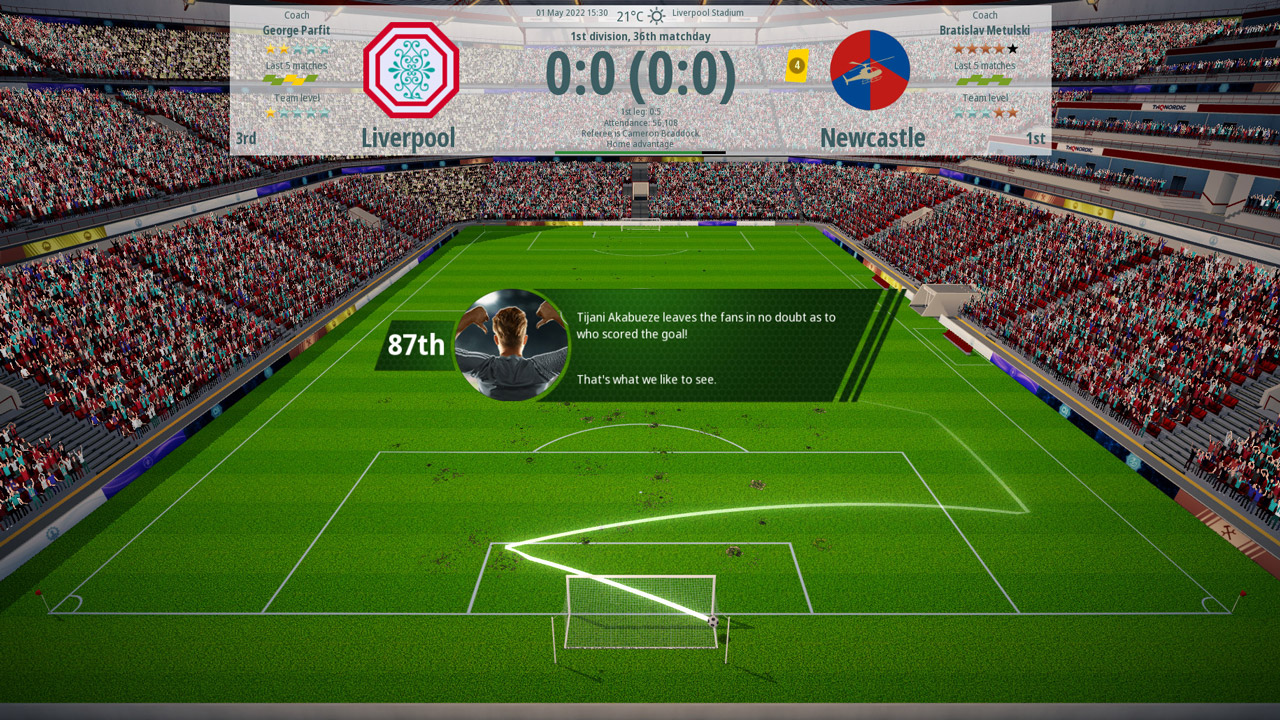
In the game WE ARE FOOTBALL, as a manager and coach, you will experience all the behind the scenes of world football, and also experience a storm of emotions from the ups and downs of your favorite club.
For the first time in the history of modern football managers, you will be able to take control of a women´s team, the game for which has its own unique features. Such veterans of football management as Gerald Köhler, Rolf Langenberg and Dirk Winter took part in the development of WE ARE FOOTBALL, whose experience raised the bar for the quality of all elements even higher.
Every decision you make will affect the course of the game one way or another. You will have to plan everything carefully, and only competent interaction with all members of the coaching staff will lead the club to real success.
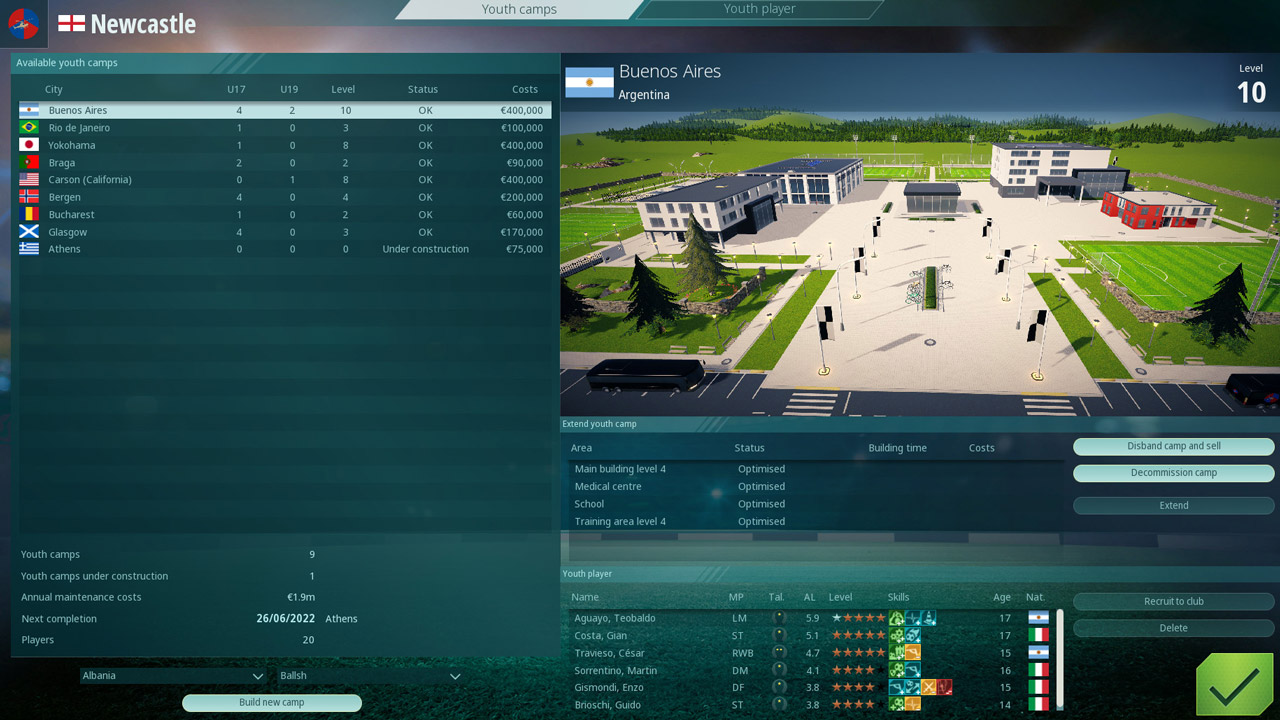
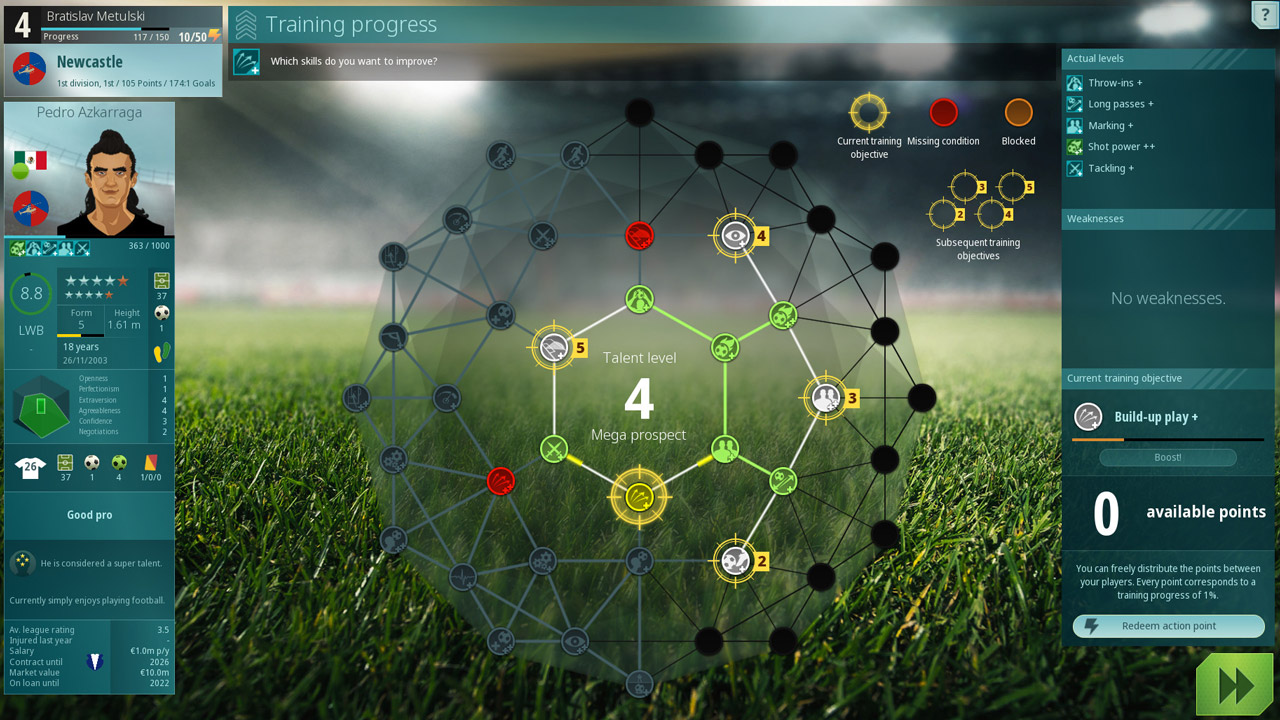
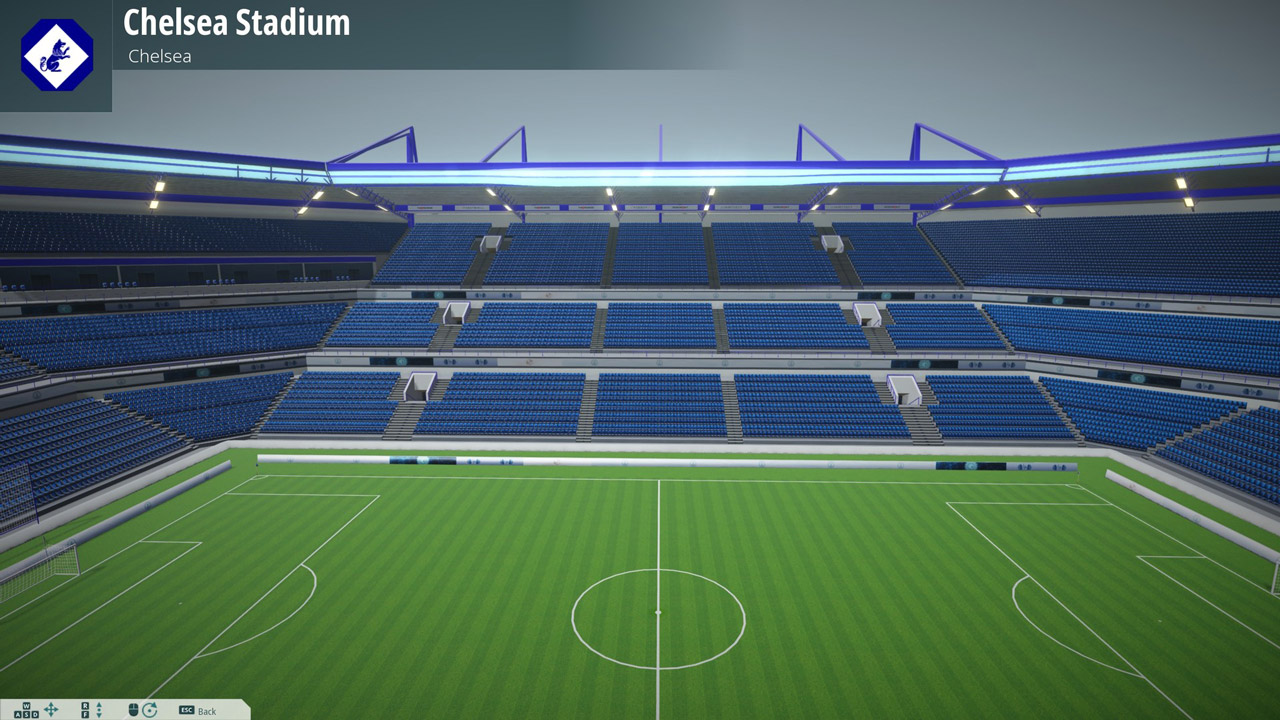
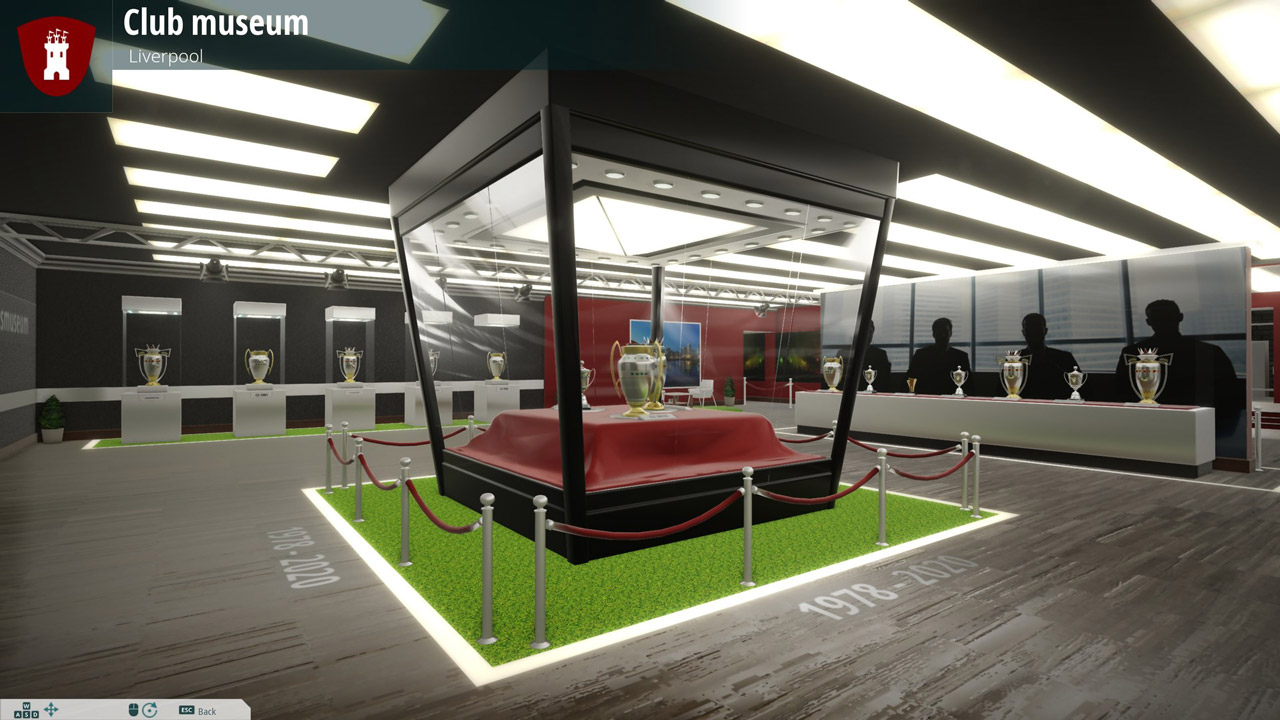
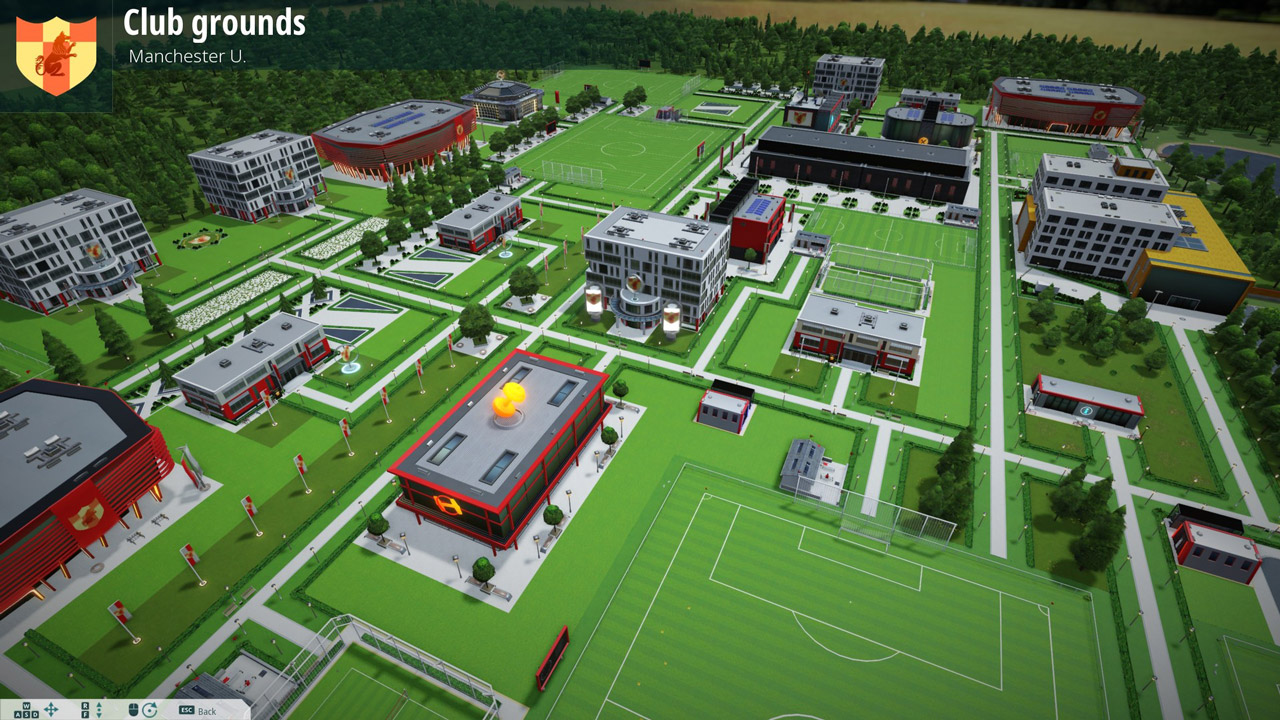
The game WE ARE FOOTBALL focuses on real management tasks. The goal of the game is not just football, but the real development of the club with an eye to the future, including the qualitative growth of players and staff, development of infrastructure, work with fans and much more. Each football player in the game is an individual with his own unique story.
From the very first minutes of the game, you will plunge into a whirlwind of events and will be able to play an entire season in just a few hours. Alone, you can play several seasons in one day, and two players will complete a season in an evening.
The WE ARE FOOTBALL game constantly throws up new challenges. The bigger the club, the more difficult the task!
=======================================
Activation
1. You need to download and install the Steam application https://store.steampowered.com (if not already installed)
2. Create a new account on Steam or log in to an existing one
3. Go to the "Games" section and select "Activate on Steam"
4. Enter the activation key you purchased
5. After that, the game will appear in the application library and you can install it
⚠️ ! This key can only be activated on a Steam account registered in Russia, Ukraine, Kazakhstan and other CIS countries
Game language: Russian (interface) / English
Release date: June 10, 2021
Platform: Windows
Region: RU / UA / KZ / CIS (Russia, Ukraine, Kazakhstan and other CIS countries)
Activation: Steam
==========================================
In the game WE ARE FOOTBALL, as a manager and coach, you will experience all the behind the scenes of world football, and also experience a storm of emotions from the ups and downs of your favorite club.
For the first time in the history of modern football managers, you will be able to take control of a women´s team, the game for which has its own unique features. Such veterans of football management as Gerald Köhler, Rolf Langenberg and Dirk Winter took part in the development of WE ARE FOOTBALL, whose experience raised the bar for the quality of all elements even higher.
Every decision you make will affect the course of the game one way or another. You will have to plan everything carefully, and only competent interaction with all members of the coaching staff will lead the club to real success.
The game WE ARE FOOTBALL focuses on real management tasks. The goal of the game is not just football, but the real development of the club with an eye to the future, including the qualitative growth of players and staff, development of infrastructure, work with fans and much more. Each football player in the game is an individual with his own unique story.
From the very first minutes of the game, you will plunge into a whirlwind of events and will be able to play an entire season in just a few hours. Alone, you can play several seasons in one day, and two players will complete a season in an evening.
The WE ARE FOOTBALL game constantly throws up new challenges. The bigger the club, the more difficult the task!
=======================================
Activation
1. You need to download and install the Steam application https://store.steampowered.com (if not already installed)
2. Create a new account on Steam or log in to an existing one
3. Go to the "Games" section and select "Activate on Steam"
4. Enter the activation key you purchased
5. After that, the game will appear in the application library and you can install it
! Before buying, please check the system requirements of the game and other parameters that interest you (they may change with time). This can be done on the sites Steam / UBISOFT (Uplay) / EA APP (Origin) or the official website of the publisher. Goods purchased by mistake, as well as unsuitable for system requirements or region of activation, cannot be returned and exchanged!
Dear customers! Convincing request, if there are any problems with the purchased goods, do not leave a negative feedback immediately. Write us a message in the correspondence (the purchase page on the site Oplata.info). We will try to respond to your message as soon as possible and promptly solve the problem. We draw to the fact that the basis for the exchange or return of the purchased key (key), which gives an error when activated, can only be VIDEO RECORD of the purchase process and subsequent attempt to activate it (mandatory condition - the record should not contain editing features).
Our entire range: https://boardrussia.ru/digital-shop/seller/467960
We will be grateful for every positive feedback you have left after the purchase. Sincerely, the project team "AlternativA".
Dear customers! Convincing request, if there are any problems with the purchased goods, do not leave a negative feedback immediately. Write us a message in the correspondence (the purchase page on the site Oplata.info). We will try to respond to your message as soon as possible and promptly solve the problem. We draw to the fact that the basis for the exchange or return of the purchased key (key), which gives an error when activated, can only be VIDEO RECORD of the purchase process and subsequent attempt to activate it (mandatory condition - the record should not contain editing features).
Our entire range: https://boardrussia.ru/digital-shop/seller/467960
We will be grateful for every positive feedback you have left after the purchase. Sincerely, the project team "AlternativA".
No feedback yet