Killer Frequency 🔑STEAM KEY 🔥RUSSIA + GLOBAL
Content: text (17 symbols)
Available: 5
Uploaded: 28.03.2025
Positive responses: 3
Negative responses: 0
Sold: 5
Refunds: 0
~ $9.92
The exact amount is on the payment page
Type of publication: STEAM KEY / RUSSIA + WORLD
🌎 This edition has no regional restrictions and is activated in any country in the world
Game language: Russian (subtitles + interface) / English
Release date: June 1, 2023
Platform: Windows
Region: Region Free (any country, no restrictions)
Activation: Steam
==========================================
"You are listening to Radio Vopl on frequency 189.16. The darkest hour is coming..."
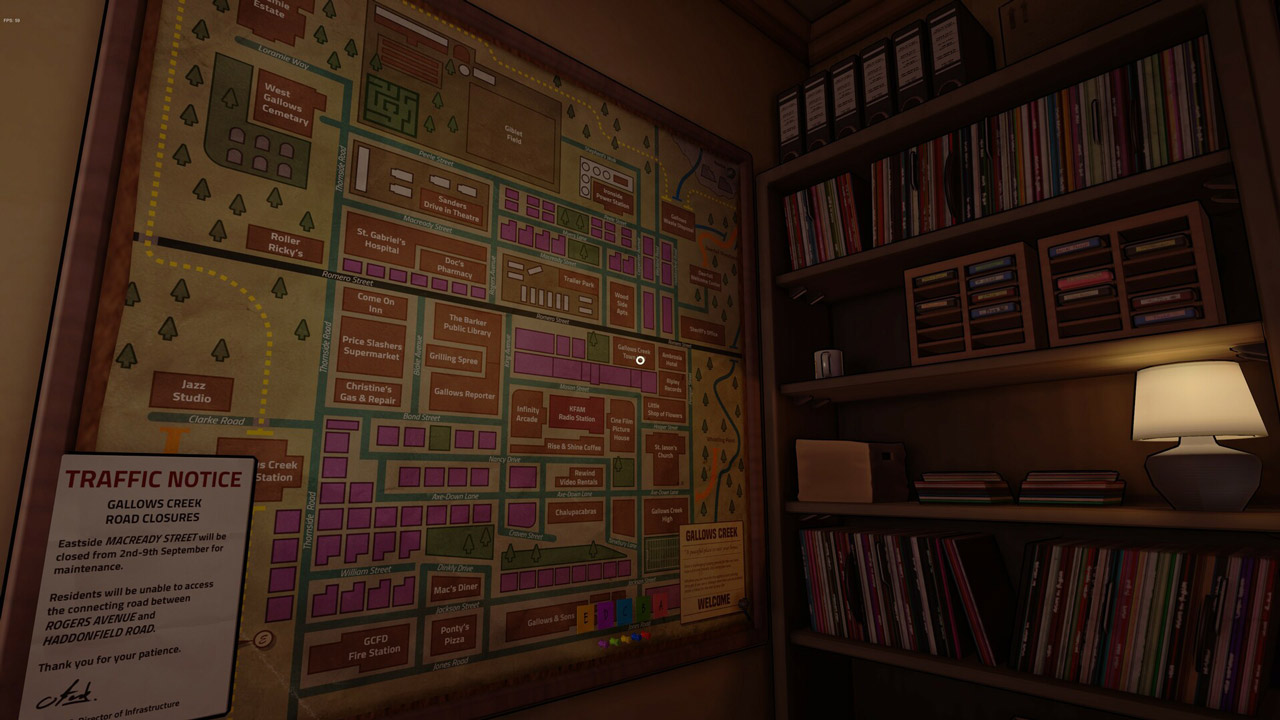
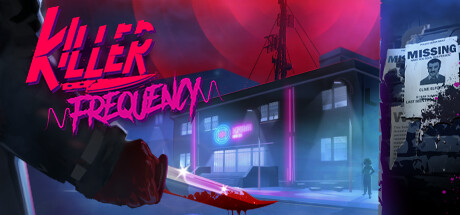
The night program on the radio station of the town of Gallows Creek in the Midwest of the USA is not going according to plan today. There is a sense of trouble in the air. Your shift has just begun, and the very first call is from a frightened listener who has made a terrible discovery. This call will change your whole life...
A unique chance to be a radio host:
You are a radio DJ, and this job is very difficult. Although today is not Friday the 13th, Halloween is just around the corner, and a night full of blood and brutal murders awaits you.
Solve puzzles and make important decisions in real time:
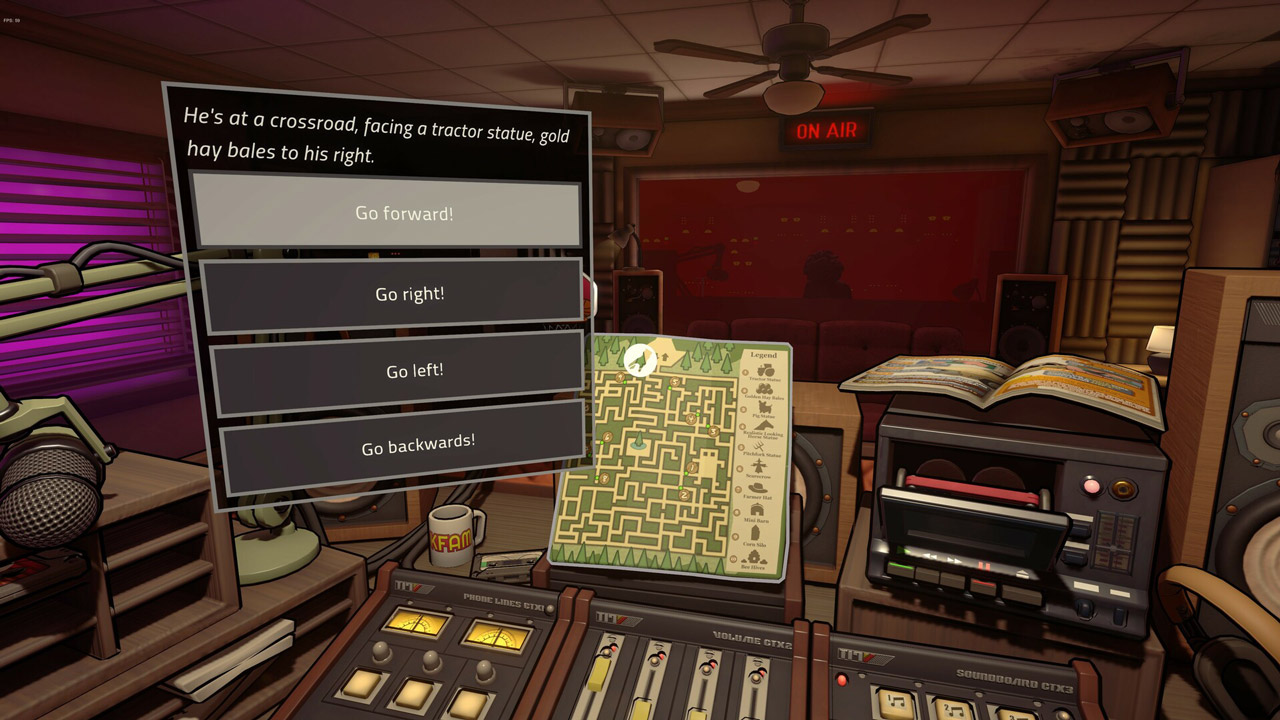
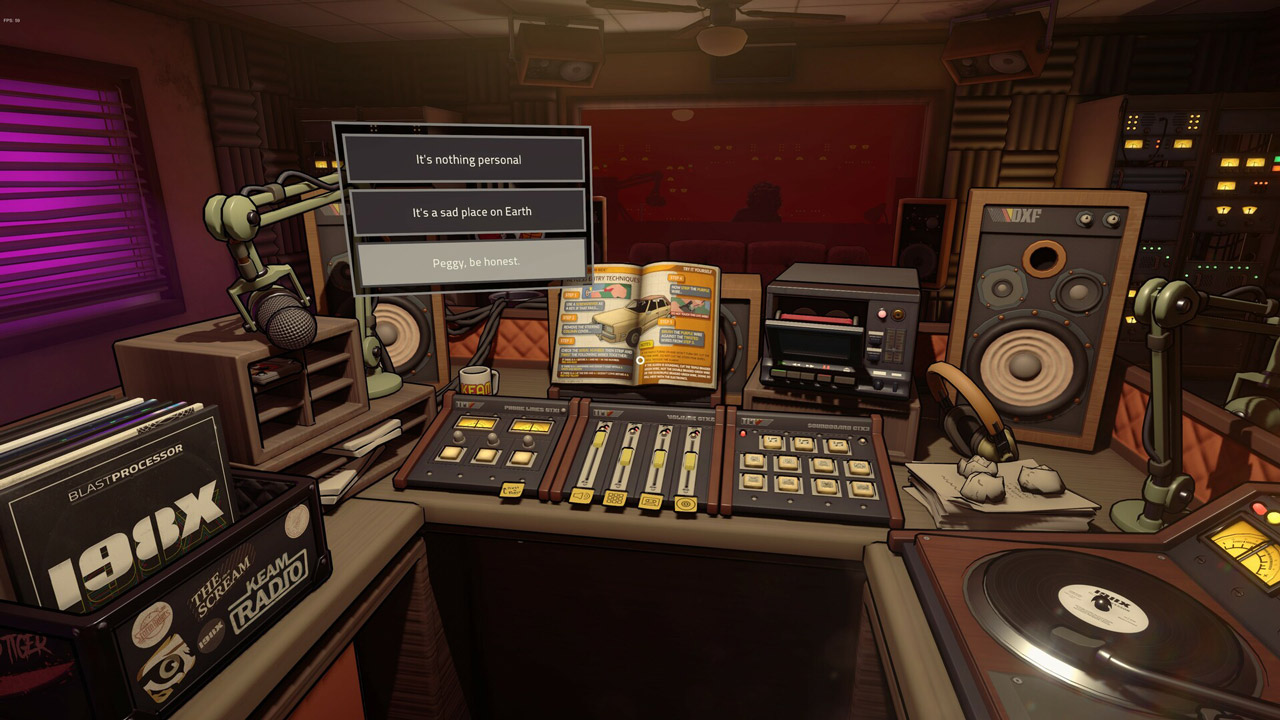
Your town, although small, is unusual: you just have to ask, and its eccentric residents will gladly share with you their thoughts on who committed the crime. Explore the world around you, collect evidence, make decisions, solve riddles and help those who call you survive this night.
Fully voiced dialogues and retro music:
Immerse yourself in fully voiced dialogues with various characters accompanied by music from the 80s. Choose your wave: classic rock or epic synthwave?
Nostalgic atmosphere of the 80s:
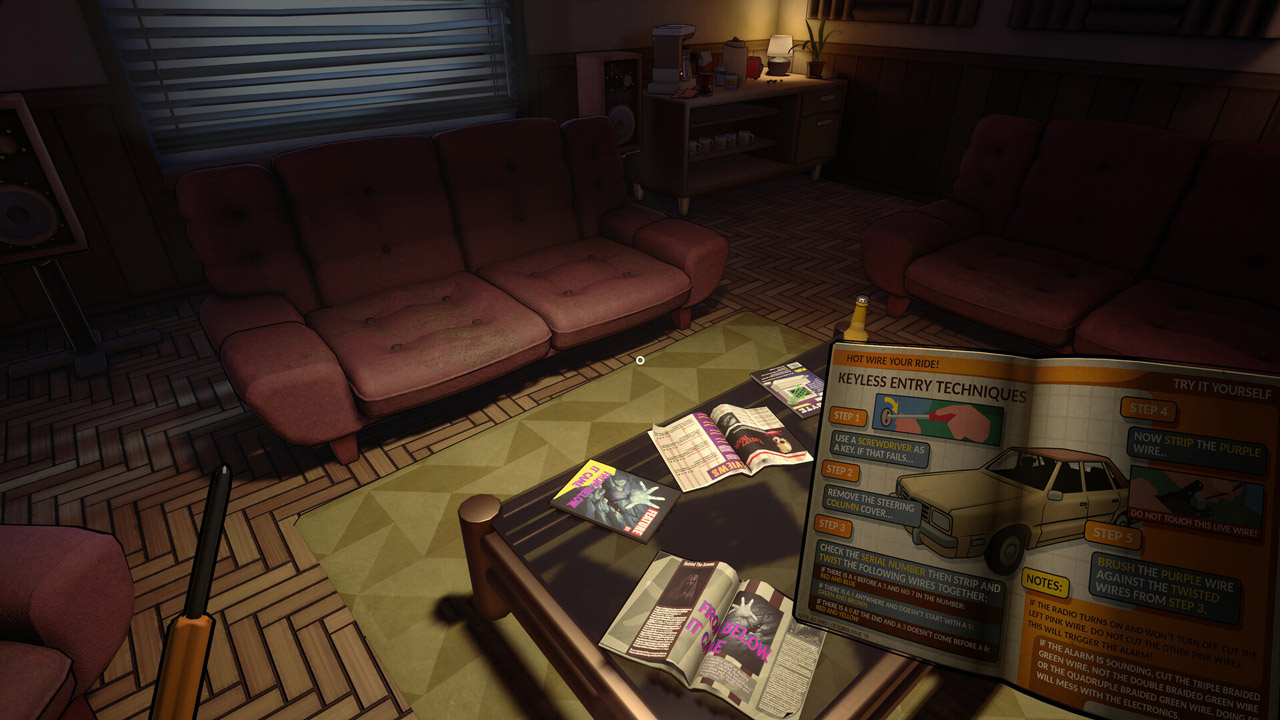
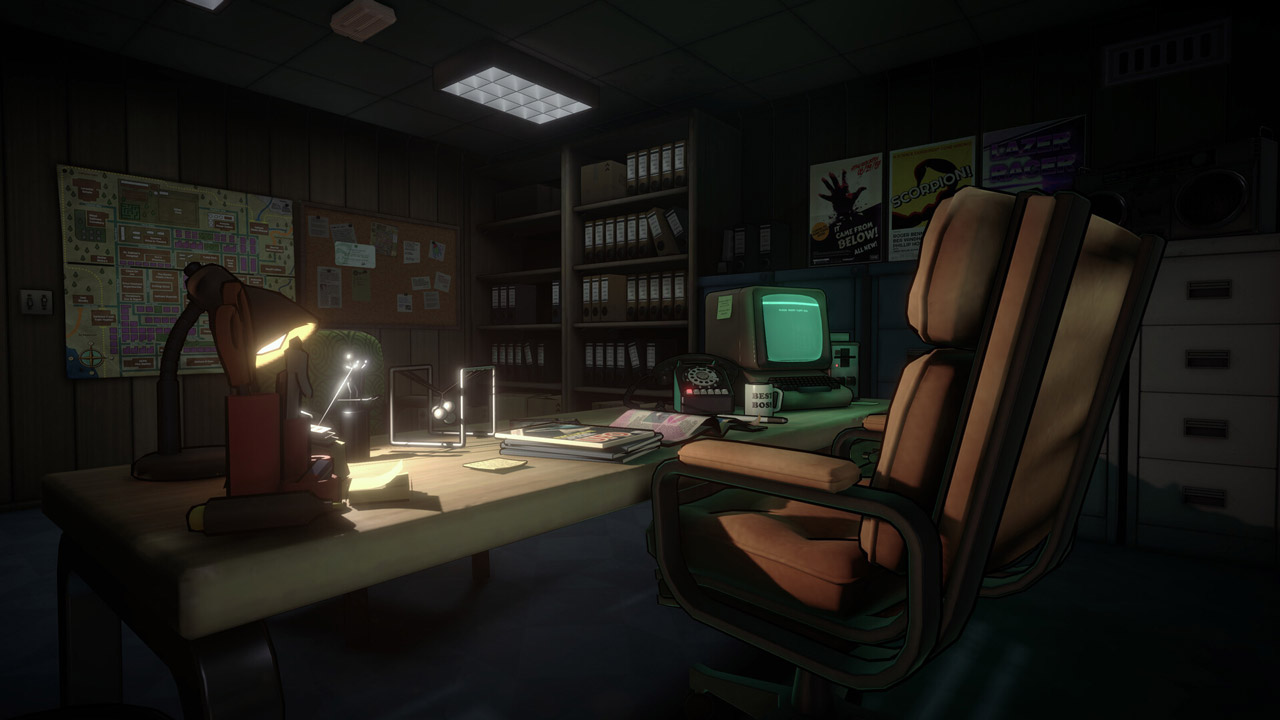
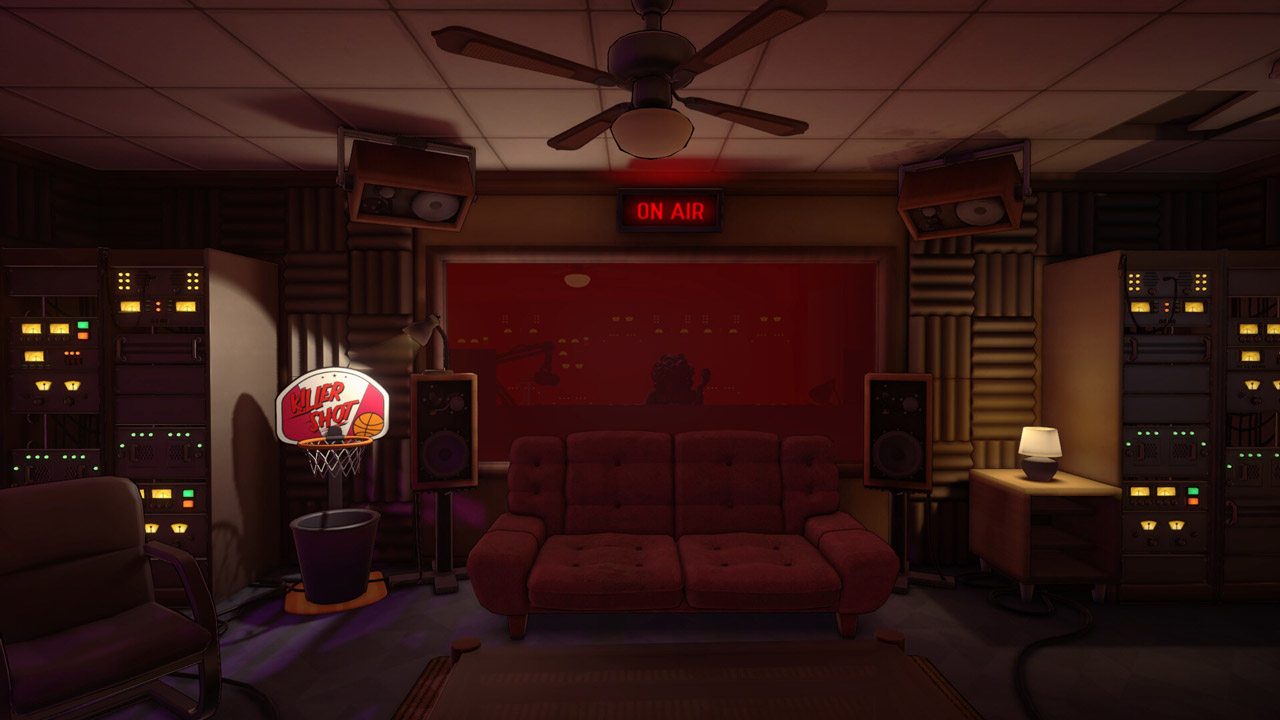
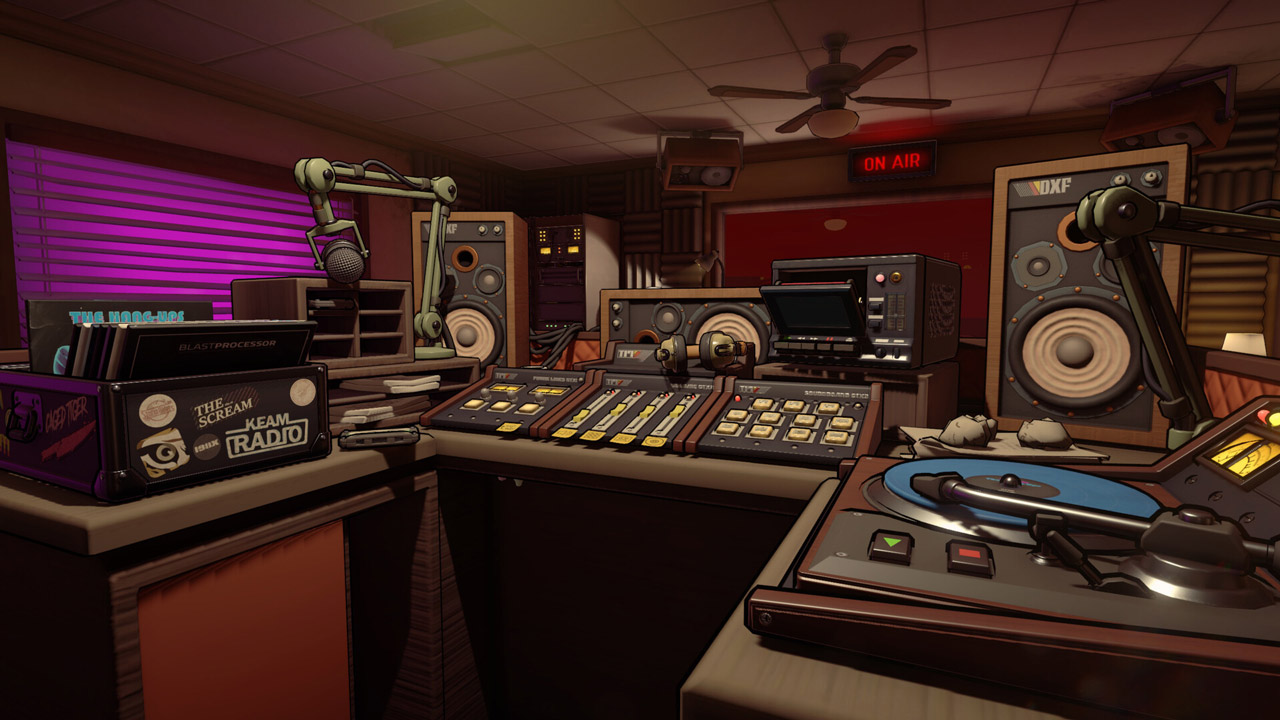
Every centimeter of your radio station is created with love and to the smallest details. You can interact with almost every artifact of a bygone era here - for example, put a cassette with your favorite music in the tape recorder.
And finally:
Visit our Discord server and share your opinion with the game developers! You can also subscribe to us on Twitter and Facebook: we are glad to see everyone!
======================================
Activation
1. You need to download and install Steam http://steampowered.com/download/SteamInstall.msi (if not already installed)
2. Launch the Steam client
3. Create a new account on Steam or log into an existing one
4. Go to the "Games" section and select "Activate on Steam"
5. Enter the activation key you purchased
6. After that, the game will appear in your list of games and you can install it
🌎 This edition has no regional restrictions and is activated in any country in the world
Game language: Russian (subtitles + interface) / English
Release date: June 1, 2023
Platform: Windows
Region: Region Free (any country, no restrictions)
Activation: Steam
==========================================
"You are listening to Radio Vopl on frequency 189.16. The darkest hour is coming..."
The night program on the radio station of the town of Gallows Creek in the Midwest of the USA is not going according to plan today. There is a sense of trouble in the air. Your shift has just begun, and the very first call is from a frightened listener who has made a terrible discovery. This call will change your whole life...
A unique chance to be a radio host:
You are a radio DJ, and this job is very difficult. Although today is not Friday the 13th, Halloween is just around the corner, and a night full of blood and brutal murders awaits you.
Solve puzzles and make important decisions in real time:
Your town, although small, is unusual: you just have to ask, and its eccentric residents will gladly share with you their thoughts on who committed the crime. Explore the world around you, collect evidence, make decisions, solve riddles and help those who call you survive this night.
Fully voiced dialogues and retro music:
Immerse yourself in fully voiced dialogues with various characters accompanied by music from the 80s. Choose your wave: classic rock or epic synthwave?
Nostalgic atmosphere of the 80s:
Every centimeter of your radio station is created with love and to the smallest details. You can interact with almost every artifact of a bygone era here - for example, put a cassette with your favorite music in the tape recorder.
And finally:
Visit our Discord server and share your opinion with the game developers! You can also subscribe to us on Twitter and Facebook: we are glad to see everyone!
======================================
Activation
1. You need to download and install Steam http://steampowered.com/download/SteamInstall.msi (if not already installed)
2. Launch the Steam client
3. Create a new account on Steam or log into an existing one
4. Go to the "Games" section and select "Activate on Steam"
5. Enter the activation key you purchased
6. After that, the game will appear in your list of games and you can install it
! Before buying, please check the system requirements of the game and other parameters that interest you (they may change with time). This can be done on the sites Steam / UBISOFT (Uplay) / EA APP (Origin) or the official website of the publisher. Goods purchased by mistake, as well as unsuitable for system requirements or region of activation, cannot be returned and exchanged!
Dear customers! Convincing request, if there are any problems with the purchased goods, do not leave a negative feedback immediately. Write us a message in the correspondence (the purchase page on the site Oplata.info). We will try to respond to your message as soon as possible and promptly solve the problem. We draw to the fact that the basis for the exchange or return of the purchased key (key), which gives an error when activated, can only be VIDEO RECORD of the purchase process and subsequent attempt to activate it (mandatory condition - the record should not contain editing features).
Our entire range: https://boardrussia.ru/digital-shop/seller/467960
We will be grateful for every positive feedback you have left after the purchase. Sincerely, the project team "AlternativA".
Dear customers! Convincing request, if there are any problems with the purchased goods, do not leave a negative feedback immediately. Write us a message in the correspondence (the purchase page on the site Oplata.info). We will try to respond to your message as soon as possible and promptly solve the problem. We draw to the fact that the basis for the exchange or return of the purchased key (key), which gives an error when activated, can only be VIDEO RECORD of the purchase process and subsequent attempt to activate it (mandatory condition - the record should not contain editing features).
Our entire range: https://boardrussia.ru/digital-shop/seller/467960
We will be grateful for every positive feedback you have left after the purchase. Sincerely, the project team "AlternativA".
02.11.2025 5:29:29
Все ок!
30.07.2025 14:02:38
Всё отлично, спасибо
14.04.2025 15:40:25
все отлично!