Stacking 🔑STEAM KEY 🔥RUSSIA + GLOBAL
Content: text (17 symbols)
Available: 8
Uploaded: 25.04.2025
Positive responses: 0
Negative responses: 0
Sold: 2
Refunds: 0
~ $1.51
The exact amount is on the payment page
Type of publication: STEAM KEY / RUSSIA + WORLD
🌎 This edition has no regional restrictions and is activated in any country in the world
Game language: English
Release date: March 6, 2012
Platform: Windows
Region: Region Free (any country, no restrictions)
Activation: Steam
=========================================
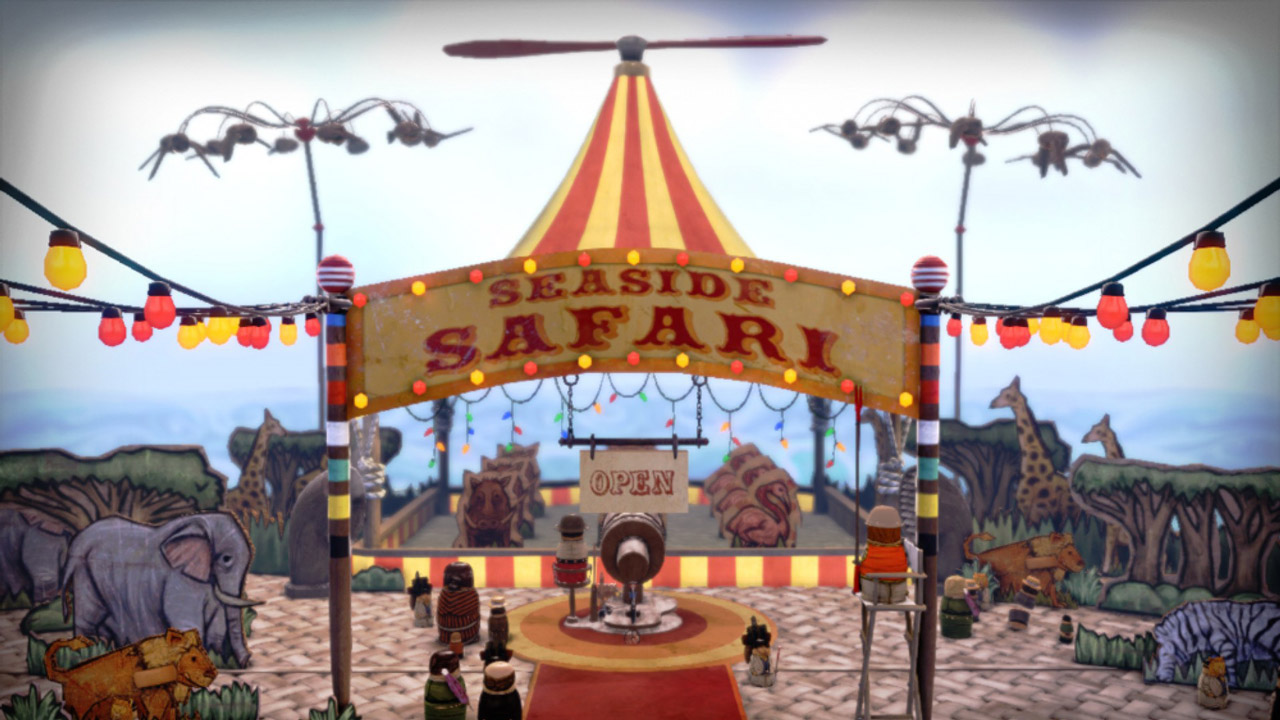
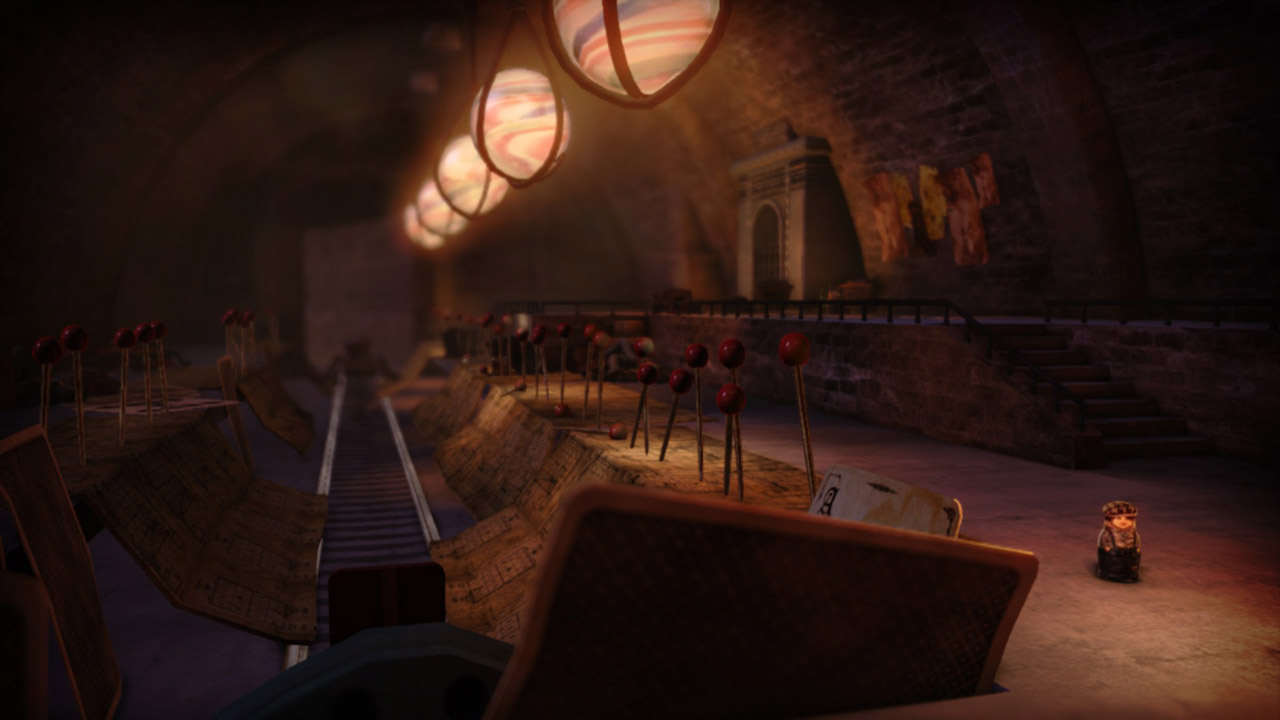
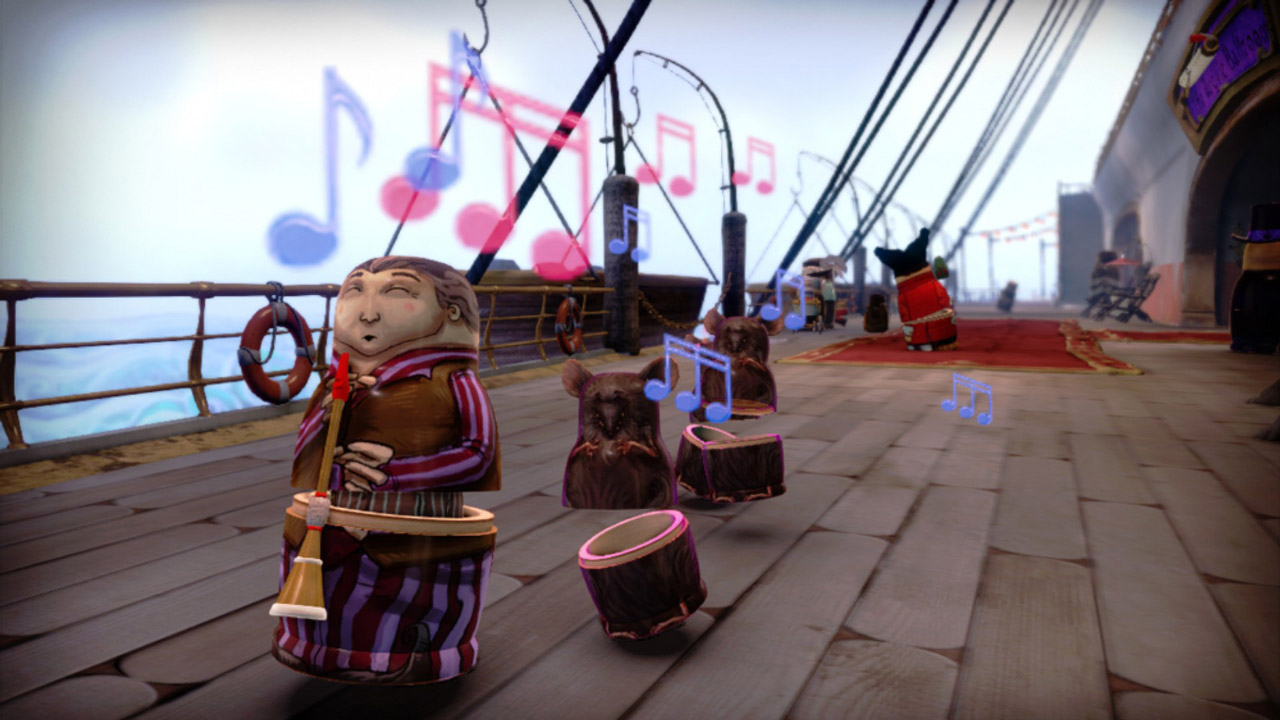
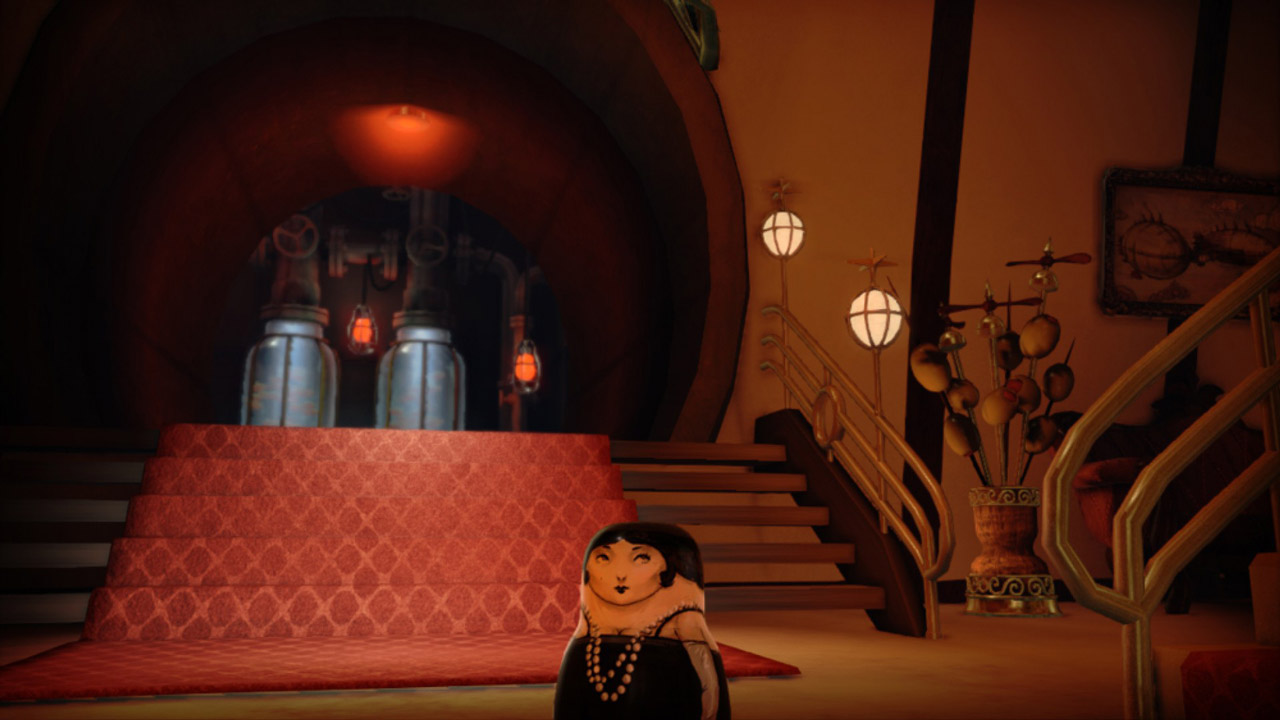
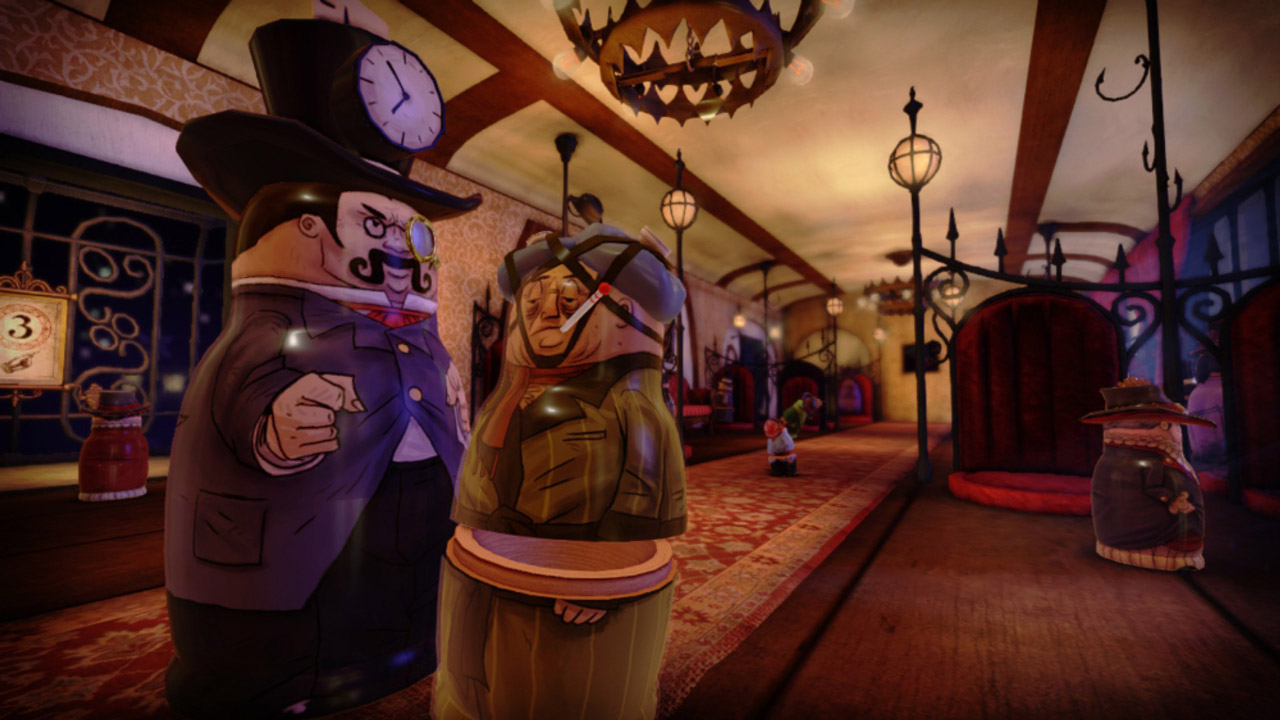
From Tim Schafer’s Double Fine Productions — dive into a vintage world inhabited by living Russian nesting dolls! Explore it by inhabiting more than 100 unique dolls and using their special abilities to solve many puzzles and challenges.
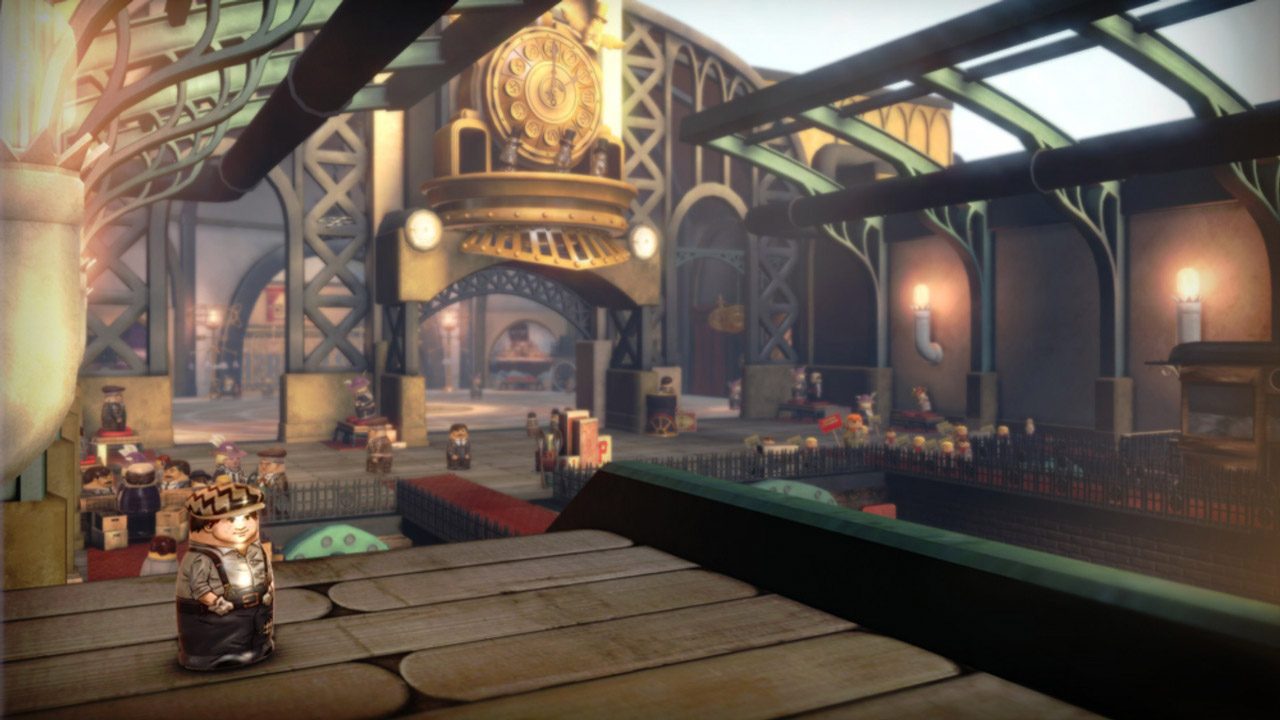
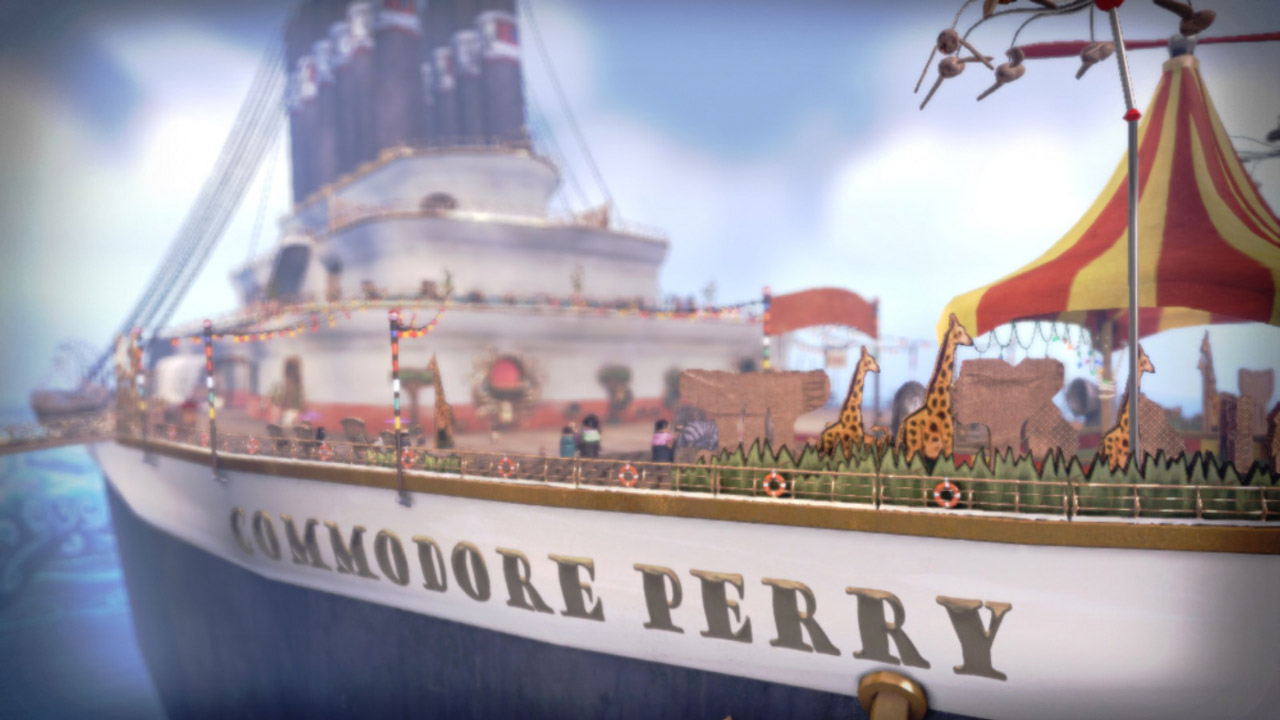
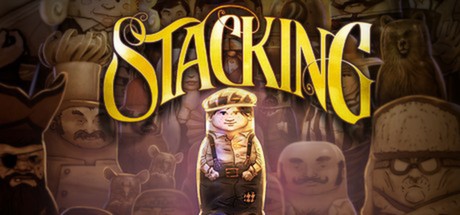
Play as Charlie Blackmore, the world´s tiniest Russian doll, and embark on an unforgettable adventure to save his family from a devious industrialist known only as "The Baron". This original third-person puzzle adventure takes you through the bustling Royal Railway Station and even aboard a majestic airship. Collect unique dolls and entire themed sets to display in Charlie´s secret hideout to tell your own story.
Continue the adventure with The Lost Hobo King DLC!
Included free with the PC version, this first DLC for Stacking sends Charlie Blackmore back on the road. Along with his drifter friend Levi, he arrives in the mysterious kingdom of Camelfoot, where the legendary Hobo King and his crown rest.
Charlie must help Uncle Levi, Rufus Riiken, reclaim his rightful throne by completing three trials of valor and awakening the ancient hobo blacksmiths. Only then can the lost crown be reforged, and Rufus will become king and unite the disparate hobo people under one… ????????
• Original gameplay: possess dolls, using their unique abilities to solve puzzles in a variety of ways.
• A immersive world to explore, from bustling train stations to a massive airship.
• The Lost Hobo King expansion: new challenges, new characters, and even more mischief.
• An exclusive concept art gallery – only in the PC version!
Are you ready to become a master of the matryoshka doll art and uncover the secrets of this vintage world?
======================================
Activation
1. You need to download and install Steam http://steampowered.com/download/SteamInstall.msi (if not already installed)
2. Launch the Steam client
3. Create a new account on Steam or log into an existing one
4. Go to the "Games" section and select "Activate on Steam"
5. Enter the activation key you purchased
6. After that, the game will appear in your list of games and you can install it
🌎 This edition has no regional restrictions and is activated in any country in the world
Game language: English
Release date: March 6, 2012
Platform: Windows
Region: Region Free (any country, no restrictions)
Activation: Steam
=========================================
From Tim Schafer’s Double Fine Productions — dive into a vintage world inhabited by living Russian nesting dolls! Explore it by inhabiting more than 100 unique dolls and using their special abilities to solve many puzzles and challenges.
Play as Charlie Blackmore, the world´s tiniest Russian doll, and embark on an unforgettable adventure to save his family from a devious industrialist known only as "The Baron". This original third-person puzzle adventure takes you through the bustling Royal Railway Station and even aboard a majestic airship. Collect unique dolls and entire themed sets to display in Charlie´s secret hideout to tell your own story.
Continue the adventure with The Lost Hobo King DLC!
Included free with the PC version, this first DLC for Stacking sends Charlie Blackmore back on the road. Along with his drifter friend Levi, he arrives in the mysterious kingdom of Camelfoot, where the legendary Hobo King and his crown rest.
Charlie must help Uncle Levi, Rufus Riiken, reclaim his rightful throne by completing three trials of valor and awakening the ancient hobo blacksmiths. Only then can the lost crown be reforged, and Rufus will become king and unite the disparate hobo people under one… ????????
• Original gameplay: possess dolls, using their unique abilities to solve puzzles in a variety of ways.
• A immersive world to explore, from bustling train stations to a massive airship.
• The Lost Hobo King expansion: new challenges, new characters, and even more mischief.
• An exclusive concept art gallery – only in the PC version!
Are you ready to become a master of the matryoshka doll art and uncover the secrets of this vintage world?
======================================
Activation
1. You need to download and install Steam http://steampowered.com/download/SteamInstall.msi (if not already installed)
2. Launch the Steam client
3. Create a new account on Steam or log into an existing one
4. Go to the "Games" section and select "Activate on Steam"
5. Enter the activation key you purchased
6. After that, the game will appear in your list of games and you can install it
! Before buying, please check the system requirements of the game and other parameters that interest you (they may change with time). This can be done on the sites Steam / UBISOFT (Uplay) / EA APP (Origin) or the official website of the publisher. Goods purchased by mistake, as well as unsuitable for system requirements or region of activation, cannot be returned and exchanged!
Dear customers! Convincing request, if there are any problems with the purchased goods, do not leave a negative feedback immediately. Write us a message in the correspondence (the purchase page on the site Oplata.info). We will try to respond to your message as soon as possible and promptly solve the problem. We draw to the fact that the basis for the exchange or return of the purchased key (key), which gives an error when activated, can only be VIDEO RECORD of the purchase process and subsequent attempt to activate it (mandatory condition - the record should not contain editing features).
Our entire range: https://boardrussia.ru/digital-shop/seller/467960
We will be grateful for every positive feedback you have left after the purchase. Sincerely, the project team "AlternativA".
Dear customers! Convincing request, if there are any problems with the purchased goods, do not leave a negative feedback immediately. Write us a message in the correspondence (the purchase page on the site Oplata.info). We will try to respond to your message as soon as possible and promptly solve the problem. We draw to the fact that the basis for the exchange or return of the purchased key (key), which gives an error when activated, can only be VIDEO RECORD of the purchase process and subsequent attempt to activate it (mandatory condition - the record should not contain editing features).
Our entire range: https://boardrussia.ru/digital-shop/seller/467960
We will be grateful for every positive feedback you have left after the purchase. Sincerely, the project team "AlternativA".
No feedback yet