Memory Lost (STEAM KEY) RU+CIS
Content: text (19 symbols)
Available: 1
Uploaded: 21.03.2025
Positive responses: 0
Negative responses: 0
Sold: 0
Refunds: 0
~ $11
The exact amount is on the payment page

Type of publication: STEAM KEY / RU / UA / KZ / CIS
⚠️ ! This key can only be activated on a Steam account registered in Russia, Ukraine, Kazakhstan and other CIS countries
Game language: Russian (full) / English
Release date: March 6, 2025
Platform: Windows
Region: RU / UA / KZ / CIS (Russia, Ukraine, Kazakhstan and other CIS countries)
Activation: Steam
==========================================
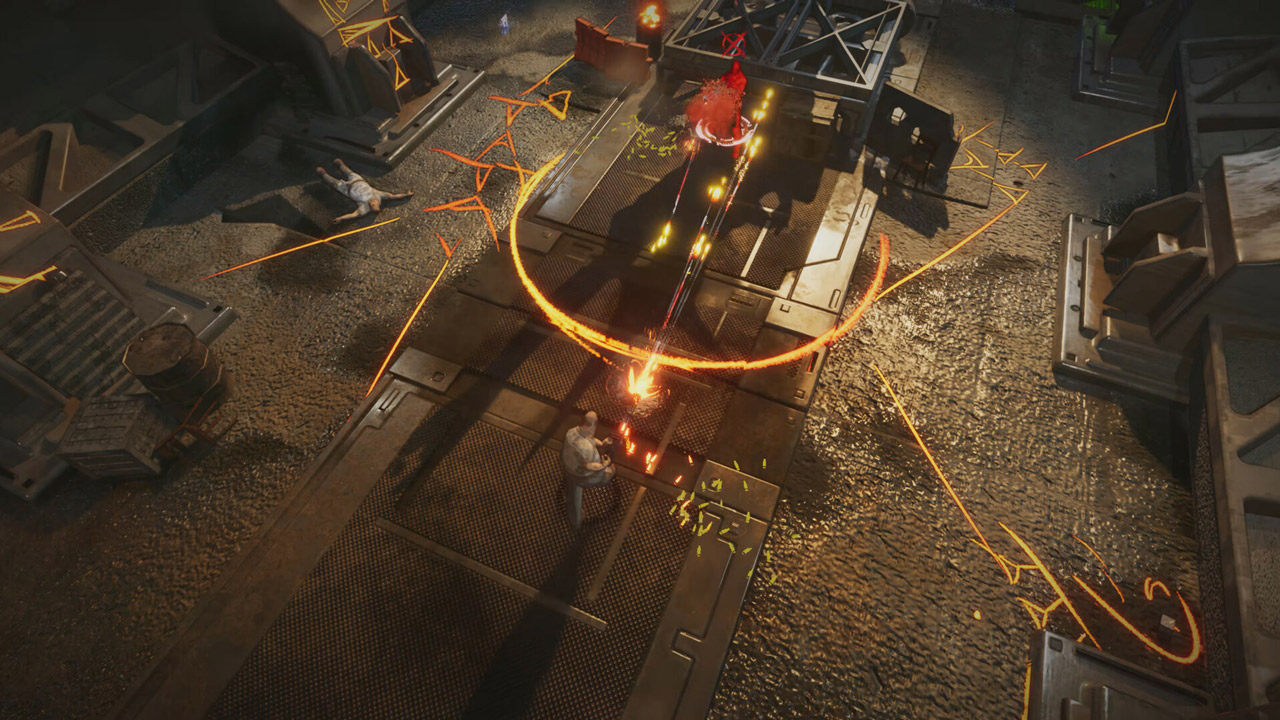
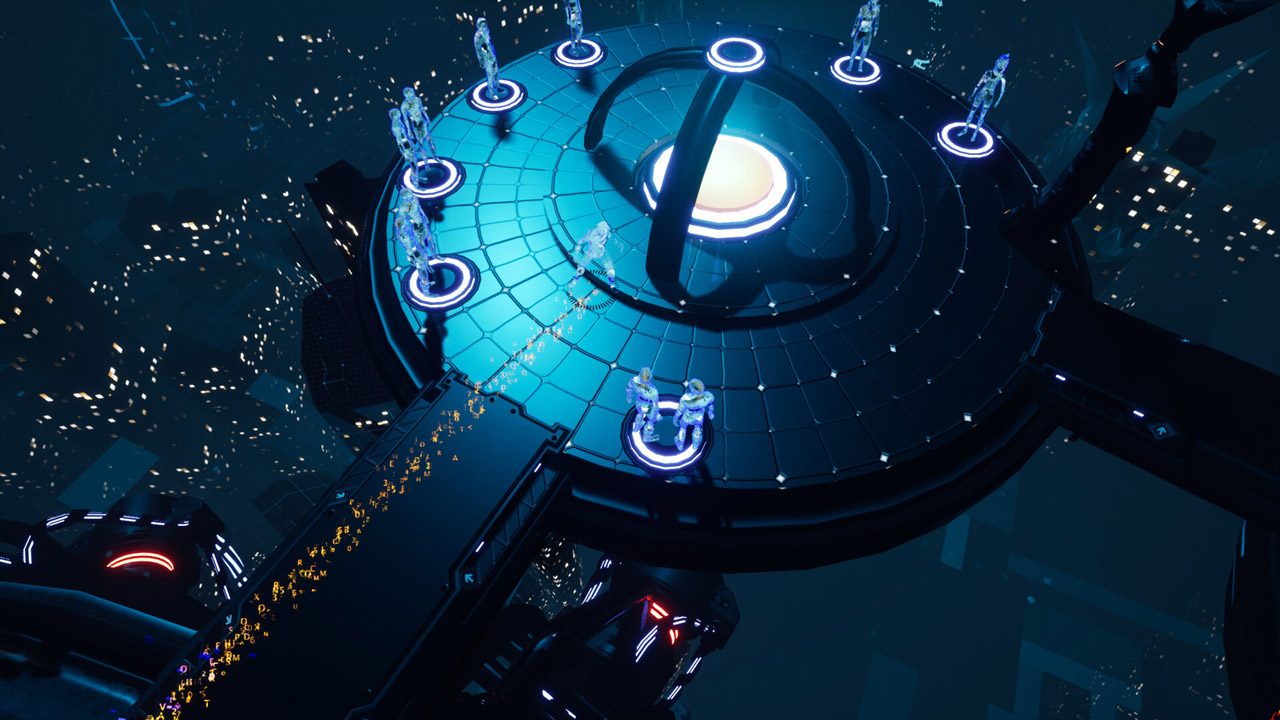
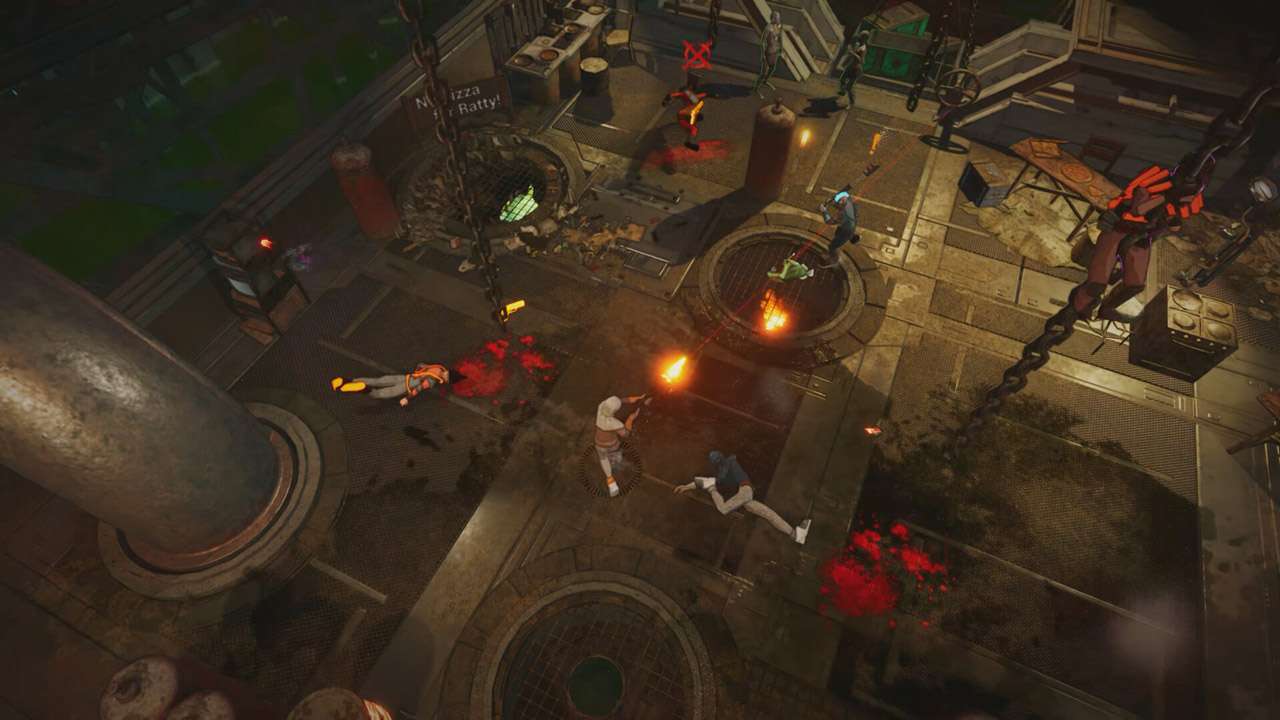
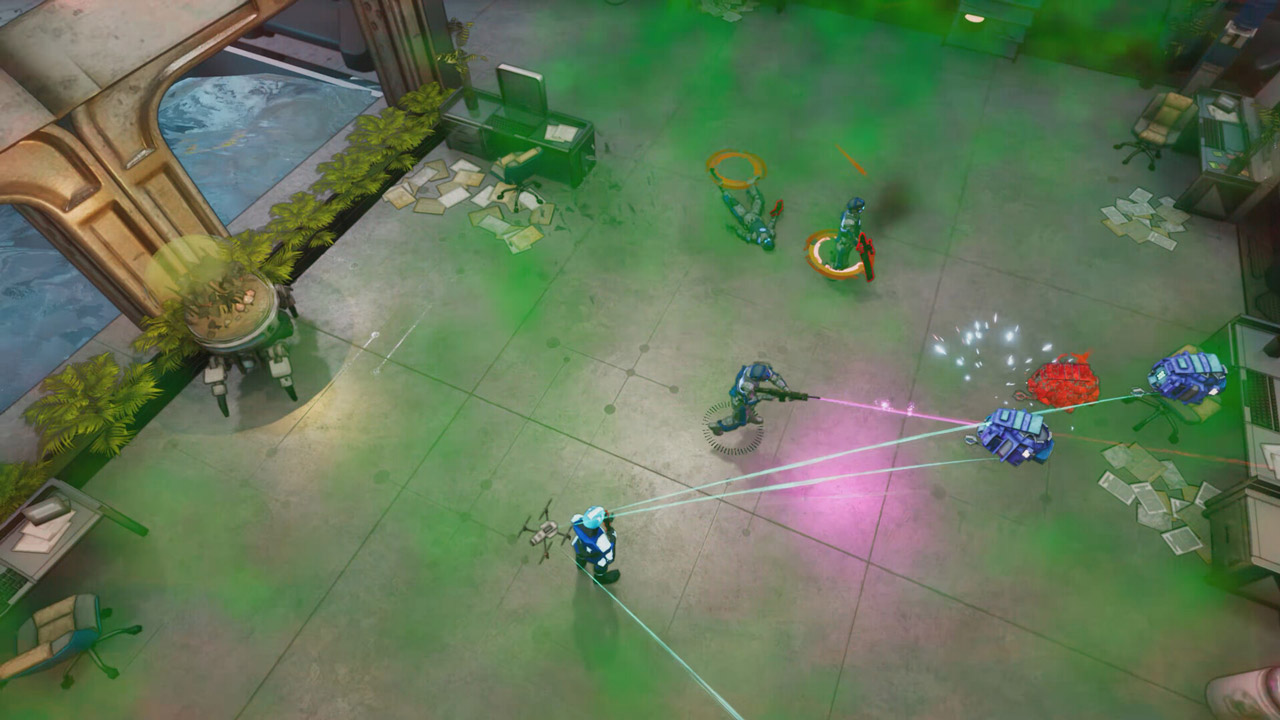
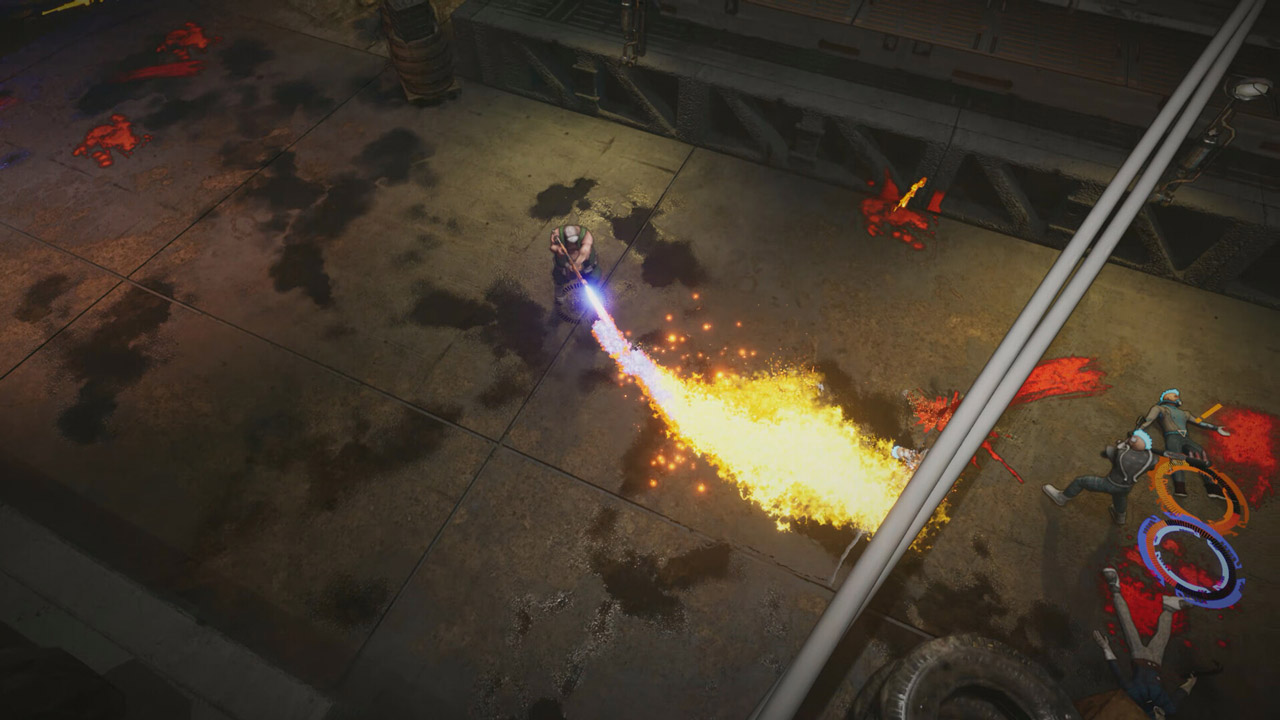
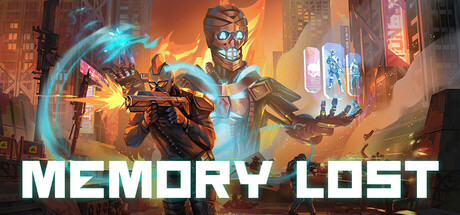
Welcome to Memory Lost - an exciting third-person shooter in a cyberpunk style with a top-down view. In this exciting game, you will plunge into the depths of the city of Detraxis - a gloomy metropolis full of technological wonders and ruthless corporate battles.
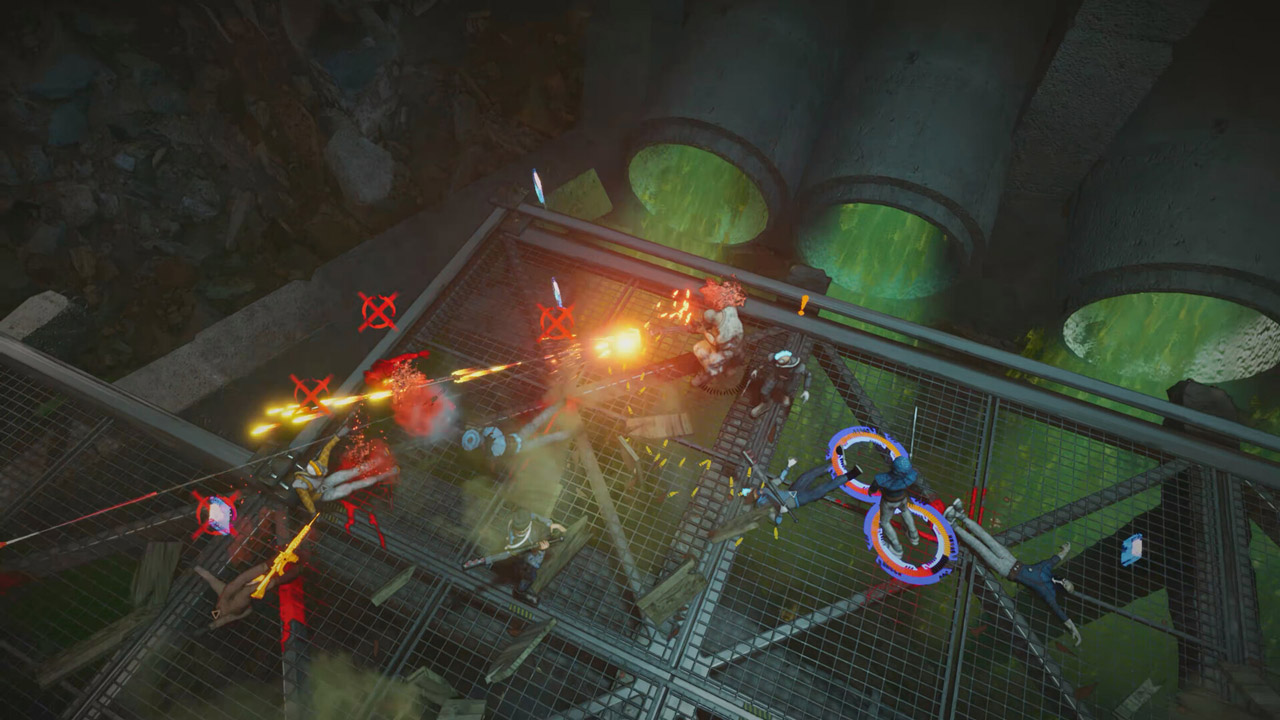
As a neural network created by the RedSky corporation, you will have to fight for your freedom and the ability to control your destiny. You will use the unique ability to transfer your consciousness into enemies, capturing their minds and mastering their abilities. This mechanic will allow you to instantly adapt to the situation and overcome obstacles that will stand in the way of your goal.
The gameplay of Memory Lost combines intense shootouts and tactical decisions. You will have to complete many tasks, including the destruction of enemy installations, hacking and the discovery of secret information. Thanks to your consciousness transfer skills, you will be able to make the most of the capabilities of enemy forces and turn them into your “allies”.
In Memory Lost, you will constantly develop your skills, receiving “memory shards”. You will be able to strengthen your weapons, speed and survivability.
Each of your victories and achievements will bring you closer to liberating the city from the tyranny of corporations.
======================================
Activation
1. You need to download and install the Steam application https://store.steampowered.com (if not already installed)
2. Create a new account on Steam or log into an existing one
3. Go to the "Games" section and select "Activate on Steam"
4. Enter the activation key you purchased
5. After that, the game will appear in the application library and you can install it
⚠️ ! This key can only be activated on a Steam account registered in Russia, Ukraine, Kazakhstan and other CIS countries
Game language: Russian (full) / English
Release date: March 6, 2025
Platform: Windows
Region: RU / UA / KZ / CIS (Russia, Ukraine, Kazakhstan and other CIS countries)
Activation: Steam
==========================================
Welcome to Memory Lost - an exciting third-person shooter in a cyberpunk style with a top-down view. In this exciting game, you will plunge into the depths of the city of Detraxis - a gloomy metropolis full of technological wonders and ruthless corporate battles.
As a neural network created by the RedSky corporation, you will have to fight for your freedom and the ability to control your destiny. You will use the unique ability to transfer your consciousness into enemies, capturing their minds and mastering their abilities. This mechanic will allow you to instantly adapt to the situation and overcome obstacles that will stand in the way of your goal.
The gameplay of Memory Lost combines intense shootouts and tactical decisions. You will have to complete many tasks, including the destruction of enemy installations, hacking and the discovery of secret information. Thanks to your consciousness transfer skills, you will be able to make the most of the capabilities of enemy forces and turn them into your “allies”.
In Memory Lost, you will constantly develop your skills, receiving “memory shards”. You will be able to strengthen your weapons, speed and survivability.
Each of your victories and achievements will bring you closer to liberating the city from the tyranny of corporations.
======================================
Activation
1. You need to download and install the Steam application https://store.steampowered.com (if not already installed)
2. Create a new account on Steam or log into an existing one
3. Go to the "Games" section and select "Activate on Steam"
4. Enter the activation key you purchased
5. After that, the game will appear in the application library and you can install it
! Before buying, please check the system requirements of the game and other parameters that interest you (they may change with time). This can be done on the sites Steam / UBISOFT (Uplay) / EA APP (Origin) or the official website of the publisher. Goods purchased by mistake, as well as unsuitable for system requirements or region of activation, cannot be returned and exchanged!
Dear customers! Convincing request, if there are any problems with the purchased goods, do not leave a negative feedback immediately. Write us a message in the correspondence (the purchase page on the site Oplata.info). We will try to respond to your message as soon as possible and promptly solve the problem. We draw to the fact that the basis for the exchange or return of the purchased key (key), which gives an error when activated, can only be VIDEO RECORD of the purchase process and subsequent attempt to activate it (mandatory condition - the record should not contain editing features).
Our entire range: https://boardrussia.ru/digital-shop/seller/467960
We will be grateful for every positive feedback you have left after the purchase. Sincerely, the project team "AlternativA".
Dear customers! Convincing request, if there are any problems with the purchased goods, do not leave a negative feedback immediately. Write us a message in the correspondence (the purchase page on the site Oplata.info). We will try to respond to your message as soon as possible and promptly solve the problem. We draw to the fact that the basis for the exchange or return of the purchased key (key), which gives an error when activated, can only be VIDEO RECORD of the purchase process and subsequent attempt to activate it (mandatory condition - the record should not contain editing features).
Our entire range: https://boardrussia.ru/digital-shop/seller/467960
We will be grateful for every positive feedback you have left after the purchase. Sincerely, the project team "AlternativA".
No feedback yet