SILENT HILL F STEAM GIFT GLOBAL EXCEPT RU AUTO 24/7
Content: text (16 symbols)
Available: 1
Uploaded: 29.09.2025
Positive responses: 1
Negative responses: 0
Sold: 9
Refunds: 0
Seller: Робин Гуд ШОП
information about the seller and its items
Loyalty discount! If the total amount of your purchases from the seller more than:
| $50 | the discount is | 2% |
| $100 | the discount is | 3% |
| $150 | the discount is | 5% |
| $200 | the discount is | 8% |
| $250 | the discount is | 11% |
~ $52.68
The exact amount is on the payment page
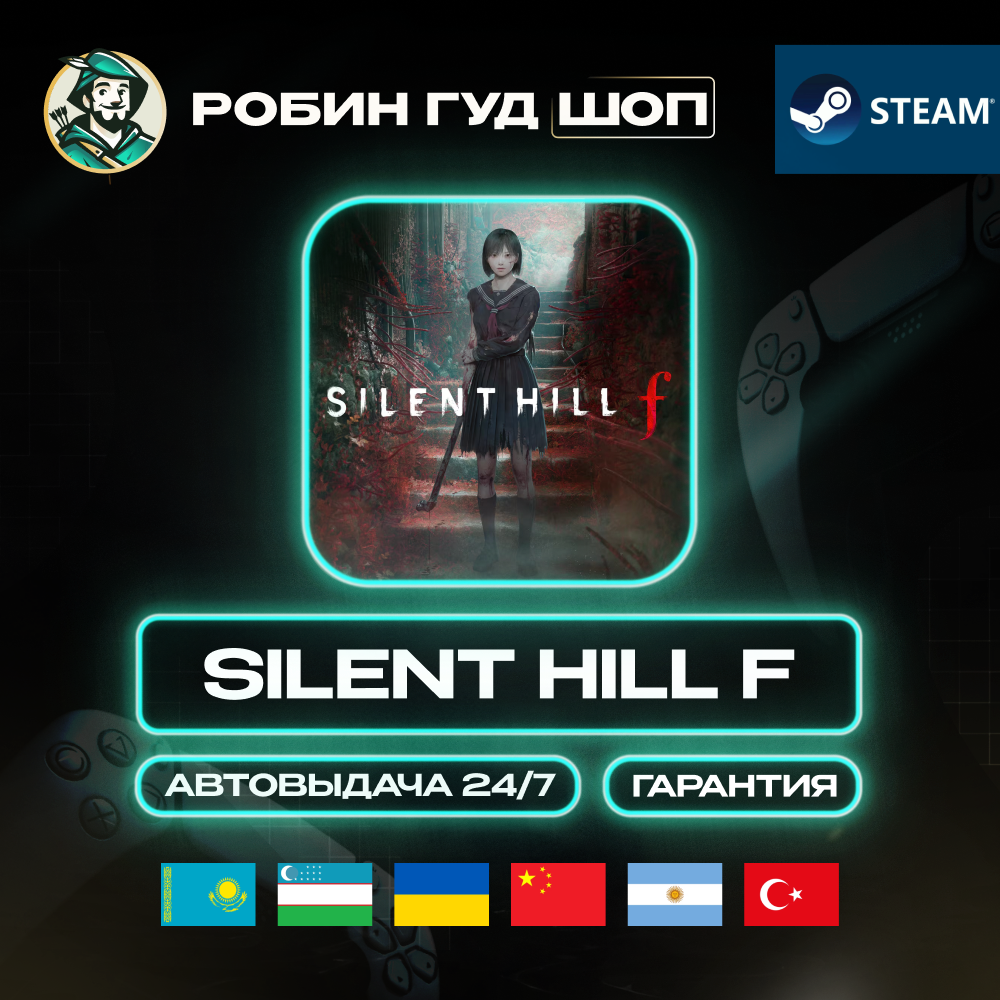
🩸 SILENT HILL F — Steam Gift (UA/KZ/UZ/CN/AR/TR and others). Automatic 24/7 — fast, safe, and guaranteed! The gift is activated directly on YOUR PERSONAL STEAM ACCOUNT. ⏱ On average, activation takes no more than 2 minutes. 💳 When paying via SBP, commission — 0%!
⚠️ Please note: if your Steam account uses RUB currency, purchasing and activating the game will not be available. Please check your region and currency in advance.
Who are we? Robin Hood SHOP – your reliable guide to the world of favorite services and subscriptions!🏹
✅ On the market since 2010
✅ 0% commission when paying via SBP
✅ Guaranteed functionality. All codes are purchased from official suppliers
✅ 8% discount when paying with cryptocurrency
✅ On the market since 2010
✅ 0% commission when paying via SBP
✅ Guaranteed functionality. All codes are purchased from official suppliers
✅ 8% discount when paying with cryptocurrency
🌍 AVAILABLE ACTIVATION REGIONS:
Ukraine, Kazakhstan, Belarus, Uzbekistan, USA, Poland, Germany, United Kingdom, Norway, Switzerland, Turkey, India, China, Japan, South Korea, Taiwan, Singapore, Malaysia, Thailand, Indonesia, Philippines, Hong Kong, UAE, Saudi Arabia, Qatar, Kuwait, Israel, Pakistan, Argentina, Brazil, Chile, Colombia, Peru, Uruguay, Mexico, Canada, Costa Rica, Australia, New Zealand, South Africa
CIS countries (CIS region supporting Steam Gift): Armenia, Azerbaijan, Georgia, Kyrgyzstan, Moldova, Tajikistan, Turkmenistan, Uzbekistan.
Ukraine, Kazakhstan, Belarus, Uzbekistan, USA, Poland, Germany, United Kingdom, Norway, Switzerland, Turkey, India, China, Japan, South Korea, Taiwan, Singapore, Malaysia, Thailand, Indonesia, Philippines, Hong Kong, UAE, Saudi Arabia, Qatar, Kuwait, Israel, Pakistan, Argentina, Brazil, Chile, Colombia, Peru, Uruguay, Mexico, Canada, Costa Rica, Australia, New Zealand, South Africa
CIS countries (CIS region supporting Steam Gift): Armenia, Azerbaijan, Georgia, Kyrgyzstan, Moldova, Tajikistan, Turkmenistan, Uzbekistan.
📦 method
Steam Gift — sent directly to your account
🔍 Check your account country
https://store.steampowered.com/account
Steam Gift — sent directly to your account
🔍 Check your account country
https://store.steampowered.com/account
❗ IMPORTANT:
🔹 The game is sent as a Steam Gift
🔹 It cannot be stored in inventory or re-sent
🔹 If you want to buy it as a gift, provide the recipient’s profile link
🔹 Your account must have no restrictions or VAC bans
🔹 If your currency is RUB — the game will not be sent
🔹 The game is sent as a Steam Gift
🔹 It cannot be stored in inventory or re-sent
🔹 If you want to buy it as a gift, provide the recipient’s profile link
🔹 Your account must have no restrictions or VAC bans
🔹 If your currency is RUB — the game will not be sent
🎮 HOW TO RECEIVE:
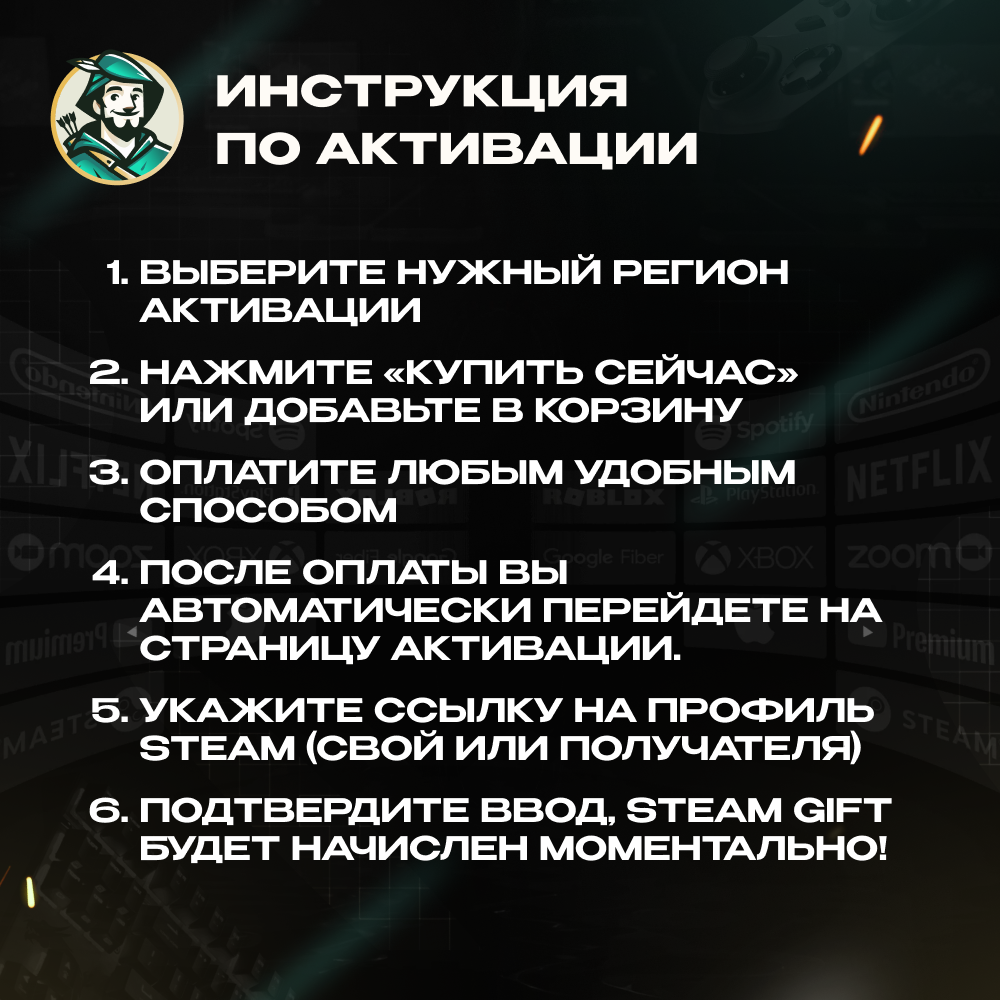
1. Choose the correct activation region
2. Click “Buy Now” or add to cart
3. Pay using any convenient method
4. After payment, you’ll be automatically redirected to the activation page
5. Provide your (or recipient’s) Steam profile link
6. Confirm — the Steam Gift will be credited instantly!
1. Choose the correct activation region
2. Click “Buy Now” or add to cart
3. Pay using any convenient method
4. After payment, you’ll be automatically redirected to the activation page
5. Provide your (or recipient’s) Steam profile link
6. Confirm — the Steam Gift will be credited instantly!
🔗 How to find your Steam profile link:
💻 On PC:
1. Open the Steam client and log in to your account.
2. In the bottom-right corner, click “Friends & Chat.”
3. In the chat window, click “Add a Friend.”
4. In the “Add a Friend” tab, find the “Quick Invite Link” section and click “Copy.”
5. Paste the copied link into the field above.
📱 On mobile:
1. Open the Steam app and log in.
2. Open the menu (☰) → “You & Friends” → “Add a Friend.”
3. Scroll to the “Quick Invite Link” section and tap “Copy Link.”
4. Paste the link into the field above.
🌐 In a browser:
1. Go to the Steam website and sign in.
2. Open “Friends” → “Add a Friend.”
3. Copy the “Quick Invite Link.”
4. Paste it into the field above.
💻 On PC:
1. Open the Steam client and log in to your account.
2. In the bottom-right corner, click “Friends & Chat.”
3. In the chat window, click “Add a Friend.”
4. In the “Add a Friend” tab, find the “Quick Invite Link” section and click “Copy.”
5. Paste the copied link into the field above.
📱 On mobile:
1. Open the Steam app and log in.
2. Open the menu (☰) → “You & Friends” → “Add a Friend.”
3. Scroll to the “Quick Invite Link” section and tap “Copy Link.”
4. Paste the link into the field above.
🌐 In a browser:
1. Go to the Steam website and sign in.
2. Open “Friends” → “Add a Friend.”
3. Copy the “Quick Invite Link.”
4. Paste it into the field above.
📌 REFUND IF THE ITEM HAS BEEN RECEIVED
A refund is not possible, as a Steam Gift becomes linked to the account once it has been sent.
📌 REFUND IF THE ITEM HAS NOT BEEN RECEIVED:
🟢 Our fault: store error, technical issue, or the gift was not sent. We provide a 100% refund.
🟠 Buyer’s fault: wrong region selected, incorrect profile link provided, wrong game version purchased, or a mistake made during checkout. A refund can be issued with a 20% fee deducted.
A refund is not possible, as a Steam Gift becomes linked to the account once it has been sent.
📌 REFUND IF THE ITEM HAS NOT BEEN RECEIVED:
🟢 Our fault: store error, technical issue, or the gift was not sent. We provide a 100% refund.
🟠 Buyer’s fault: wrong region selected, incorrect profile link provided, wrong game version purchased, or a mistake made during checkout. A refund can be issued with a 20% fee deducted.
After payment, you will receive a LINK to activate the SILENT HILL F gift on your Steam account. Carefully select the region to activate.
📌POPULAR CHOICES:
🌍 GLOBAL — ❤️🔥🍑🍆 TINDER GOLD 1 MONTH ⚡️24/7
https://boardrussia.ru/digital-shop/item/3476534
🔴 TURKEY — 🍎 APPLE / ITUNES / APP STORE 10–1500 TL ⚡️24/7
https://boardrussia.ru/digital-shop/item/4366927
🔵 USA — 🍎 APPLE / ITUNES / APP STORE 2–500$ ⚡️24/7
https://boardrussia.ru/digital-shop/item/4396500
🔴 TURKEY — 📱 GOOGLE PLAY 25–1000 TRY ⚡️24/7
https://boardrussia.ru/digital-shop/item/4394225
🌍 GLOBAL — 👑 PAYMENT CARD US/EU 5–500$ ⚡️24/7
https://boardrussia.ru/digital-shop/ /rewarble-voucher-5-500-payment-everywhere-24-7/4633007
🔵 USA — 🍄🧱 NINTENDO ESHOP CARD 10–50$ ⚡️24/7
https://boardrussia.ru/digital-shop/item/4379844
🌍 GLOBAL — ❤️🔥🍑🍆 TINDER GOLD 1 MONTH ⚡️24/7
https://boardrussia.ru/digital-shop/item/3476534
🔴 TURKEY — 🍎 APPLE / ITUNES / APP STORE 10–1500 TL ⚡️24/7
https://boardrussia.ru/digital-shop/item/4366927
🔵 USA — 🍎 APPLE / ITUNES / APP STORE 2–500$ ⚡️24/7
https://boardrussia.ru/digital-shop/item/4396500
🔴 TURKEY — 📱 GOOGLE PLAY 25–1000 TRY ⚡️24/7
https://boardrussia.ru/digital-shop/item/4394225
🌍 GLOBAL — 👑 PAYMENT CARD US/EU 5–500$ ⚡️24/7
https://boardrussia.ru/digital-shop/ /rewarble-voucher-5-500-payment-everywhere-24-7/4633007
🔵 USA — 🍄🧱 NINTENDO ESHOP CARD 10–50$ ⚡️24/7
https://boardrussia.ru/digital-shop/item/4379844
😍 We offer the best prices combined with transaction reliability.
😍 We provide a guarantee for every product and answer all questions.
😍 Your trusted seller with a 5.0 rating and many years of experience on other platforms.
😍 We provide a guarantee for every product and answer all questions.
😍 Your trusted seller with a 5.0 rating and many years of experience on other platforms.
Full catalog of our products:
https://boardrussia.ru/digital-shop/seller/141019
https://boardrussia.ru/digital-shop/seller/141019
⏰ Support working hours (MSK):
🔖Mon – Fri: 10:00 – 19:00
🔖Sat – Sun: 11:00 – 12:00
Thank you for using Robin Hood SHOP! 💚
🔖Mon – Fri: 10:00 – 19:00
🔖Sat – Sun: 11:00 – 12:00
Thank you for using Robin Hood SHOP! 💚
29.11.2025 23:12:04
СПАСИБО продавцу за то что помог купить игру года