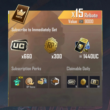
PUBG MOBILE RU 60—8100 UC TOP-UP BY ID
Content: text (0 symbol)
Available: 1
Uploaded:
Positive responses: 0
Negative responses: 0
Sold: 0
Refunds: 0
~ $1
The exact amount is on the payment page
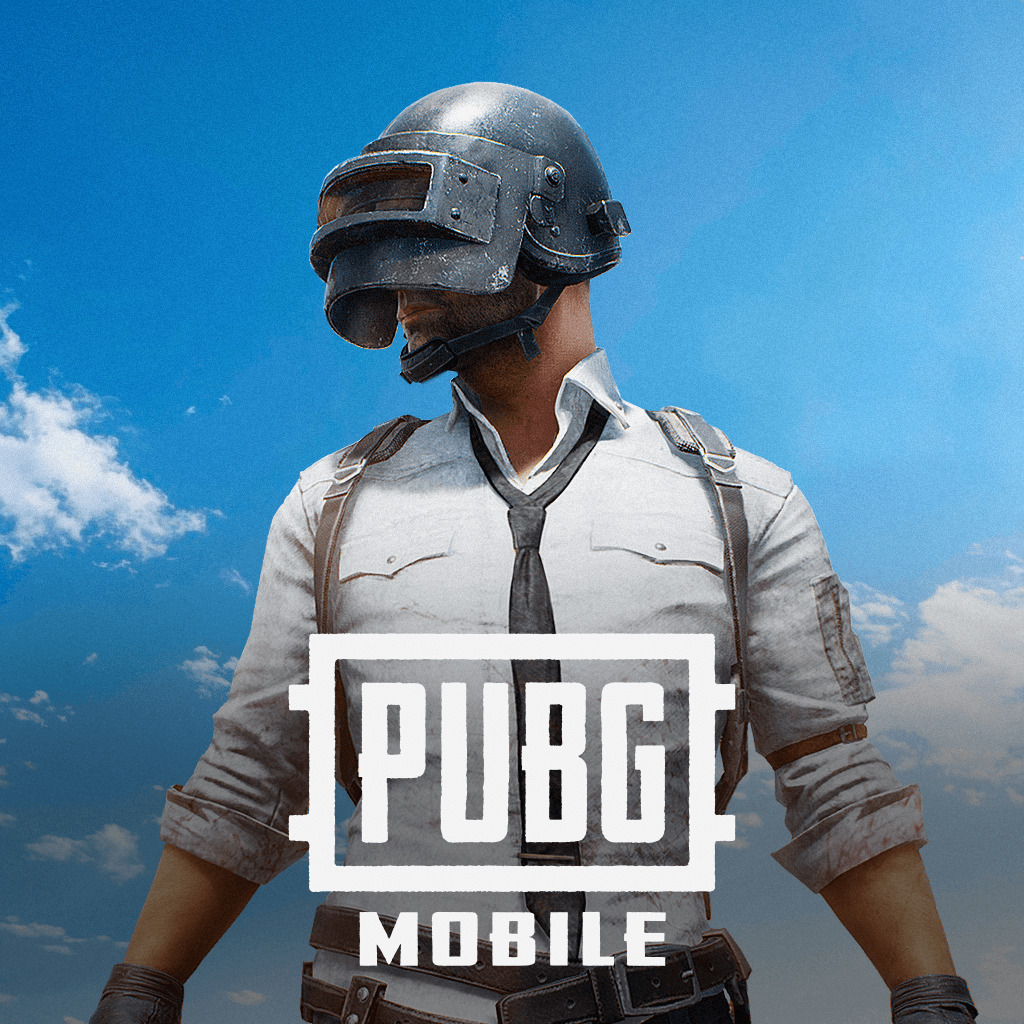
🚀 The item is shipped manually! may take some time, depending on the speed of the game servers!
❗️ Only suitable for the RU region ❗️
⚠️ Instructions:
1. Select the desired amount of UC
2. Then enter your PUBG Mobile User ID (UID)
3. Pay using your preferred payment method
4. Your purchase will be credited to your PUBG Mobile account
💬 If you have any questions, we´ll be happy to answer them from 10:00 AM to 10:00 PM Moscow time ⏱
⭕ How do I find my User ID?
1. Open PUBG Mobile
2. Open your profile
3. Your User ID will be displayed under your nickname on the profile page
❗️ Only suitable for the RU region ❗️
⚠️ Instructions:
1. Select the desired amount of UC
2. Then enter your PUBG Mobile User ID (UID)
3. Pay using your preferred payment method
4. Your purchase will be credited to your PUBG Mobile account
💬 If you have any questions, we´ll be happy to answer them from 10:00 AM to 10:00 PM Moscow time ⏱
⭕ How do I find my User ID?
1. Open PUBG Mobile
2. Open your profile
3. Your User ID will be displayed under your nickname on the profile page
No feedback yet